


babi
a text editor, eventually...
installation
pip install babi
babi works best in a virtualenv
why is it called babi?
I used to use the text editor nano, frequently I typo this. on a qwerty
keyboard, when the right hand is shifted left by one, nano becomes babi.
babi vs. nano
here is a youtube video where I discuss the motivation for creating and using
babi instead of nano:
quitting babi
currently you can quit babi by using ^X (or via esc +
:q).
key combinations
these are all of the current key bindings in babi
- ^S: save
- ^O: save as
- ^X: quit
- ^P: open file
- arrow keys: movement
- ^A / home: move to beginning of line
- ^E / end: move to end of line
- ^Y / pageup: move up one page
- ^V / pagedown: move down one page
- ^-left / ^-right: jump by word
- ^-home / ^-end: jump to beginning / end of file
- M-Up / M-Down: jump to previous / next paragraph
- ^_: jump to line number
- selection: shift + ...: extend the current selection
- arrow keys
- home / end
- pageup / pagedown
- ^-left / ^-right
- ^-end / ^-home
- tab / shift-tab: indent or dedent current line (or selection)
- ^K / ^U: cut and uncut the current line (or selection)
- M-u / M-U or M-e: undo / redo
- ^W: search
- ^\: search and replace
- ^C: show the current position in the file
- ^-up / ^-down: scroll screen by a single line
- M-left / M-right: go to previous / next file
- ^Z: background
- ^T: run linter
- by default, runs
pre-commit run --files <filename> - outside of a git repo will run
flake8 <filename>for python files - ^-S-Up, ^-S-Down: navigate to previous / next error
- M-t focus the linting panel
- ^C, ^X: clear and close the linting panel
- Esc, M-t: unfocus the linting panel
- arrow keys: movement inside the linting panel
- by default, runs
- esc: open the command mode
- :q: quit
- :w: write the file
- :wq: write the file and quit
- :qall: quit every open file
- :comment: comment out the current line / selection
- :reload: reload the file contents
- :sort: sort the file (or selection)
- :tabsize X: set the tabsize
in prompts (search, search replace, command):
- ^C: cancel
- ^K: cut to end
- ^R: reverse search
setting up syntax highlighting
syntax highlighting should work out of the box!
if you want a custom theme find a visual studio code theme, convert it to
json (if it is not already json) and put it at ~/.config/babi/theme.json.
a helper script is provided to make this easier: ./bin/download-theme NAME URL
keyboard shortcuts on macos
to get the most out of babi's built in keyboard shortcuts, a few settings must be changed on macos with Terminal.app:
- in System Preferences: Keyboard > Keyboard Shortcuts >
Mission Control: disable or rebind
⌃ →,⌃ ←,^ ↑,^ ↓ - in Terminal.app: Terminal > Preferences > Profiles >
Keyboard:
- check Use Option as Meta key
- ensure the following keys are enabled:
⌃ ↑:\033[1;5A⌃ ↓:\033[1;5B⌃ →:\033[1;5C⌃ ←:\033[1;5D⇧ ↑:\033[1;2A⇧ ↓:\033[1;2B⇧ →:\033[1;2C⇧ ←:\033[1;2D^ ⇧ ↑:\033[1;6A^ ⇧ ↓:\033[1;6B^ ⇧ →:\033[1;6C^ ⇧ ←:\033[1;6D
demos
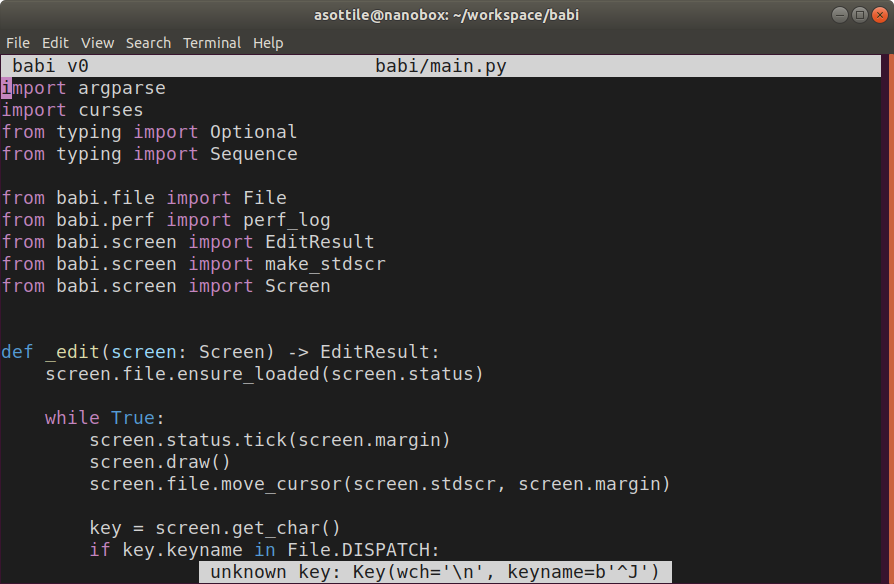
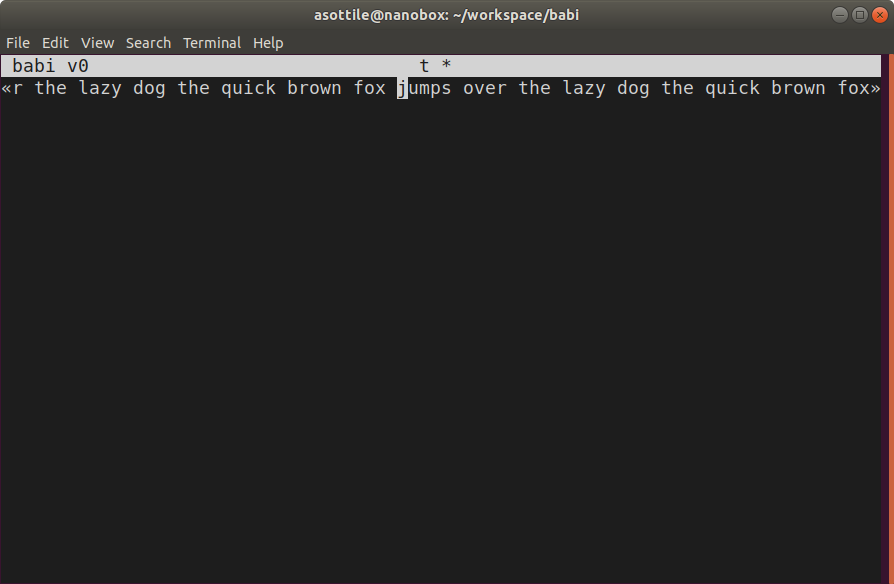
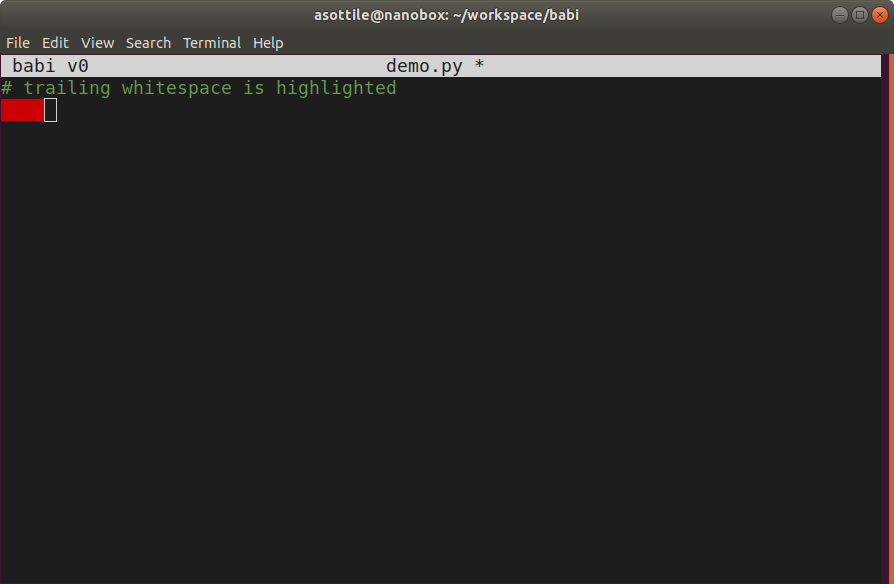
most things work! here's a few screenshots
file view
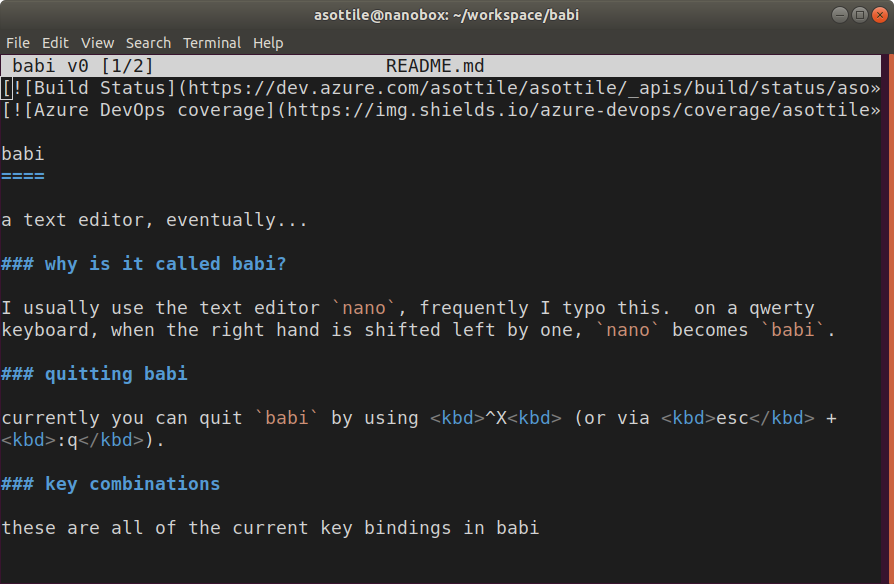
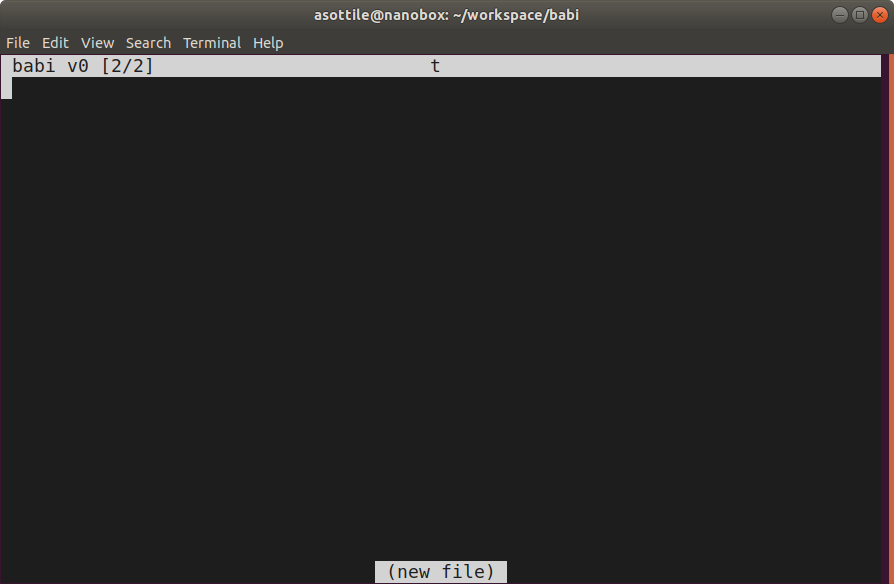
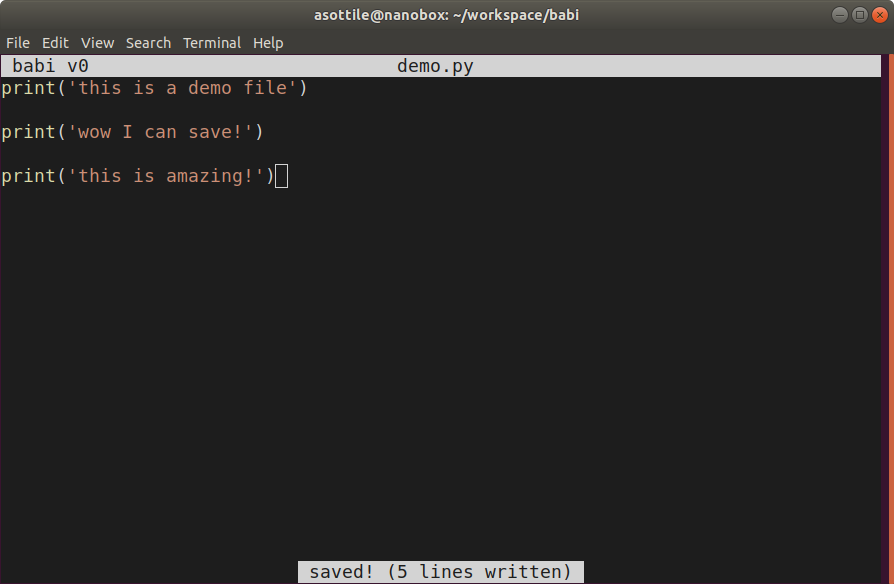
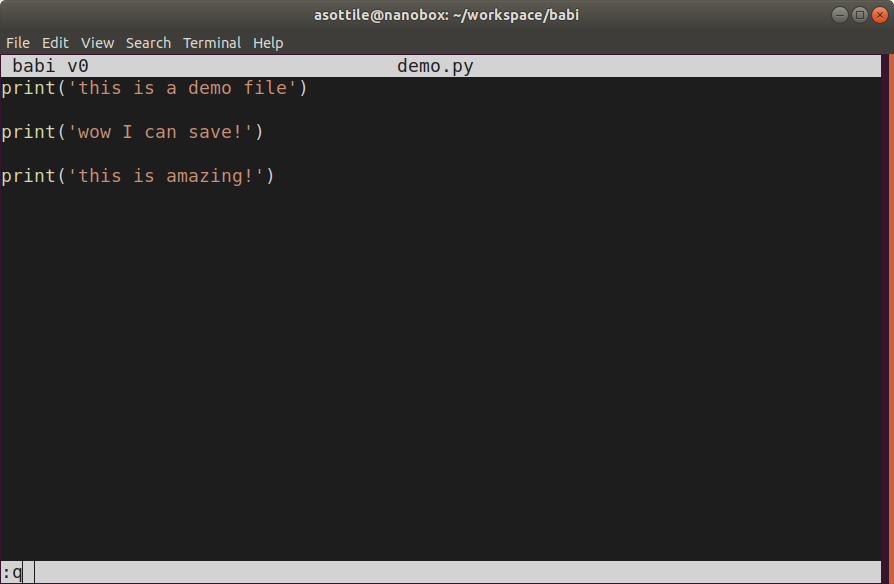
this opens the file, displays it, and can be edited and can save! unknown keys are displayed as errors in the status bar. babi will scroll if the cursor goes off screen either from resize events or from movement. babi can edit multiple files. babi has a command mode (so you can quit it like vim :q!). babi also supports syntax highlighting

1 maintainer

Metadata
1 maintainer
Release files for babi 1.8.0
For a detailed explanation of source distributions (sdists) and built distributions (wheels), please see the package formats documentation.
Source distribution (sdist)
| File | Size | Uploaded | |
|---|---|---|---|
| babi-1.8.0.tar.gz | 47.0 kB | Details |
Built distribution (wheel)
| File | Interpreter | ABI | Platform | Reset |
|---|---|---|---|---|
| babi-1.8.0-py2.py3-none-any.whl | Python 2, Python 3 | none | any | Details |
Total release size: 100.7 kB
Release files / babi-1.8.0.tar.gz
| Download URL | babi-1.8.0.tar.gz |
|---|---|
| Size | 47.0 kB |
| Tags | Source |
|
SHA-256 checksum How to use checksums |
475532d8c6bd1edda4bac461fae508cfba97bc25e489f6635f300f7a6acbe6b6
|
|
BLAKE2b-256 checksum How to use checksums |
4d74f695f5c66a675279192fc674821627f36a56f9f1c2dcdb08f1d5a7ba4c6e
|
| Upload date | |
|
Uploaded using Trusted Publishing? What is trusted publishing? |
No |
| Uploaded via |
twine/6.1.0 CPython/3.12.3
|
Release files / babi-1.8.0-py2.py3-none-any.whl
| Download URL | babi-1.8.0-py2.py3-none-any.whl |
|---|---|
| Size | 53.7 kB |
| Tags | Python 2 Python 3 |
|
SHA-256 checksum How to use checksums |
e02e1c241390cbe48286de592728053b7e844b307d6a48ed0a6969176a56ca95
|
|
BLAKE2b-256 checksum How to use checksums |
7028a14d609cddc34a5f676000abe3c83809e696b4cbcb0509879911f9246680
|
| Upload date | |
|
Uploaded using Trusted Publishing? What is trusted publishing? |
No |
| Uploaded via |
twine/6.1.0 CPython/3.12.3
|














