
This release is a pre-release and may not be stable for production use.
bookworm 📖


LLM-powered bookmark search engine
bookworm allows you to search from your local browser bookmarks using natural language. For times when you have a large collection of bookmarks and you can't quite remember where you put that one website you need at the moment.
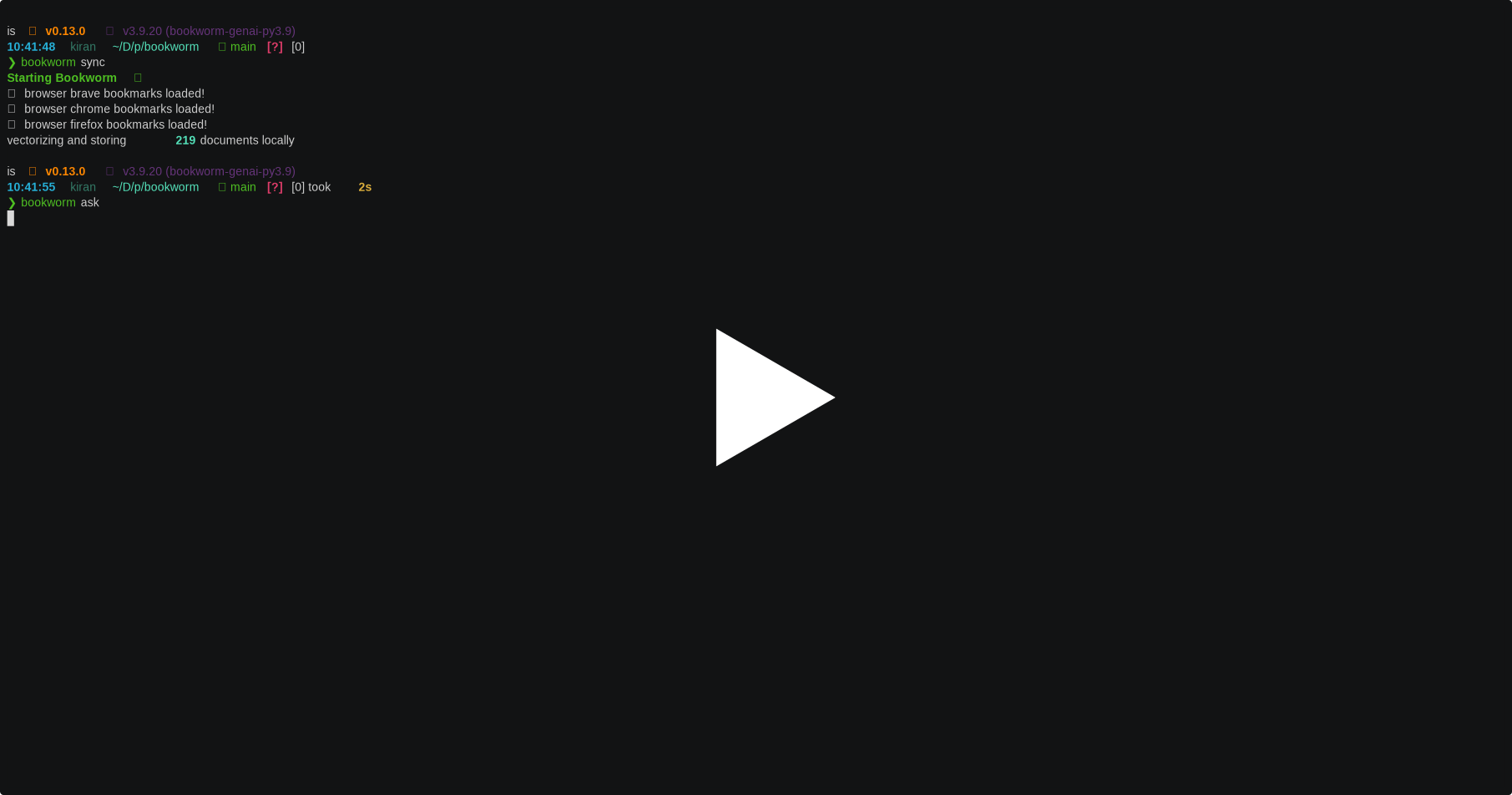
In the example above, we search for the term “Japan.” While some results don’t explicitly mention the word, terms like “Osaka” appear because they are closely related to the search term based on OpenAI embeddings.
Install
python -m pip install bookworm_genai
Usage
export OPENAI_API_KEY=

# Run once and then anytime bookmarks across supported browsers changes
bookworm sync

# Sync bookmarks only from a specific browser
bookworm sync --browser-filter chrome

# Ask questions against the bookmark database
bookworm ask

# Ask questions against the bookmark database
# Specify the query when invoking the command
# If you omit this then you will be asked for a query when the tool is running
bookworm ask -q pandas

# Ask questions against the bookmark database and specify the number of results that should come back
bookworm ask -n 1
The sync process currently supports the following configurations:
| Operating System | Google Chrome | Mozilla Firefox | Brave | Microsoft Edge |
|---|---|---|---|---|
| Linux | ✅ | ✅ | ✅ | ❌ |
| macOS | ✅ | ✅ | ✅ | ❌ |
| Windows | ❌ | ❌ | ❌ | ❌ |
Processes
bookworm sync
Vectorize your bookmarks across all supported browsers.
graph LR

subgraph Bookmarks
    Chrome(Chrome Bookmarks)
    Brave(Brave Bookmarks)
    Firefox(Firefox Bookmarks)
end

Bookworm(bookworm sync)

EmbeddingsService(Embeddings Service e.g OpenAIEmbeddings)

VectorStore(Vector Store e.g DuckDB)

Chrome -->|load bookmarks|Bookworm
Brave -->|load bookmarks|Bookworm
Firefox -->|load bookmarks|Bookworm

Bookworm -->|vectorize bookmarks|EmbeddingsService-->|store embeddings|VectorStore
Details
The vector database depicted above is stored locally on your machine. You can check it's location by running the following after installing this project:
from platformdirs import PlatformDirs

print(PlatformDirs('bookworm').user_data_dir)
bookworm ask
Search from your bookmarks
graph LR

query
Bookworm(bookworm ask)

subgraph _
    LLM(LLM e.g OpenAI)
    VectorStore(Vector Store e.g DuckDB)
end

query -->|user queries for information|Bookworm

Bookworm -->|similarity search|VectorStore -->|send similar docs + user query|LLM
LLM -->|send back response|Bookworm
bookworm export
Export your bookmarks across all supported browsers into an output (e.g CSV)
graph LR

VectorStore
Bookworm(bookworm export)
CSV(bookmarks.csv)

VectorStore -->|extract all bookmarks|Bookworm
Bookworm -->|export into file|CSV
Developer Setup
# LLMs
export OPENAI_API_KEY=

# Langchain (optional, but useful for debugging)
export LANGCHAIN_API_KEY=
export LANGCHAIN_TRACING_V2=true
export LANGCHAIN_PROJECT=bookworm

# Misc (optional)
export LOGGING_LEVEL=INFO
Recommendations:
- Install
uv - VS Code Extensions recommendations can be found here and will be suggested upon first opening the project.
uv venv --python 3.9

uv run bookworm --help
Running Linux tests on MacOS/Windows
If you are running on a non-linux machine, it may be helpful to run the provided Dockerfile to verify it's working on that environment.
You can build this via:
make docker_linux
You will need to have Docker installed to run this.
Adding an Integration
As you can see from usage, bookworm supports various integrations but not all. If you find one that you want to support one, then a change is needed inside integrations.py.
You can see in that file there is a variable called browsers that follows this structure:
browsers = {
    "BROWSER": {
        "PLATFORM": {
            ...
        }
    }
}
So say you wanted to add Chrome support in Windows then you would go under the Chrome key and then add a win32 key which has all the details. You can refer to existing examples but generally the contents of those details are where to find the bookmarks on the user's system along with how to interpret them.
You can also find a full list of the document loaders supported here.

Release files for bookworm_genai 0.14.0b107
For a detailed explanation of source distributions (sdists) and built distributions (wheels), please see the package formats documentation.
Source distribution (sdist)
| File | Size | Uploaded | Provenance | Actions |
|---|---|---|---|---|
| bookworm_genai-0.14.0b107.tar.gz | 11.0 kB | Without provenance | Details for bookworm_genai-0.14.0b107.tar.gz |
Built distribution (wheel)
| File | Interpreter | ABI | Platform | Actions Reset |
|---|---|---|---|---|
| bookworm_genai-0.14.0b107-py3-none-any.whl | Python 3 | none | any | Details for bookworm_genai-0.14.0b107-py3-none-any.whl |
Total release size: 25.5 kB
Release files / bookworm_genai-0.14.0b107.tar.gz
| Download URL | bookworm_genai-0.14.0b107.tar.gz |
|---|---|
| Size | 11.0 kB |
| Tags | Source |
|
SHA-256 checksum How to use checksums |
e6f679eb178b7a6143fd0edb7bfed44654c87eec1895bb9b0f7417cbb7dcefd6
|
|
BLAKE2b-256 checksum How to use checksums |
d3d03c335a65f7afd89c9f825fe65d1aefa3577ac0bd810c68274de228784f71
|
| Upload date | |
|
Uploaded using Trusted Publishing? What is trusted publishing? |
No |
| Uploaded via |
uv/0.13.6 {"installer":{"name":"uv","version":"0.13.6","subcommand":["publish"]},"python":null,"implementation":{"name":null,"version":null},"distro":{"name":"Ubuntu","version":"24.04","id":"noble","libc":null},"system":{"name":null,"release":null},"cpu":null,"openssl_version":null,"setuptools_version":null,"rustc_version":null,"ci":true}
|
Release files / bookworm_genai-0.14.0b107-py3-none-any.whl
| Download URL | bookworm_genai-0.14.0b107-py3-none-any.whl |
|---|---|
| Size | 14.4 kB |
| Tags | Python 3 |
|
SHA-256 checksum How to use checksums |
c91aa6b50ef895619646ca59f1874ea0da977efc1031498fa5924986ab1222a3
|
|
BLAKE2b-256 checksum How to use checksums |
8908d2a36c5056547c54bfcf0da5a8374e3cedb9a8c5205593af5e23aa9f92a1
|
| Upload date | |
|
Uploaded using Trusted Publishing? What is trusted publishing? |
No |
| Uploaded via |
uv/0.13.6 {"installer":{"name":"uv","version":"0.13.6","subcommand":["publish"]},"python":null,"implementation":{"name":null,"version":null},"distro":{"name":"Ubuntu","version":"24.04","id":"noble","libc":null},"system":{"name":null,"release":null},"cpu":null,"openssl_version":null,"setuptools_version":null,"rustc_version":null,"ci":true}
|
Security for bookworm_genai 0.14.0b107
Provenance
Provenance describes where a file came from. On PyPI, provenance is shared via attestations, which provide a verifiable record of the build or publishing details. View details, limitations and caveats.
No provenance found
None of the files in this release were uploaded with provenance metadata.
A note on package security
PyPI is a repository for distributing packages, not a service for auditing them. While third-party security researchers and our staff do their best to detect and remove malicious packages, PyPI cannot guarantee the quality, security or suitability of any given package.
To learn more about protecting yourself from malicious actors, visit our package security documentation.














