
Botasaurus Proxy Authentication
Botasaurus Proxy Authentication provides SSL support for authenticated proxies.
Proxy providers like BrightData, IPRoyal, and others typically provide authenticated proxies in the format "http://username:password@proxy-provider-domain:port". For example, "http://greyninja:awesomepassword@geo.iproyal.com:12321".
However, if you use an authenticated proxy with a library like seleniumwire to scrape a Cloudflare protected website like G2.com, you will surely be blocked because you are using a non-SSL connection.
To verify this, run the following code:
First, install the necessary packages:
python -m pip install selenium_wire chromedriver_autoinstaller
Then, execute this Python script:
from seleniumwire import webdriver
from chromedriver_autoinstaller import install

# Define the proxy
proxy_options = {
    'proxy': {
        'http': 'http://username:password@proxy-provider-domain:port', # TODO: Replace with your own proxy
        'https': 'http://username:password@proxy-provider-domain:port', # TODO: Replace with your own proxy
    }
}

# Install and set up the driver
driver_path = install()
driver = webdriver.Chrome(driver_path, seleniumwire_options=proxy_options)

# Navigate to the desired URL
driver.get("https://ipinfo.io/")

# Prompt for user input
input("Press Enter to exit...")

# Clean up
driver.quit()
You will definetely encounter a block by Cloudflare:
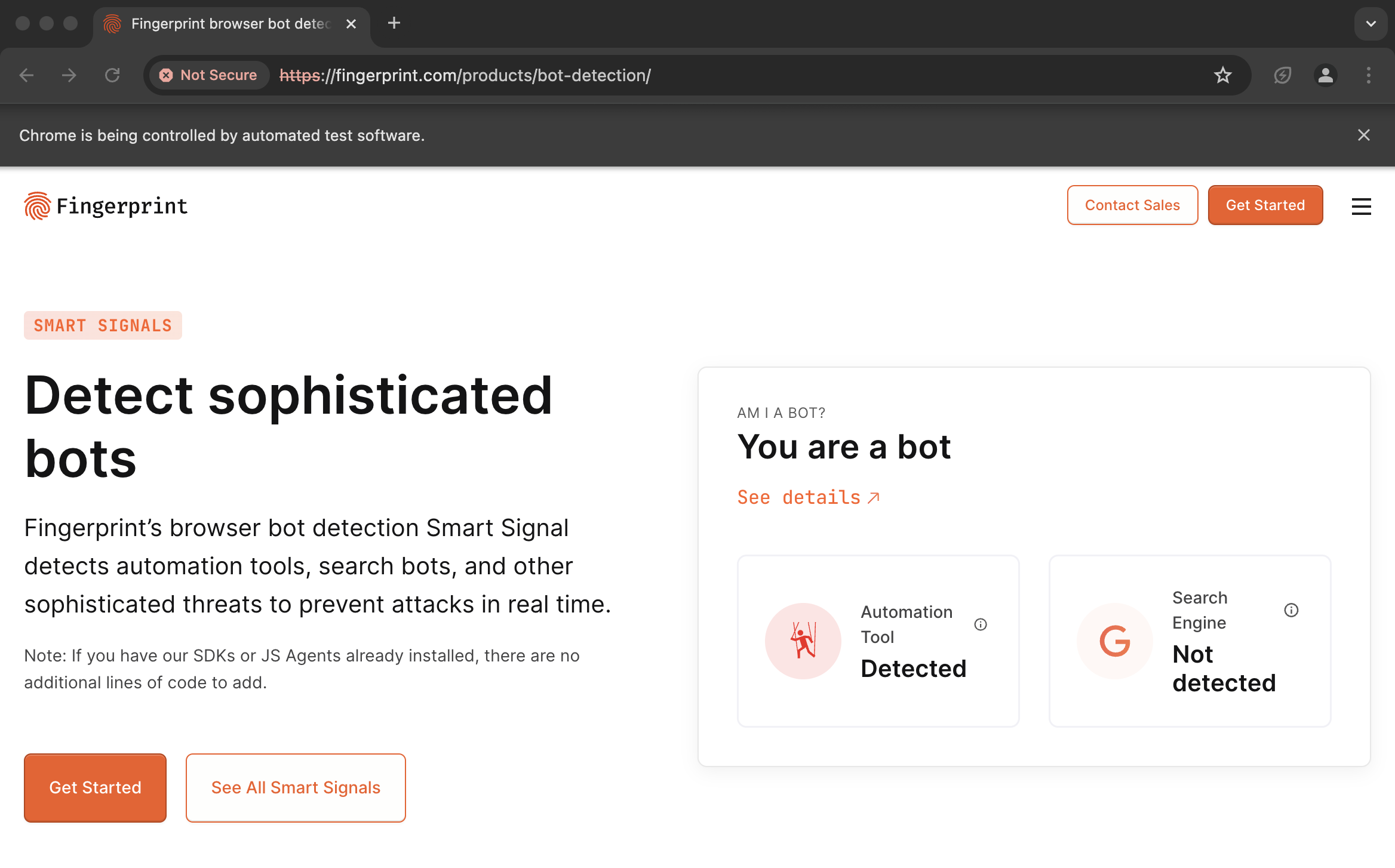
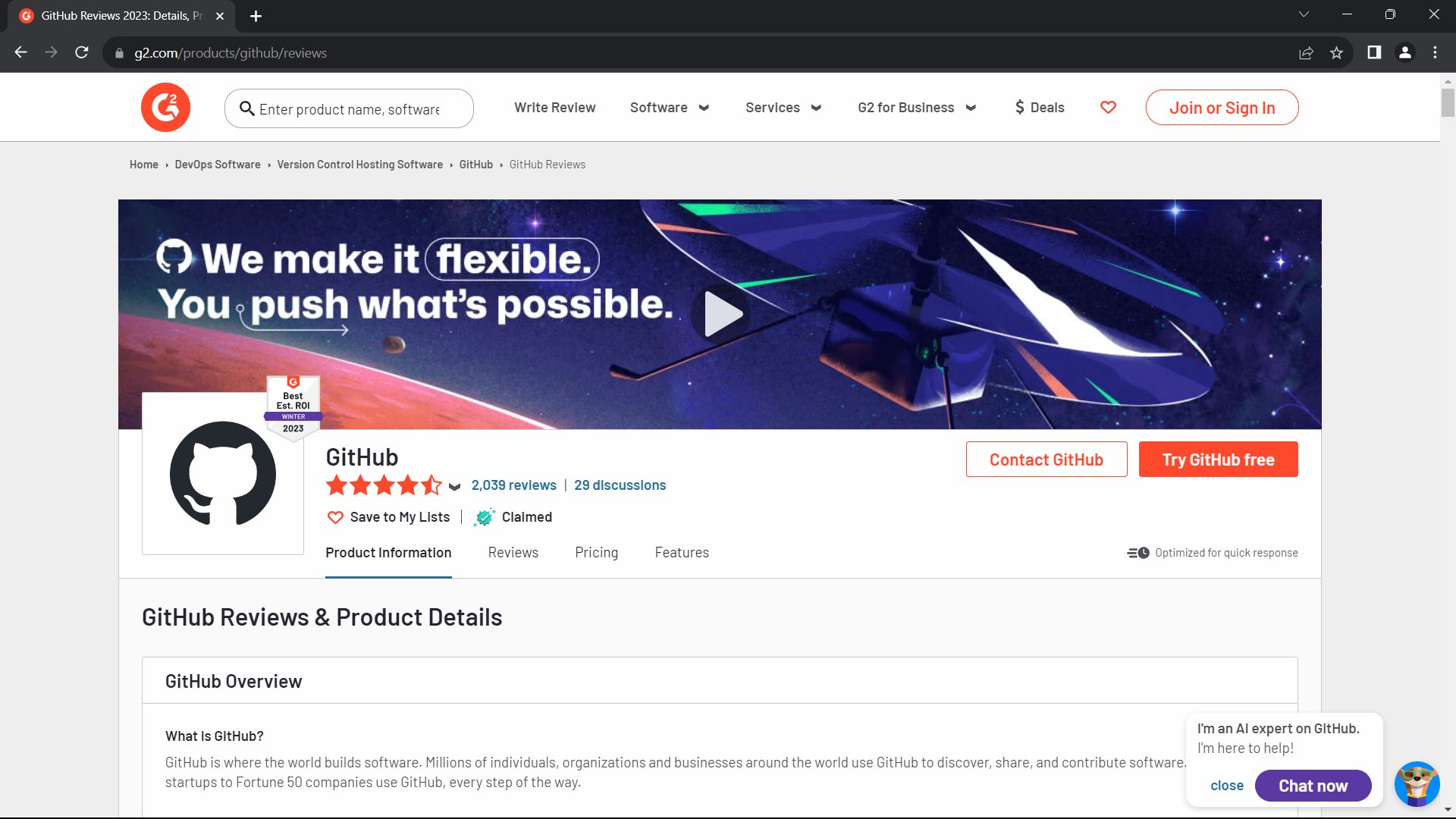
However, using proxies with botasaurus_proxy_authentication prevents this issue. See the difference by running the following code:
First, install the necessary packages:
python -m pip install botasaurus
Then, execute this Python script:
from botasaurus import *

@browser(proxy="http://username:password@proxy-provider-domain:port") # TODO: Replace with your own proxy
def scrape_heading_task(driver: AntiDetectDriver, data):
    driver.get("https://ipinfo.io/")
    driver.prompt()
scrape_heading_task()
Result:
NOTE: To run the code above, you will need Node.js installed.
Usage with Botasaurus
from botasaurus import *

@browser(proxy="http://username:password@proxy-provider-domain:port") # TODO: Replace with your own proxy
def visit_ipinfo(driver: AntiDetectDriver, data):
    driver.get("https://ipinfo.io/")
    driver.prompt()
visit_ipinfo()
Usage with Selenium
from selenium import webdriver
from selenium.webdriver.chrome.options import Options
from chromedriver_autoinstaller import install
from botasaurus_proxy_authentication import add_proxy_options

# Define the proxy settings
proxy = 'http://username:password@proxy-provider-domain:port'  # TODO: Replace with your own proxy

# Set Chrome options
chrome_options = Options()
add_proxy_options(chrome_options, proxy)

# Install and set up the driver
driver_path = install()
driver = webdriver.Chrome(driver_path, options=chrome_options)

# Navigate to the desired URL
driver.get("https://ipinfo.io/")

# Prompt for user input
input("Press Enter to exit...")

# Clean up
driver.quit()
Botasaurus
We encourage you to learn about Botasaurus. The All-in-One Web Scraping Framework with Anti-Detection, Parallelization, Asynchronous, and Caching Superpowers.
Thanks
- Kudos to the Apify Team for creating
proxy-chainlibrary. The implementation of SSL-based Proxy Authentication wouldn't be possible without their groundbreaking work onproxy-chain.
Love It? Star It! ⭐
Become one of our amazing stargazers by giving us a star ⭐ on GitHub!
It's just one click, but it means the world to me.

Made with ❤️ in Bharat 🇮🇳 - Vande Mataram
1 maintainer

Metadata
1 maintainer
Release files for botasaurus-proxy-authentication 1.0.16
For a detailed explanation of source distributions (sdists) and built distributions (wheels), please see the package formats documentation.
Source distribution (sdist)
| File | Size | Uploaded | |
|---|---|---|---|
| botasaurus_proxy_authentication-1.0.16.tar.gz | 4.3 kB | Details |
Release files / botasaurus_proxy_authentication-1.0.16.tar.gz
| Download URL | botasaurus_proxy_authentication-1.0.16.tar.gz |
|---|---|
| Size | 4.3 kB |
| Tags | Source |
|
SHA-256 checksum How to use checksums |
4a7b8bf030acd018288e3e67f771e542f84ac871d1d78c9daf7ad77118bebb8c
|
|
BLAKE2b-256 checksum How to use checksums |
1ef09a9de72d09666b9e3c66cfac26a9c41fd78cab643d75e044dc73560cc601
|
| Upload date | |
|
Uploaded using Trusted Publishing? What is trusted publishing? |
No |
| Uploaded via |
twine/4.0.2 CPython/3.12.1
|














