
CastNet
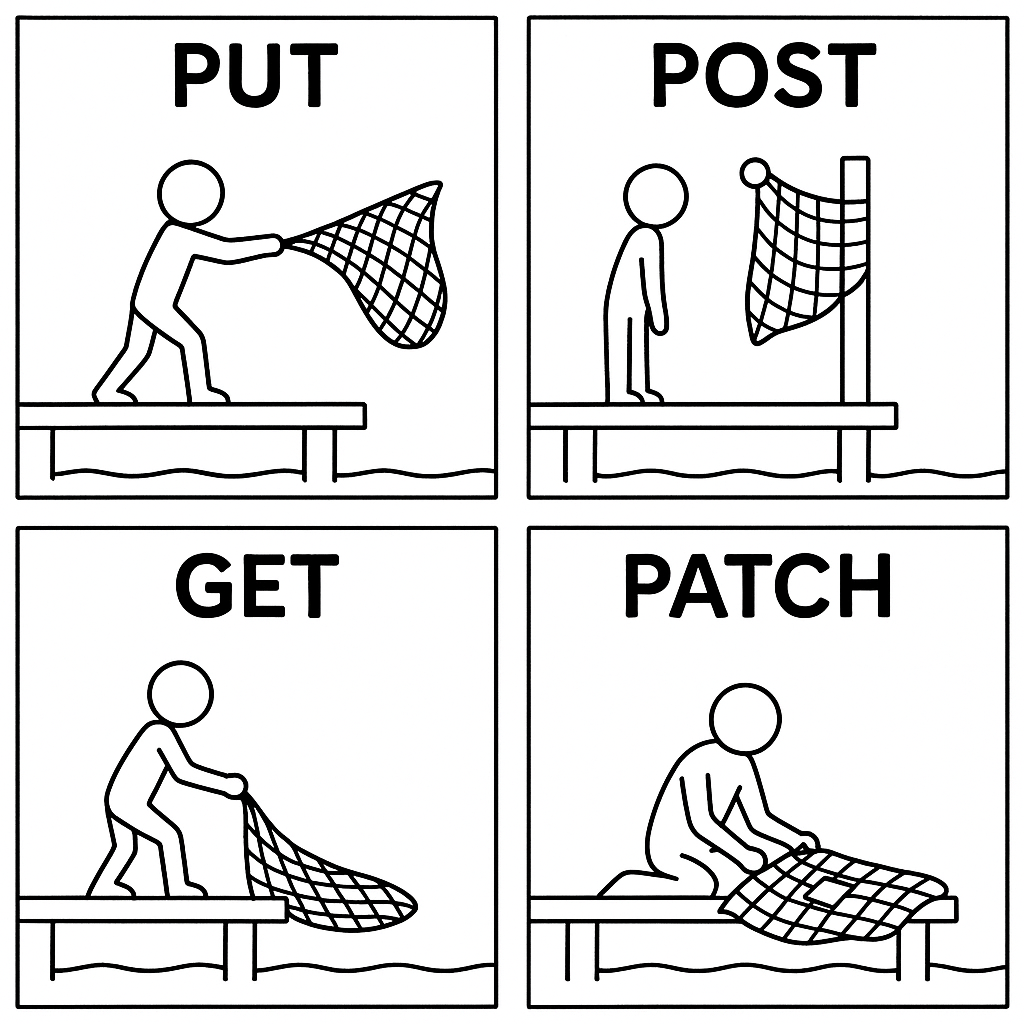
*** This package is in the very early stages of testing. Do not use for production. ***
pip install castnet
CastNet is a schema based low level Neo4j connection interaction library your Python back end, enabling easy type conversions and generalized CRUD endpoints (including GraphQL).
CastNet does not want to take over your backend, it just wants to help out. You still control routing, auth, and deployment.
Each node by default has an automatically generated ID, a user-specified name which should be unique to that label, and a description. Incoming URL requests are transformed to their labels by a route-label table and types/relationships are automatically cast from the incoming JSON based on a schema.
CastNet managed databases support:
- Automatic conversion of Route -> node_label/node_id
- Automatic conversion of Json->PythonTypes->Neo4jTypes
- Managed (Optional) Hierarchy
- Ordered Relationships
- Label-level
nameunique constraints (for hierarchy) - Simple GraphQL Read-only endpoint
- Immutable URI path compatible node IDs for filesystem/cloud integration
And Coming soon:
- Logging function to record changes
- Callbacks for custom behavior
How to Use
- Define a schema
- Define a URL/Label table
- Plug in to your REST backend (Tested with Flask)
Minimal Example
{'id': str, 'name': str, and 'description': str} are automatically created in the schema.
import json
from flask import Flask, request
from castnet import CastNetConn

def make_response(response, status=200):
    return (json.dumps(response), status, {"Access-Control-Allow-Origin": "*"})

SCHEMA = {"Person" :{}}
URL_KEY = {"people": "person"}
CONN = CastNetConn("database_uri", "username", "password", SCHEMA, URL_KEY)
app = Flask(__name__)

@app.route("/<path:path>", methods=["POST", "PATCH", "OPTIONS", "DELETE"])
def main(**_):
    path_params = CONN.get_path(request.path)
    if path_params[0] == "graphql":
        return make_response(*CONN.generic_graphql(request))
    if request.method == "POST":
        return make_response(*CONN.generic_post(request))
    if request.method == "PATCH":
        return make_response(*CONN.generic_patch(request))
    if request.method == "DELETE":
        return make_response(*CONN.generic_delete(request))

app.run(debug=True)
Create a Person:
curl -X POST localhost:5000/people -H 'Content-Type: application/json'
  -d '{"name":"Alice", "description":"Pretty nice."}'
Retrieve People (Post to the GraphQL endpoint)
curl -X POST localhost:5000/graphql -H 'Content-Type: application/json'
  -d '{"query":"Person{id name description}"}'
Update a Person (IDs and Names are immutable):
curl -X POST localhost:5000/people/<Alice's ID> -H 'Content-Type: application/json'
  -d '{"description":"Actually really nice."}'
Delete a Person:
curl -X DELETE localhost:5000/people/<Alice's ID>
And from the back end, there are manual endpoints, such as
results = CONN.read_cypher(cypher, **params)
results = CONN.write_cypher(cypher, **params)
results = CONN.read_graphql(graphql, **params)
More Complicated Example
Let's say we want to create a database to handle easy updates to a Bird tracker at various birdfeeders, at multiple houses, each with multiple feeders. One possible way to have a database is by making a hierarchical database, starting with Houses. And, we may want a running list of birds and know when/where they were seen. Most importantly, we want to build a snazzy web based front end, and don't want to make a dedicated endpoint for each update.
The database entries, with their hierarchies might look something like this:
- My House (House)
- GardenFeeder (Feeder)
- Day1 (FeederScan)
- Day2 (FeederScan)
- SideYardFeeder (Feeder)
- Day1 (FeederScan)
- Day2 (FeederScan)
- GardenFeeder (Feeder)
- Bob's House (House)
- BackyardFeeder (Feeder)
- Day1 (FeederScan)
- Day2 (FeederScan)
- BackyardFeeder (Feeder)
- BlueJay (Bird)
- Eastern BlueBird (Bird)
- Ruby-Throated Hummingbird (Bird)
- Ivory-Billed Woodpecker (Bird)
We have two Houses, 3 Feeders, and 6 observations (FeederScan) and 2 birds in the database. In this design, we could build a schema like so:
from datetime import datetime
# NOTE: {'id': str, 'name': str, and 'description': str} is automatically added to attributes
# If there is the "IS_IN" rel, then an automatic "isIn" GraphQL endpoint is created.
SCHEMA = {
  "House": {},
  "Feeder": {
    "attributes": {"feederType": str, "feederHeight": float, "seedType": str, "dateInstalled": datetime},
    "IS_IN": "House"
  },
  "Scan": {
    "attributes": {"scanTime": datetime, "feederHeight": float, "seedType": str, "dateInstalled": datetime},
    "relationships": {"BIRDS_OBSERVED": ["Bird"]},
    "IS_IN": "Feeder",
    "graphql":{
      "birdsObserved": {"rel": "BIRDS_OBSERVED", "dir": "OUT", "lab": "Bird"}
    }
  },
  "Bird": {
    "attributes": {"favoriteFood": str},
    "graphql":{
      "seenAt": {"rel": "BIRDS_OBSERVED", "dir": "IN", "lab": "Scan"}
    }
  },
}
and tie it in to our url schema
URL_KEY = {
    "birds": "Bird",
    "houses": "House",
    "birdfeeders": "Feeder",
    "feederscans": "Scan",
}
And now we can begin making requests!
Create a House:
POST: /birdserver/houses
JSON: "{'name': 'My House', 'description': 'This is my house.'}"
which automatically generates an id (e.g. House_20220429_myhouse_abcd), parses and casts the name and submits the following Cypher:
CREATE
(source:House {id: $source_id, name:$name, description:$description})
RETURN
source
Now add a feeder, which is that the house
Method: POST
URL: /birdserver/birdfeeders
JSON: "{'name': 'GardenFeeder', 'dateInstalled': "2022-04-22': 'IS_IN': 'House_20220429_myhouse_abcd'}"
which becomes:
MATCH
(target_0:House {id: $target_0_id})
CREATE
(source:Feeder {id: $source_id, dateInstalled:$dateInstalled})
CREATE
(source)-[:IS_IN {order_num: 0}]->(target_0)
RETURN
source
And assuming the birds are added, add a scan
Method: POST
URL: /birdserver/feederscans
JSON: "{'name': 'Day1', 'timeStamp': "2022-04-22': 'IS_IN': 'Feeder_20220429_gardenfeeder_abcd',
        'BIRDS_OBSERVED': ['Bird_20220429_ivorybilledwoodpecker_abcd', Bird_20220429_bluejay_abcd]}"
MATCH
(target_0:Feeder {id: $target_0_id})
(target_0:Bird {id: $target_1_id})
(target_0:Bird {id: $target_2_id})
CREATE
(source:Scan {id: $source_id, timeStamp:timeStamp})
CREATE
(source)-[:IS_IN {order_num: 0}]->(target_0),
(source)-[:BIRDS_OBSERVED {order_num: 1}]->(target_1),
(source)-[:BIRDS_OBSERVED {order_num: 2}]->(target_2)
RETURN
source
Or remove the Ivory-Billed Woodpecker by updating with just a bluejay...
Method: PATCH
URL: /birdserver/scans/Scan_20220429_day1_abcd
JSON: "{'BIRDS_OBSERVED': ['Bird_20220429_bluejay_abcd']}"
Current known issues/updates
- Some operations are not atomic and must be
- Node ID's might have better format
- Is a "request" object the best item to pass into the generic endpoints?
- GraphQL not secure
3 maintainers


Metadata
3 maintainers
Release files for castnet 0.1.3
For a detailed explanation of source distributions (sdists) and built distributions (wheels), please see the package formats documentation.
Source distribution (sdist)
| File | Size | Uploaded | Provenance | Actions |
|---|---|---|---|---|
| castnet-0.1.3.tar.gz | 16.4 kB | Without provenance | Details for castnet-0.1.3.tar.gz |
Release files / castnet-0.1.3.tar.gz
| Download URL | castnet-0.1.3.tar.gz |
|---|---|
| Size | 16.4 kB |
| Tags | Source |
|
SHA-256 checksum How to use checksums |
2f9cab8749d19d1fc24bbded9905ff9373cb57679885fb50becb682a447501ac
|
|
BLAKE2b-256 checksum How to use checksums |
92b23dfde5cbc5103261f5d104de1a9c8416b69926eaae7460542d97610398dd
|
| Upload date | |
|
Uploaded using Trusted Publishing? What is trusted publishing? |
No |
| Uploaded via |
twine/6.2.0 CPython/3.12.12
|
Security for castnet 0.1.3
Provenance
Provenance describes where a file came from. On PyPI, provenance is shared via attestations, which provide a verifiable record of the build or publishing details. View details, limitations and caveats.
No provenance found
None of the files in this release were uploaded with provenance metadata.
A note on package security
PyPI is a repository for distributing packages, not a service for auditing them. While third-party security researchers and our staff do their best to detect and remove malicious packages, PyPI cannot guarantee the quality, security or suitability of any given package.
To learn more about protecting yourself from malicious actors, visit our package security documentation.














