
codetiming - A flexible, customizable timer for your Python code








Install codetiming from PyPI:
$ python -m pip install codetiming
The source code is available on GitHub.
For a complete tutorial on codetiming, see Python Timer Functions: Three Ways to Monitor Your Code on Real Python.
Basic Usage
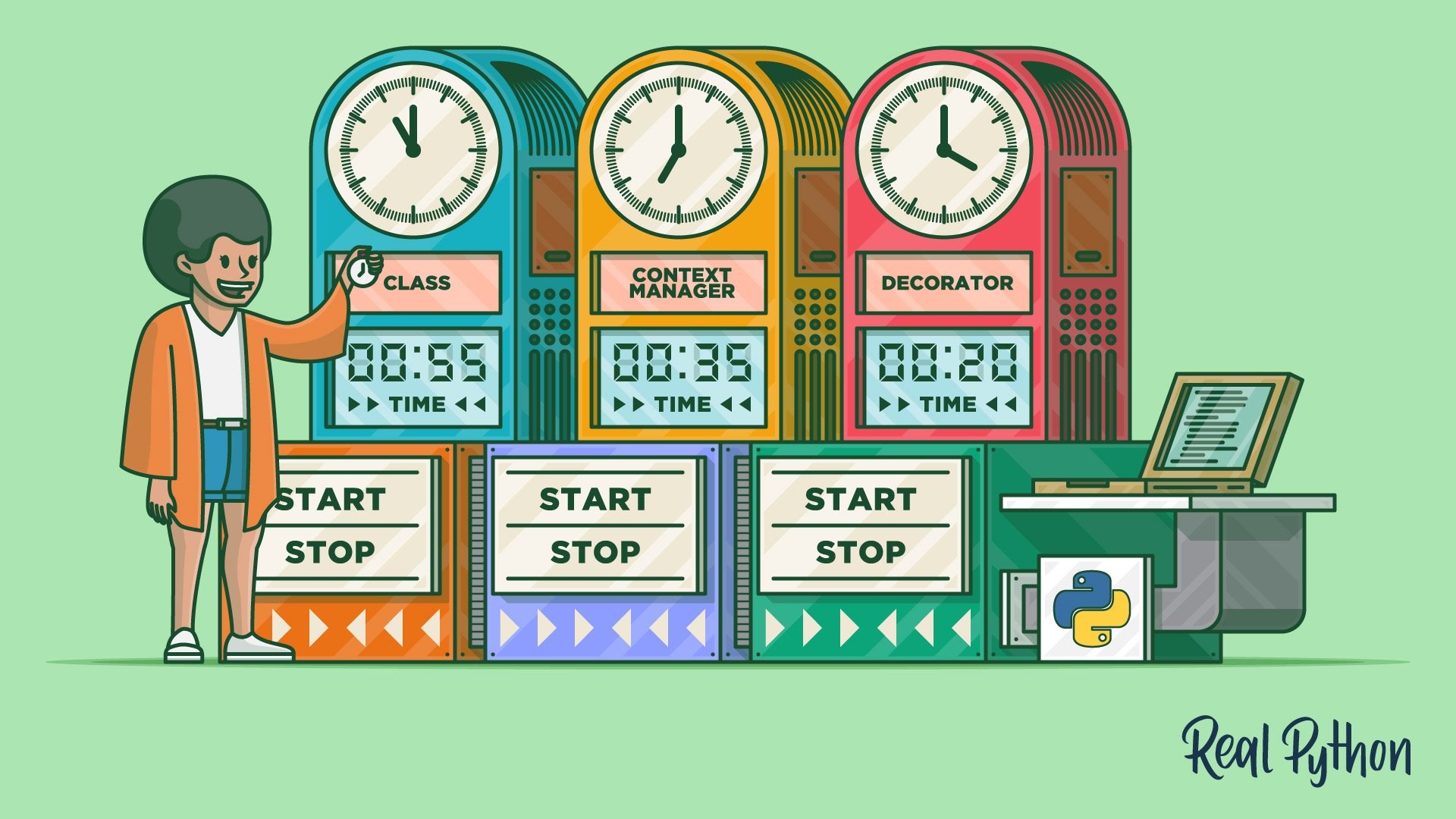
You can use codetiming.Timer in several different ways:
-
As a class:
t = Timer(name="class")
t.start()
# Do something
t.stop()
-
As a context manager:
with Timer(name="context manager"):
    # Do something
-
As a decorator:
@Timer(name="decorator")
def stuff():
    # Do something
Arguments
Timer accepts the following arguments when it's created. All arguments are optional:
name: An optional name for your timertext: The text that's shown when your timer ends. It should contain a{}placeholder that will be filled by the elapsed time in seconds (default:"Elapsed time: {:.4f} seconds")initial_text: Show text when your timer starts. You may provide the string to be logged orTrueto show the default text"Timer {name} started"(default:False)logger: A function/callable that takes a string argument and will report the elapsed time when the logger is stopped (default:print())
You can turn off explicit reporting of the elapsed time by setting logger=None.
In the template text, you can also use explicit attributes to refer to the name of the timer or log the elapsed time in milliseconds, seconds (the default), or minutes. For example:
t1 = Timer(name="NamedTimer", text="{name}: {minutes:.1f} minutes")
t2 = Timer(text="Elapsed time: {milliseconds:.0f} ms")
Note that the strings used by text are not f-strings. Instead, they are used as templates that will be populated using .format() behind the scenes. If you want to combine the text template with an f-string, you need to use double braces for the template values:
t = Timer(text=f"{__file__}: {{:.4f}}")
text is also allowed to be a callable like a function or a class. If text is a callable, it is expected to require one argument: the number of seconds elapsed. It should return a text string that will be logged using logger:
t = Timer(text=lambda secs: f"{secs / 86400:.0f} days")
This allows you to use third-party libraries like humanfriendly to do the text formatting:
from humanfriendly import format_timespan

t1 = Timer(text=format_timespan)
t2 = Timer(text=lambda secs: f"Elapsed time: {format_timespan(secs)}")
You may include a text that should be logged when the timer starts by setting initial_text:
t = Timer(initial_text="And so it begins ...")
You can also set initial_text=True to use a default initial text.
Capturing the Elapsed Time
When using Timer as a class, you can capture the elapsed time when calling .stop():
elapsed_time = t.stop()
You can also find the last measured elapsed time in the .last attribute. The following code will have the same effect as the previous example:
t.stop()
elapsed_time = t.last
Named Timers
Named timers are made available in the class dictionary Timer.timers. The elapsed time will accumulate if the same name or same timer is used several times. Consider the following example:
>>> import logging
>>> from codetiming import Timer

>>> t = Timer("example", text="Time spent: {:.2f}", logger=logging.warning)

>>> t.start()
>>> t.stop()
WARNING:root:Time spent: 3.58
3.5836678670002584

>>> with t:
...     _ = list(range(100_000_000))
...
WARNING:root:Time spent: 1.73

>>> Timer.timers
{'example': 5.312697440000193}
The example shows how you can redirect the timer output to the logging module. Note that the elapsed time spent in the two different uses of t has been accumulated in Timer.timers.
You can also get simple statistics about your named timers. Continuing from the example above:
>>> Timer.timers.max("example")
3.5836678670002584

>>> Timer.timers.mean("example")
2.6563487200000964

>>> Timer.timers.stdev("example")
1.311427314335879
timers support .count(), .total(), .min(), .max(), .mean(), .median(), and .stdev().
Acknowledgments
codetiming is based on a similar module initially developed for the Midgard Geodesy library at the Norwegian Mapping Authority.
2 maintainers


Metadata
2 maintainers
Release files for codetiming 1.4.0
For a detailed explanation of source distributions (sdists) and built distributions (wheels), please see the package formats documentation.
Source distribution (sdist)
| File | Size | Uploaded | Provenance | |
|---|---|---|---|---|
| codetiming-1.4.0.tar.gz | 14.9 kB | Without provenance | Details |
Built distribution (wheel)
| File | Interpreter | ABI | Platform | Reset |
|---|---|---|---|---|
| codetiming-1.4.0-py3-none-any.whl | Python 3 | none | any | Details |
Total release size: 22.1 kB
Release files / codetiming-1.4.0.tar.gz
| Download URL | codetiming-1.4.0.tar.gz |
|---|---|
| Size | 14.9 kB |
| Tags | Source |
|
SHA-256 checksum How to use checksums |
4937bf913a2814258b87eaaa43d9a1bb24711ffd3557a9ab6934fa1fe3ba0dbc
|
|
BLAKE2b-256 checksum How to use checksums |
ad4ec40bf151af20ba2748bd6ea24e484d7b6196b1056ba3a1a4ee33b6939c37
|
| Upload date | |
|
Uploaded using Trusted Publishing? What is trusted publishing? |
No |
| Uploaded via |
python-requests/2.28.1
|
Release files / codetiming-1.4.0-py3-none-any.whl
| Download URL | codetiming-1.4.0-py3-none-any.whl |
|---|---|
| Size | 7.2 kB |
| Tags | Python 3 |
|
SHA-256 checksum How to use checksums |
3b80f409bef00941a9755c5524071ce2f72eaa4520f4bc35b33869cde024ccbd
|
|
BLAKE2b-256 checksum How to use checksums |
bc91e4a2b7c64e738beefddfa24b409d6eecb16c378bde01578918b6ea722a09
|
| Upload date | |
|
Uploaded using Trusted Publishing? What is trusted publishing? |
No |
| Uploaded via |
python-requests/2.28.1
|
Security for codetiming 1.4.0
Provenance
Provenance describes where a file came from. On PyPI, provenance is shared via attestations, which provide a verifiable record of the build or publishing details. View details, limitations and caveats.
No provenance found
None of the files in this release were uploaded with provenance metadata.
A note on package security
PyPI is a repository for distributing packages, not a service for auditing them. While third-party security researchers and our staff do their best to detect and remove malicious packages, PyPI cannot guarantee the quality, security or suitability of any given package.
To learn more about protecting yourself from malicious actors, visit our package security documentation.














