

conrad — Conference Radar





conrad helps you track conferences and meetups on your terminal.
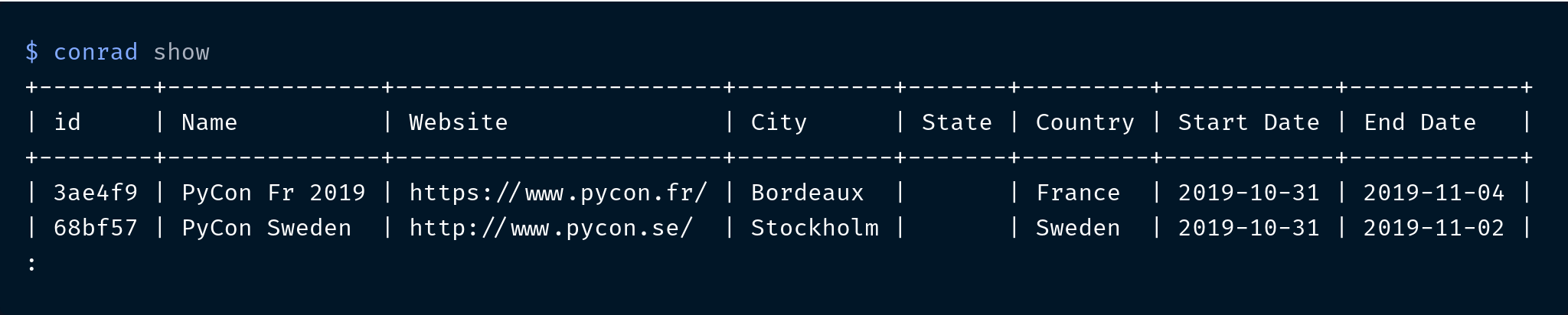
Here's how it works:
$ conrad show
Why conrad?
- 📅 Never miss CFP deadlines again.
conrad remindcan remind you every time you open a terminal! - 📊 Query and explore events using tags, names, locations, and dates.
conrad show --cfpwill tell you about events where the CFP is open! - 🤖 Crawlers update events twice a week! (Monday and Thursday at 00:00 UTC)
Installation
You can simply use pip to install conrad:
$ pip install conference-radar
Features
Continuous updates
The event list is maintained in data/events.json. This list is continuously updated by the available crawlers using GitHub Actions.
Sources:
- https://confs.tech
- https://pydata.org/event-schedule
- https://github.com/python-organizers/conferences
- https://wiki.python.org/moin/PythonEventsCalendar
Set reminders
You can set CFP reminders so that you never miss a deadline! The color changes based on event proximity; > 30 days 


$ conrad remind -i 6bb714
$ conrad remind
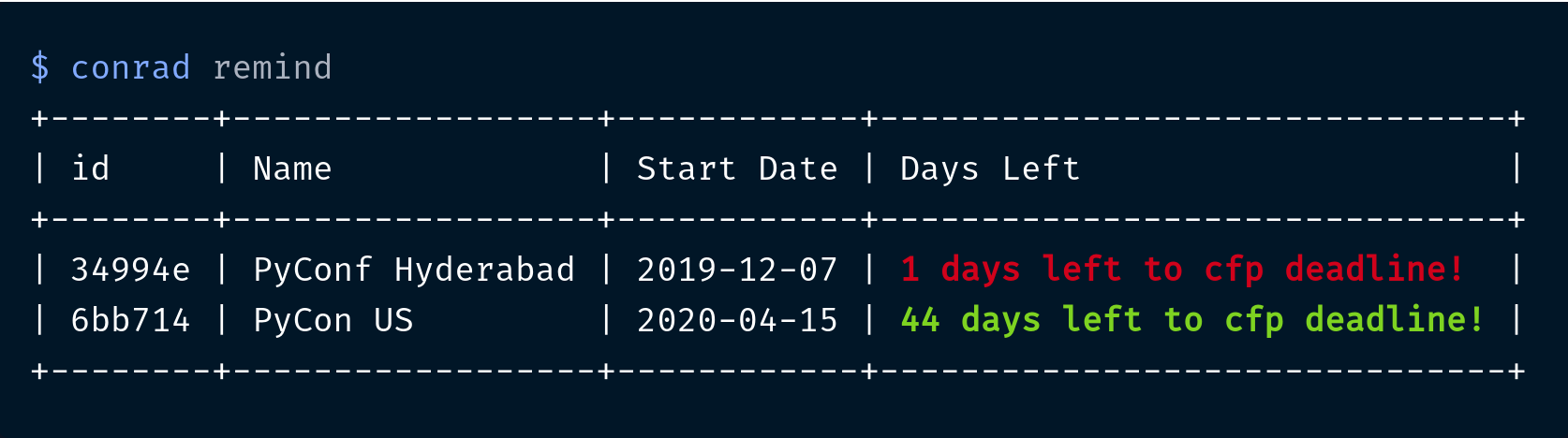
Protip: Add conrad remind to your shell startup file so that you get a reminder every time you open a new terminal!
Query and explore
You can query and explore the event database using various filters.
Look at events which have an open call for proposals (CFP):
$ conrad show --cfp

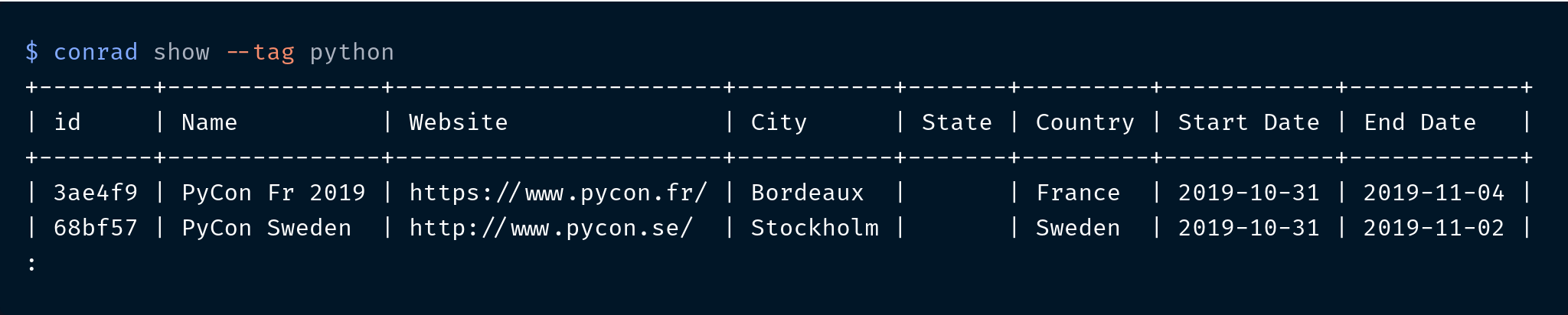
Look at conferences using a tag:
$ conrad show --tag python
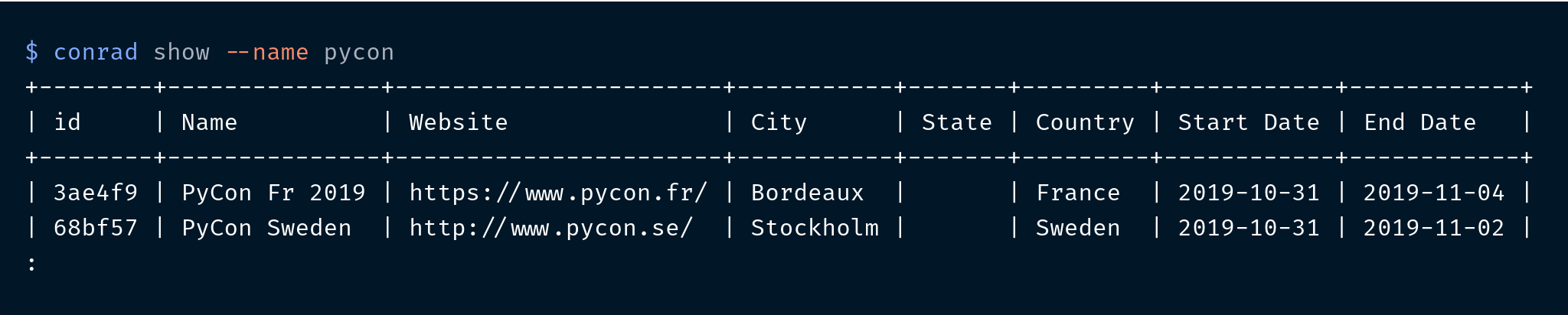
Look at conferences using a name:
$ conrad show --name pycon
Look at conferences in a city, state or country:
$ conrad show --location usa

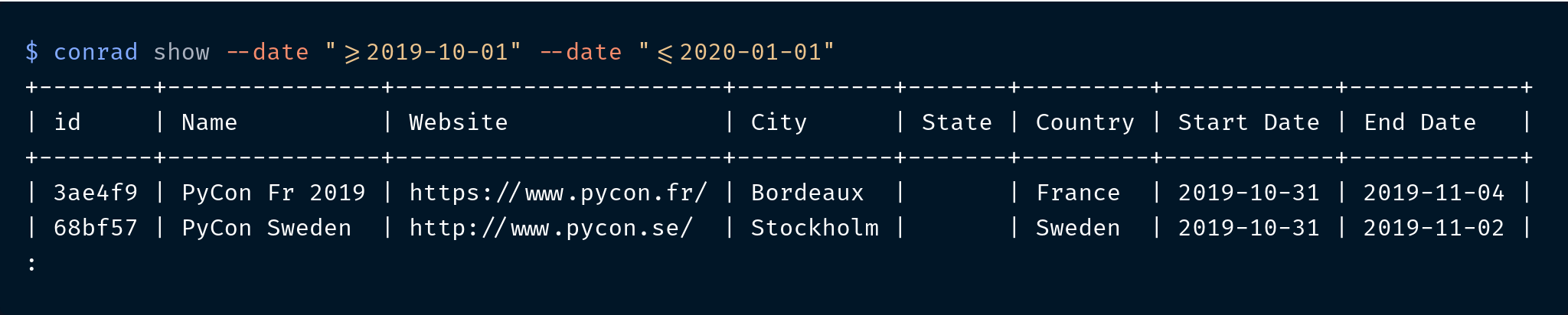
Look at conferences based on when they're happening:
$ conrad show --date ">= 2019-10-01" --date "<= 2020-01-01"
Refresh event database
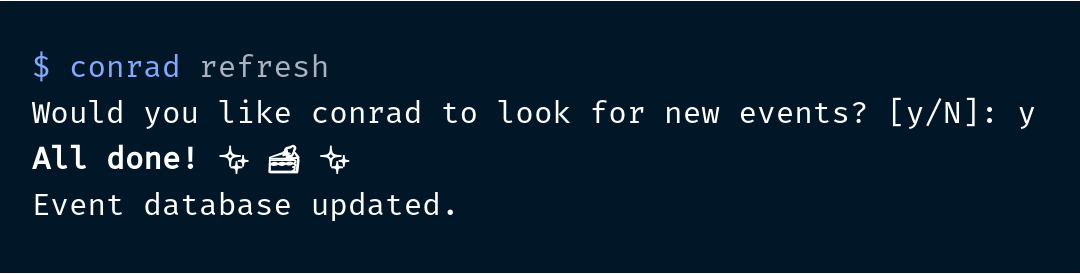
You can get the latest events using:
$ conrad refresh
Contributing
The Contributor's Guide has detailed information about guidelines around contributions. You can add new crawlers and events to conrad:
Versioning
conrad uses Semantic Versioning. For the available versions, see the tags on this repository.
License
This project is licensed under the Apache License, see the LICENSE file for details.
1 maintainer

Metadata
1 maintainer
Release files for conference-radar 0.10.2
For a detailed explanation of source distributions (sdists) and built distributions (wheels), please see the package formats documentation.
Source distribution (sdist)
| File | Size | Uploaded | Provenance | |
|---|---|---|---|---|
| conference_radar-0.10.2.tar.gz | 21.5 kB | Without provenance | Details |
Built distribution (wheel)
| File | Interpreter | ABI | Platform | Reset |
|---|---|---|---|---|
| conference_radar-0.10.2-py3-none-any.whl | Python 3 | none | any | Details |
Total release size: 47.8 kB
Release files / conference_radar-0.10.2.tar.gz
| Download URL | conference_radar-0.10.2.tar.gz |
|---|---|
| Size | 21.5 kB |
| Tags | Source |
|
SHA-256 checksum How to use checksums |
28549fe03827b9d6418026b1dc1762515700203d025557db3931d2b2324e81b7
|
|
BLAKE2b-256 checksum How to use checksums |
653efdf0b188d520d61fe8ebd3815bf357a3b52412256cc207316d3e1d54b9ab
|
| Upload date | |
|
Uploaded using Trusted Publishing? What is trusted publishing? |
No |
| Uploaded via |
twine/6.0.1 CPython/3.12.7
|
Release files / conference_radar-0.10.2-py3-none-any.whl
| Download URL | conference_radar-0.10.2-py3-none-any.whl |
|---|---|
| Size | 26.3 kB |
| Tags | Python 3 |
|
SHA-256 checksum How to use checksums |
60a4f65476655f9190dcc39513915ca18ba4a4cd8e672018538be03b50a45714
|
|
BLAKE2b-256 checksum How to use checksums |
c5313845535a3ffbfda02f31e8b43fd1d900cbe3eee3f731f955cfd2719ed937
|
| Upload date | |
|
Uploaded using Trusted Publishing? What is trusted publishing? |
No |
| Uploaded via |
twine/6.0.1 CPython/3.12.7
|
Security for conference-radar 0.10.2
Provenance
Provenance describes where a file came from. On PyPI, provenance is shared via attestations, which provide a verifiable record of the build or publishing details. View details, limitations and caveats.
No provenance found
None of the files in this release were uploaded with provenance metadata.
A note on package security
PyPI is a repository for distributing packages, not a service for auditing them. While third-party security researchers and our staff do their best to detect and remove malicious packages, PyPI cannot guarantee the quality, security or suitability of any given package.
To learn more about protecting yourself from malicious actors, visit our package security documentation.














