
A Dash Component library for ChartJs.

Project description
Dash Chartjs Component

Chart.js is one the most popular javascript charting library. Dash Chartjs Component is a Dash component library that renders ChartJs React component inside Dash App.
Installation
pip install dash-chartjs
Prop List
id (str): The ID used to identify this component in Dash callbacks.
type (str): Chart.js chart type.
data (dict): The data object that is passed into the Chart.js chart.
options (dict): The options object that is passed into the Chart.js chart.
redraw (boolean): Teardown and redraw chart on every update.
toolbox (boolean): Toolbox with reset and download buttons for chart.
customJSFunctions (dict): Write custom JS functions in dict format.
customPlugins (dict): Write Plugins in dict format.
actions (dict): List of action objects with name and handler properties. Each action will be rendered as a button below the chart.
clickData (dict): clickData returns the datasetIndex and index of data point clicked.
style (dict): Defines CSS styles which will override styles previously set.
Basic Usage
from dash import dash,html
import pandas as pd
from dash_chartjs import ChartJs

app = dash.Dash(__name__,meta_tags=[{"name": "viewport", "content": "width=device-width, initial-scale=1"}])

df = pd.read_csv('https://raw.githubusercontent.com/JetBlack101/visitors-to-georgia-ts-analysis/main/Data/VisitorsToGeorgia_2011-2019.csv')

df['Date'] = pd.to_datetime(df['Date'])

x = df['Date']
y = df['Visitors']

data = {
    'labels': x,
    'datasets': [{
        'label': 'Visitors to Georgia',
        'data': y,
        'fill':'false',
        'borderColor': 'rgb(75, 192, 192)',
        'tension': 0.1
    }]
}
options = {
    'scales': {
        'x': {
            'type':'time'
        }
    },
    'plugins':{
        'zoom':{
            'zoom':{
                'wheel':{
                    'enabled': True
                },
            'mode':'xy'
            }
        }
    }
}


app.layout = html.Div(
    [
        ChartJs(type='line',data=data,options=options)
    ]
)

if __name__ == '__main__':
    app.run_server(debug=False)
Demo
Additional Plugins Integrated
chartjs-plugin-zoom
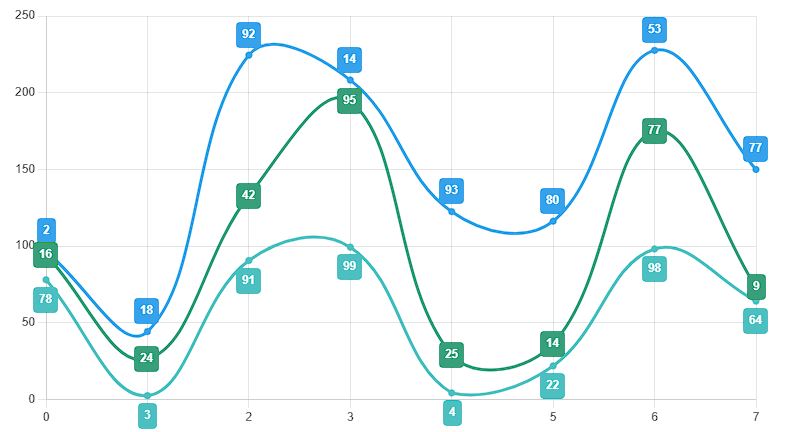
chartjs-plugin-datalabels
Example
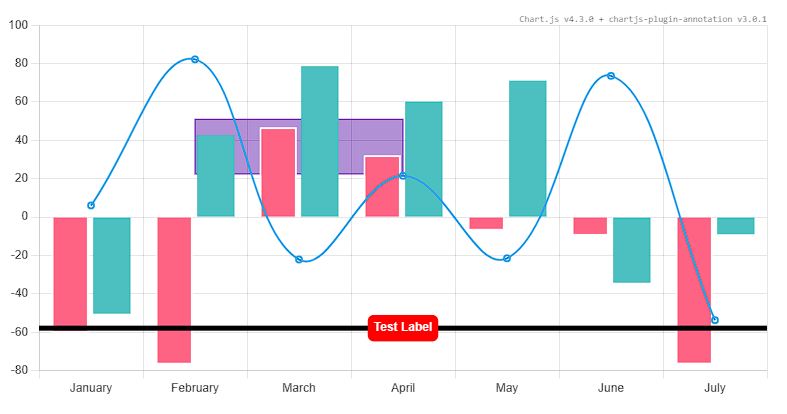
chartjs-plugin-annotation
Example
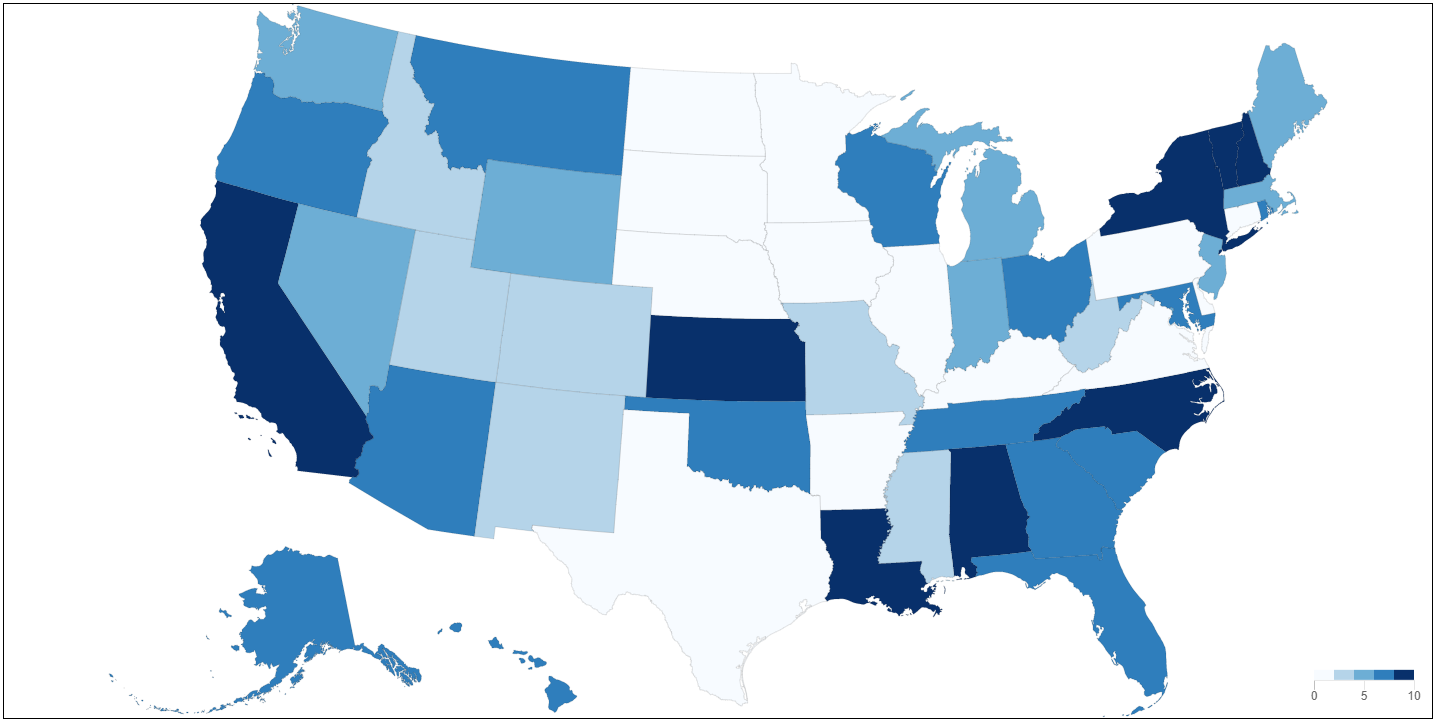
chartjs-chart-geo
Example
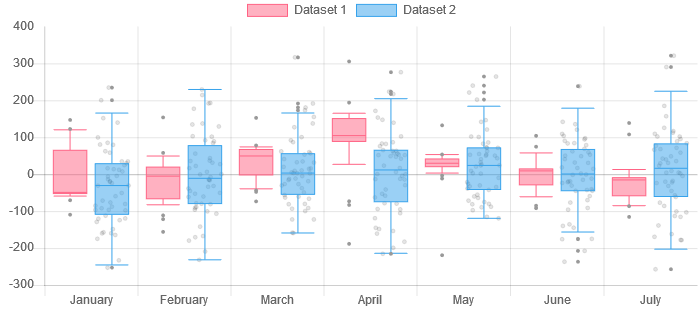
chartjs-chart-boxplot
Example
chartjs-chart-matrix
Example

chartjs-chart-treemap
Example

chartjs-chart-sankey
Example

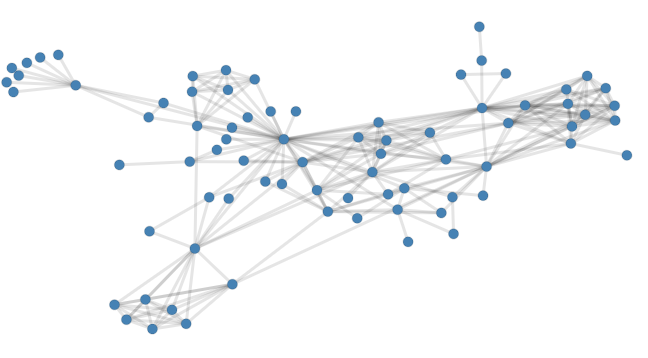
chartjs-chart-graph
Example
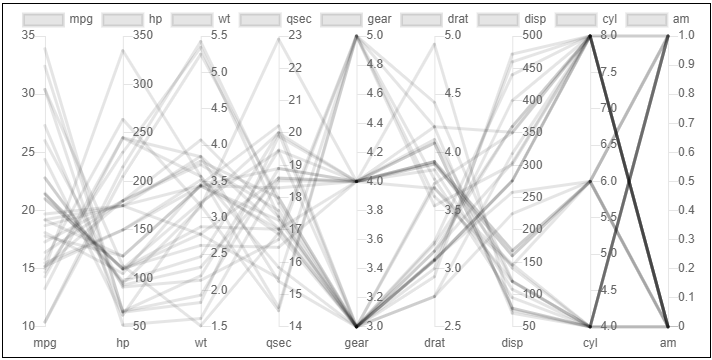
chartjs-chart-pcp
Example
Release history Release notifications | RSS feed


Download files
Download the file for your platform. If you're not sure which to choose, learn more about installing packages.
Source Distribution
Built Distribution
Filter files by name, interpreter, ABI, and platform.
If you're not sure about the file name format, learn more about wheel file names.
Copy a direct link to the current filters
File details
Details for the file dash_chartjs-1.3.0.tar.gz.
File metadata
- Download URL: dash_chartjs-1.3.0.tar.gz
- Upload date:
- Size: 276.0 kB
- Tags: Source
- Uploaded using Trusted Publishing? No
- Uploaded via: twine/6.2.0 CPython/3.11.3
File hashes
| Algorithm | Hash digest | |
|---|---|---|
| SHA256 |
2878fc7951edeaa2eb64b84a77c175353c85695a045310cbe8bb6710e53ac6e2
|
|
| MD5 |
2d6d69740a9e64ee7406dbbac63ea9ab
|
|
| BLAKE2b-256 |
a5cc2c7098a3e2ef356e2d1a47bdd7383597c8605ab91ba497bb2efc6050894b
|
File details
Details for the file dash_chartjs-1.3.0-py3-none-any.whl.
File metadata
- Download URL: dash_chartjs-1.3.0-py3-none-any.whl
- Upload date:
- Size: 275.5 kB
- Tags: Python 3
- Uploaded using Trusted Publishing? No
- Uploaded via: twine/6.2.0 CPython/3.11.3
File hashes
| Algorithm | Hash digest | |
|---|---|---|
| SHA256 |
02c0b12ff26df9e69e6108834dc7d0911be314bfb9d51345b42a15410204c349
|
|
| MD5 |
3c90e94d464d980692dc212895be7a8c
|
|
| BLAKE2b-256 |
206c7f2b2fb690363268c2d32e8386a38f44666b50eaef4ee1bf40292bde3d2d
|






