

Diagrams for Open Telekom Cloud



Diagram as Code.
[!IMPORTANT] Due to the fact that the upstream project seems to be inactive and non-processing/non-responsive to new Issues or Pull Requests for more than 2 years, the artifacts supporting Open Telekom Cloud has been moved to their own package. Nevertheless, the repository retains its downstream status and any change that might come in the future either in the other providers artifacts or in the code itself, will be synced. Unless nothing changes, the package name in PyPi is from now on
diagrams-otc.
Diagrams lets you draw the cloud system architecture in Python code. It was born for prototyping a new system architecture design without any design tools. You can also describe or visualize the existing system architecture as well. Diagrams currently supports main major providers including: AWS, Azure, GCP, Kubernetes, Alibaba Cloud, Oracle Cloud etc... It also supports On-Premise nodes, SaaS and major Programming frameworks and languages.
Diagram as Code also allows you to track the architecture diagram changes in any version control system.
[!NOTE] It does not control any actual cloud resources nor does it generate cloud formation or terraform code. It is just for drawing the cloud system architecture diagrams.
Providers

in addition supports all the providers included in the original upstream:


Getting Started
It requires Python 3.7 or higher, check your Python version first.
It uses Graphviz to render the diagram, so you need to install Graphviz to use diagrams. After installing graphviz (or already have it), install the diagrams.
macOS users can download the Graphviz via
brew install graphvizif you're using Homebrew.
# using pip (pip3)
$ pip install diagrams-otc

# using pipenv
$ pipenv install diagrams-otc

# using poetry
$ poetry add diagrams-otc
[!NOTE] Documentation and Examples refer to the original site of upstream.
You can start with quick start. Check out guides for more details, and you can find all available nodes list in here.
Examples
| Event Processing | Stateful Architecture | Advanced Web Service |
|---|---|---|
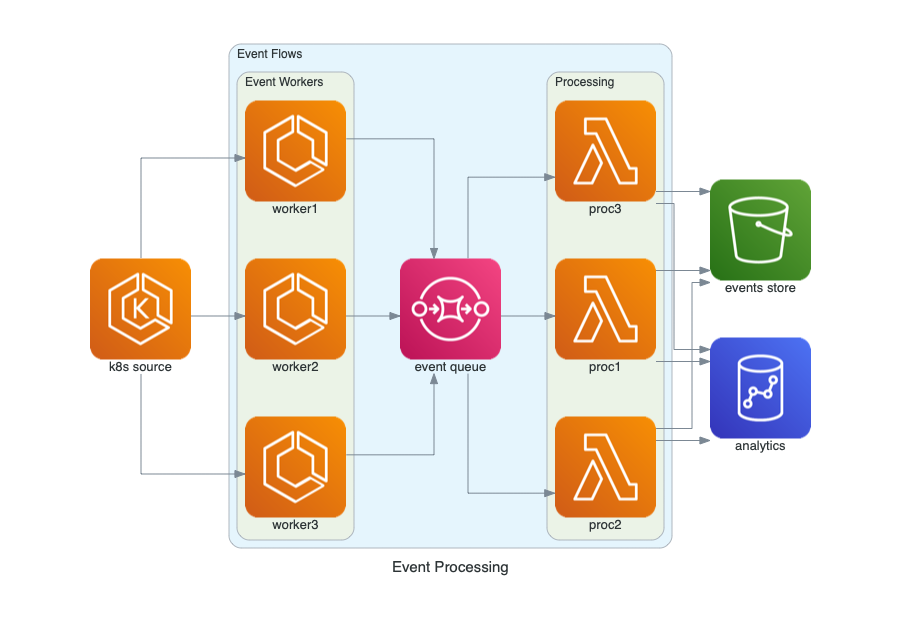 |
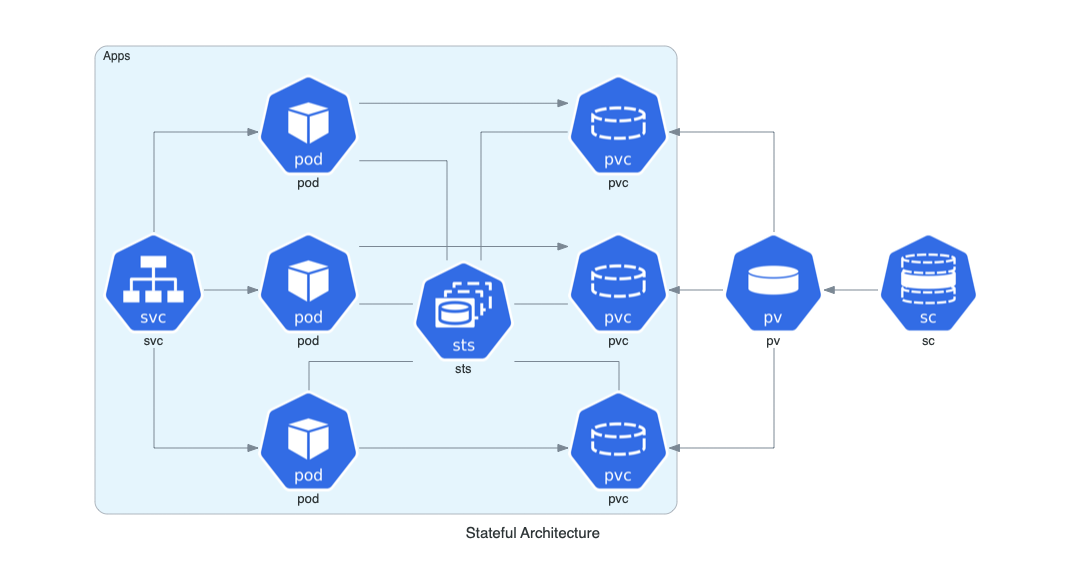 |
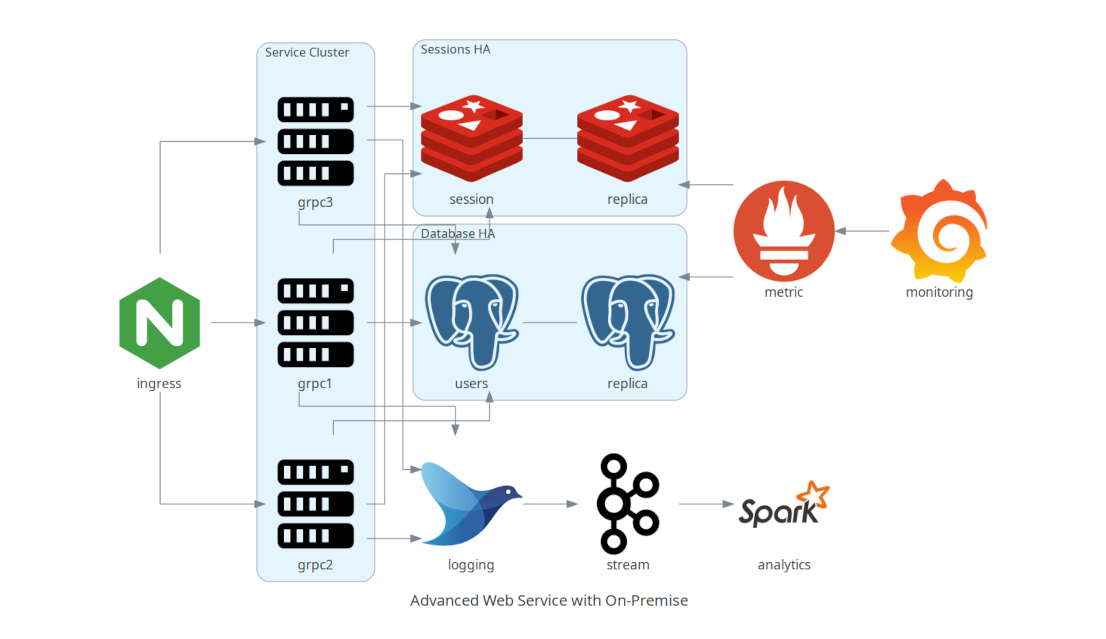 |
You can find all the examples on the examples page.
Contributing
To contribute to diagram, check out contribution guidelines.
Other languages
- If you are familiar with Go, you can use go-diagrams as well.
License
1 maintainer

Release files for diagrams-otc 0.23.6
For a detailed explanation of source distributions (sdists) and built distributions (wheels), please see the package formats documentation.
Source distribution (sdist)
| File | Size | Uploaded | |
|---|---|---|---|
| diagrams_otc-0.23.6.tar.gz | 24.0 MB | Details |
Built distribution (wheel)
| File | Interpreter | ABI | Platform | Reset |
|---|---|---|---|---|
| diagrams_otc-0.23.6-py3-none-any.whl | Python 3 | none | any | Details |
Total release size: 48.8 MB
Release files / diagrams_otc-0.23.6.tar.gz
| Download URL | diagrams_otc-0.23.6.tar.gz |
|---|---|
| Size | 24.0 MB |
| Tags | Source |
|
SHA-256 checksum How to use checksums |
8dd14fc48dde1d986684f55087cfdbf4fc8fc6977e752ccc925855f6b263aa7d
|
|
BLAKE2b-256 checksum How to use checksums |
452b9590a2559d2ca5c49e89f4e701af0477fe88cd78f5e6c75ab42a066340a6
|
| Upload date | |
|
Uploaded using Trusted Publishing? What is trusted publishing? |
No |
| Uploaded via |
poetry/1.8.2 CPython/3.11.9 Linux/6.5.0-26-generic
|
Release files / diagrams_otc-0.23.6-py3-none-any.whl
| Download URL | diagrams_otc-0.23.6-py3-none-any.whl |
|---|---|
| Size | 24.8 MB |
| Tags | Python 3 |
|
SHA-256 checksum How to use checksums |
9c6f60fecaef420ec75a3df24d081144fefc6de0bd72ffd63b2275ac2b6ce5f2
|
|
BLAKE2b-256 checksum How to use checksums |
402ca5cc54ff4be5a7368706c7d9040348ccffb14923d83b13e32df3216e63fc
|
| Upload date | |
|
Uploaded using Trusted Publishing? What is trusted publishing? |
No |
| Uploaded via |
poetry/1.8.2 CPython/3.11.9 Linux/6.5.0-26-generic
|













