
Django JET (Django-3 compatible)

Modern template for Django-3 admin interface with improved functionality
Django JET has two kinds of licenses: open-source (AGPLv3) and commercial. Please note that using AGPLv3 code in your programs make them AGPL compatible too. So if you don’t want to comply with that we can provide you a commercial license (visit Home page). The commercial license is designed for using Django JET in commercial products and applications without the provisions of the AGPLv3.

Home page: http://jet.geex-arts.com/
New Jet: Live Demo
Live Demo: http://demo.jet.geex-arts.com/admin/
Documentation: http://jet.readthedocs.org/
Support: support@jet.geex-arts.com
Why Django JET?
New fresh look
Responsive mobile interface
Useful admin home page
Minimal template overriding
Easy integration
Themes support
Autocompletion
Handy controls
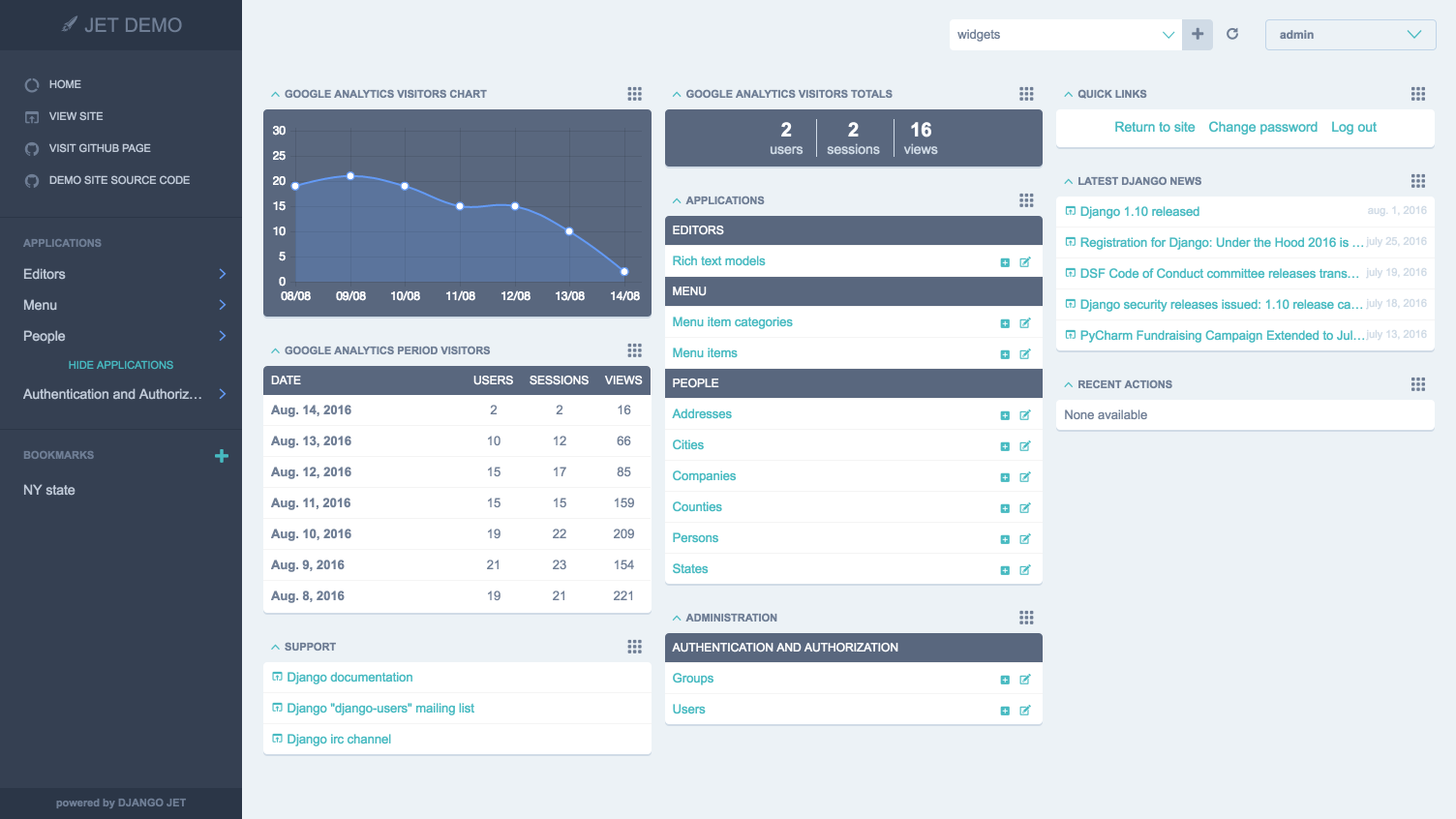
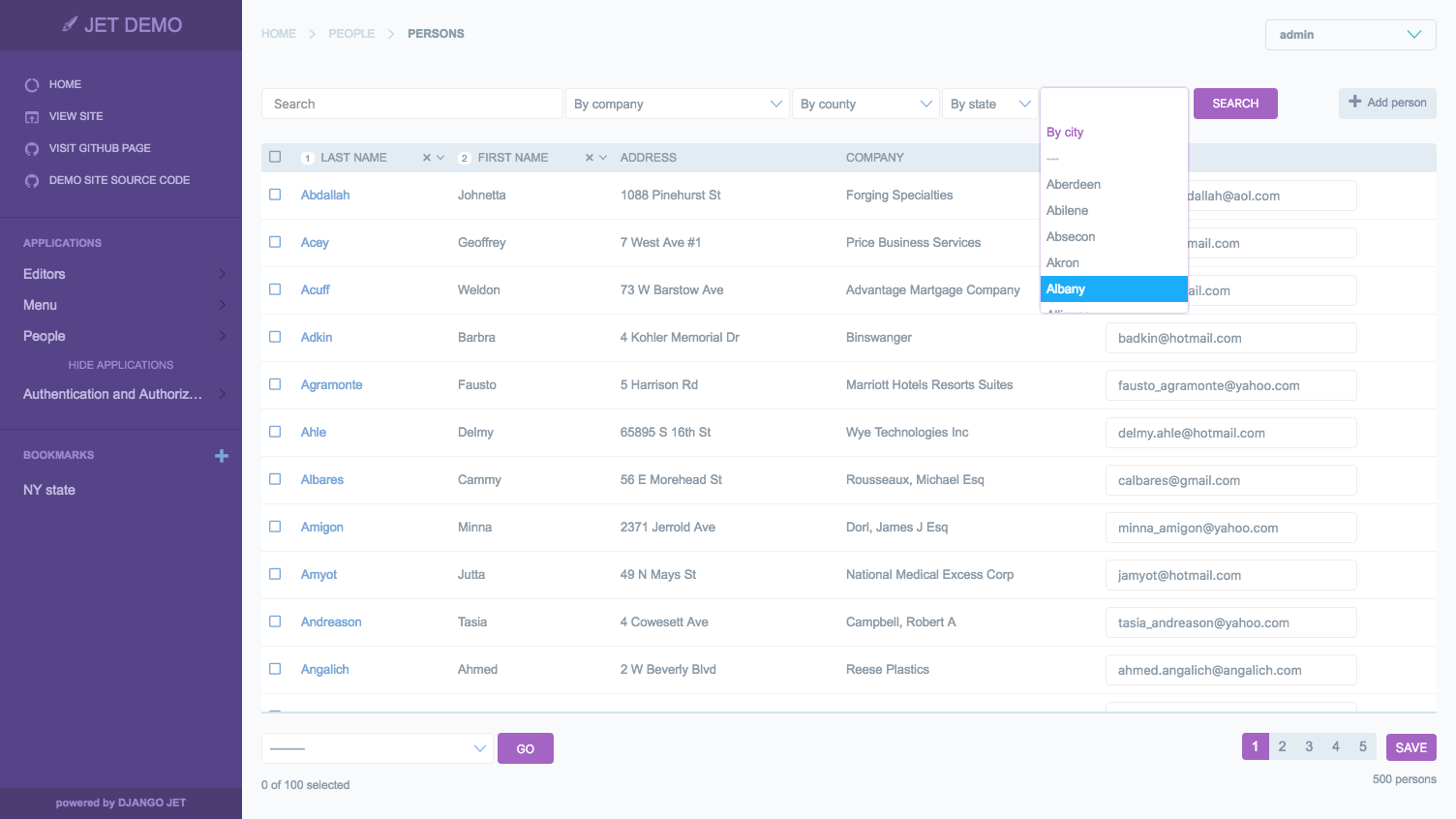
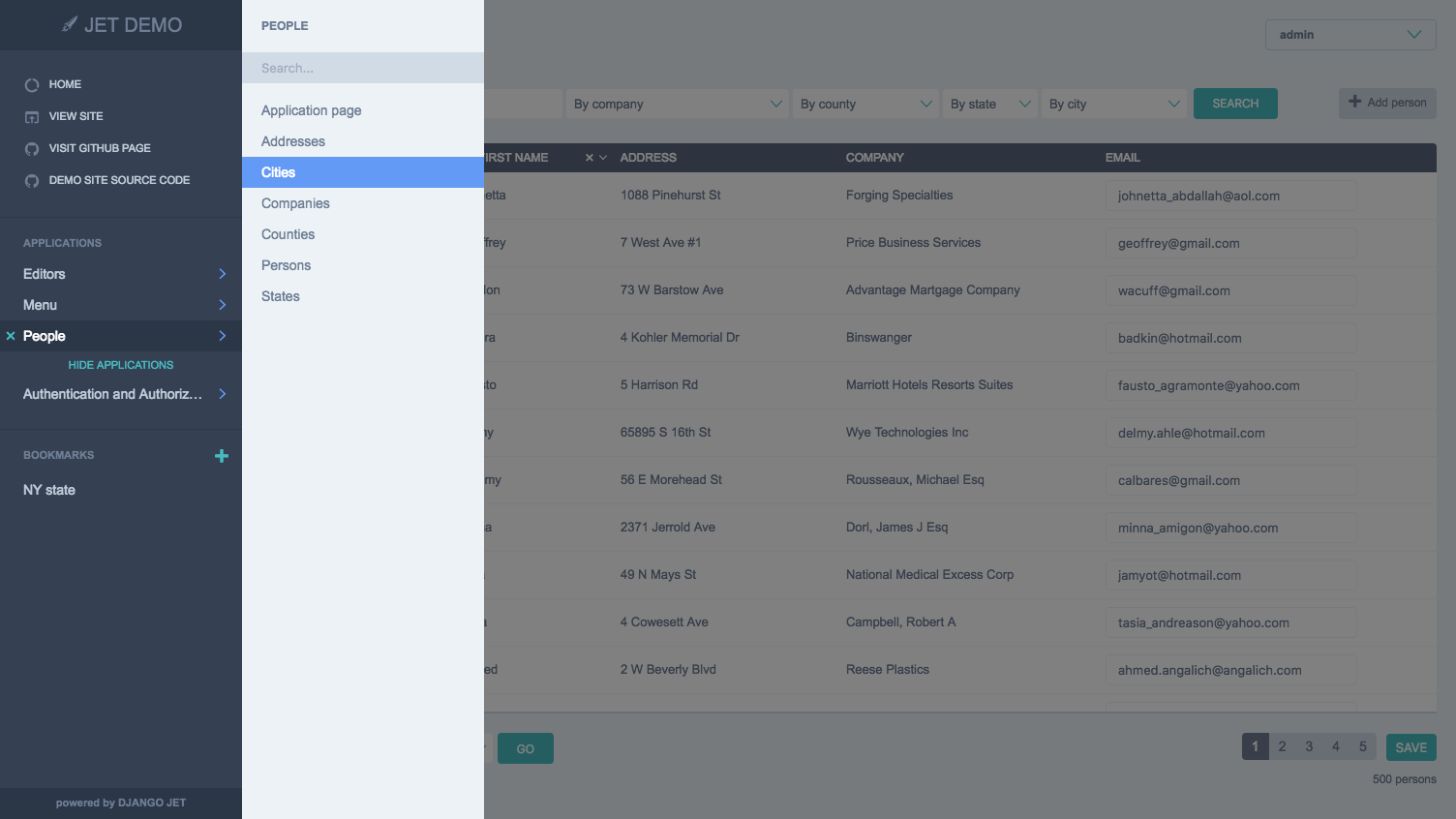
Screenshots
Installation
Download and install the Django3 compatible version of Django JET:
pip install https://github.com/Barukimang/django-jet/archive/dev.zip
# or
easy_install https://github.com/Barukimang/django-jet/archive/dev.zip
Add ‘jet’ application to the INSTALLED_APPS setting of your Django project settings.py file (note it should be before ‘django.contrib.admin’):
INSTALLED_APPS = (
    ...
    'jet',
    'django.contrib.admin',
)
Make sure django.template.context_processors.request context processor is enabled in settings.py (Django 1.8+ way):
TEMPLATES = [
    {
        'BACKEND': 'django.template.backends.django.DjangoTemplates',
        'DIRS': [],
        'APP_DIRS': True,
        'OPTIONS': {
            'context_processors': [
                ...
                'django.template.context_processors.request',
                ...
            ],
        },
    },
]Add URL-pattern to the urlpatterns of your Django project urls.py file (they are needed for related–lookups and autocompletes):
urlpatterns [
    '',
    path('jet/', include('jet.urls', 'jet')),  # Django JET URLS
    path('admin/', include(admin.site.urls)),
    ...
]
Create database tables:
python manage.py migrate jet
# or
python manage.py syncdb
Collect static if you are in production environment:
python manage.py collectstaticClear your browser cache
Dashboard installation
Add ‘jet.dashboard’ application to the INSTALLED_APPS setting of your Django project settings.py file (note it should be before ‘jet’):
INSTALLED_APPS = (
    ...
    'jet.dashboard',
    'jet',
    'django.contrib.admin',
    ...
)
Add URL-pattern to the urlpatterns of your Django project urls.py file (they are needed for related–lookups and autocompletes):
urlpatterns [
    '',
    path('jet/', include('jet.urls', 'jet')),  # Django JET URLS
    path('jet/dashboard/', include('jet.dashboard.urls', 'jet-dashboard')),  # Django JET dashboard URLS
    path('admin/', include(admin.site.urls)),
    ...
]X_FRAME_OPTIONS = 'SAMEORIGIN'For Google Analytics widgets only install python package:
pip install google-api-python-client==1.4.1Create database tables:
python manage.py migrate dashboard
# or
python manage.py syncdb
Collect static if you are in production environment:
python manage.py collectstatic1 maintainer

Metadata
1 maintainer
Release files for django-3-jet 1.0.8
For a detailed explanation of source distributions (sdists) and built distributions (wheels), please see the package formats documentation.
Source distribution (sdist)
| File | Size | Uploaded | Provenance | |
|---|---|---|---|---|
| django-3-jet-1.0.8.tar.gz | 824.9 kB | Without provenance | Details |
Release files / django-3-jet-1.0.8.tar.gz
| Download URL | django-3-jet-1.0.8.tar.gz |
|---|---|
| Size | 824.9 kB |
| Tags | Source |
|
SHA-256 checksum How to use checksums |
195d5ffa122119d8c3d5d639c297ba965c4741f2ff5787c5648696b9853475f2
|
|
BLAKE2b-256 checksum How to use checksums |
e0c14075f1596781ff8ad90bcd6b7b09add0f2601a6c8483865bd8a05c7e86aa
|
| Upload date | |
|
Uploaded using Trusted Publishing? What is trusted publishing? |
No |
| Uploaded via |
twine/3.1.1 pkginfo/1.5.0.1 requests/2.22.0 setuptools/45.2.0 requests-toolbelt/0.9.1 tqdm/4.36.1 CPython/3.7.4
|
Security for django-3-jet 1.0.8
Provenance
Provenance describes where a file came from. On PyPI, provenance is shared via attestations, which provide a verifiable record of the build or publishing details. View details, limitations and caveats.
No provenance found
None of the files in this release were uploaded with provenance metadata.
A note on package security
PyPI is a repository for distributing packages, not a service for auditing them. While third-party security researchers and our staff do their best to detect and remove malicious packages, PyPI cannot guarantee the quality, security or suitability of any given package.
To learn more about protecting yourself from malicious actors, visit our package security documentation.














