
Django Scheduler


A calendar app for Django
Information
Installation
pip install django-scheduler
Edit your settings.py
Add to INSTALLED_APPS:
'schedule',
Add to TEMPLATE_CONTEXT_PROCESSORS:
"django.template.context_processors.request"
Static assets
Django Scheduler's bundled templates use Bootstrap 5 and Bootstrap Icons loaded via CDN. The FullCalendar view also loads FullCalendar 6 via CDN.
No additional installation is needed — the default templates include all required CSS and JavaScript from CDN links.
If you prefer to manage frontend assets yourself (e.g., via npm, or self-hosted files), you can override the templates in your project.
Remember to execute "python manage.py collectstatic"
Features
- one-time and recurring events
- calendar exceptions (occurrences changed or cancelled)
- occurrences accessible through Event API and Period API
- relations of events to generic objects
- ready to use, nice user interface
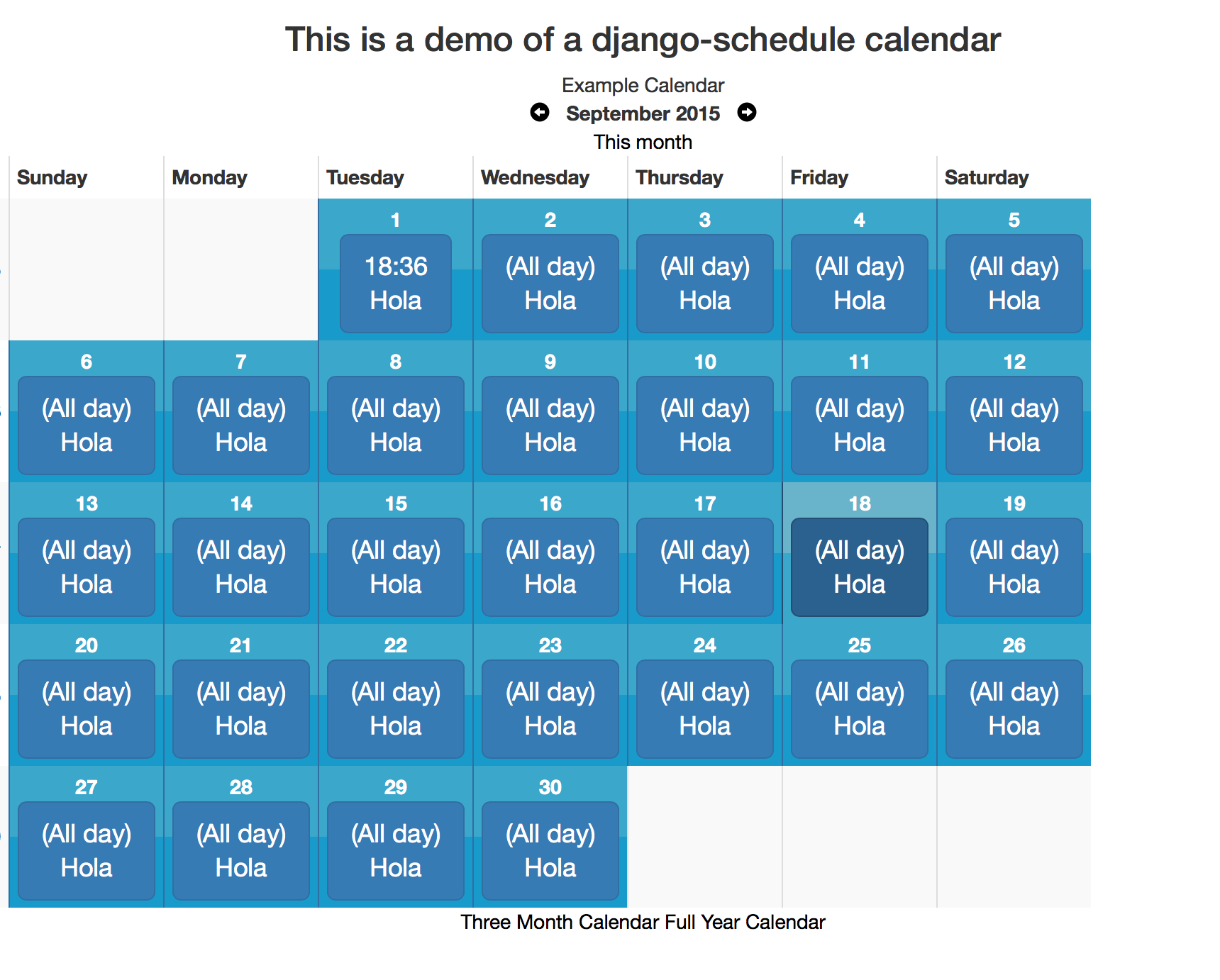
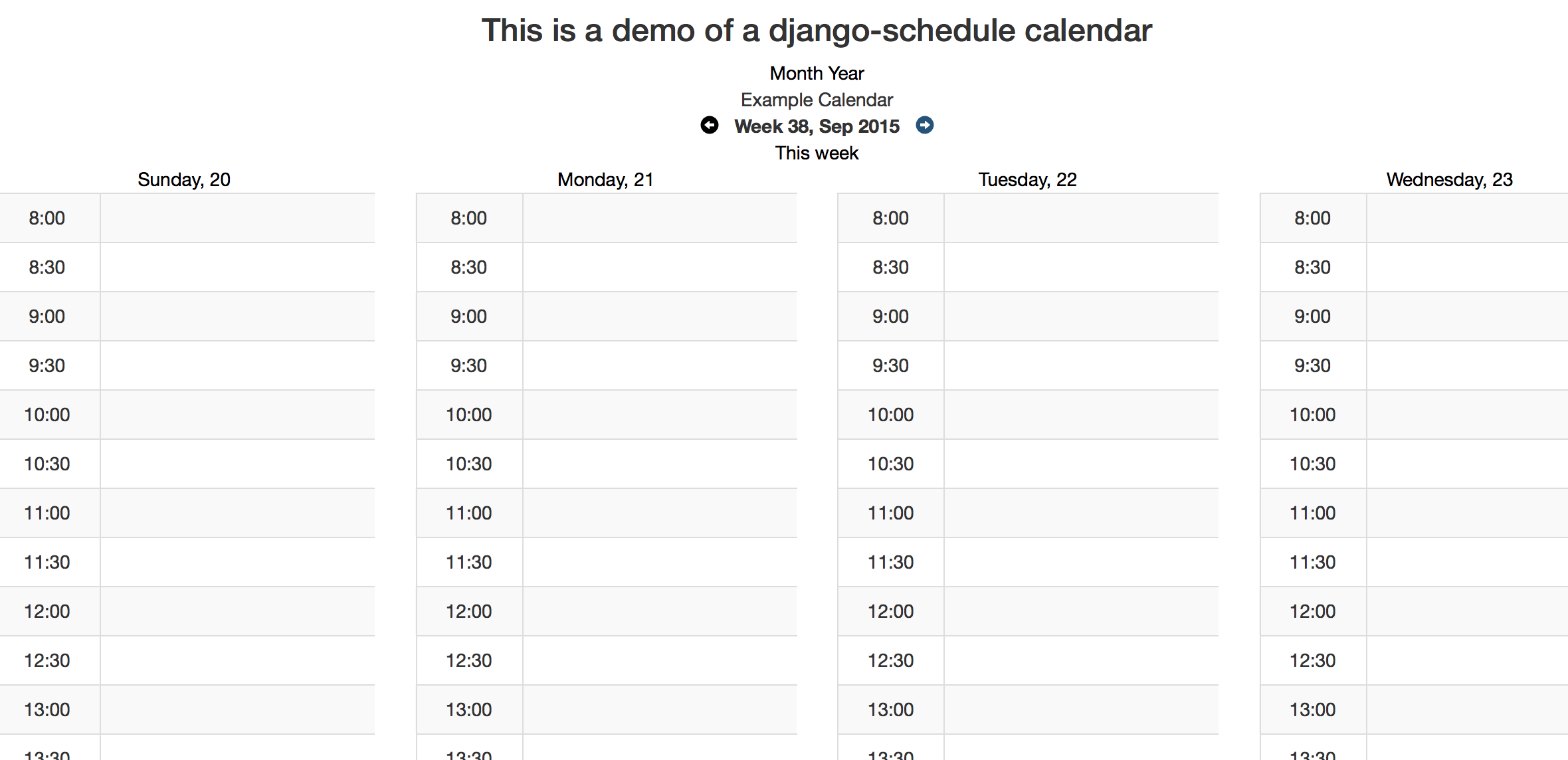
- view day, week, month, three months and year
Configuration
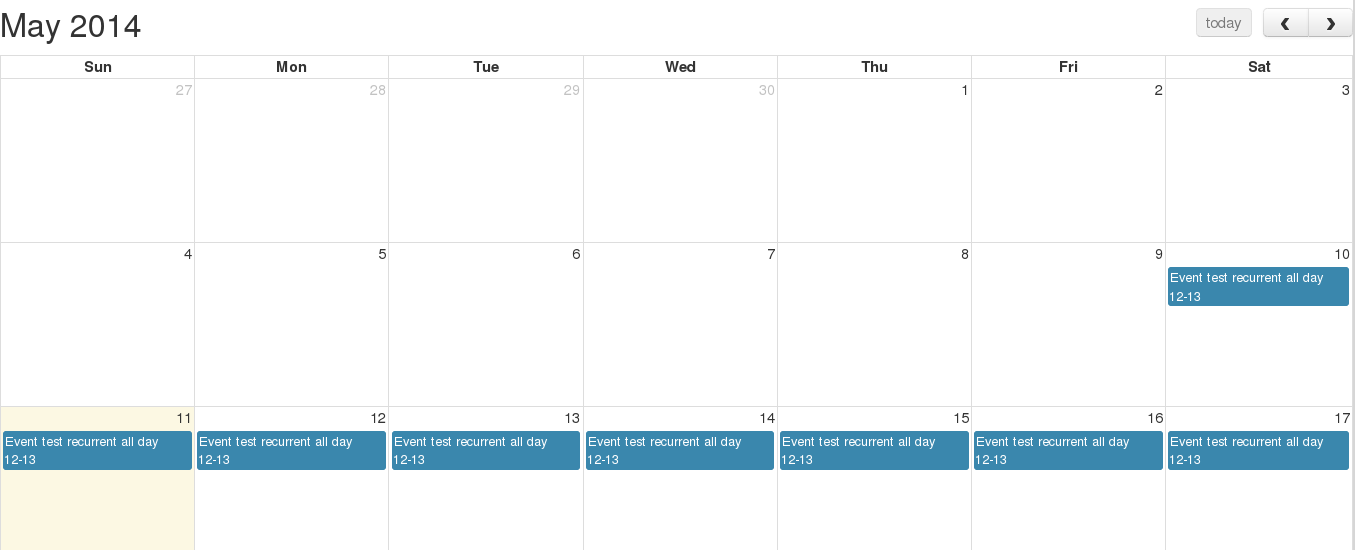
Full Calendar examples
Metrics

Optional Settings
FIRST_DAY_OF_WEEK
This setting determines which day of the week your calendar begins on if your locale doesn't already set it. Default is 0, which is Sunday.
OCCURRENCE_CANCEL_REDIRECT
This setting controls the behavior of Views.get_next_url. If set, all calendar modifications will redirect here (unless there is a next set in the request.)
SHOW_CANCELLED_OCCURRENCES
This setting controls the behavior of Period.classify_occurrence. If True, then occurrences that have been cancelled will be displayed with a css class of canceled, otherwise they won't appear at all.
Defaults to False
CHECK_EVENT_PERM_FUNC
This setting controls the callable used to determine if a user has permission to edit an event or occurrence. The callable must take the object (event) and the user and return a boolean.
Default:
    check_edit_permission(ob, user):
        return user.is_authenticated
If ob is None, then the function is checking for permission to add new events
CHECK_CALENDAR_PERM_FUNC
This setting controls the callable used to determine if a user has permission to add, update or delete an events in specific calendar. The callable must take the object (calendar) and the user and return a boolean.
Default:
    check_edit_permission(ob, user):
        return user.is_authenticated
GET_EVENTS_FUNC
This setting controls the callable that gets all events for calendar display. The callable must take the request and the calendar and return a QuerySet of events. Modifying this setting allows you to pull events from multiple calendars or to filter events based on permissions
Default:
    get_events(request, calendar):
        return calendar.event_set.all()
SCHEDULER_PREVNEXT_LIMIT_SECONDS
This settings allows to set the upper and lower limit in calendars navigation. Value is in seconds.
Default (two years): 62208000
Contributing
Tests
To run tests on all supported versions of Django and Python, use tox:
$ tox
Publishing to PyPI
-
Update the version in
pyproject.tomland add a changelog entry. -
Commit, tag, and push:
git commit -am "Release X.Y.Z"
git tag vX.Y.Z
git push && git push --tags
- Build and publish:
uv build
uv publish --token pypi-YOUR_TOKEN
You can generate an API token at https://pypi.org/manage/account/token/.


Release files for django-scheduler 0.12.0
For a detailed explanation of source distributions (sdists) and built distributions (wheels), please see the package formats documentation.
Source distribution (sdist)
| File | Size | Uploaded | Provenance | Actions |
|---|---|---|---|---|
| django_scheduler-0.12.0.tar.gz | 101.8 kB | Without provenance | Details for django_scheduler-0.12.0.tar.gz |
Built distribution (wheel)
| File | Interpreter | ABI | Platform | Actions Reset |
|---|---|---|---|---|
| django_scheduler-0.12.0-py3-none-any.whl | Python 3 | none | any | Details for django_scheduler-0.12.0-py3-none-any.whl |
Total release size: 203.1 kB
Release files / django_scheduler-0.12.0.tar.gz
| Download URL | django_scheduler-0.12.0.tar.gz |
|---|---|
| Size | 101.8 kB |
| Tags | Source |
|
SHA-256 checksum How to use checksums |
a9c280bd4fd7978ea85c4b265d17a69070213ba99b76192e80a143805259d2a1
|
|
BLAKE2b-256 checksum How to use checksums |
9092233e3875effa458edb152959d84114915e377a20bbbfc4f112a982d5e5fa
|
| Upload date | |
|
Uploaded using Trusted Publishing? What is trusted publishing? |
No |
| Uploaded via |
uv/0.10.0 {"installer":{"name":"uv","version":"0.10.0","subcommand":["publish"]},"python":null,"implementation":{"name":null,"version":null},"distro":{"name":"macOS","version":null,"id":null,"libc":null},"system":{"name":null,"release":null},"cpu":null,"openssl_version":null,"setuptools_version":null,"rustc_version":null,"ci":null}
|
Release files / django_scheduler-0.12.0-py3-none-any.whl
| Download URL | django_scheduler-0.12.0-py3-none-any.whl |
|---|---|
| Size | 101.2 kB |
| Tags | Python 3 |
|
SHA-256 checksum How to use checksums |
cd25b3dacaa3e911f61645920dd981130c97d61229a5aa30da29bcf952e7ab2c
|
|
BLAKE2b-256 checksum How to use checksums |
c491f73fa976681ce887f44164da28f30847f42b52ee02e883b71d407f2880ef
|
| Upload date | |
|
Uploaded using Trusted Publishing? What is trusted publishing? |
No |
| Uploaded via |
uv/0.10.0 {"installer":{"name":"uv","version":"0.10.0","subcommand":["publish"]},"python":null,"implementation":{"name":null,"version":null},"distro":{"name":"macOS","version":null,"id":null,"libc":null},"system":{"name":null,"release":null},"cpu":null,"openssl_version":null,"setuptools_version":null,"rustc_version":null,"ci":null}
|
Security for django-scheduler 0.12.0
Provenance
Provenance describes where a file came from. On PyPI, provenance is shared via attestations, which provide a verifiable record of the build or publishing details. View details, limitations and caveats.
No provenance found
None of the files in this release were uploaded with provenance metadata.
A note on package security
PyPI is a repository for distributing packages, not a service for auditing them. While third-party security researchers and our staff do their best to detect and remove malicious packages, PyPI cannot guarantee the quality, security or suitability of any given package.
To learn more about protecting yourself from malicious actors, visit our package security documentation.














