
Django Rest OpenAPI Utils
Improve your django-rest openapi schema
If you use or like the project, click Star and Watch to generate metrics and i evaluate project continuity.
Install:
pip install djangorest-openapi-utils
Usage:
-
Add to your INSTALLED_APPS, in settings.py:
INSTALLED_APPS = [ ... 'djangorest_openapi_utils', ... ] -
Add to your main urls.py
urlpatterns = [ ... # third part app's url's path('', include('djangorest_openapi_utils.openapi.urls', namespace='openapi')), path('', include('djangorest_openapi_utils.redoc.urls', namespace='redoc')), # Optinal (to use redoc) path('', include('djangorest_openapi_utils.swagger.urls', namespace='swagger')), # Optinal (to use swagger) path('', include('djangorest_openapi_utils.rapidoc.urls', namespace='rapidoc')) # Optinal (to use rapidoc) ... ] -
Add to instaled apps settings:
INSTALLED_APPS = [ ... # Third part apps 'djangorest_openapi_utils.openapi', 'djangorest_openapi_utils.redoc', 'djangorest_openapi_utils.swagger', 'djangorest_openapi_utils.rapidoc', ... ] -
Enable and configure feature in your settings:
OPENAPI_ENABLE = True OPENAPI_CONFIGURATION = { 'TITLE': 'Account MS', 'DESCRIPTION': 'API Documentation', 'VERSION': '1.0.0', 'PUBLIC': True, # show all url or just list read-only api's # https://swagger.io/specification/#tag-object 'OPENAPI_TAGS': [], # https://swagger.io/docs/specification/api-host-and-base-path/ 'SERVERS': [] # is a dict {'url': 'http://...','desc': "Optional"} if empty add current running url to servers # https://swagger.io/docs/specification/authentication/ 'SECURITY_SCHEMES': {'bearerAuth': {'type': 'http', 'scheme': 'bearer', 'bearerFormat': 'JWT'}}, 'OPERATOR_SECURITY': [{'bearerAuth': []}], } REDOC_ENABLE = True REDOC_CONFIGURATION = { 'TEMPLATE_TITLE': 'Your App Name', # title of the page # 'OPENAPI_URL': 'http://...', # To use external OpenAPI url # 'REDOC_VIEW': 'django_openapi_utils.redoc.view.ReDocView', # if you need to pass personalized vars to template } SWAGGER_ENABLE = True SWAGGER_CONFIGURATION = { 'TEMPLATE_TITLE': 'Your App Name', # title of the page # 'OPENAPI_URL': 'http://...', # To use external OpenAPI url # 'REDOC_VIEW': 'django_openapi_utils.redoc.view.ReDocView', # if you need to pass personalized vars to template } RAPIDOC_CONFIGURATION = True RAPIDOC_CONFIGURATION = { 'TEMPLATE_TITLE': 'Your App Name', # title of the page # 'OPENAPI_URL': 'http://...', # To use external OpenAPI url # 'REDOC_VIEW': 'django_openapi_utils.redoc.view.ReDocView', # if you need to pass personalized vars to template } -
Improve your api specs
from django_openapi_utils.openapi.schemas import OpenApiSchema class YourView(...): ... permission_classes = (IsAuthenticated, ) # use IsAuthenticated or IsAuthenticatedOrReadOnly subclasses to create 401 status code in OpenAPI schema = OpenApiSchema( tags=['Yout Tag'], # Optinal to agroup request in tags ) openapi_id = 'Send Account Password Reset Email' openapi_description = 'Send Account Password Reset Email' openapi_enable_404_status_code = True # to create 404 status code in OpenAPI -
Multiple id/description for same router (If you have view with multiple routers Ex: RetrieveUpdateDestroyApiView)
from django_openapi_utils.openapi.schemas import OpenApiSchema

class YourView(...):
    ...
    schema = OpenApiSchema()

    def openapi_mount_description(self, path, method):
        return self.openapi_id

    def get_object(self):
        return self.openapi_description
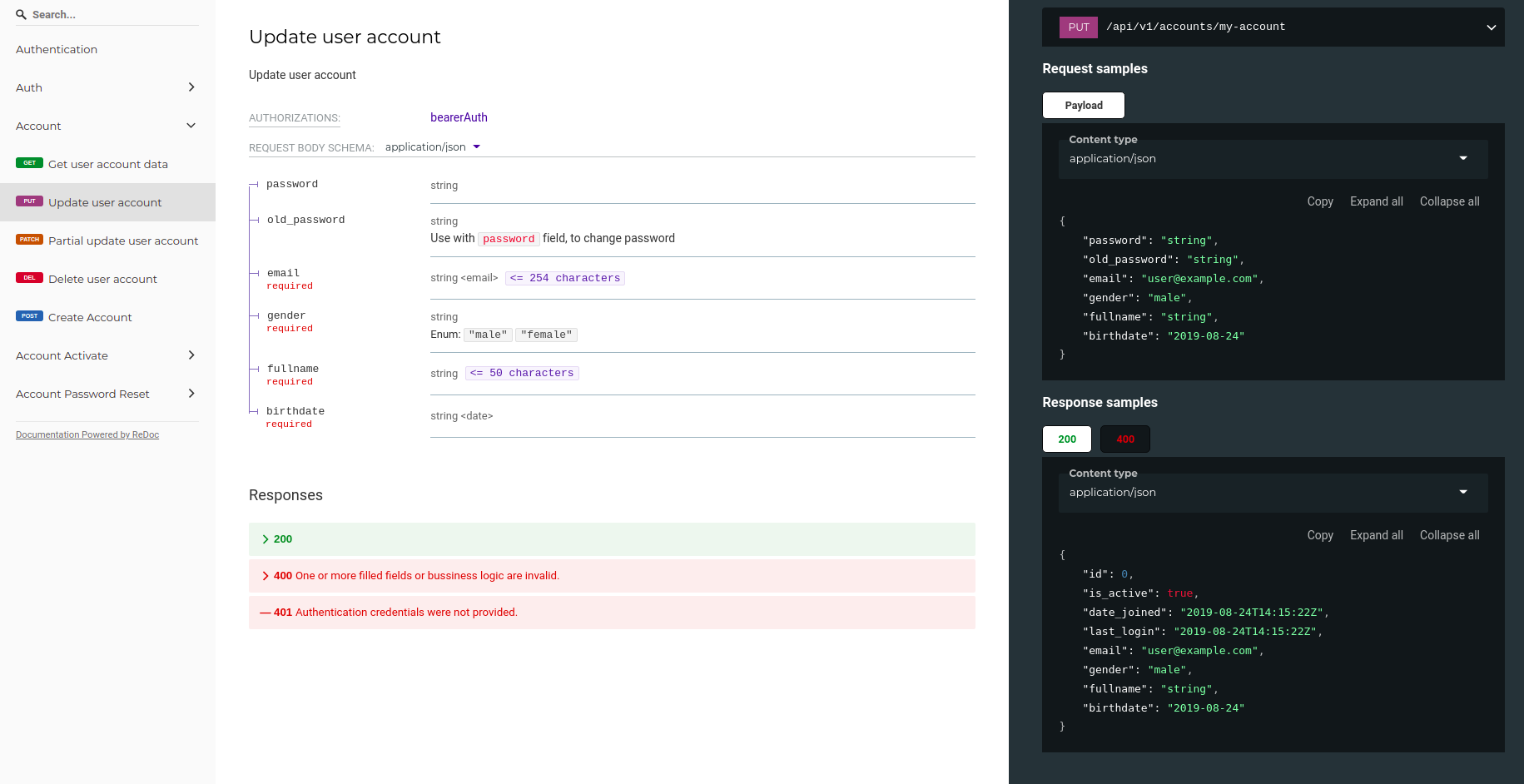
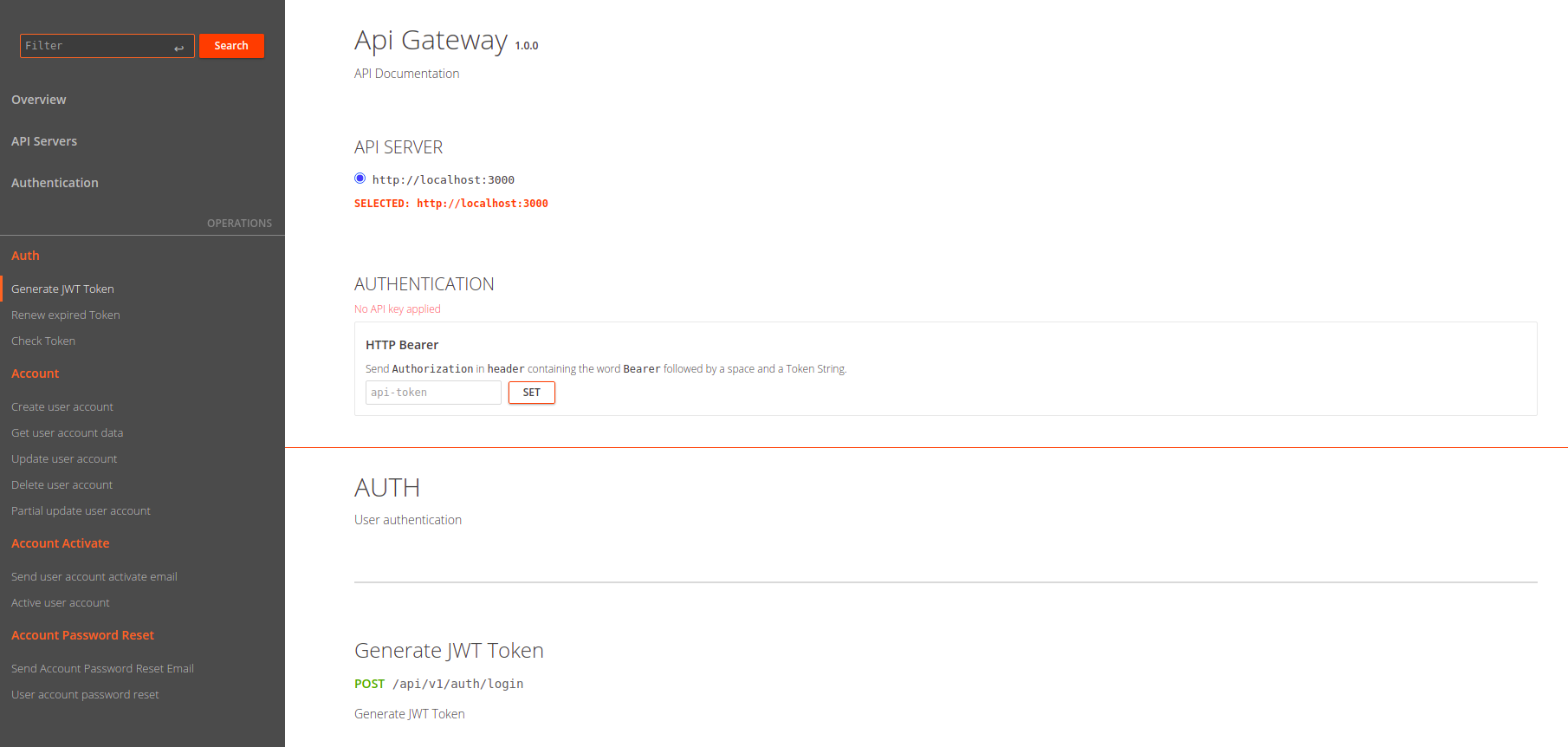
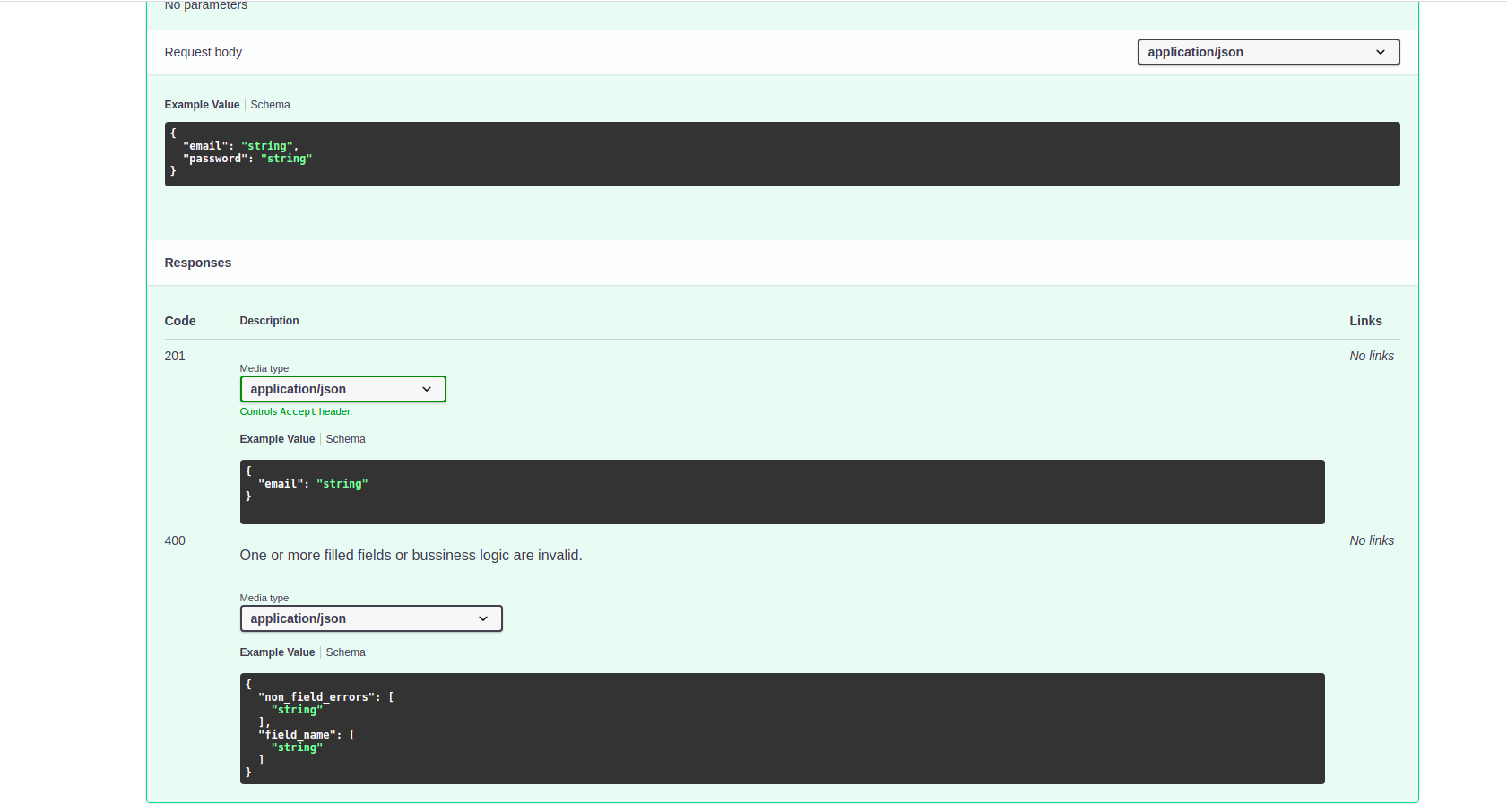
Check Result
- Access urls:
/redoc/rapidoc/swagger
1 maintainer

Metadata
1 maintainer
Release files for djangorest-openapi-utils 0.1.1
For a detailed explanation of source distributions (sdists) and built distributions (wheels), please see the package formats documentation.
Source distribution (sdist)
| File | Size | Uploaded | Provenance | Actions |
|---|---|---|---|---|
| djangorest-openapi-utils-0.1.1.tar.gz | 10.0 kB | Without provenance | Details for djangorest-openapi-utils-0.1.1.tar.gz |
Release files / djangorest-openapi-utils-0.1.1.tar.gz
| Download URL | djangorest-openapi-utils-0.1.1.tar.gz |
|---|---|
| Size | 10.0 kB |
| Tags | Source |
|
SHA-256 checksum How to use checksums |
234755a875a0e877d7e8e1ab2cd8e95e8ac0e01af2ef1594d83f5f5c3980fab0
|
|
BLAKE2b-256 checksum How to use checksums |
603f8ef213cdfd9bfdf7d8286f6b0fab5e60c3fdc5186d86cd41a3ecc4db1e37
|
| Upload date | |
|
Uploaded using Trusted Publishing? What is trusted publishing? |
No |
| Uploaded via |
twine/3.4.1 importlib_metadata/4.6.1 pkginfo/1.7.1 requests/2.22.0 requests-toolbelt/0.9.1 tqdm/4.61.2 CPython/3.8.10
|
Security for djangorest-openapi-utils 0.1.1
Provenance
Provenance describes where a file came from. On PyPI, provenance is shared via attestations, which provide a verifiable record of the build or publishing details. View details, limitations and caveats.
No provenance found
None of the files in this release were uploaded with provenance metadata.
A note on package security
PyPI is a repository for distributing packages, not a service for auditing them. While third-party security researchers and our staff do their best to detect and remove malicious packages, PyPI cannot guarantee the quality, security or suitability of any given package.
To learn more about protecting yourself from malicious actors, visit our package security documentation.














