
dStats
dStats is a real-time web-based monitoring tool that provides performance stats for Docker containers and visualizes their network connectivity graph.
Run the Python pip package
pip install dStats
Run the server:
dStats.server
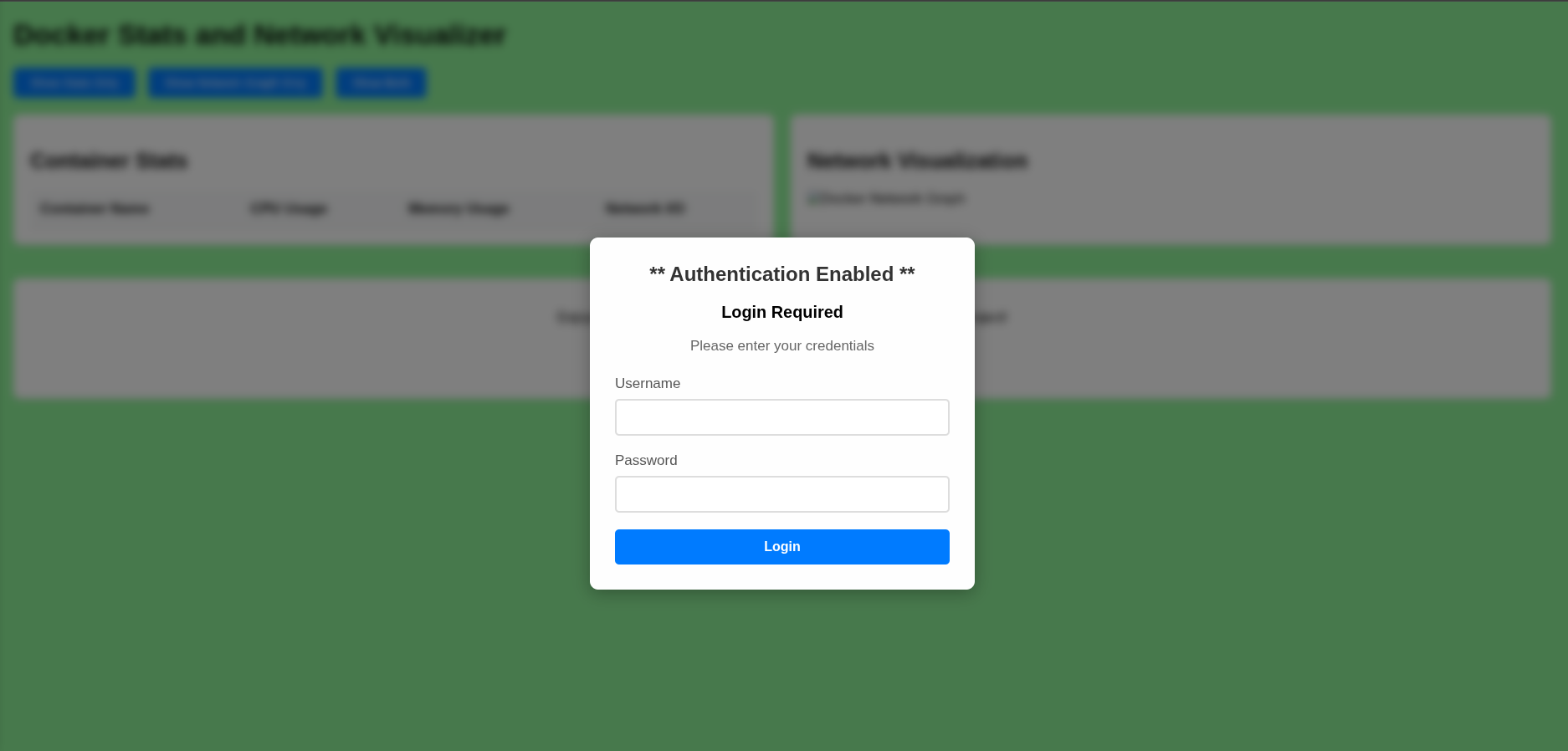
With Basic Authentication(Good for security)
USE_AUTH=true AUTH_USERNAME=<your_username> AUTH_PASSWORD=<your_password> dStats.server
Access the Application(Running on port 2743)
- Open your browser and go to:
http://localhost:2743
Example UI
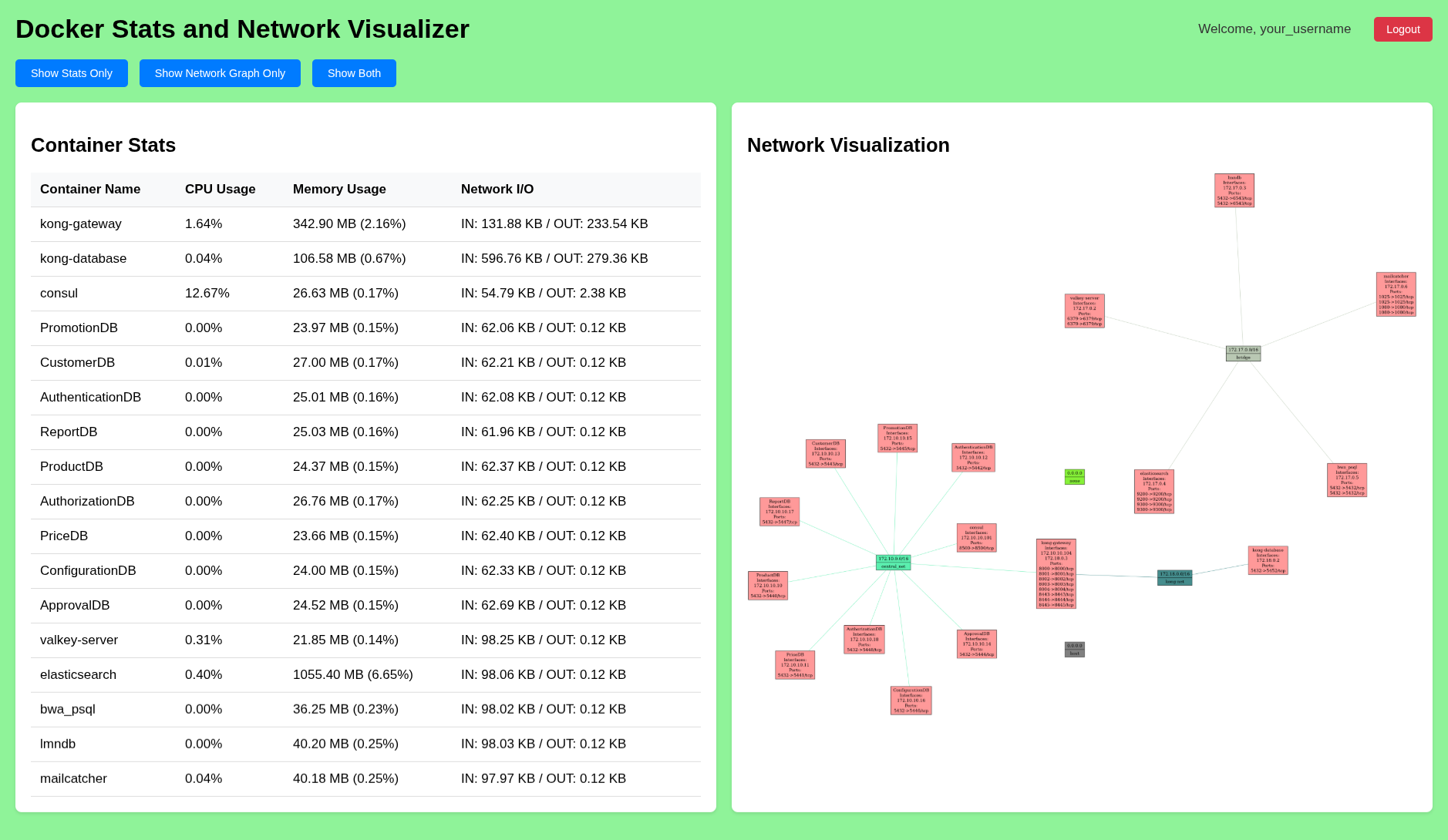
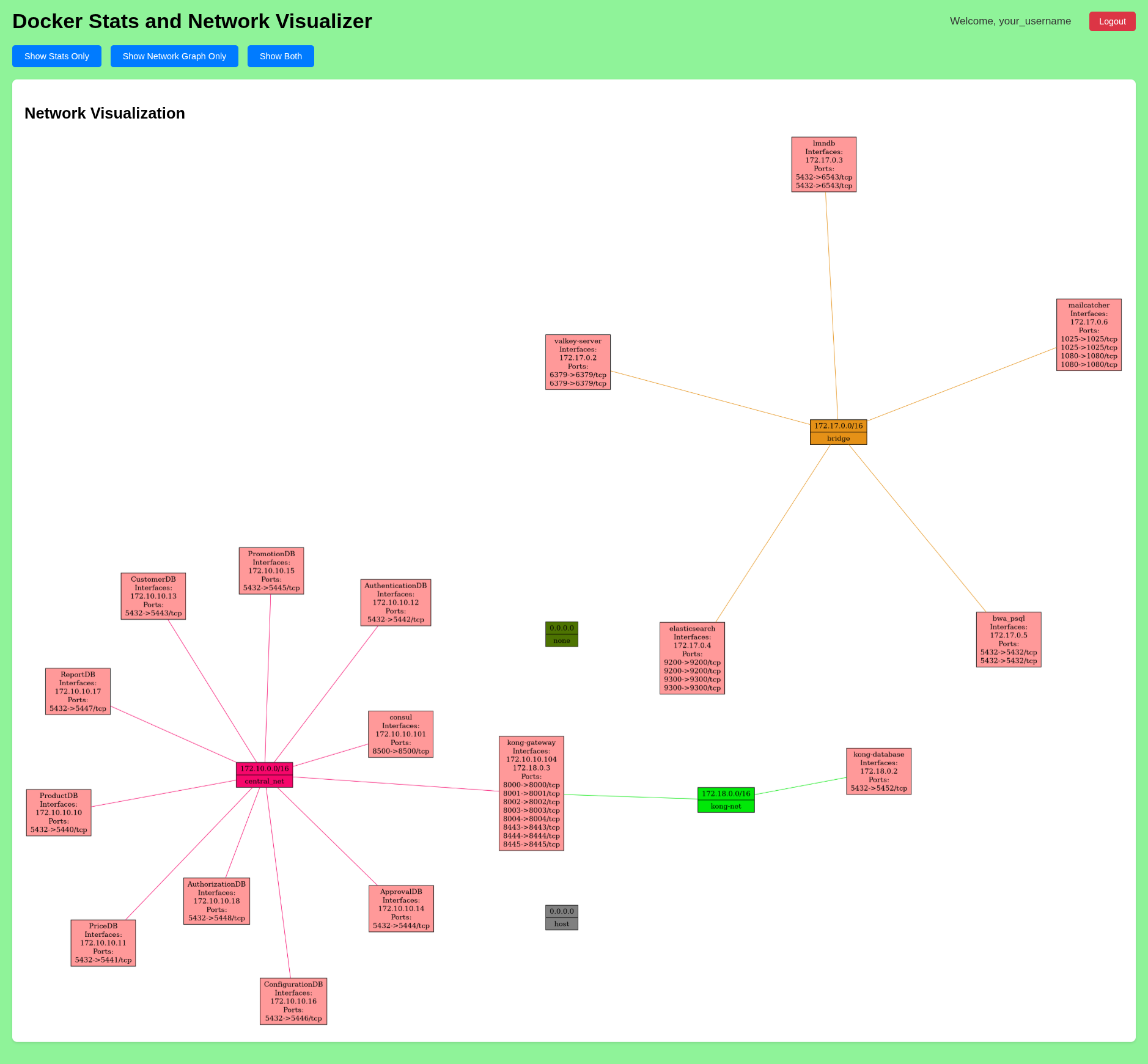
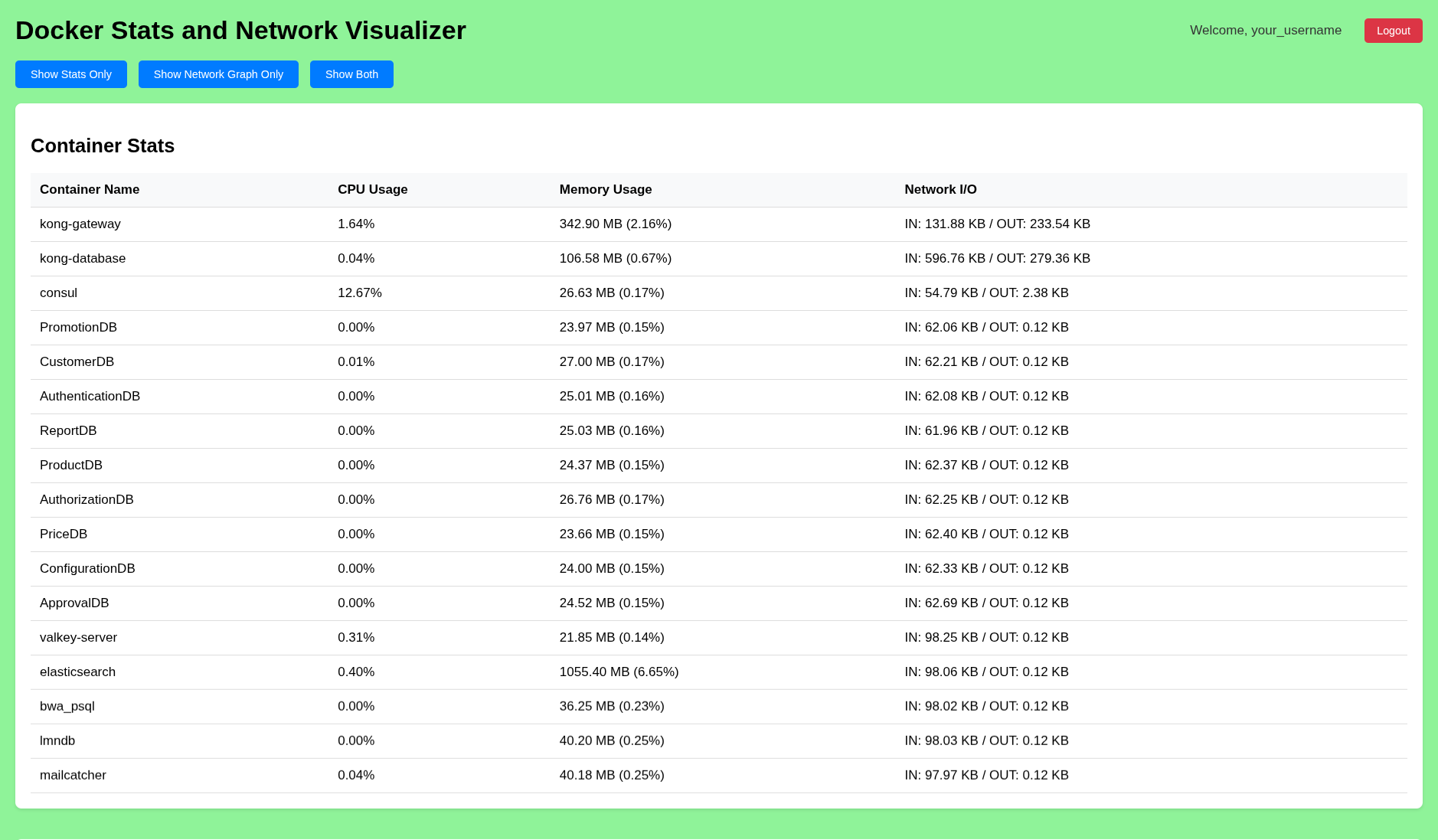
Here, you’ll find:
- Container Stats: Real-time CPU, memory, and network I/O usage.
- Network Graph: Visualization of container interconnections.
Note: To run continuously you can create a systemd service or use the docker image
Contribute to dStats Project
Thank you for considering contributing to dStats! We appreciate all efforts, big or small, to help improve the project
1 maintainer

Metadata
1 maintainer
Release files for dStats 1.0.7
For a detailed explanation of source distributions (sdists) and built distributions (wheels), please see the package formats documentation.
Source distribution (sdist)
| File | Size | Uploaded | |
|---|---|---|---|
| dstats-1.0.7.tar.gz | 26.6 kB | Details |
Built distribution (wheel)
| File | Interpreter | ABI | Platform | Reset |
|---|---|---|---|---|
| dstats-1.0.7-py3-none-any.whl | Python 3 | none | any | Details |
Total release size: 56.0 kB
Release files / dstats-1.0.7.tar.gz
| Download URL | dstats-1.0.7.tar.gz |
|---|---|
| Size | 26.6 kB |
| Tags | Source |
|
SHA-256 checksum How to use checksums |
a47033ab466aaa49ae4c54fc7484062cb7f304e3a3ff54a5955121bc1516be69
|
|
BLAKE2b-256 checksum How to use checksums |
af87a2b3eae632a9639a569ee8237914d570b334e11d1a416bee1ecda9ca8d96
|
| Upload date | |
|
Uploaded using Trusted Publishing? What is trusted publishing? |
No |
| Uploaded via |
twine/6.2.0 CPython/3.13.7
|
Release files / dstats-1.0.7-py3-none-any.whl
| Download URL | dstats-1.0.7-py3-none-any.whl |
|---|---|
| Size | 29.3 kB |
| Tags | Python 3 |
|
SHA-256 checksum How to use checksums |
1f4f7e42d546d08b9f74f46d4856c750fe5044f43fcc6563b41cec410af6a181
|
|
BLAKE2b-256 checksum How to use checksums |
8832319627658126604491638e0b0550f9d7843c6d1d93bbfac9e8befd890aad
|
| Upload date | |
|
Uploaded using Trusted Publishing? What is trusted publishing? |
No |
| Uploaded via |
twine/6.2.0 CPython/3.13.7
|














