
💉 electron-inject
You find yourself locked out of closed source electron applications with no easy way to enable developer tools? ↷ electron-inject is here to help 👲
electron-inject is an application wrapper that utilizes the remote debug console to inject javascript code into electron based applications. For example, this can be pretty handy to enable otherwise unavailable features like the built-in developer console.
install
$ pip install electron-inject
or
$ python setup.py install
usage
$ python -m electron_inject --help
Usage:
    usage:
           electron_inject [options] - <electron application>

    example:
           electron_inject --enable-devtools-hotkeys - /path/to/electron/powered/application [--app-params app-args]


Options:
  -h, --help            show this help message and exit
  -d, --enable-devtools-hotkeys
                        Enable Hotkeys F12 (Toggle Developer Tools) and F5
                        (Refresh) [default: False]
  -b, --browser         Launch Devtools in default browser. [default: False]
  -t TIMEOUT, --timeout=TIMEOUT
                        Try hard to inject for the time specified [default:
                        none]
  -r RENDER_SCRIPTS, --render-script=RENDER_SCRIPTS
                        Add a script to be injected into each window (render
                        thread)
Showcase
Inject hotkeys F12:toggle devconsole and F5:reload into closed source apps with devconsole disabled.
--enable-devtools-hotkeys .. enable developer hotkeys
--timeout=xx .. patch all known remote webContent/windows in a timeframe of xx seconds. set this to an arbitrary high value to make sure we're patching all future windows.
$ python -m electron_inject -d -t 60 - \\PATH\TO\Local\WhatsApp\app-0.2.2244\WhatsApp.exe
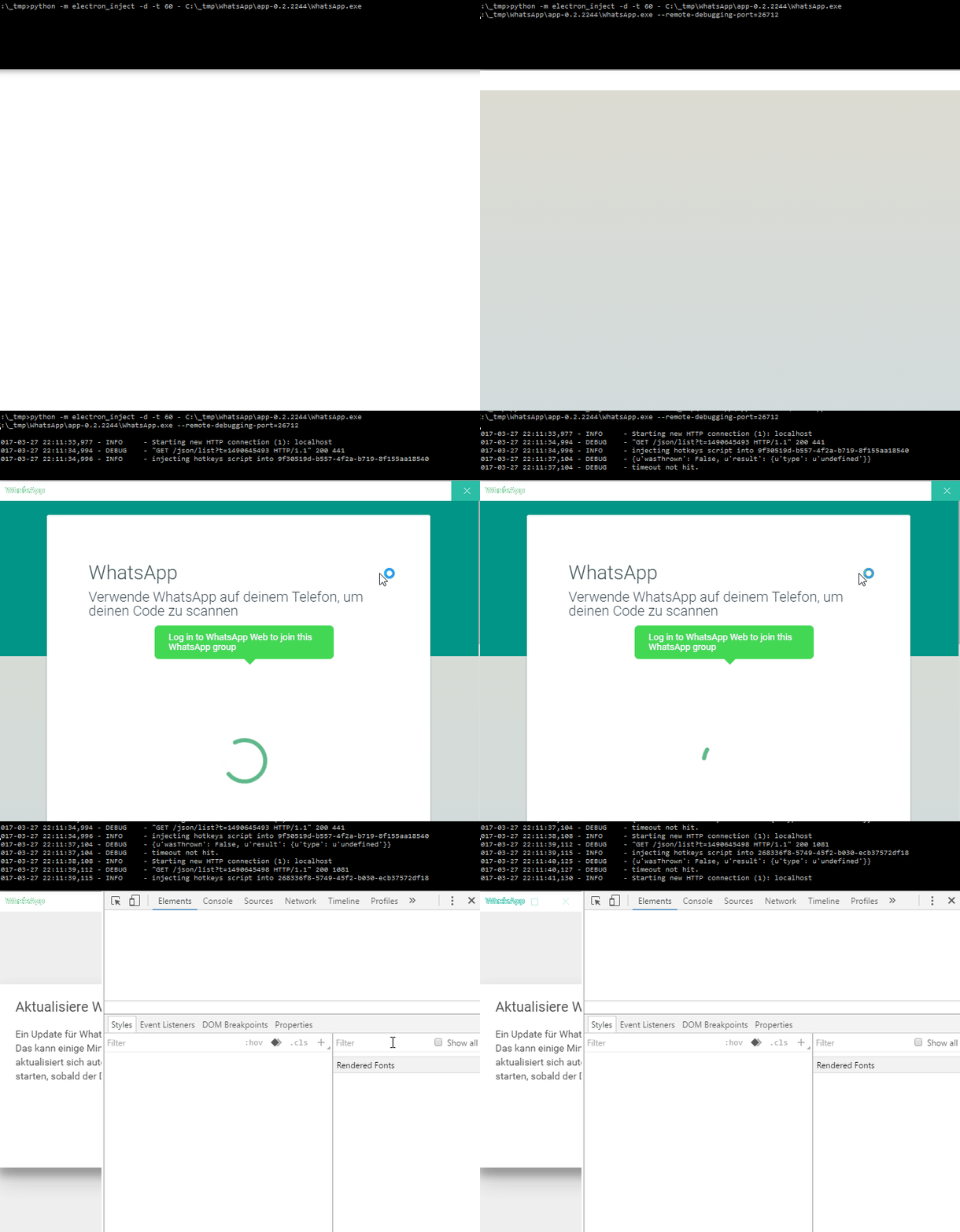
If this gives you an error try launching it with the alternative browser method:
$ python -m electron_inject --browser - \PATH\TO\Local\WhatsApp\app-0.2.2244\WhatsApp.exe
slack
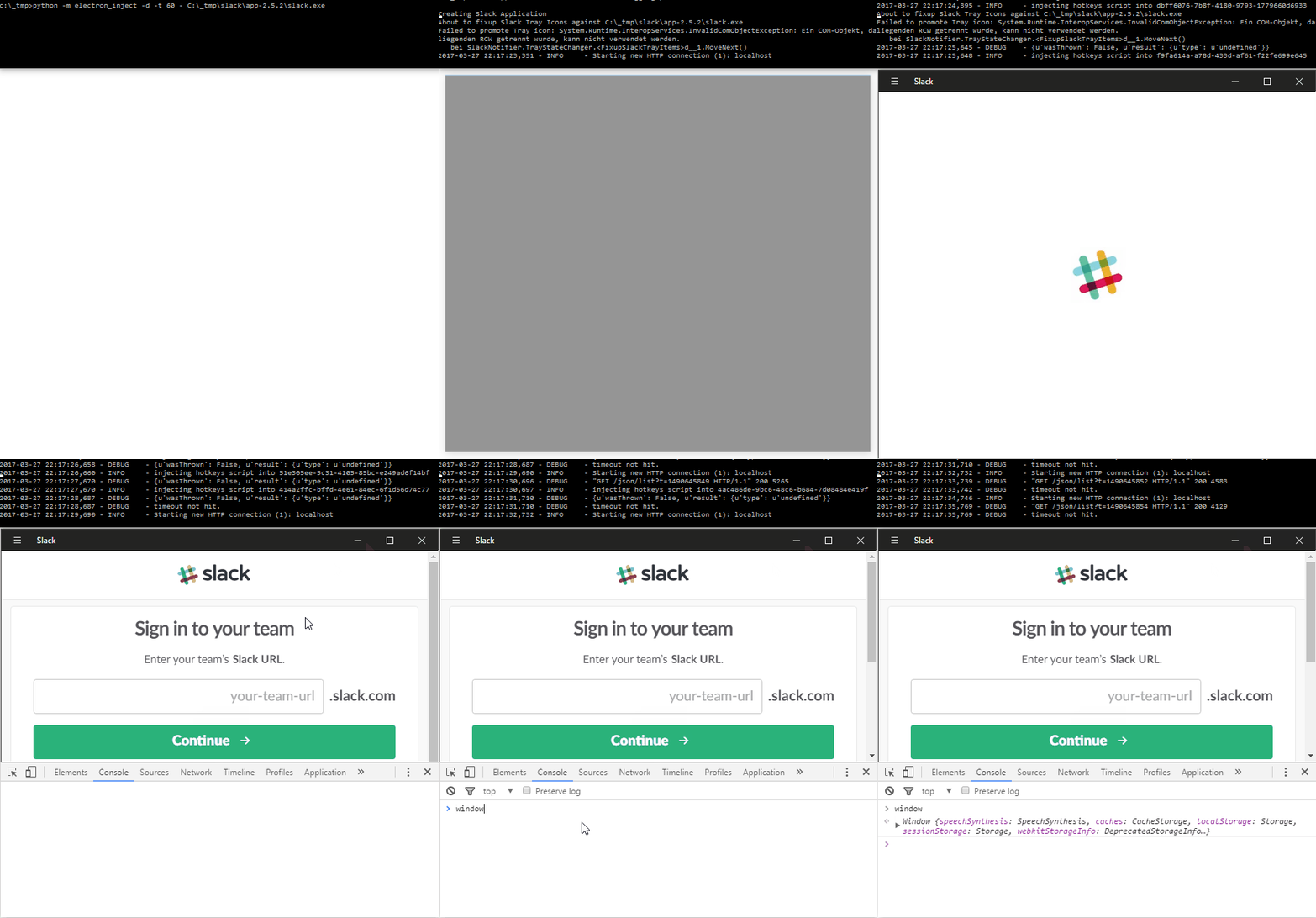
$ python -m electron_inject -d -t 60 - \\PATH\TO\Local\slack\app-2.5.2\slack.exe
Render Scripts
Passing the -r file parameter allows to pass a list of scripts to be injected into the render thread. It does not follow imports, just evaluate the text
python -m electron_inject -r ./test.js -r ~/test2.js -r /usr/bin/test3.js - /opt/electron-api-demos/Electron\ API\ Demos
Acknowledgments
- NathanPB - #7
1 maintainer

Metadata
1 maintainer
Release files for electron-inject 0.7
For a detailed explanation of source distributions (sdists) and built distributions (wheels), please see the package formats documentation.
Source distribution (sdist)
| File | Size | Uploaded | |
|---|---|---|---|
| electron-inject-0.7.tar.gz | 5.4 kB | Details |
Release files / electron-inject-0.7.tar.gz
| Download URL | electron-inject-0.7.tar.gz |
|---|---|
| Size | 5.4 kB |
| Tags | Source |
|
SHA-256 checksum How to use checksums |
026eeeb39738020cc8d0de5ed2198dd5763ed7367e9346d626530b6893cc6678
|
|
BLAKE2b-256 checksum How to use checksums |
f67a5a2ee4995f46fed7da03e8f8dcb4369049413c1e4a846263d05ee92f8aa6
|
| Upload date | |
|
Uploaded using Trusted Publishing? What is trusted publishing? |
No |
| Uploaded via |
twine/3.6.0 importlib_metadata/4.8.2 pkginfo/1.8.1 requests/2.25.1 requests-toolbelt/0.9.1 tqdm/4.60.0 CPython/3.9.8
|














