
Facematch




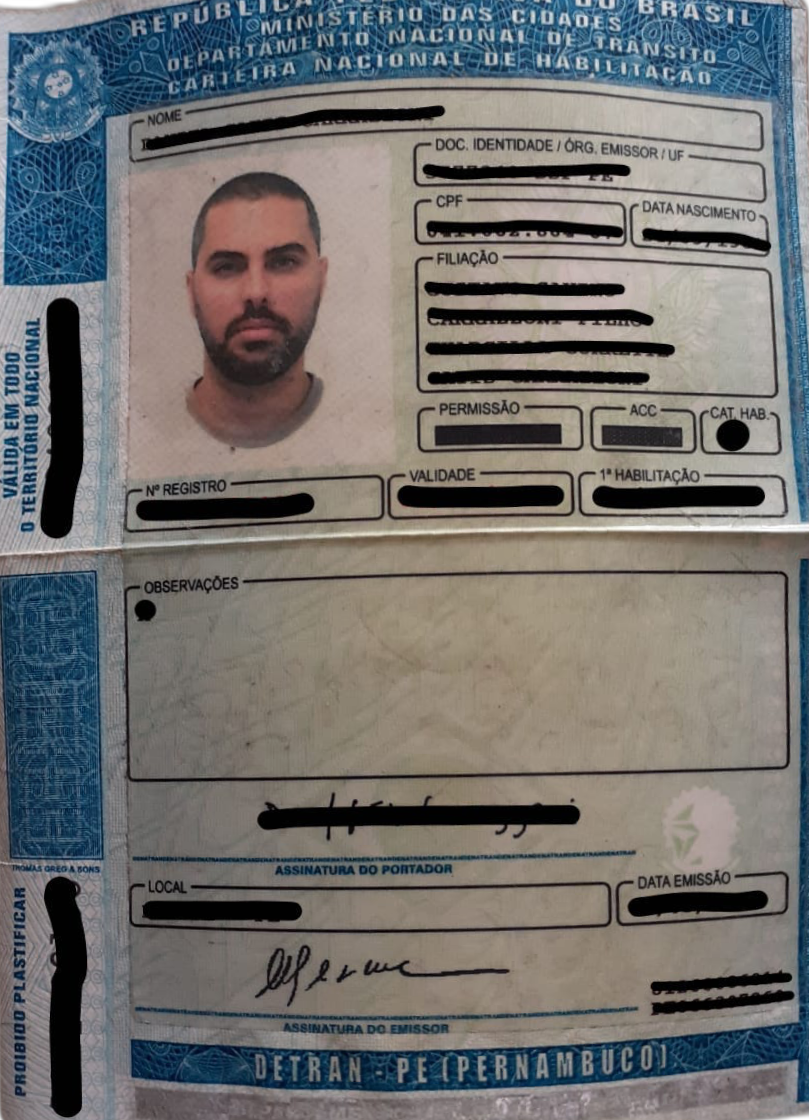
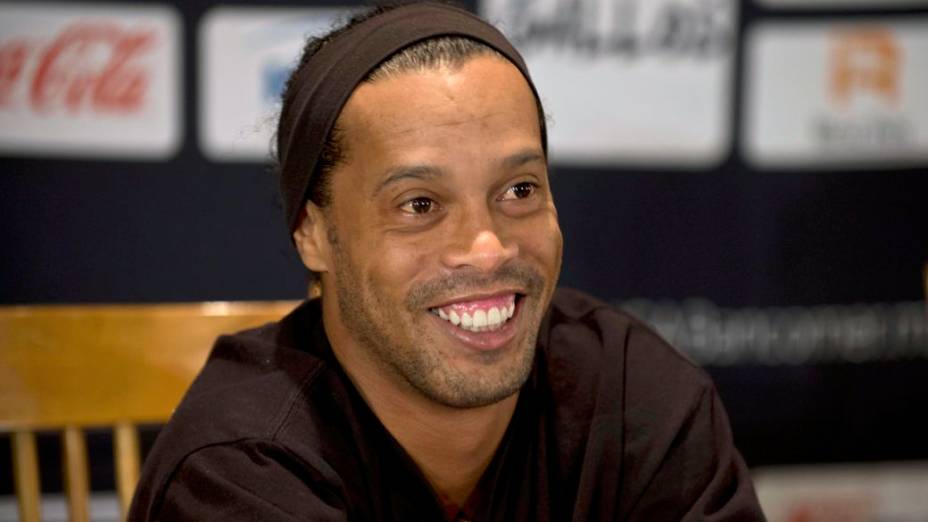
Facematch is a tool to verifies if two photos contain the same person.
| input1 | input2 | output | result |
 |
 |
 |
{"match": true, "distance": 0.38913072553055295} |
 |
|
 |
{"match": true, "distance": 0.5131670729305189} |
|
|
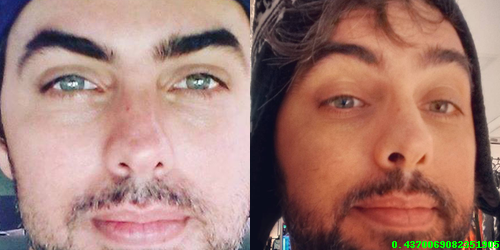 |
{"match": true, "distance": 0.4370069082351905} |
 |
|
 |
{"match": false, "distance": 0.7838337220196059} |
|
|
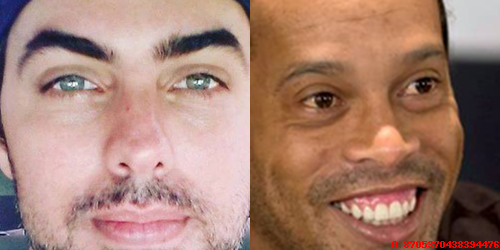 |
{"match": false, "distance": 0.8705370438394476} |
Installation
Install it from pypi
pip install facematch
Usage as a cli
Without output image
facematch input1.png input2.png
With output image
facematch -o output.png input1.png input2.png
Usage as a library
In app.py
    from facematch.face import match

    f = open('img1.png', 'rb')
    data1 = f.read()
    f.close()

    f = open('img2.png', 'rb')
    data2 = f.read()
    f.close()

    result, distance, data = match(data1, data2)

    f = open('out.png', 'wb')
    f.write(data)
    f.close()

    print(distance)
    print(result)
Then run
python app.py
License
Copyright (c) 2020-present Daniel Gatis
Licensed under MIT License
1 maintainer

Metadata
1 maintainer
Release files for facematch 1.0.1
For a detailed explanation of source distributions (sdists) and built distributions (wheels), please see the package formats documentation.
Source distribution (sdist)
| File | Size | Uploaded | |
|---|---|---|---|
| facematch-1.0.1.tar.gz | 5.6 kB | Details |
Release files / facematch-1.0.1.tar.gz
| Download URL | facematch-1.0.1.tar.gz |
|---|---|
| Size | 5.6 kB |
| Tags | Source |
|
SHA-256 checksum How to use checksums |
5328eb698d5ad7da9c489fe996e03456e67d824ac354561cf5fbb8adff8d04e9
|
|
BLAKE2b-256 checksum How to use checksums |
ef1e92d4ac3992d8e20a4ba49b810aa3d000059fdee31aaf6d893f57518b9c1e
|
| Upload date | |
|
Uploaded using Trusted Publishing? What is trusted publishing? |
No |
| Uploaded via |
twine/3.2.0 pkginfo/1.5.0.1 requests/2.24.0 setuptools/47.1.0 requests-toolbelt/0.9.1 tqdm/4.48.2 CPython/3.8.5
|














