
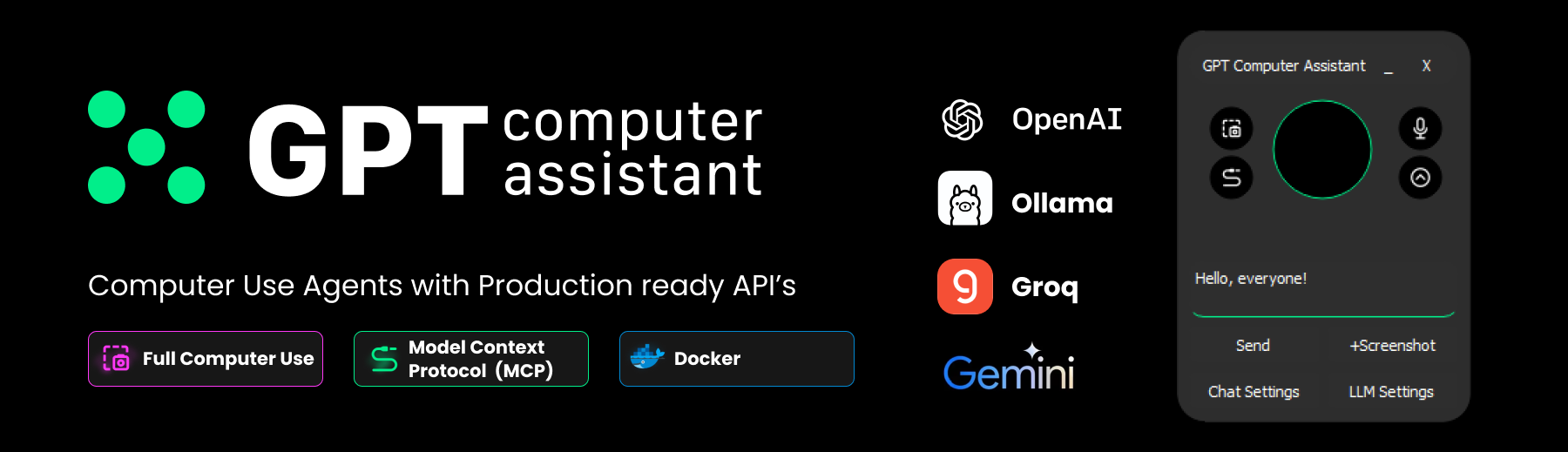
What is GCA?
Hi, this is an open source framework to build vertical AI agent. We just support many llms and new technologies like mcp. You can build your own vertical ai agent army in few commands with the stucturized API.





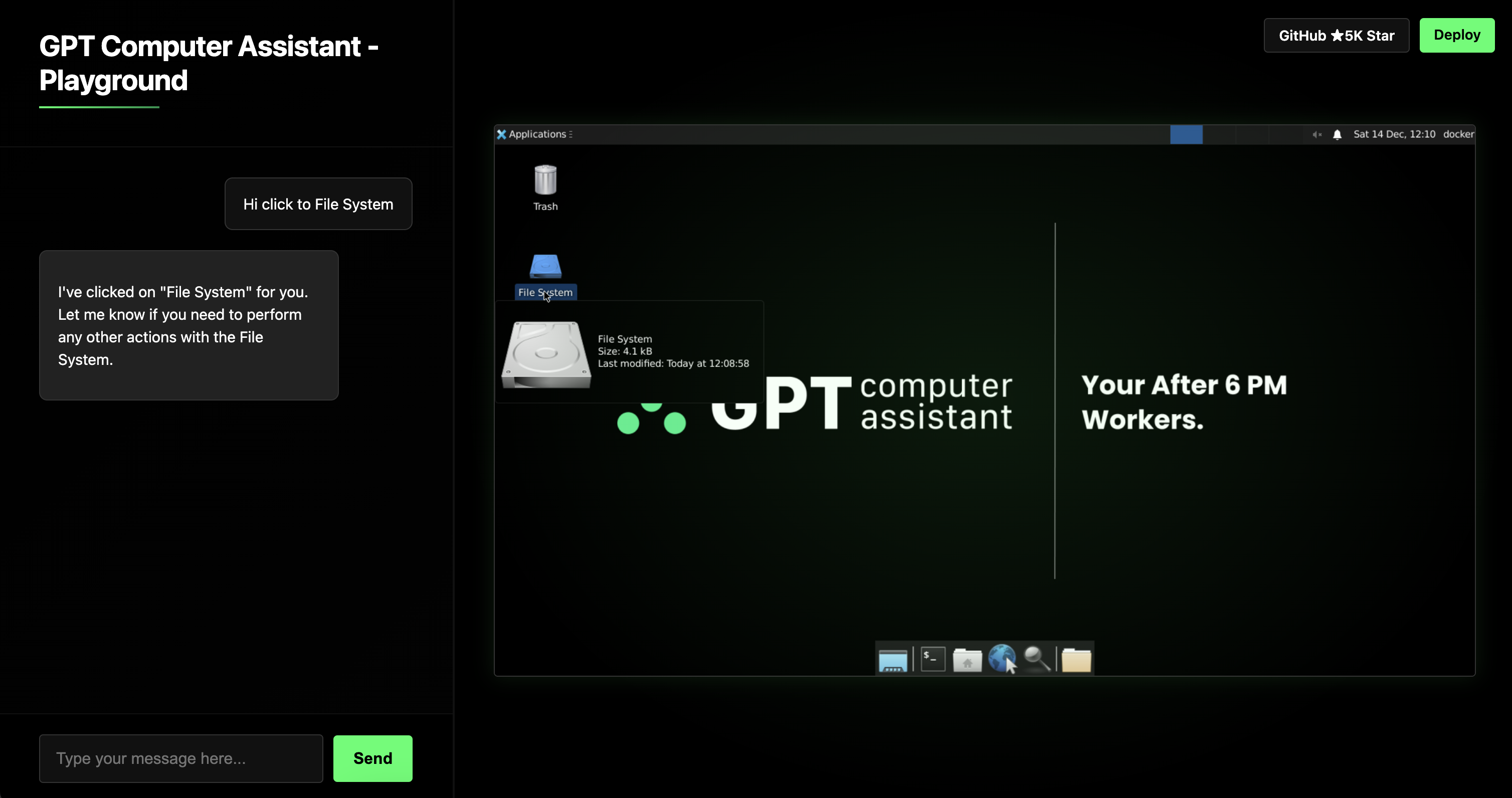
Playground of GCA | NEW
With playground.gca.dev you are ready to test and create your own strategies for creating an Vertical AI Agent.
- Playground sessions limited to 10 minute.
GPT Computer Assistant(GCA)
GCA is an AI agent framework designed to make computer use across Windows, macOS, and Ubuntu. GCA enables you to replace repetitive, small-logic-based tasks worker to an AI. There is an really important potential that we believe. Whether you’re a developer, analyst, or IT professional, GCA can empower you to accomplish more in less time.
Imagine this:
- Extract the tech stacks of xxx Company | Sales Development Representer
- Identify Relevant tables for Analysis for xxx | Data Analytics
- Check the logs to find core cause of this incident | Technical Support Engineer
- Making CloudFlare Security Settings | Security Specialist
These examples shows how GCA is realize the concept of Vertical AI Agents solutions that not only replicate human tasks, GCA also in the beyond of human speed at same cases.
How GCA Works?
GCA is a Python-based project that runs on multiple operating systems, including Windows, macOS, and Ubuntu. It integrates external concepts, like the Model Context Protocol (MCP), along with its own modules, to interact with and control a computer efficiently. The system performs both routine and advanced tasks by mimicking human-like actions and applying computational precision.
1. Human-like Actions:
GCA can replicate common user actions, such as:
- Clicking: Interact with buttons or other UI elements.
- Reading: Recognize and interpret text on the screen.
- Scrolling: Navigate through documents or web pages.
- Typing: Enter text into forms or other input fields.
2. Advanced Capabilities:
Through MCP and GCA’s own modules, it achieves tasks that go beyond standard human interaction, such as:
- Updating dependencies of a project in seconds.
- Analyzing entire database tables to locate specific data almost instantly.
- Automating cloud security configurations with minimal input.
Prequisites
- Python 3.10
Using GCA.dev Cloud
Installation
pip install gpt-computer-assistant
Single Instance:
from gpt_computer_assistant import Cloud, Task, TypeVerifier

# Starting instance
agent = Cloud.agent()


# Run task
star_number = agent.run(
    Task(
        "Extract the github star number of https://github.com/Upsonic/gpt-computer-assistant",
        TypeVerifier("integer")
    )
)
print(star_number)


agent.close()
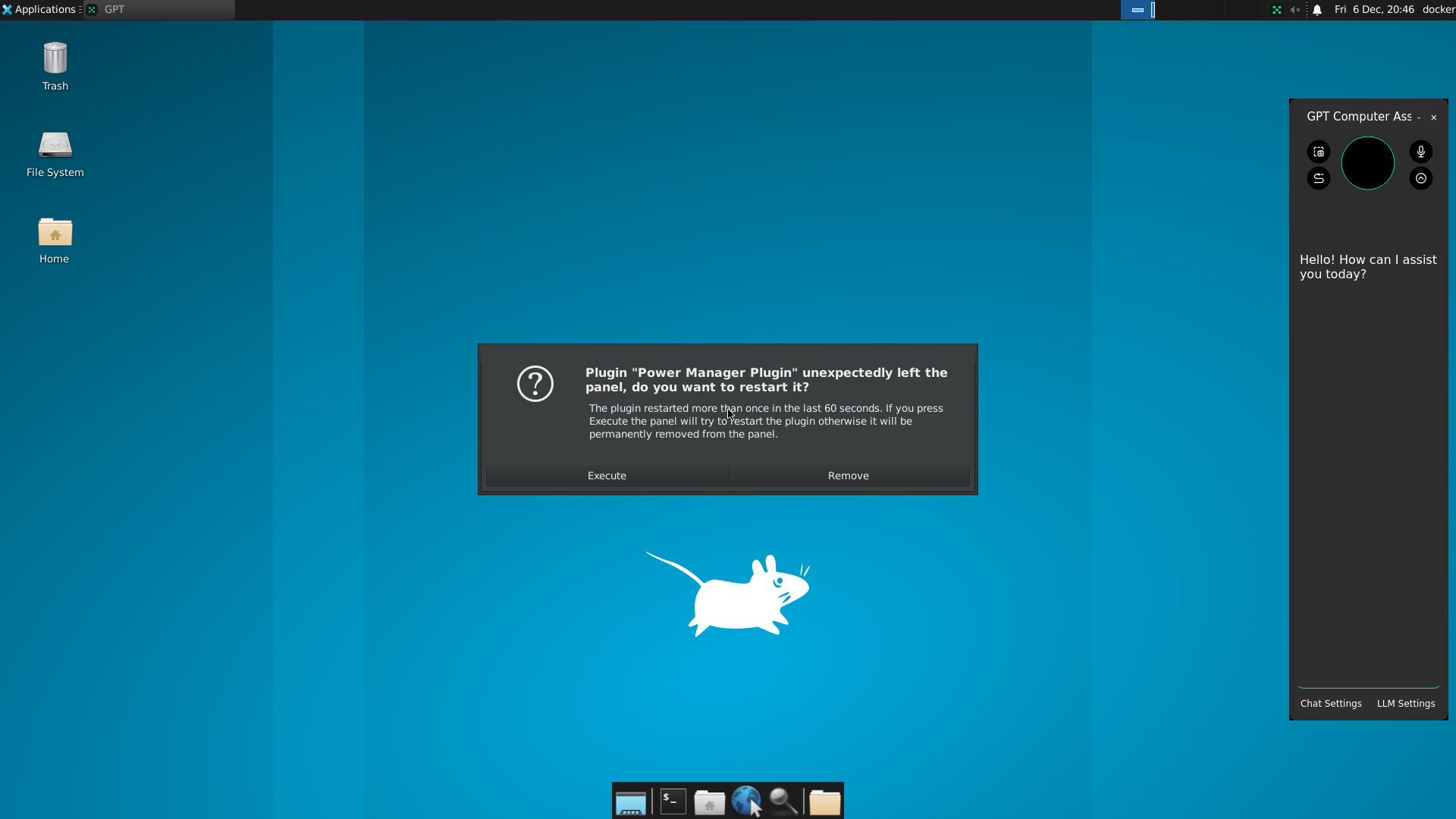
Self-Hosted GCA Server
Docker
Pulling Image
- If you are using ARM computer like M Chipset macbooks you should use ARM64 at the end.
docker pull upsonic/gca_docker_ubuntu:dev0-AMD64
Starting container
docker run -d -p 5901:5901 -p 7541:7541 upsonic/gca_docker_ubuntu:dev0-AMD64
LLM Settings&Using
from gpt_computer_assistant import docker

# Starting instance
agent = docker.agent("http://localhost:7541/")

# Connecting to OpenAI and Anthropic
agent.client.save_model("gpt-4o")
agent.client.save_openai_api_key("sk-**")
agent.client.save_anthropic_api_key("sk-**")

# Asking and getting result
result = agent.request("Extract the tech stacks of gpt-computer-assitant Company", "i want a list")
print(result)

agent.close()
Local
Installation
pip install 'gpt-computer-assistant[base]'
pip install 'gpt-computer-assistant[api]'
LLM Settings&Using
from gpt_computer_assistant import local

# Starting agent
agent = local.agent()

# Connecting to OpenAI and Anthropic
agent.client.save_model("gpt-4o")
agent.client.save_openai_api_key("sk-**")
agent.client.save_anthropic_api_key("sk-**")

# Asking and getting result
result = agent.request("Extract the tech stacks of gpt-computer-assitant Company", "i want a list")
print(result)

agent.close()
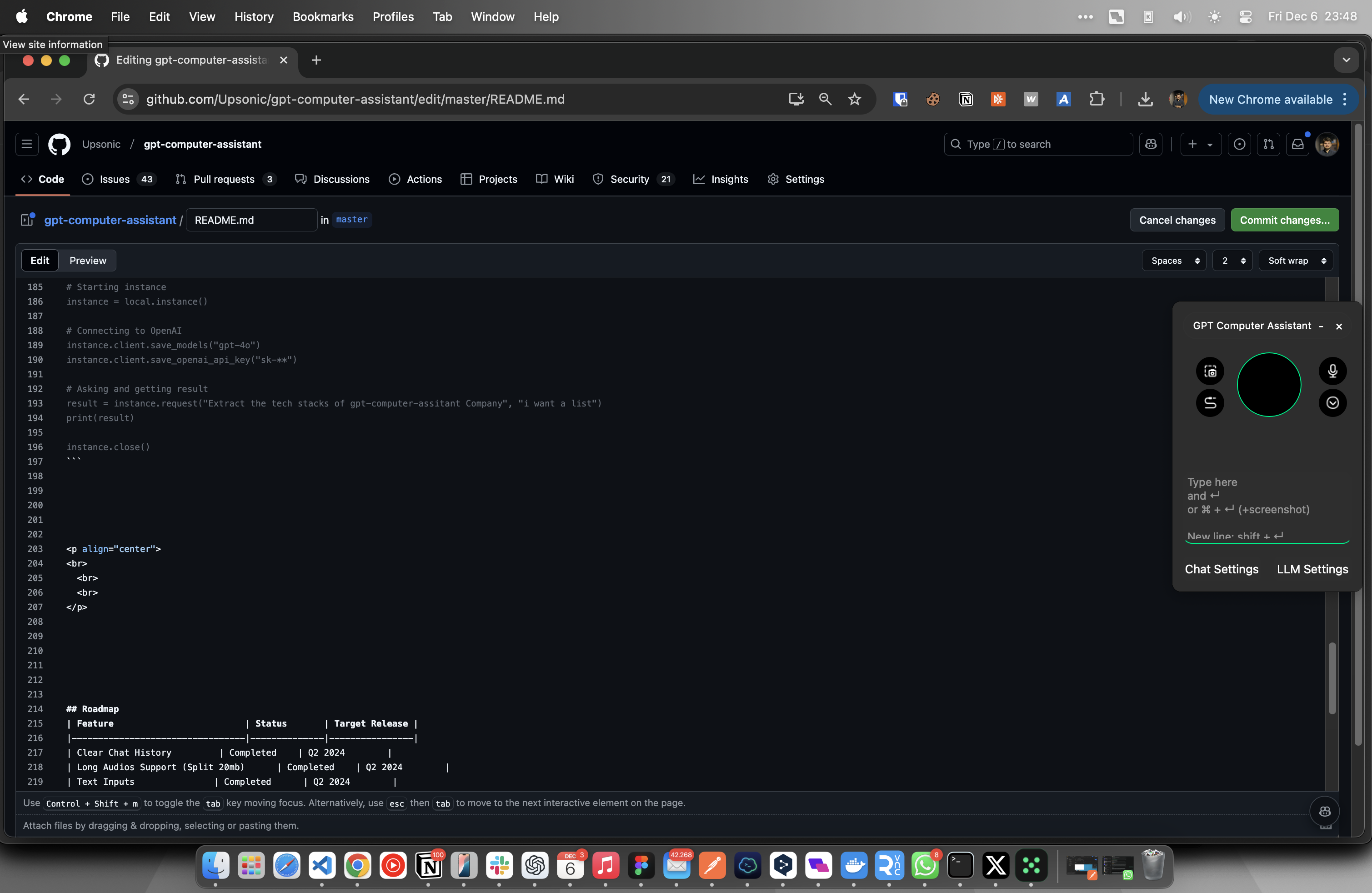
Adding Custom MCP Server to GCA
instance.client.add_mcp_server("websearch", "npx", ["-y", "@mzxrai/mcp-webresearch"])
Roadmap
| Feature | Status | Target Release |
|---|---|---|
| Clear Chat History | Completed | Q2 2024 |
| Long Audios Support (Split 20mb) | Completed | Q2 2024 |
| Text Inputs | Completed | Q2 2024 |
| Just Text Mode (Mute Speech) | Completed | Q2 2024 |
| Added profiles (Different Chats) | Completed | Q2 2024 |
| More Feedback About Assistant Status | Completed | Q2 2024 |
| Local Model Vision and Text (With Ollama, and vision models) | Completed | Q2 2024 |
| Our Customizable Agent Infrastructure | Completed | Q2 2024 |
| Supporting Groq Models | Completed | Q2 2024 |
| Adding Custom Tools | Completed | Q2 2024 |
| Click on something on the screen (text and icon) | Completed | Q2 2024 |
| New UI | Completed | Q2 2024 |
| Native Applications, exe, dmg | Completed | Q3 2024 |
| Collaborated Speaking Different Voice Models on long responses. | Completed | Q2 2024 |
| Auto Stop Recording, when you complate talking | Completed | Q2 2024 |
| Wakeup Word | Completed | Q2 2024 |
| Continuously Conversations | Completed | Q2 2024 |
| Adding more capability on device | Completed | Q2 2024 |
| Local TTS | Completed | Q3 2024 |
| Local STT | Completed | Q3 2024 |
| Tray Menu | Completed | Q3 2024 |
| New Line (Shift + Enter) | Completed | Q4 2024 |
| Copy Pasting Text Compatibility | Completed | Q4 2024 |
| Global Hotkey | On the way | Q3 2024 |
| DeepFace Integration (Facial Recognition) | Planned | Q3 2024 |
Capabilities
At this time we have many infrastructure elements. We just aim to provide whole things that already in ChatGPT app.
| Capability | Status |
|---|---|
| Local LLM with Vision (Ollama) | OK |
| Local text-to-speech | OK |
| Local speech-to-text | OK |
| Screen Read | OK |
| Click to and Text or Icon in the screen | OK |
| Move to and Text or Icon in the screen | OK |
| Typing Something | OK |
| Pressing to Any Key | OK |
| Scrolling | OK |
| Microphone | OK |
| System Audio | OK |
| Memory | OK |
| Open and Close App | OK |
| Open a URL | OK |
| Clipboard | OK |
| Search Engines | OK |
| Writing and running Python | OK |
| Writing and running SH | OK |
| Using your Telegram Account | OK |
| Knowledge Management | OK |
| Add more tool | ? |
Predefined Agents
If you enable it your assistant will work with these teams:
| Team Name | Status |
|---|---|
| search_on_internet_and_report_team | OK |
| generate_code_with_aim_team_ | OK |
| Add your own one | ? |
Contributors

1 maintainer

Metadata
1 maintainer
Release files for gcadev 0.28.3
For a detailed explanation of source distributions (sdists) and built distributions (wheels), please see the package formats documentation.
Source distribution (sdist)
| File | Size | Uploaded | Provenance | |
|---|---|---|---|---|
| gcadev-0.28.3.tar.gz | 2.0 MB | Without provenance | Details |
Release files / gcadev-0.28.3.tar.gz
| Download URL | gcadev-0.28.3.tar.gz |
|---|---|
| Size | 2.0 MB |
| Tags | Source |
|
SHA-256 checksum How to use checksums |
82371f6a5236845e855603d3313f38deb33a4372177da115d2e7e8a74b126970
|
|
BLAKE2b-256 checksum How to use checksums |
0f9256feb3df431a69c996165853568db3d80205c5b051a34bcb39608e0e9cdd
|
| Upload date | |
|
Uploaded using Trusted Publishing? What is trusted publishing? |
No |
| Uploaded via |
twine/6.0.1 CPython/3.8.18
|
Security for gcadev 0.28.3
Provenance
Provenance describes where a file came from. On PyPI, provenance is shared via attestations, which provide a verifiable record of the build or publishing details. View details, limitations and caveats.
No provenance found
None of the files in this release were uploaded with provenance metadata.
A note on package security
PyPI is a repository for distributing packages, not a service for auditing them. While third-party security researchers and our staff do their best to detect and remove malicious packages, PyPI cannot guarantee the quality, security or suitability of any given package.
To learn more about protecting yourself from malicious actors, visit our package security documentation.














