
Google Earth Engine Batch Asset Manager with Addons




Powerful CLI tools for batch asset management in Google Earth Engine
Documentation • Installation • Quick Start • Features
Overview
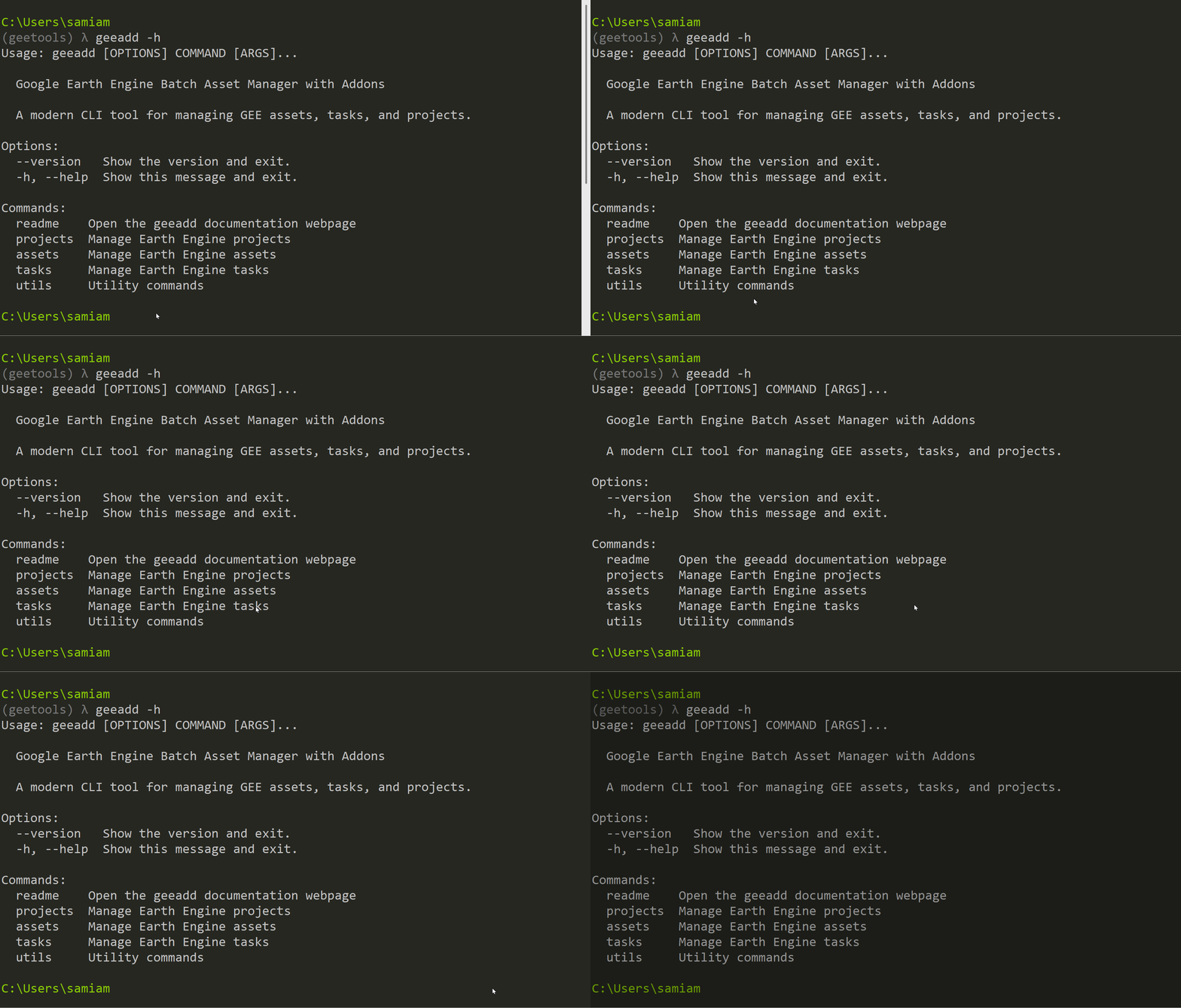
geeadd (Google Earth Engine Asset Manager with Addons) is a comprehensive command-line tool that extends the official Earth Engine CLI with powerful batch operations and asset management capabilities. Whether you're managing quotas, organizing assets, or performing bulk operations, geeadd streamlines your Earth Engine workflows.
Features
- Project Management: Monitor quotas, track enabled projects, generate interactive dashboards
- Asset Operations: Batch copy, move, delete, and manage permissions recursively
- Task Management: List, monitor, and cancel Earth Engine tasks efficiently
- Utilities: Search catalogs, extract app scripts, generate reports, create color palettes
- Modern CLI: Organized command groups with intuitive syntax
- Performance: Multi-threaded operations for handling large asset collections
Installation
Requirements
- Python 3.10+
- Earth Engine Python API (authenticated)
Install via pip
pip install geeadd
Install from source
git clone https://github.com/samapriya/gee_asset_manager_addon.git
cd gee_asset_manager_addon
pip install .
Verify installation
geeadd --version
Quick Start
Authenticate with Earth Engine
earthengine authenticate
Check your quota
geeadd projects quota
List your enabled projects
geeadd projects enabled
Copy assets recursively
geeadd assets copy --initial "users/me/folder" --final "users/me/backup"
Monitor tasks
geeadd tasks list
Command Structure
Version 2.0.0 introduces organized command groups for better discoverability:
geeadd
├── projects     # Project and quota management
│   ├── quota
│   ├── enabled
│   └── dashboard
├── assets       # Asset operations
│   ├── info
│   ├── copy
│   ├── move
│   ├── delete
│   ├── delete-meta
│   ├── access
│   └── size
├── tasks        # Task management
│   ├── list
│   └── cancel
└── utils        # Utility commands
    ├── search
    ├── app2script
    ├── report
    └── palette
🔄 Migration from v1.x
If you're upgrading from version 1.2.1 or earlier, commands have been reorganized into logical groups. See the migration guide for details.
Example changes:
geeadd quota→geeadd projects quotageeadd copy→geeadd assets copygeeadd tasks→geeadd tasks list
Documentation
Comprehensive documentation is available at geeadd.geetools.xyz
The documentation includes:
- Detailed command references
- Real-world workflow examples
- Best practices and troubleshooting
- Interactive examples
Common Use Cases
Monitor project storage
# Generate an interactive dashboard
geeadd projects dashboard --outdir ./dashboard.html

# Check specific project quota
geeadd projects quota --project "projects/my-project"
Batch asset management
# Copy entire folder structure
geeadd assets copy --initial "users/me/production" --final "users/me/archive"

# Share assets with collaborators
geeadd assets access --asset "users/me/shared" --user "colleague@email.com" --role reader

# Calculate collection size
geeadd assets size "users/me/collection"
Task monitoring
# View task summary
geeadd tasks list

# Monitor running tasks
geeadd tasks list --state RUNNING

# Cancel stuck tasks
geeadd tasks cancel pending
Utilities
# Search Earth Engine catalog
geeadd utils search --keywords "Sentinel-2"

# Extract script from Earth Engine App
geeadd utils app2script --url "https://username.users.earthengine.app/view/myapp"

# Generate color palette
geeadd utils palette --name Blues --classes 5 --copy
Contributing
Contributions are welcome! Please feel free to submit issues, feature requests, or pull requests.
Full Documentation
For complete documentation, examples, and guides, visit:
geeadd.geetools.xyz
License
This project is licensed under the Apache License 2.0 - see the LICENSE file for details.
Support
If you find this tool useful, consider:
- Starring the project on GitHub
- Sharing your feedback and use cases
- Sponsoring on GitHub
Changelog
Updates 12/01/2025
- Replaced copyright headers with SPDX identifiers
- Improved type annotations across multiple modules
- Added or expanded docstrings for better clarity and maintainability
- Updated batch_copy, batch_delete, batch_mover, acl_changer, color_brewer, and app2script
- Enhanced error handling and logging
- Refined concurrency logic
- Removed the unused concurrent_ee_assets.py file
- Updated the GitHub Actions workflow for improved test and installation steps
- Applied minor bug fixes and general code quality improvements
1 maintainer

Metadata
1 maintainer
Release files for geeadd 2.1.0
For a detailed explanation of source distributions (sdists) and built distributions (wheels), please see the package formats documentation.
Source distribution (sdist)
| File | Size | Uploaded | Provenance | Actions |
|---|---|---|---|---|
| geeadd-2.1.0.tar.gz | 63.6 kB | Without provenance | Details for geeadd-2.1.0.tar.gz |
Built distribution (wheel)
| File | Interpreter | ABI | Platform | Actions Reset |
|---|---|---|---|---|
| geeadd-2.1.0-py3-none-any.whl | Python 3 | none | any | Details for geeadd-2.1.0-py3-none-any.whl |
Total release size: 130.8 kB
Release files / geeadd-2.1.0.tar.gz
| Download URL | geeadd-2.1.0.tar.gz |
|---|---|
| Size | 63.6 kB |
| Tags | Source |
|
SHA-256 checksum How to use checksums |
f59f62168fa69d4641872ffd484bcaa171395f2f9b0c86a6d1f906cd678b3a22
|
|
BLAKE2b-256 checksum How to use checksums |
80785cbac199018ad693ab74bc42c4522b8ca3bd4e146ea933fc0a52e7405c1f
|
| Upload date | |
|
Uploaded using Trusted Publishing? What is trusted publishing? |
No |
| Uploaded via |
twine/6.1.0 CPython/3.12.6
|
Release files / geeadd-2.1.0-py3-none-any.whl
| Download URL | geeadd-2.1.0-py3-none-any.whl |
|---|---|
| Size | 67.2 kB |
| Tags | Python 3 |
|
SHA-256 checksum How to use checksums |
0d51b19dff5e268f82b7f7edcbb58a4f8bc8fcc9b2dbdf97efac4f4101e8a664
|
|
BLAKE2b-256 checksum How to use checksums |
501824351f749eded22b96d329bdb5a883a46570502bdbafa92c88b69ed7c0d8
|
| Upload date | |
|
Uploaded using Trusted Publishing? What is trusted publishing? |
No |
| Uploaded via |
twine/6.1.0 CPython/3.12.6
|
Security for geeadd 2.1.0
Provenance
Provenance describes where a file came from. On PyPI, provenance is shared via attestations, which provide a verifiable record of the build or publishing details. View details, limitations and caveats.
No provenance found
None of the files in this release were uploaded with provenance metadata.
A note on package security
PyPI is a repository for distributing packages, not a service for auditing them. While third-party security researchers and our staff do their best to detect and remove malicious packages, PyPI cannot guarantee the quality, security or suitability of any given package.
To learn more about protecting yourself from malicious actors, visit our package security documentation.














