
This release is a pre-release and may not be stable for production use.






 HoloViews
Stop plotting your data - annotate your data and let it visualize itself.
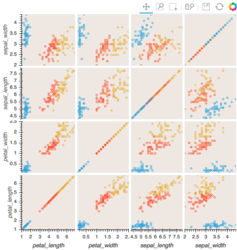
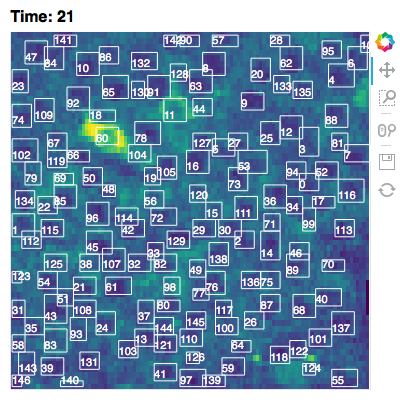
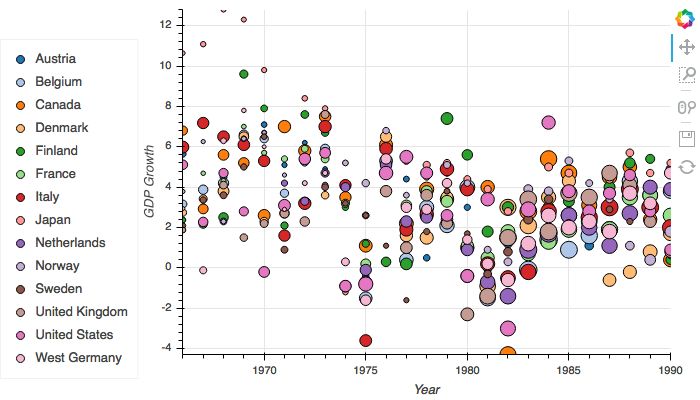
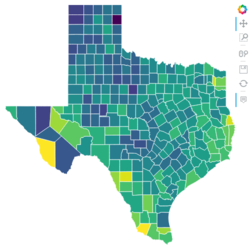
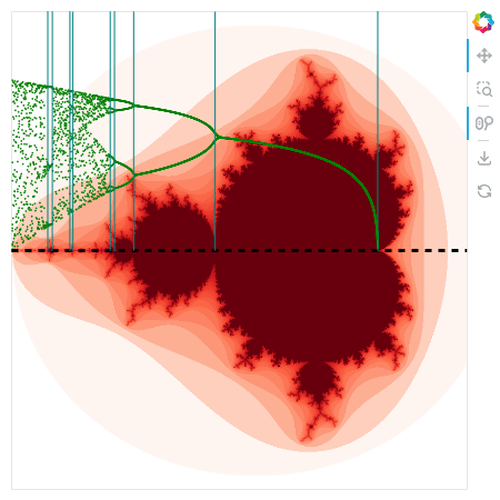
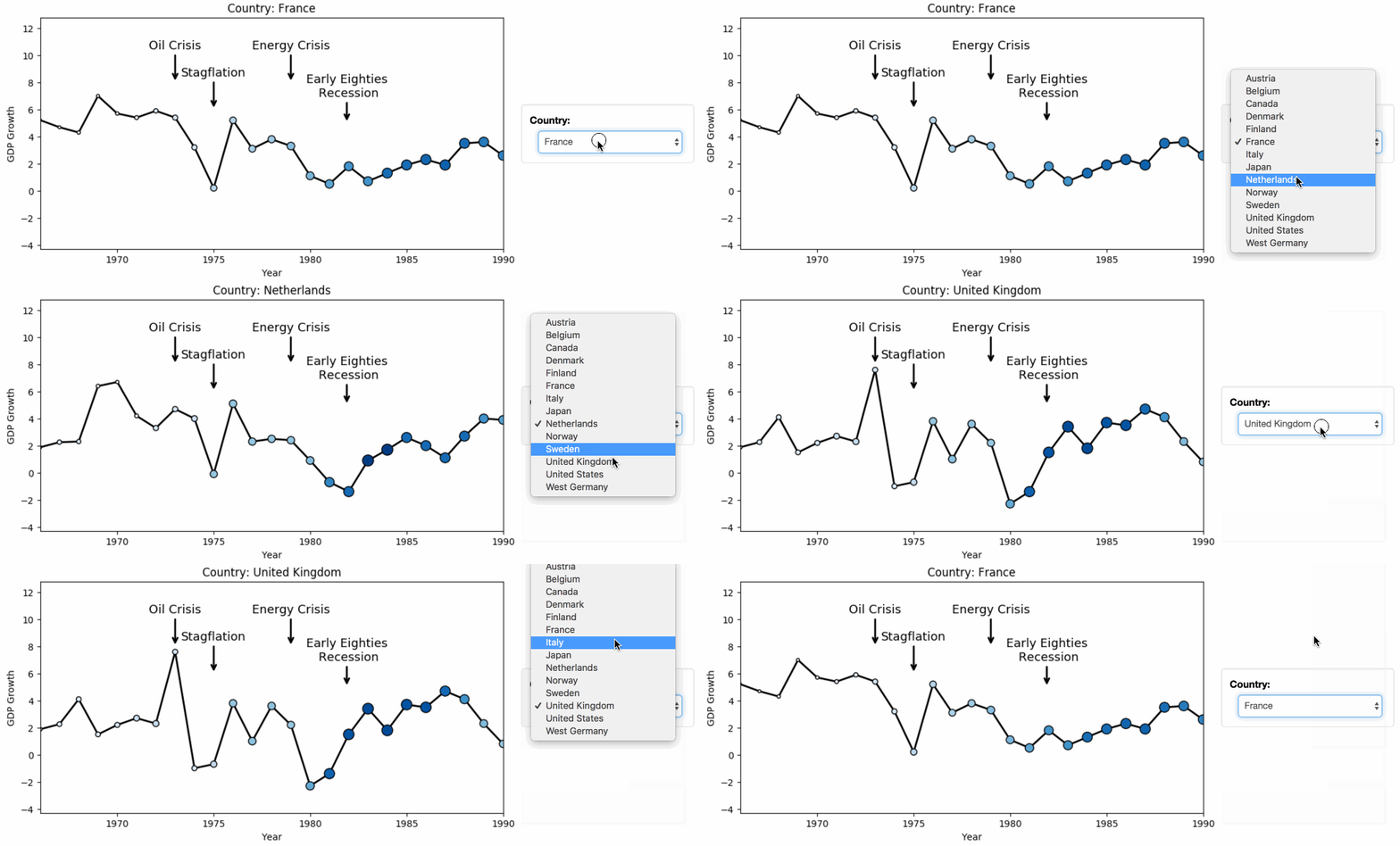
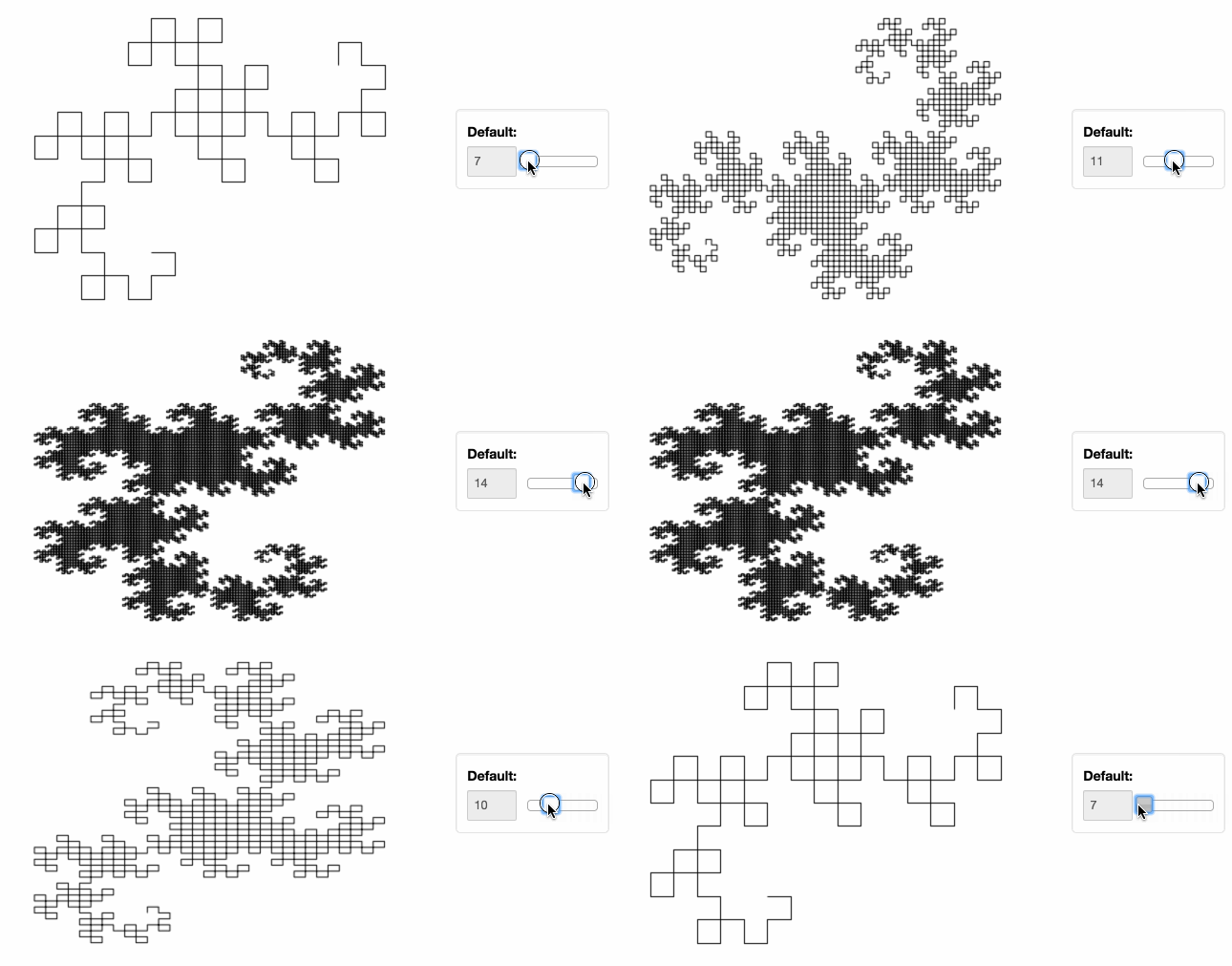
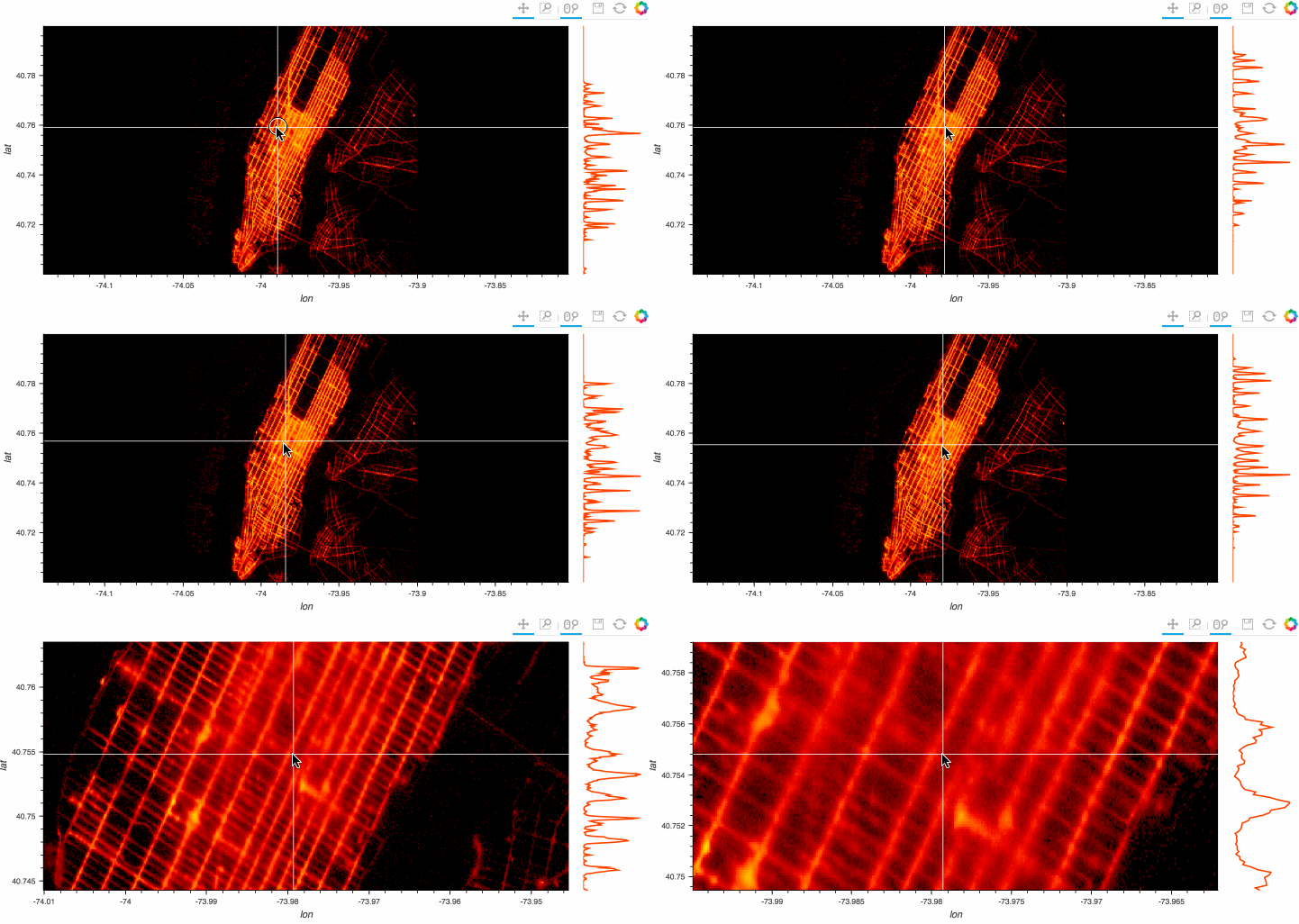
HoloViews is an open-source Python library designed to make data analysis and visualization seamless and simple. With HoloViews, you can usually express what you want to do in very few lines of code, letting you focus on what you are trying to explore and convey, not on the process of plotting.
Check out the HoloViews web site for extensive examples and documentation.


Installation
HoloViews works with Python 2.7 and Python 3 on Linux, Windows, or Mac, and provides optional extensions for working with the Jupyter/IPython Notebook.
The recommended way to install HoloViews is using the conda command provided by Anaconda or Miniconda:
conda install -c pyviz holoviews bokeh
This command will install the typical packages most useful with HoloViews, though HoloViews itself depends only on Numpy and Param. Additional installation and configuration options are described in the user guide.
You can also clone holoviews directly from GitHub and install it with:
git clone git://github.com/holoviz/holoviews.git
cd holoviews
pip install -e .
Usage
Once you've installed HoloViews, you can get a copy of all the examples shown on the website:
holoviews --install-examples
cd holoviews-examples
And then you can launch Jupyter Notebook to explore them:
jupyter notebook
To work with JupyterLab you will also need the PyViz JupyterLab extension:
conda install -c conda-forge jupyterlab
jupyter labextension install @pyviz/jupyterlab_pyviz
Once you have installed JupyterLab and the extension launch it with::
jupyter-lab
For more details on setup and configuration see our website.
For general discussion, we have a gitter channel. If you find any bugs or have any feature suggestions please file a GitHub issue or submit a pull request.


Release files for holoviews 1.14.1a1
For a detailed explanation of source distributions (sdists) and built distributions (wheels), please see the package formats documentation.
Source distribution (sdist)
| File | Size | Uploaded | Provenance | Actions |
|---|---|---|---|---|
| holoviews-1.14.1a1.tar.gz | 6.9 MB | Without provenance | Details for holoviews-1.14.1a1.tar.gz |
Built distribution (wheel)
| File | Interpreter | ABI | Platform | Actions Reset |
|---|---|---|---|---|
| holoviews-1.14.1a1-py2.py3-none-any.whl | Python 3, Python 2 | none | any | Details for holoviews-1.14.1a1-py2.py3-none-any.whl |
Total release size: 11.2 MB
Release files / holoviews-1.14.1a1.tar.gz
| Download URL | holoviews-1.14.1a1.tar.gz |
|---|---|
| Size | 6.9 MB |
| Tags | Source |
|
SHA-256 checksum How to use checksums |
aecdc140683bdf263cc69a15baaf71a3c1994ce29b7693b261833f9ea82c591f
|
|
BLAKE2b-256 checksum How to use checksums |
cbf9c582f587423abb2590d5f9599a55d382c3d1975962872287806094a94831
|
| Upload date | |
|
Uploaded using Trusted Publishing? What is trusted publishing? |
No |
| Uploaded via |
twine/3.2.0 pkginfo/1.6.1 requests/2.25.0 setuptools/51.0.0.post20201207 requests-toolbelt/0.9.1 tqdm/4.54.1 CPython/3.7.7
|
Release files / holoviews-1.14.1a1-py2.py3-none-any.whl
| Download URL | holoviews-1.14.1a1-py2.py3-none-any.whl |
|---|---|
| Size | 4.2 MB |
| Tags | Python 2 Python 3 |
|
SHA-256 checksum How to use checksums |
751c0021b6e4032935e7090557af8f7f3e43189d89ba5a263e88dec155795966
|
|
BLAKE2b-256 checksum How to use checksums |
b0903ccc56092e02fedc4455790ee7306b8cbb331e58f1a2f775a6ae923bd7d4
|
| Upload date | |
|
Uploaded using Trusted Publishing? What is trusted publishing? |
No |
| Uploaded via |
twine/3.2.0 pkginfo/1.6.1 requests/2.25.0 setuptools/51.0.0.post20201207 requests-toolbelt/0.9.1 tqdm/4.54.1 CPython/3.7.7
|
Security for holoviews 1.14.1a1
Provenance
Provenance describes where a file came from. On PyPI, provenance is shared via attestations, which provide a verifiable record of the build or publishing details. View details, limitations and caveats.
No provenance found
None of the files in this release were uploaded with provenance metadata.
A note on package security
PyPI is a repository for distributing packages, not a service for auditing them. While third-party security researchers and our staff do their best to detect and remove malicious packages, PyPI cannot guarantee the quality, security or suitability of any given package.
To learn more about protecting yourself from malicious actors, visit our package security documentation.














