
i3lockcomics
Python script to fetch the newest edition of a comic strip and use it in i3lock. Highly inspired by xkcd-lock by @angs.
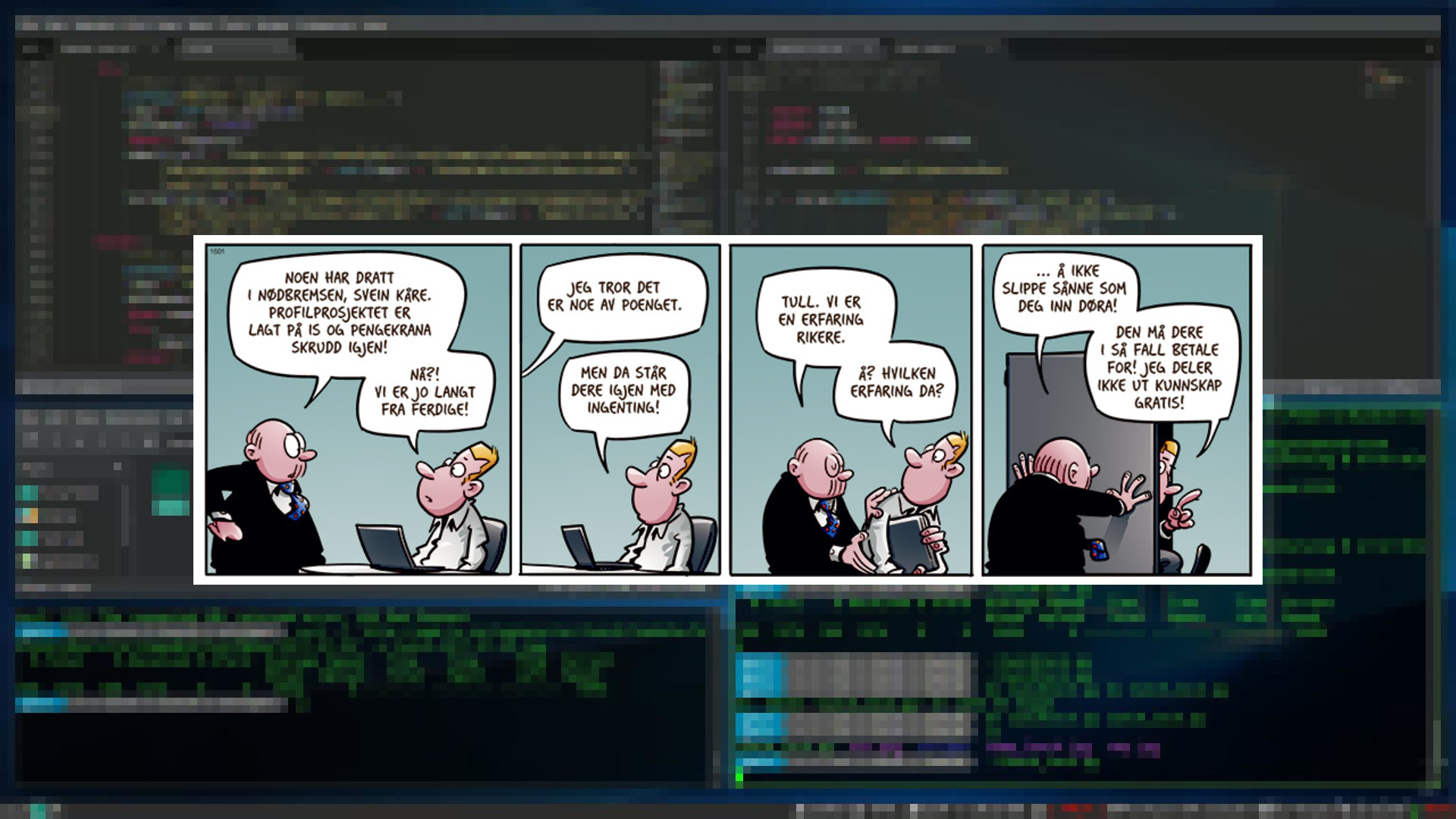
Short description
This script gets the latest strip of a comic which is added on top of a pixelated screenshot of your desktop. This image is then used as a background image when running i3lock.
Comics supported:
- Bestis (no) (new)
- Calvin & Hobbes
- CommitStrip
- Dilbert
- Dinosaur Comics
- Fagprat (no)
- Get Fuzzy
- Intet Nytt fra Hjemmefronten (no)
- Lunch (no)
- Nemi (no)
- PvP
- xkcd
Install
Easy peasy: pip install i3lockcomics
How to use
Run i3lockcomics to lock your screen with i3lock and show a random comic strip. You can also chose a specific comic and use a pixellation distort on your lockscreen instead of the blurring. Check out i3lockcomics -h for more info.
If you use multiple displays, the script will only place the comic strip on your primary screen.
If the script can't fetch a comic because of connection issues, it will use a previous strip from the same comic, if it can find one in the strips-folder.
If there is no net and no cached comic strip available, the script will use XKCD's password-strip as default.
(This seems to be OK according to Mr. xkcd himself:
"Can we print xkcd in our magazine/newspaper/other publication?"
"You can post xkcd in your blog (whether ad-supported or not) with no need to get my permission."
But Randall, if I'm mistaken, please let me know.)
When using xkcd, it will also get the alt-text for the image and paste it underneath the comic.
Dependencies:
These dependencies are required besides the modules installed by pip:
- i3lock
- maim
- curl (called by the subprocess module)
1 maintainer

Metadata
1 maintainer
Release files for i3lockcomics 1.0.11
For a detailed explanation of source distributions (sdists) and built distributions (wheels), please see the package formats documentation.
Source distribution (sdist)
| File | Size | Uploaded | Provenance | Actions |
|---|---|---|---|---|
| i3lockcomics-1.0.11.tar.gz | 688.5 kB | Without provenance | Details for i3lockcomics-1.0.11.tar.gz |
Release files / i3lockcomics-1.0.11.tar.gz
| Download URL | i3lockcomics-1.0.11.tar.gz |
|---|---|
| Size | 688.5 kB |
| Tags | Source |
|
SHA-256 checksum How to use checksums |
afc809c5207129a5e3d8eea722cad813cba4bdcdcefe6cf7c4a96707b8920970
|
|
BLAKE2b-256 checksum How to use checksums |
75847f63535d1fa27d40314e16c9d7bba65d3baf15b9a068475ae83c8ae17149
|
| Upload date | |
|
Uploaded using Trusted Publishing? What is trusted publishing? |
No |
| Uploaded via |
twine/3.3.0 pkginfo/1.6.1 requests/2.25.1 setuptools/51.1.1 requests-toolbelt/0.9.1 tqdm/4.55.0 CPython/3.8.5
|
Security for i3lockcomics 1.0.11
Provenance
Provenance describes where a file came from. On PyPI, provenance is shared via attestations, which provide a verifiable record of the build or publishing details. View details, limitations and caveats.
No provenance found
None of the files in this release were uploaded with provenance metadata.
A note on package security
PyPI is a repository for distributing packages, not a service for auditing them. While third-party security researchers and our staff do their best to detect and remove malicious packages, PyPI cannot guarantee the quality, security or suitability of any given package.
To learn more about protecting yourself from malicious actors, visit our package security documentation.














