

ipycanvas
Interactive Canvas in Jupyter






ipycanvas is a lightweight, fast and stable library exposing the browser's Canvas API to IPython. It allows you to draw simple primitives directly from Python like text, lines, polygons, arcs, images etc. This simple toolset allows you to draw literally anything!
Try it online!
You can try it online by clicking on this badge:
Documentation
You can read the documentation following this link: https://ipycanvas.readthedocs.io
Questions?
If you have any question, or if you want to share what you do with ipycanvas, start a new discussion on Github!
Or join the gitter channel:
Installation
You can install using pip:
pip install ipycanvas orjson
Or using conda:
conda install -c conda-forge ipycanvas
And if you use jupyterlab <= 2:
conda install -c conda-forge yarn
jupyter labextension install @jupyter-widgets/jupyterlab-manager ipycanvas
A development installation guide, can be found here
Examples
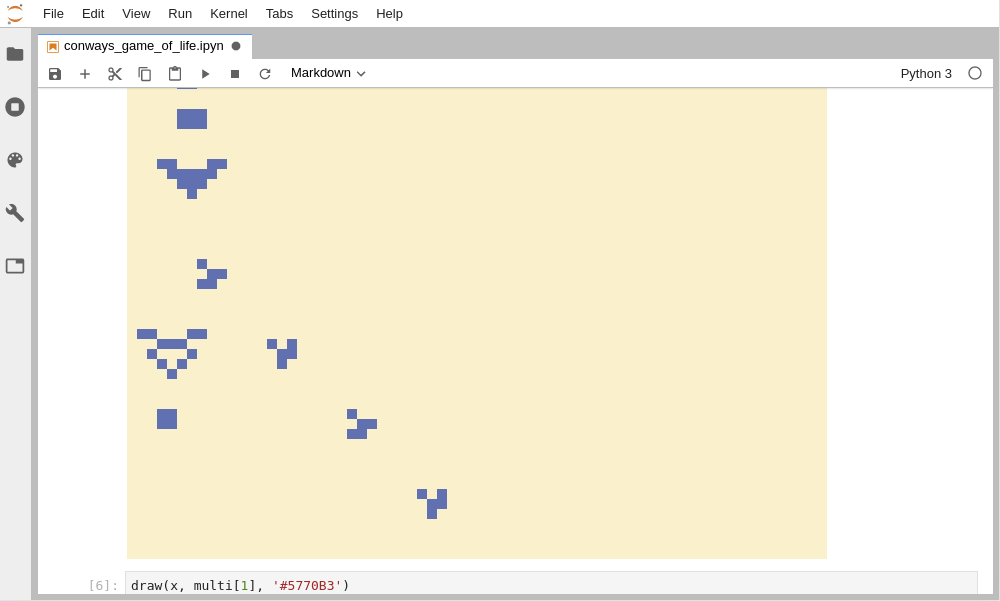
Create John Conway's Game Of Life
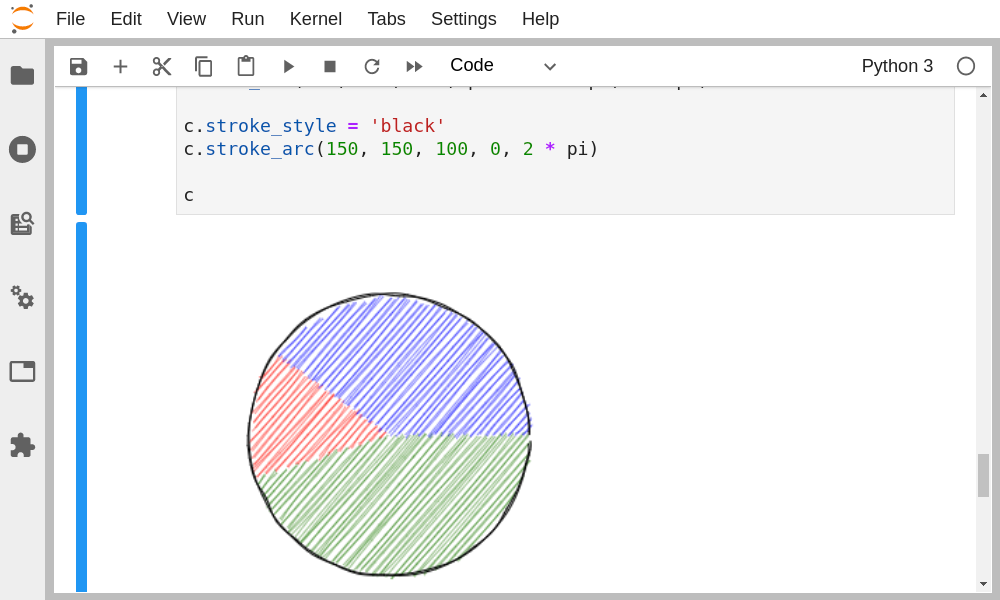
Give a "hand-drawn" style to your drawings using the RoughCanvas
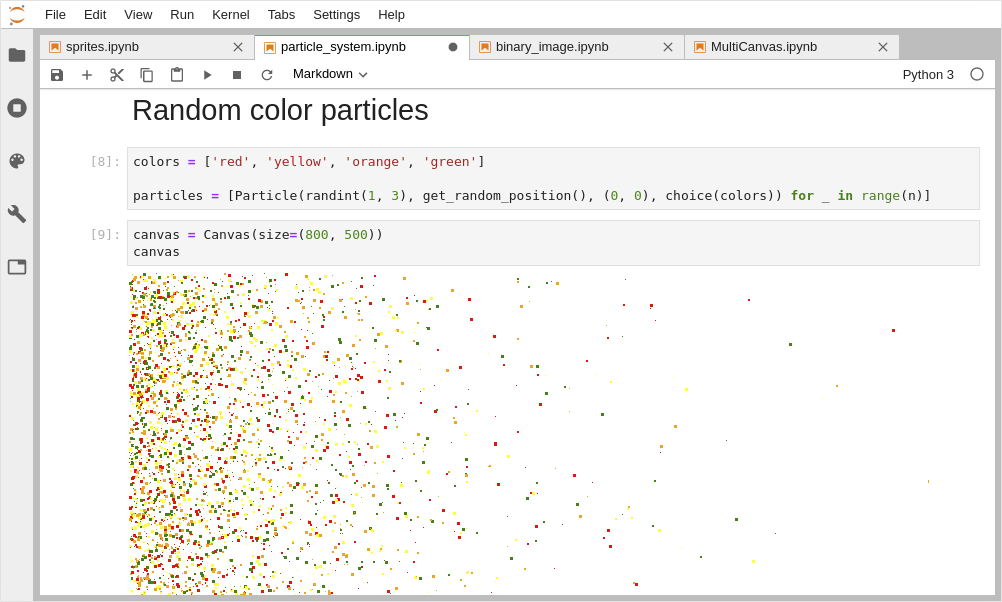
Draw Particles from IPython
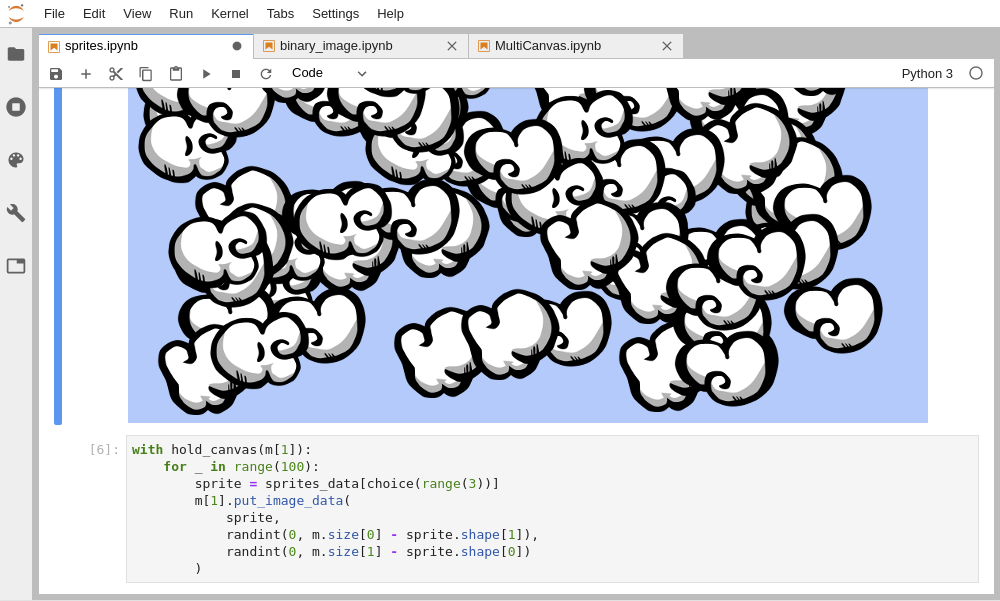
Custom Sprites
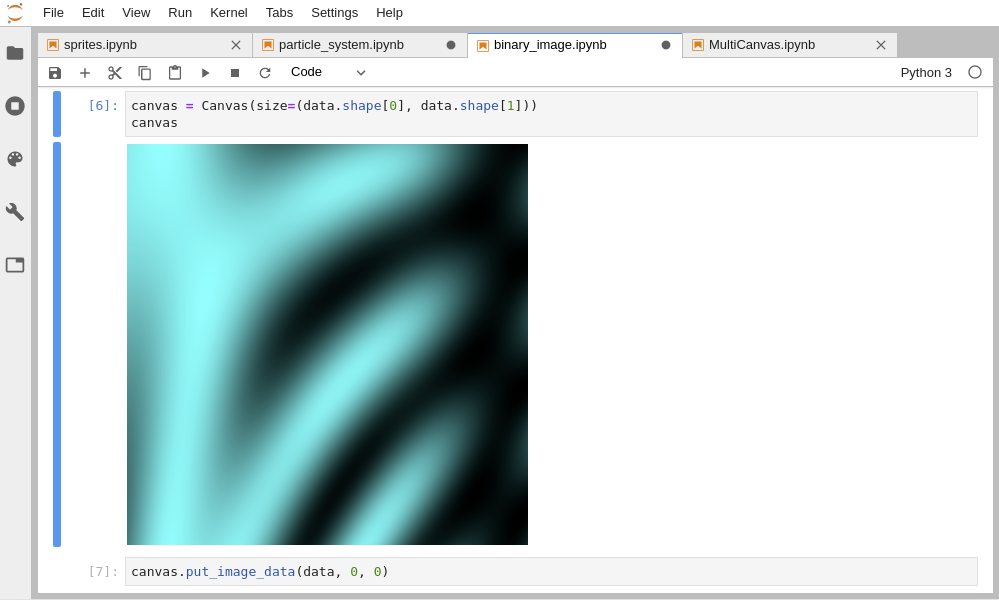
Draw data directly from a NumPy array
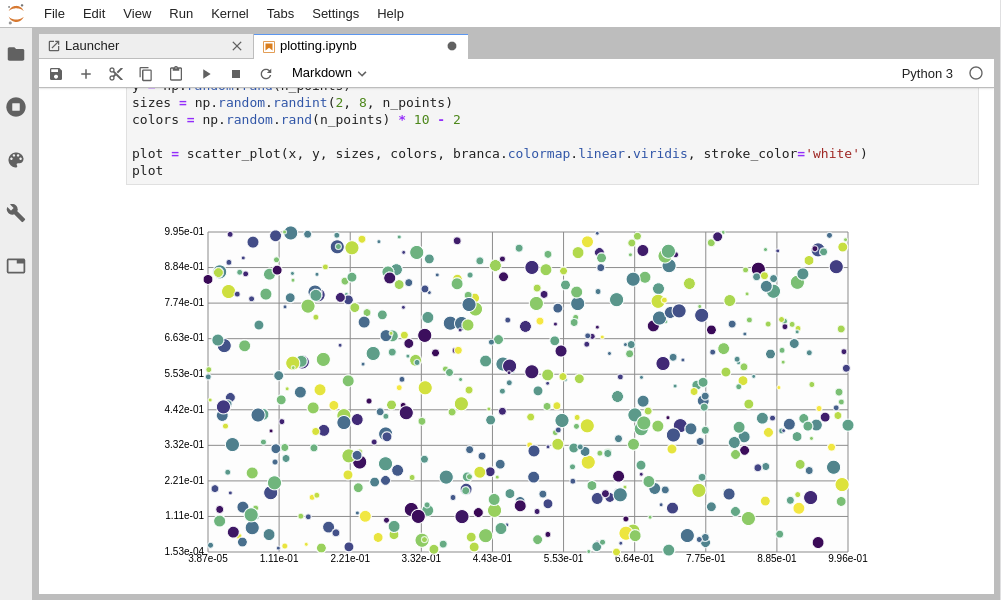
Create your own plotting library fully in Python
1 maintainer

Metadata
1 maintainer
Release files for ipycanvas 0.14.3
For a detailed explanation of source distributions (sdists) and built distributions (wheels), please see the package formats documentation.
Source distribution (sdist)
| File | Size | Uploaded | Provenance | |
|---|---|---|---|---|
| ipycanvas-0.14.3.tar.gz | 4.2 MB | Without provenance | Details |
Built distribution (wheel)
| File | Interpreter | ABI | Platform | Reset |
|---|---|---|---|---|
| ipycanvas-0.14.3-py2.py3-none-any.whl | Python 3, Python 2 | none | any | Details |
Total release size: 4.3 MB
Release files / ipycanvas-0.14.3.tar.gz
| Download URL | ipycanvas-0.14.3.tar.gz |
|---|---|
| Size | 4.2 MB |
| Tags | Source |
|
SHA-256 checksum How to use checksums |
c6a53a22eebf4d611b168b8f4434145883f27a7575509bd99a4bfc48c5385a39
|
|
BLAKE2b-256 checksum How to use checksums |
5056484c8979bbcaa3e3f2da4eac6a1eb41e998e353e4c6ef89e9612889813c8
|
| Upload date | |
|
Uploaded using Trusted Publishing? What is trusted publishing? |
No |
| Uploaded via |
twine/6.1.0 CPython/3.13.5
|
Release files / ipycanvas-0.14.3-py2.py3-none-any.whl
| Download URL | ipycanvas-0.14.3-py2.py3-none-any.whl |
|---|---|
| Size | 143.0 kB |
| Tags | Python 2 Python 3 |
|
SHA-256 checksum How to use checksums |
8a2f48e1e079355d3e7d5683e5c6e7684a87c15c3750c8d8cd2289c95383ee3e
|
|
BLAKE2b-256 checksum How to use checksums |
1137c6880bd16093793dcb4c005011cf968f45fd815b7b5094fa8374524add26
|
| Upload date | |
|
Uploaded using Trusted Publishing? What is trusted publishing? |
No |
| Uploaded via |
twine/6.1.0 CPython/3.13.5
|
Security for ipycanvas 0.14.3
Provenance
Provenance describes where a file came from. On PyPI, provenance is shared via attestations, which provide a verifiable record of the build or publishing details. View details, limitations and caveats.
No provenance found
None of the files in this release were uploaded with provenance metadata.
A note on package security
PyPI is a repository for distributing packages, not a service for auditing them. While third-party security researchers and our staff do their best to detect and remove malicious packages, PyPI cannot guarantee the quality, security or suitability of any given package.














