

ITCase Sphinx Theme
Install
$ pip install itcase_sphinx_theme -UEdit your Sphinx’s conf.py
Near the top, add the following
import itcase_sphinx_themeActivate the theme
html_theme = 'itcase'
html_theme_path = [itcase_sphinx_theme.get_html_themes_path()]
If you want see version of theme in the bottom just add extension:
extensions = ['itcase_sphinx_theme']Theme options
You can set theme options in conf.py like.
html_theme_options = {
    'travis_button': True,
    'github_button': True,
    'github_user': 'ITCase',
    'github_repo': 'pyramid_sacrud',
}
Here are list of options with default values:
logo — Show logo at the top of navigation menu. default: false
logo_image — Path to logo. default: ""
logo_width — Width in ‘px’ or ‘%’. default: ""
logo_height — Height in ‘px’ or ‘%’. default: ""
logo_image_desc — Description after logo image. default: ""
index_menu — Show navigation menu on main page. default: false
sticky_menu — Make navigation element always visible on page. default: true
github_button — Show git star badge under breadcrumbs. default: false
github_user — default: ""
github_repo — default: ""
travis_button — Show travis badge under breadcrumbs. default: false
travis_user — default: ""
travis_repo — default: ""
Theme options
You can set theme options in conf.py. Here are list of options with default values:
logo default: False
logo_image default: ""
logo_width default: ""
logo_heigh default: ""
logo_image_desc default: ""
aindex_menu default: False
sticky_menu — default: True
Make navigation element always visible on page.
github_button — default: False
Show git star repository button under breadcrumbs.
github_user — default: ""
github_repo — default: ""
travis_button = default: False
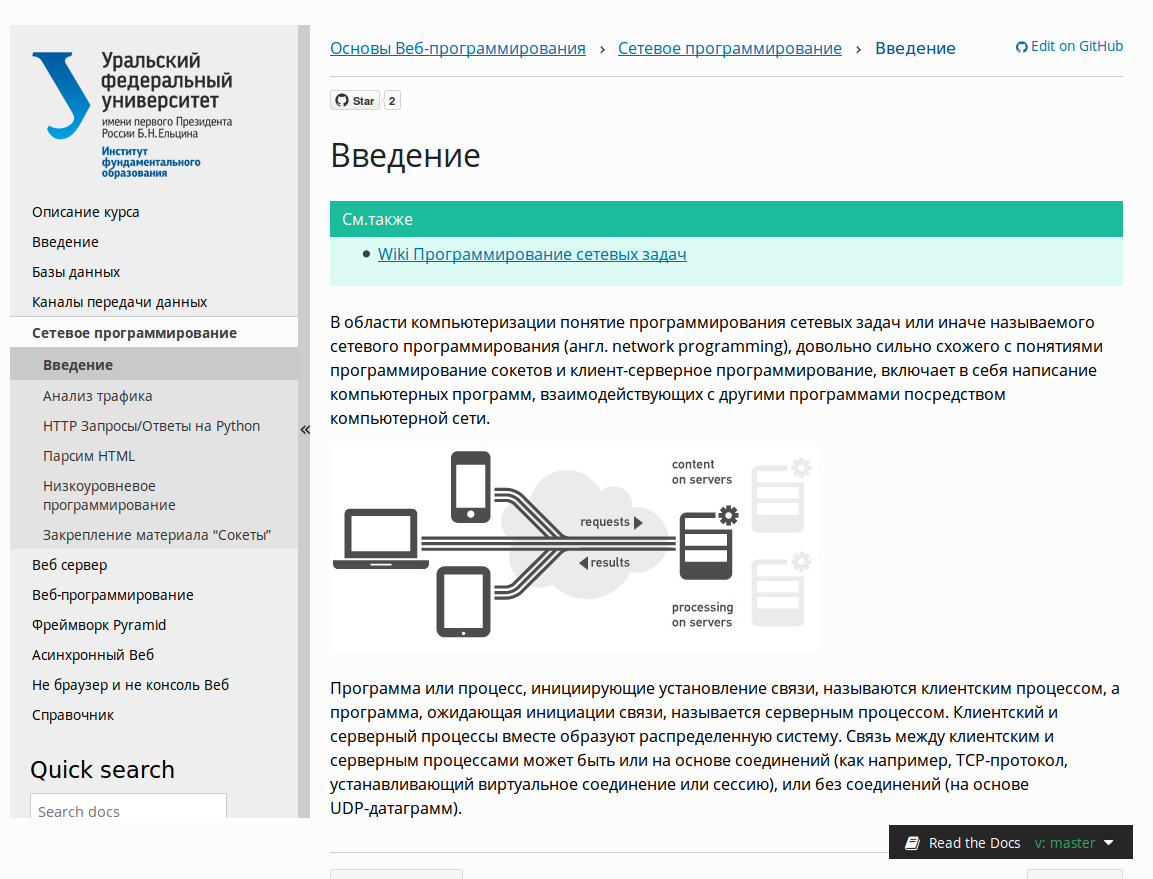
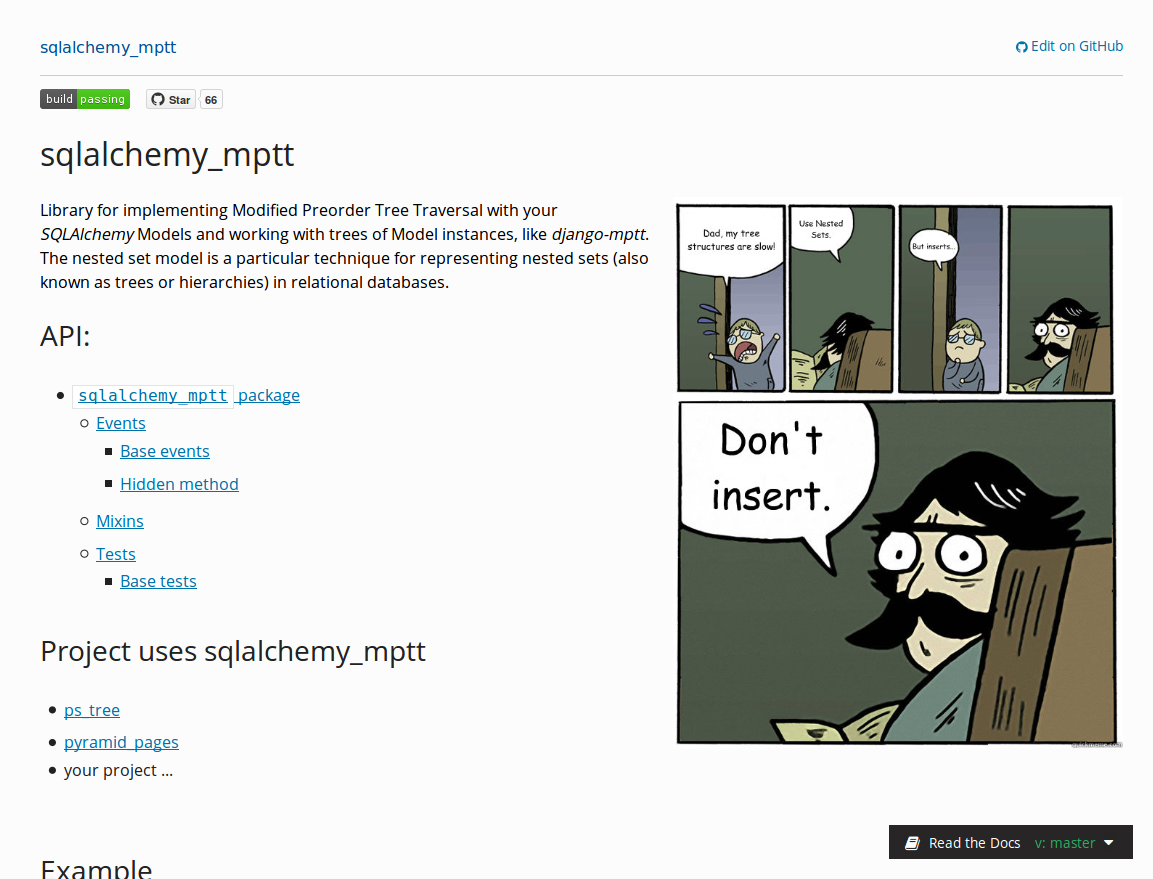
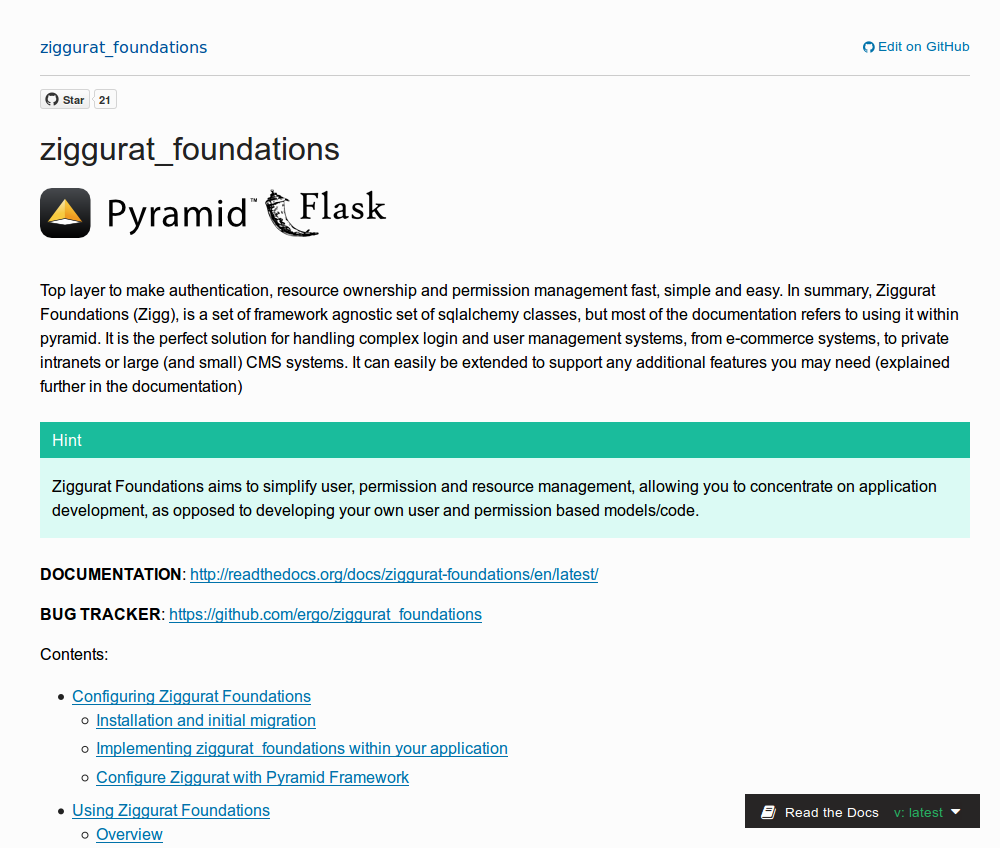
ScreenShots
ustu/lectures.www
ITCase/sqlalchemy_mptt
Ergo/ziggurat_foundations
And other…


Release files for itcase-sphinx-theme 0.3.1
For a detailed explanation of source distributions (sdists) and built distributions (wheels), please see the package formats documentation.
Source distribution (sdist)
| File | Size | Uploaded | Provenance | Actions |
|---|---|---|---|---|
| itcase-sphinx-theme-0.3.1.tar.gz | 2.6 MB | Without provenance | Details for itcase-sphinx-theme-0.3.1.tar.gz |
Release files / itcase-sphinx-theme-0.3.1.tar.gz
| Download URL | itcase-sphinx-theme-0.3.1.tar.gz |
|---|---|
| Size | 2.6 MB |
| Tags | Source |
|
SHA-256 checksum How to use checksums |
c9a907227bf251642ca6f30e1425c302878d9914a19ead1cb581040e16458ade
|
|
BLAKE2b-256 checksum How to use checksums |
a31796340350f86b3552a3d99c2183db26f4dd0a636f70d47d180ad99d4a5ab6
|
| Upload date | |
|
Uploaded using Trusted Publishing? What is trusted publishing? |
No |
Security for itcase-sphinx-theme 0.3.1
Provenance
Provenance describes where a file came from. On PyPI, provenance is shared via attestations, which provide a verifiable record of the build or publishing details. View details, limitations and caveats.
No provenance found
None of the files in this release were uploaded with provenance metadata.
A note on package security
PyPI is a repository for distributing packages, not a service for auditing them. While third-party security researchers and our staff do their best to detect and remove malicious packages, PyPI cannot guarantee the quality, security or suitability of any given package.
To learn more about protecting yourself from malicious actors, visit our package security documentation.














