
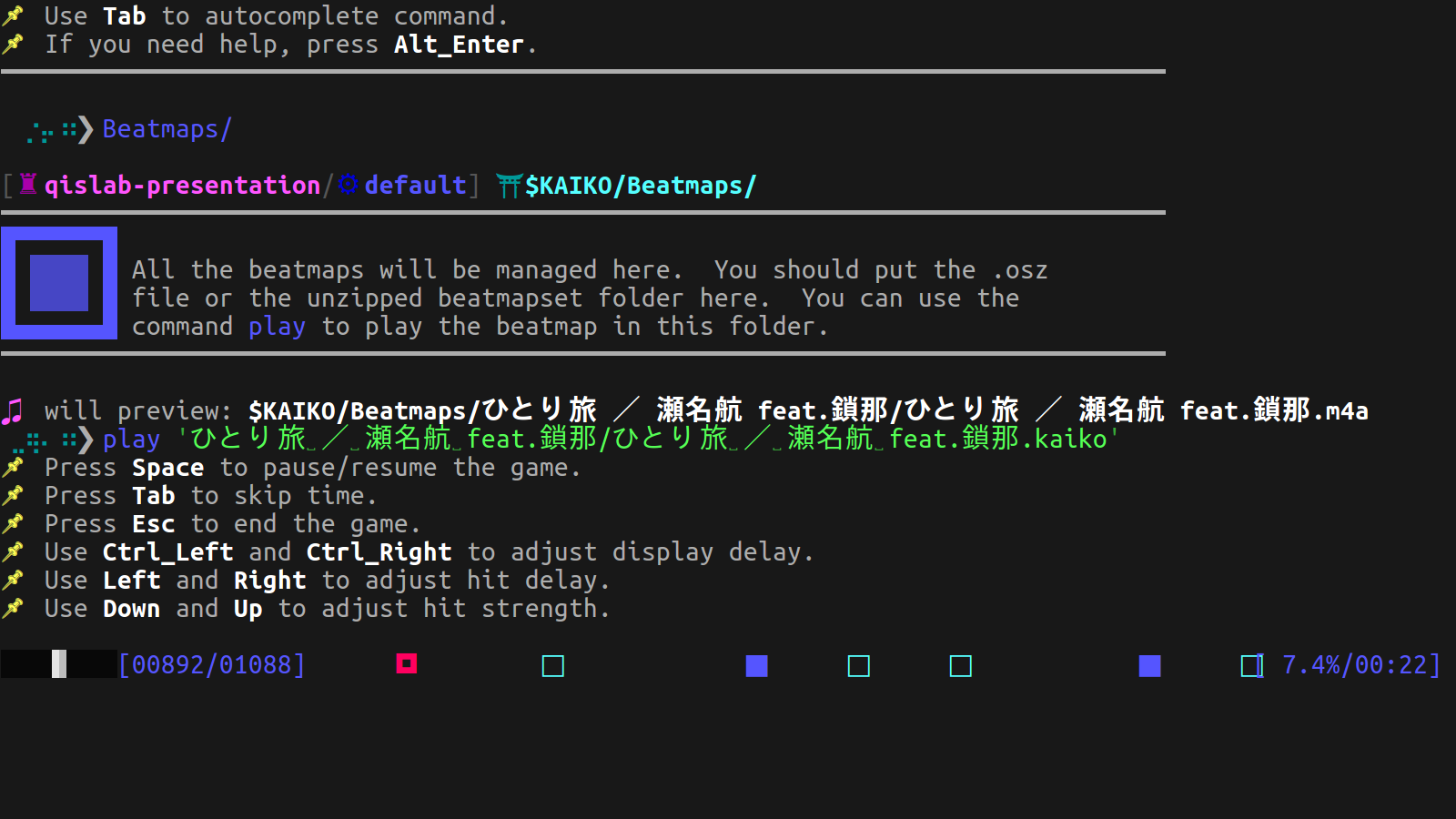
Instruction
K-AIKO runs on linux with python 3.9, make sure you have it.
You can check your python version with the following command:
python --version
K-AIKO requires PyAudio package, which has external dependencies that pip cannot handle.
You can install PyAudio via apt:
sudo apt-get install python3-pyaudio
If it fails, install PortAudio first:
sudo apt-get install python-dev portaudio19-dev
python -m pip install pyaudio
Then install K-AIKO from PyPi:
python -m pip install K-AIKO
Now you can play K-AIKO, just run:
kaiko
Have fun!
License
MIT
1 maintainer

Release files for K-AIKO 0.5.2
For a detailed explanation of source distributions (sdists) and built distributions (wheels), please see the package formats documentation.
Built distribution (wheel)
| File | Interpreter | ABI | Platform | Reset |
|---|---|---|---|---|
| K_AIKO-0.5.2-py3-none-any.whl | Python 3 | none | any | Details |
Release files / K_AIKO-0.5.2-py3-none-any.whl
| Download URL | K_AIKO-0.5.2-py3-none-any.whl |
|---|---|
| Size | 278.4 kB |
| Tags | Python 3 |
|
SHA-256 checksum How to use checksums |
41e6347af8a6ab6c52e3e9ce3bca8822bfc630a13ba7472336ec23c433260295
|
|
BLAKE2b-256 checksum How to use checksums |
6e28f14128a38a58dbc4bebdcea11e98b377bff13173d39a7b6fc51f51a1027b
|
| Upload date | |
|
Uploaded using Trusted Publishing? What is trusted publishing? |
No |
| Uploaded via |
twine/3.8.0 pkginfo/1.8.2 readme-renderer/32.0 requests/2.27.1 requests-toolbelt/0.9.1 urllib3/1.26.8 tqdm/4.62.3 importlib-metadata/4.11.1 keyring/23.5.0 rfc3986/2.0.0 colorama/0.4.4 CPython/3.9.0
|














