# kervi Easy Python framework for robotic and automation projects. The framework runs on all platforms that supports Python and have hardware support for Raspberry pi. Wire up sensors, controllers and other devices to your Raspberry PI and link them to web based dashboards and internal application logic.
Knowledge about web servers, html or web programming is not needed. UI configuration is done in python code and the framework creates the web ui.
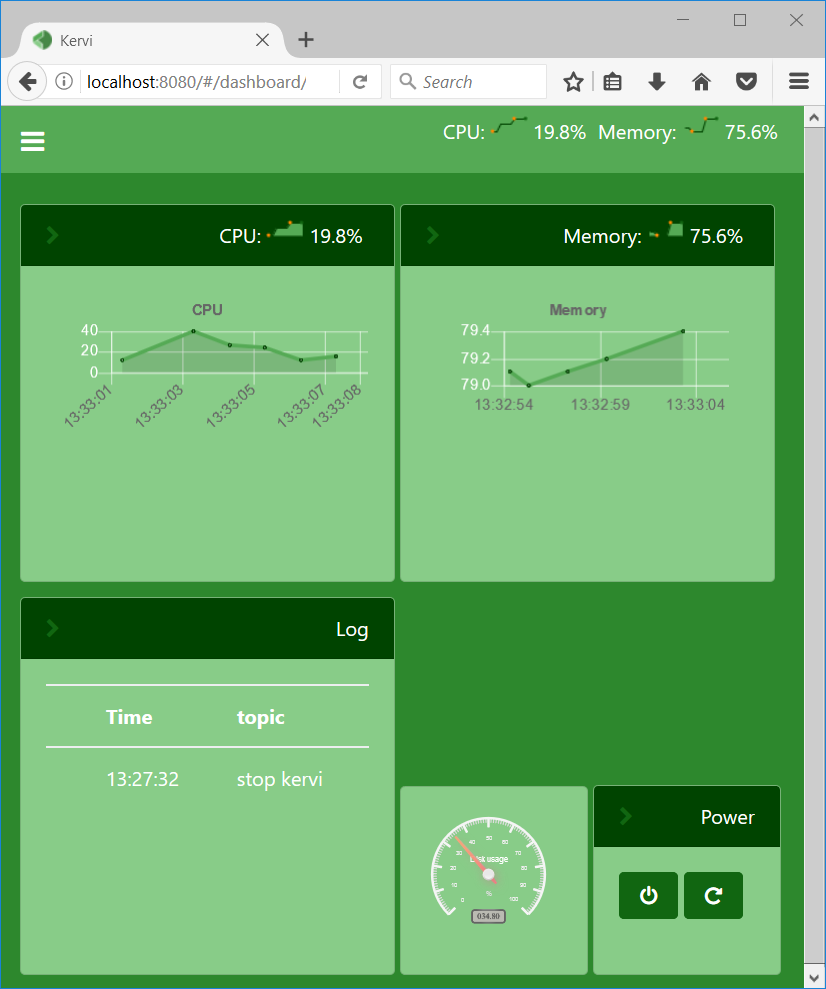
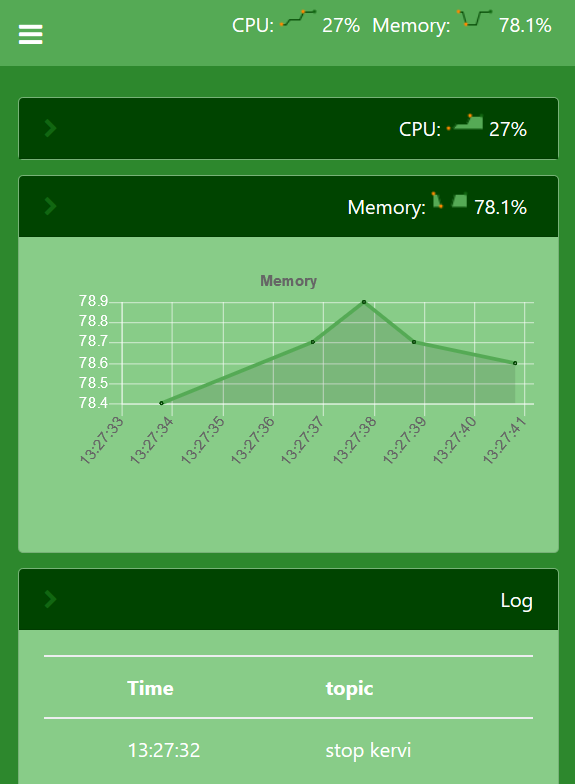
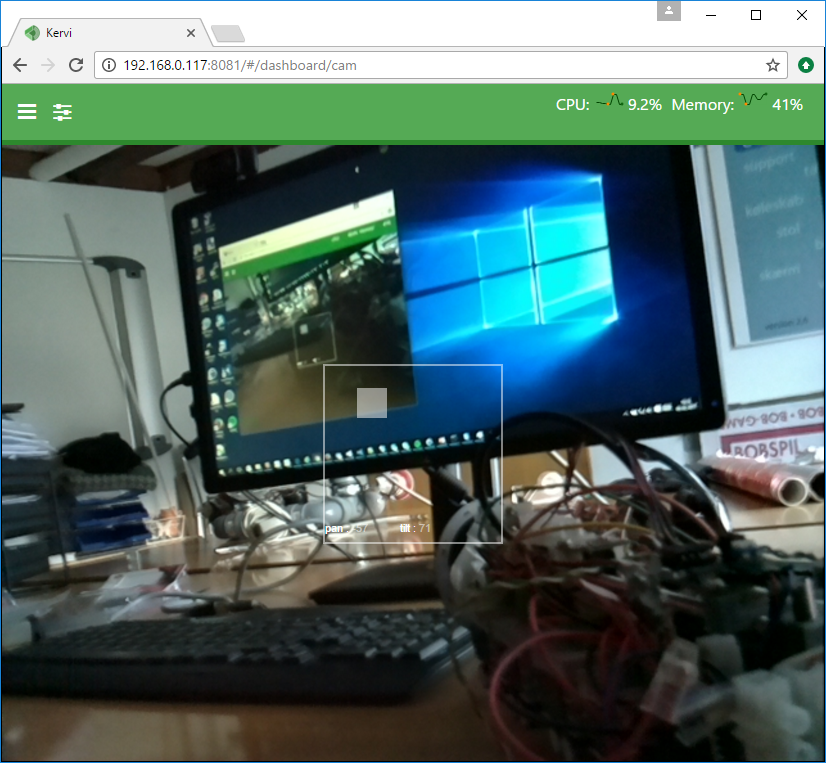
Features of the framework are: * Python classes for handling sensors, displays, motors, gpio and other hardware. * Python classes for handling user interactions from controllers on dashboards. * Integrated camera handling (Raspberry PI camera at the moment) * Device driver library for common devices * Very easy dashboard setup. * Dashboard UI is responsive and scales from mobile phones to desktop. * Multi process oriented by spreading over more than one core. * Multi device oriented by connecting multiple Raspberry Pi’s in one large application. * No web development knowledge is required as dashboard layout is handled in python.
[Read the full documentation](https://kervi.org/)
<img src=”https://kervi.github.io/_images/dashboard_browser.png” width=”500”> <img src=”https://kervi.github.io/_images/dashboard_mobile.png” width=”300”>
<img src=”https://kervi.github.io/_images/dashboard_cam.png” width=”500”> <img src=”https://kervi.github.io/_images/panel_cam.png” width=”300”>
Install Kervi via pip:
On Raspberry Pi
` sudo pip3 install kervi[rpi] `
On other systems like windows and linux: ` pip3 install kervi `
After Kervi is installed, a commandline tool called kervi is available. Via the commandline interface it is possible scaffold Kervi apps and setup image and video handling on Raspberry PI.
Create your first app in an empty folder by executing: ` kervi create application myapp "My first app" `
Start your new app by executing: ` python myapp.py `
The following output should be displayed: (example) ` Starting kervi application, please wait load sensors load controllers load cameras init IPC Your Kervi application is ready at http://192.168.0.120:8080 `
Goto the url specified
1 maintainer

Metadata
1 maintainer
Release files for kervi 0.21.5
For a detailed explanation of source distributions (sdists) and built distributions (wheels), please see the package formats documentation.
Source distribution (sdist)
| File | Size | Uploaded | Provenance | Actions |
|---|---|---|---|---|
| kervi-0.21.5.tar.gz | 1.4 MB | Without provenance | Details for kervi-0.21.5.tar.gz |
Release files / kervi-0.21.5.tar.gz
| Download URL | kervi-0.21.5.tar.gz |
|---|---|
| Size | 1.4 MB |
| Tags | Source |
|
SHA-256 checksum How to use checksums |
477cacb79f0069dd6969b28ea463d3a5d737a9cfce849d14398d16e3254ea86f
|
|
BLAKE2b-256 checksum How to use checksums |
2dca226075d2735fe713b0dc613c7a3a2c6b54c6eecf2c5ad1df1af4a4f9f4cf
|
| Upload date | |
|
Uploaded using Trusted Publishing? What is trusted publishing? |
No |
| Uploaded via |
twine/1.13.0 pkginfo/1.5.0.1 requests/2.18.4 setuptools/36.6.0 requests-toolbelt/0.9.1 tqdm/4.31.1 CPython/3.6.1
|
Security for kervi 0.21.5
Provenance
Provenance describes where a file came from. On PyPI, provenance is shared via attestations, which provide a verifiable record of the build or publishing details. View details, limitations and caveats.
No provenance found
None of the files in this release were uploaded with provenance metadata.
A note on package security
PyPI is a repository for distributing packages, not a service for auditing them. While third-party security researchers and our staff do their best to detect and remove malicious packages, PyPI cannot guarantee the quality, security or suitability of any given package.
To learn more about protecting yourself from malicious actors, visit our package security documentation.