
LineX
The fast and easy-to-use LINE bot SDK. Focus on the content, we do the rest.
It's (or it has):
- Based on FastAPI
- Feature-rich
- Async-ready
- Around 60% coverage of the LINE API (Contribute)
- Better type hints than linelib (my previous work)
(Not affiliated with The X Corp.)
Feel The Simplicity
Code snippets explain more than words. Take a look:
from linex import Client, TextMessageContext

client = Client("channel secret", "channel access token")

@client.event
async def on_ready():
    print(f"Logged in as {client.user.name}")

@client.event
async def on_text(ctx: TextMessageContext):
    await ctx.reply("Hello, World!")

client.run()
That's it. Say no more to additional setups — they're so annoying!
Documentation
Currently, there is no documentation for LineX — yet I'm working on it. In the meantime, type hints and code editors are the best documentation sources.
Extensions
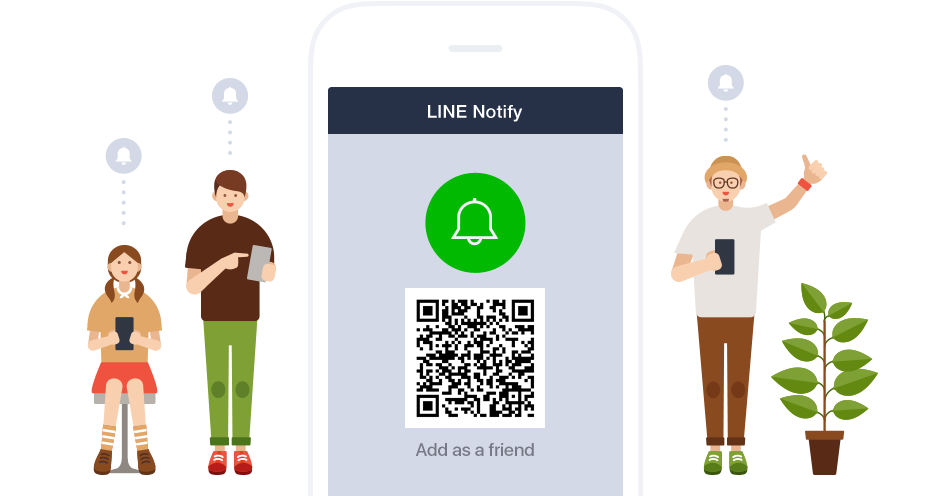
LineX also supports LINE notify, including push message sending and OAuth2.
Here's a simple notify bot:
from linex.ext import Notify

notify = Notify("access token")

notify.notify_sync(
    "Hello, World!"
)
Locale
Have users that use different languages? Try out the Locale extension.
First, define a file structure like so:
i18n/
├─ _meta.json
├─ food.json
Inside of _meta.json, define the available locales:
{
    "locales": ["en-US", "zh-Hant"]
}
The locales above are just examples.
Then, create any JSON file with a specific topic (category) under the directory that stores locale strings.
In this case, food.json would look like:
{
    "pizza": {
        "en-US": "pizza",
        "zh-Hant": "披薩"
    },
    "describe": {
        "en-US": "{food} tastes good!",
        "zh-Hant": "{food} 很好吃!"
    }
}
The first key (pizza) and the second one (describe) stores locale strings with keys defined in the locales field in _meta.json.
Additionally, if you add texts surrounded by {}, it would be considered as an argument that's ready to be passed in. In the above example, "{food} tastes good!", implies that the {food} field would be replaced with a food name later in the Python code.
Finally, define our LINE bot:
from linex import Client
from linex.ext import Locale

client = Client("channel secret", "channel access token")
locale = Locale(
    "i18n", # the locale strings directory
    sorted_by="categories" # files split by categories
)

@client.event
async def on_text(ctx):
    loc = await locale(ctx) # get locale for this user

    await ctx.reply(
        loc(
            "food/describe", # use <category>/<key name> to get
            food=loc("food/pizza") # the argument (pizza)
        )
    )

client.run()
(c) 2023 AWeirdScratcher (AWeirdDev)
1 maintainer

Metadata
1 maintainer
Release files for linex 0.2
For a detailed explanation of source distributions (sdists) and built distributions (wheels), please see the package formats documentation.
Source distribution (sdist)
| File | Size | Uploaded | |
|---|---|---|---|
| linex-0.2.tar.gz | 37.9 kB | Details |
Release files / linex-0.2.tar.gz
| Download URL | linex-0.2.tar.gz |
|---|---|
| Size | 37.9 kB |
| Tags | Source |
|
SHA-256 checksum How to use checksums |
93e8687f4a9be5f398fb125247766c647474385c0870234f93b3554056ee1377
|
|
BLAKE2b-256 checksum How to use checksums |
913b93c36e8c4293e93e8a05857ec4c52e735dcb4b40d157dbe684c36d6f677e
|
| Upload date | |
|
Uploaded using Trusted Publishing? What is trusted publishing? |
No |
| Uploaded via |
twine/4.0.2 CPython/3.10.8
|














