
lisa-orm
Lisa is an ORM
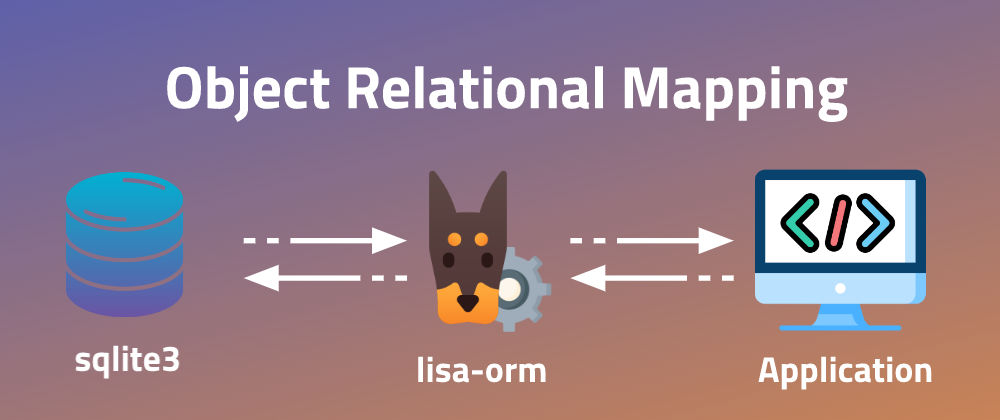
Available fields now:
- CharField()
- IntegerField()
- BooleanField()
- FloatField()
- TextField()
- DateField() -> not fully ready
- DateTimeField() -> not fully ready
How to use lisa-orm:
- Let's connect to database first:
# Importing models
from lisa_orm.db import models

# Path to database
db_path = 'db.sqlite3'

# Connect to database:
db = models.DB(db_path)
- Ok now we are connected to database.
- let's create our models:
  # Create basic system to manage classes and students

  # Create classes model
  class SchoolClass(models.Model):
    table_name = 'classes'
    class_name = models.CharField(max_length=30, unique=True)

    def __str__(self):
        return self.name


  # Create students model
  class Student(models.Model):
    table_name = 'students'
    student_name = models.CharField(max_length=60)
    student_age = models.IntegerField()
    student_gender = models.BooleanField() # 1 for male and 0 for female
    student_class = models.ForeignKey(SchoolClass)

    def __str__(self):
      return self.name
- Now we just defined the models.
- We should apply them to database.
db.create(SchoolClass)
db.create(Student)
- Congratulations. now you have two tables in database
- Let's add some data to our SchoolClass model:
# create instances of SchoolClass
class_1 = SchoolClass(class_name='1-1')
class_2 = SchoolClass(class_name='1-2')
class_3 = SchoolClass(class_name='1-3')

# saving them
db.save(class_1)
db.save(class_2)
db.save(class_3)
- add data to Student model:
# we can add data to foreignkey with to method:
# first: field_name__id=id. in our case will be:
# student_class__id=1
# the second is adding by reference field_name=instance
# in our case will be: student_class=class_1
# let's start:

# first we should get class that FK will reference to
class_1 = db.get(SchoolClass, id=1)

# creating instances of Student
ahmed = Student(
  student_name='ahmed mohamed',
  student_age=19,
  student_gender=1,
  student_class=class_1
)

marwan = Student(
  student_name='marwan mohamed',
  student_age=19,
  student_gender=1,
  student_class=class_1
)

asmaa = Student(
  student_name='asmaa ahmed',
  student_age=16,
  student_gender=0,
  student_class=class_1
)

# saving them
db.save(ahmed)
db.save(marwan)
db.save(asmaa)
- Now we have data in our database.
- let's get it:
# get one recorde
one_rec_1 = db.get(Student, id=1)
one_rec_2 = db.get(Student, student_name='marwan mohamed')
one_rec_3 = db.get(Student, id=1, student_name='ahmed mohamed')
# get return result as object of model (Student)

# filter data
filtered = db.filter(Student, student_age=19)
# filter return result as list of objects of model (Student)
- We can access values by reference:
results = db .filter(Student, student_age=19)
if results: # to check if results not None
    for res in results:
        print(f'name: {res.student_name} | class: {res.student_class.class_name}')

# Output:
# name: ahmed mohamed | class: 1-1
# name: marwan mohamed | class: 1-1
- We can delete models by:
db.drop(SchoolClass)
db.drop(Student)
1 maintainer

Release files for lisa-orm 0.0.6
For a detailed explanation of source distributions (sdists) and built distributions (wheels), please see the package formats documentation.
Source distribution (sdist)
| File | Size | Uploaded | |
|---|---|---|---|
| lisa-orm-0.0.6.tar.gz | 5.2 kB | Details |
Release files / lisa-orm-0.0.6.tar.gz
| Download URL | lisa-orm-0.0.6.tar.gz |
|---|---|
| Size | 5.2 kB |
| Tags | Source |
|
SHA-256 checksum How to use checksums |
ea9146291c7695be893396330f05510b05b762ddd9272a6ccbd1e477fb8f6eb2
|
|
BLAKE2b-256 checksum How to use checksums |
4124c917055e5b792dd1ef7f4ce1ecb681dc04fdaef920d6213aa80c22afec41
|
| Upload date | |
|
Uploaded using Trusted Publishing? What is trusted publishing? |
No |
| Uploaded via |
twine/3.1.1 pkginfo/1.4.2 requests/2.22.0 setuptools/45.2.0 requests-toolbelt/0.8.0 tqdm/4.30.0 CPython/3.8.10
|














