
mal – MyAnimeList Command Line Interface




Description
mal is a command-line client for MyAnimeList.net. It uses their official API, so it should remain functional indefinitely (unlike screen-scraping alternatives). But is in alpha development yet, so new ideas is welcome! This version is a inspired tool from the slow-maintained mal.
Requirements
Installation
sudo pip install mal
Manual Installation
Download the package using git clone git@github.com:ryukinix/mal.git or as zip file, so then:
sudo python setup.py install
sudo make install (alternative)
For develop you can try: - sudo python setup.py develop - sudo make develop (alternative)
In develop mode an EGG file is linked with the actual source, that way you can try modifications and get instant feedbacks & at execution
Usage
First Steps
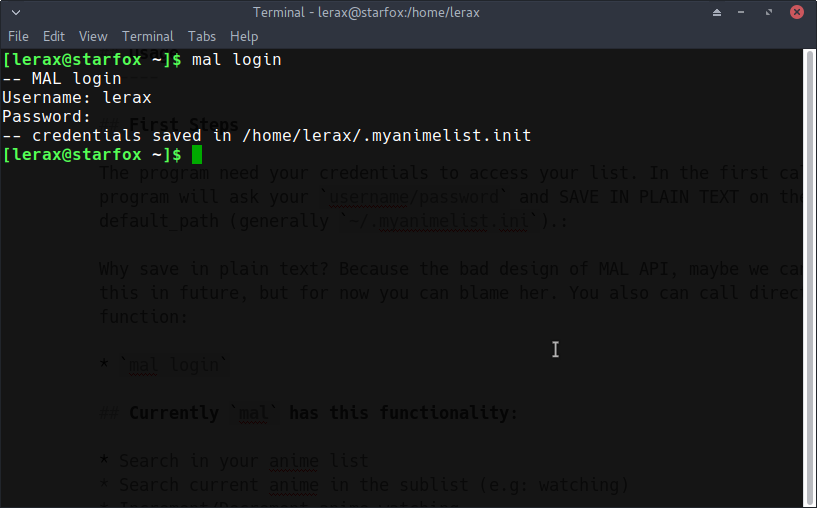
The program need your credentials to access your list. In the first call, the program will ask your username/password and SAVE IN PLAIN TEXT on the default_path (generally ~/.myanimelist.ini):
[mal]
username = your_username
password = your_password
Why save in plain text? Because the bad design of MAL API, maybe we can change this in future, but for now you can blame her. You also can call directly this function:
mal login
login
Functionalities:
Search in your anime list
Search current anime in the sublist (e.g: watching)
Increment/Decrement anime watching
Score in final watching
Fetch all anime list
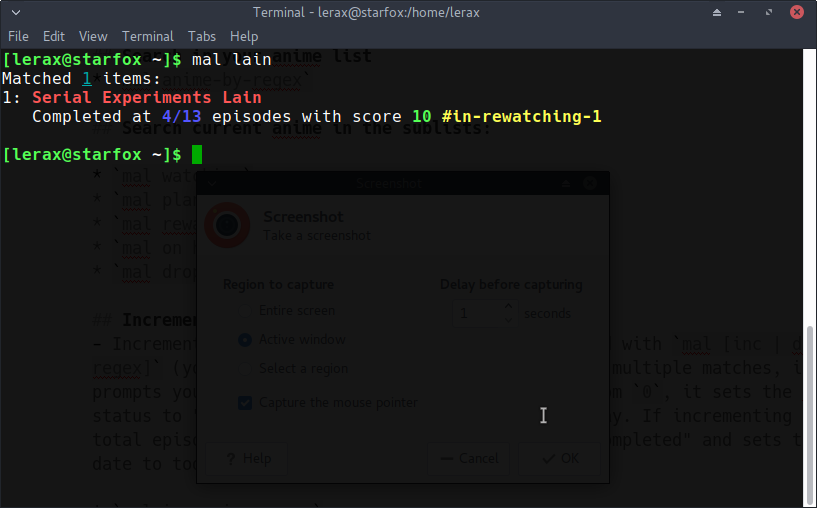
Search in your anime list
mal anime-by-regex
search
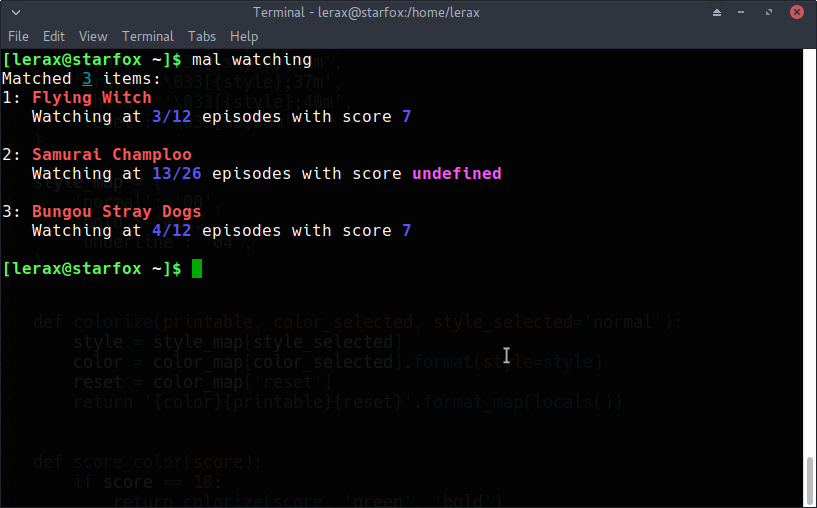
Search current anime in the sublists:
mal watching
mal plan to watch
mal rewatching
mal on hold
mal dropped
filtering
Increment/Decrement
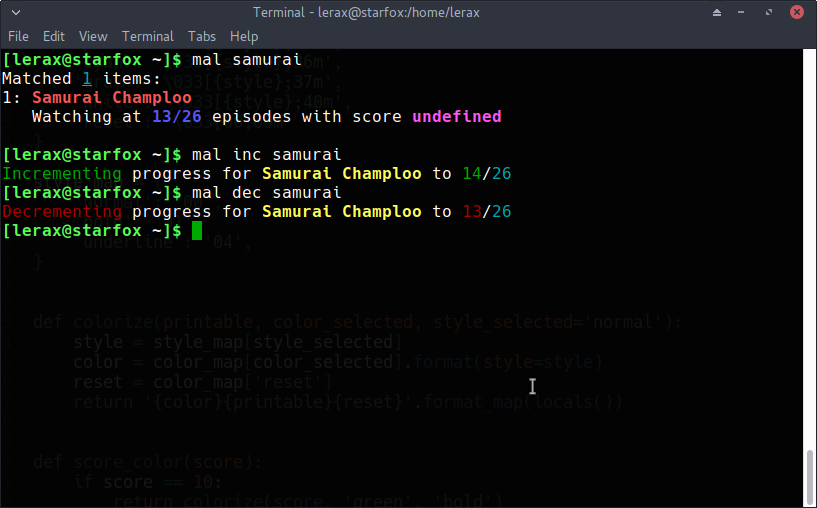
Increment/Decrement the number of episodes watched with mal [inc | dec] [regex] (you can swap the order too!). If there are multiple matches, it prompts you to select which one. If incrementing from 0, it sets the anime status to “watching” and sets the start date to today. If incrementing to the total episode count, it sets the anime status to “completed” and sets the end date to today.
Increment:
mal inc anime-regex
mal anime-regex inc
mal +1 anime-regex
mal anime-regex +1
Decrement:
mal dec anime-regex
mal anime-regex dec
mal -1 anime-regex
mal -1 anime-regex
inc-dec
List all animes:
mal all
mal list
mal .+ (is regex right? :D)
License
GPLv3
1 maintainer

Metadata
1 maintainer
Release files for mal 0.1.3
For a detailed explanation of source distributions (sdists) and built distributions (wheels), please see the package formats documentation.
Source distribution (sdist)
| File | Size | Uploaded | Provenance | Actions |
|---|---|---|---|---|
| mal-0.1.3.tar.gz | 22.9 kB | Without provenance | Details for mal-0.1.3.tar.gz |
Release files / mal-0.1.3.tar.gz
| Download URL | mal-0.1.3.tar.gz |
|---|---|
| Size | 22.9 kB |
| Tags | Source |
|
SHA-256 checksum How to use checksums |
ed61313da5716ad888da7e0942e9c96e474e1588b018b8c1fc9ba416f3036dd5
|
|
BLAKE2b-256 checksum How to use checksums |
85c1995374a7b60343fd107c3878f96be32dfb182b64cade1d65fc1ef1b8b321
|
| Upload date | |
|
Uploaded using Trusted Publishing? What is trusted publishing? |
No |
Security for mal 0.1.3
Provenance
Provenance describes where a file came from. On PyPI, provenance is shared via attestations, which provide a verifiable record of the build or publishing details. View details, limitations and caveats.
No provenance found
None of the files in this release were uploaded with provenance metadata.
A note on package security
PyPI is a repository for distributing packages, not a service for auditing them. While third-party security researchers and our staff do their best to detect and remove malicious packages, PyPI cannot guarantee the quality, security or suitability of any given package.
To learn more about protecting yourself from malicious actors, visit our package security documentation.














