
Setup
notify-run can be installed with pip:
pip install notify-run
This will install both a Python module notify_run for sending notifications programmatically, and the notify-run command for sending notifications from the shell.
Configuration
Before you use either the shell command or Python package to send notifications, you must configure an endpoint. Both the command-line interface and Python interface provide a way of creating this configuration, and the configuration is shared by both. The configuration is stored in a file called .config/notify-run in your home directory.
Command-line Interface
Register a channel
To register a channel:
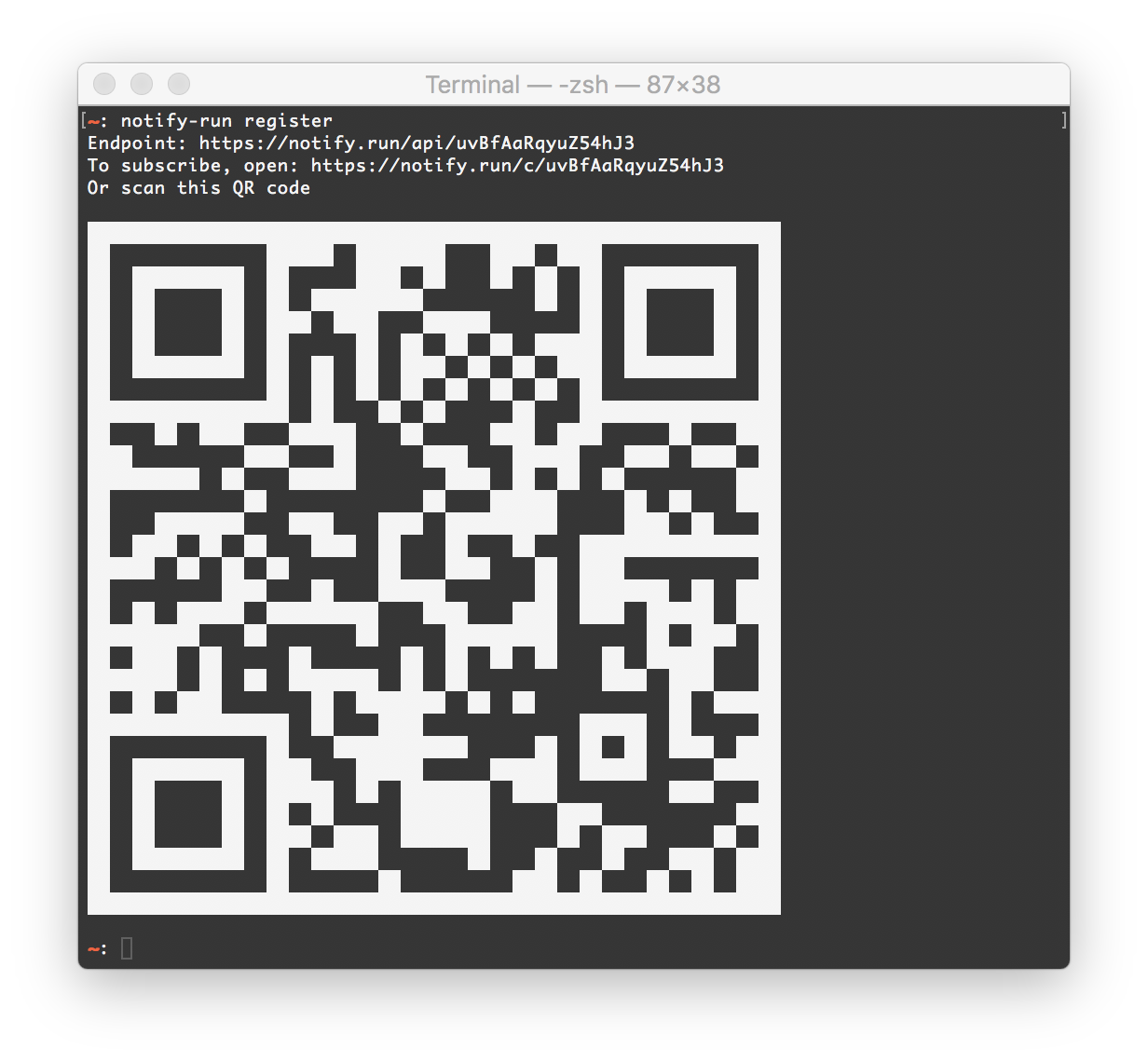
notify-run register
You will then be presented with a link that you can open on the devices you wish to subscribe to the channel. A QR code encoding the link is also provided for convinience.
Sending Message
Once you have registered a channel, you can send a message to it with the send subcommand:
notify-run send "Hi from notify-run."
To open a webpage when the notification is clicked, you can pass it to notify-run as the -a parameter:
notify-run send "Click to open notify.run!" -a https://notify.run
Using an Existing Endpoint
If you want to point notify-run at an existing endpoint, for example one created through the web interface, you can use the configure subcommand instead of register:
notify-run configure <endpoint URL>
Python Interface
The commands above can also be used through a Python interface:
from notify_run import Notify
notify = Notify()
notify.register()
notify.send('Hi there!')
notify.send('Click to open notify.run!', 'https://notify.run')
To connect to a channel you have already created, pass it as the endpoint parameter to Notify():
notify = Notify(endpoint=”https://notify.run/<channel_id>”)
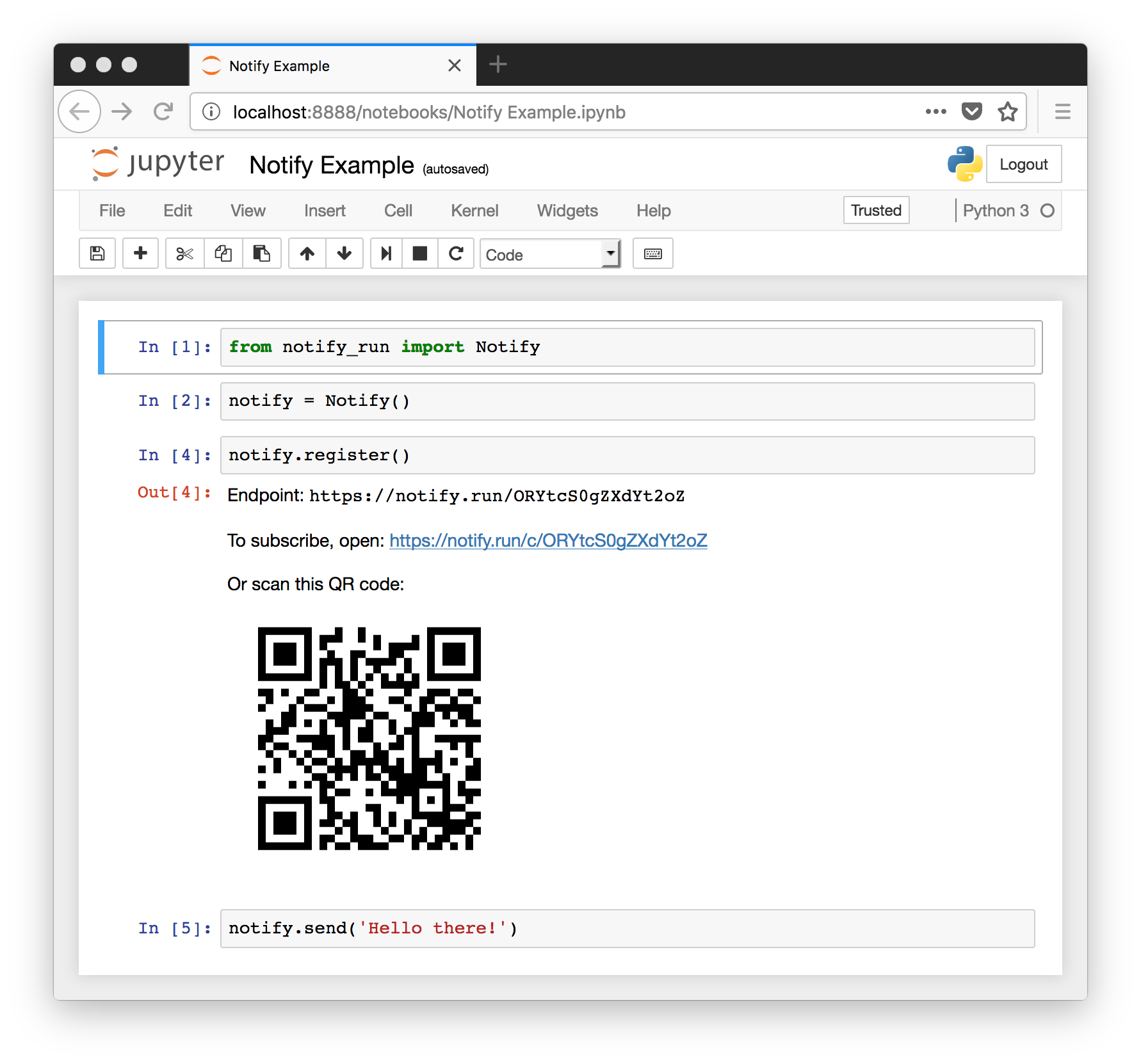
The notify.register() and notify.info() commands return an EndpointInfo object. When rendered in a terminal, this prints the QR code in a terminal-friendly way. When used in a Jupyter notebook, it displays the QR code inline.
1 maintainer

Release files for notify-run 0.0.15
For a detailed explanation of source distributions (sdists) and built distributions (wheels), please see the package formats documentation.
Source distribution (sdist)
| File | Size | Uploaded | |
|---|---|---|---|
| notify-run-0.0.15.tar.gz | 419.9 kB | Details |
Release files / notify-run-0.0.15.tar.gz
| Download URL | notify-run-0.0.15.tar.gz |
|---|---|
| Size | 419.9 kB |
| Tags | Source |
|
SHA-256 checksum How to use checksums |
3a33416f4d5dce470ec0c0b858dc5acb20b6ea74429930a7452f8e23e9cb73a4
|
|
BLAKE2b-256 checksum How to use checksums |
fc5081c00221d924443a3435af1dd341c611e47d91b9168b098611b98d2654bf
|
| Upload date | |
|
Uploaded using Trusted Publishing? What is trusted publishing? |
No |
| Uploaded via |
twine/4.0.1 CPython/3.9.10
|














