
SkynetAccessibility Scanner
Overview
SkynetAccessibility Scanner is a powerful Plone accessibility testing and scanning module designed to help organizations identify, monitor, and fix accessibility issues across their websites. It enables businesses, agencies, and government organizations to maintain compliance with global accessibility standards while improving user experience for all visitors.
Built for Plone 6, this module provides automated scanning, detailed reporting, and continuous monitoring - making accessibility management simple and scalable.
Why Use SkynetAccessibility Scanner?
Accessibility is not a one-time task. With evolving standards and legal requirements, websites require continuous monitoring and improvements. This module helps you:
- Detect accessibility issues automatically
- Track compliance across multiple pages
- Prioritize fixes with actionable recommendations
- Maintain long-term accessibility compliance
It acts as both an accessibility checker and compliance testing tool, helping teams proactively manage accessibility risks.
Features
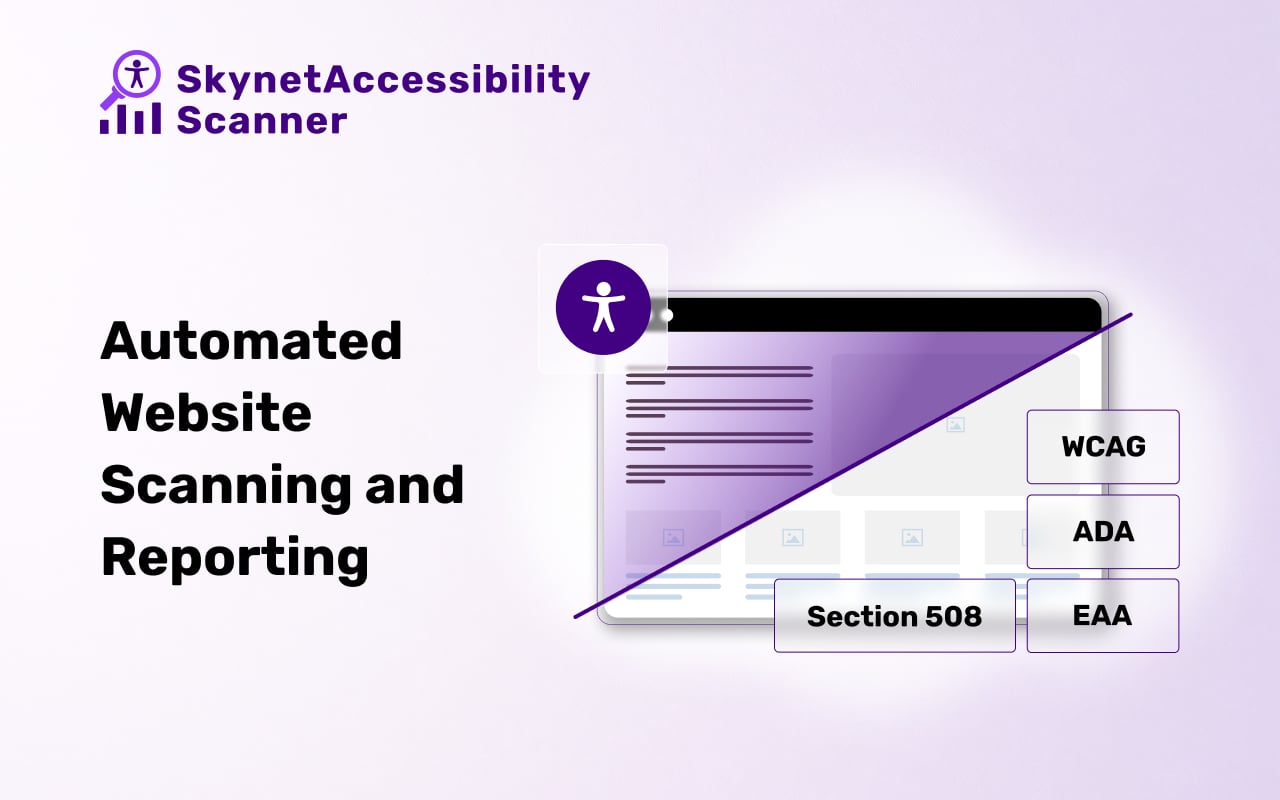
- Automated Accessibility Scanning
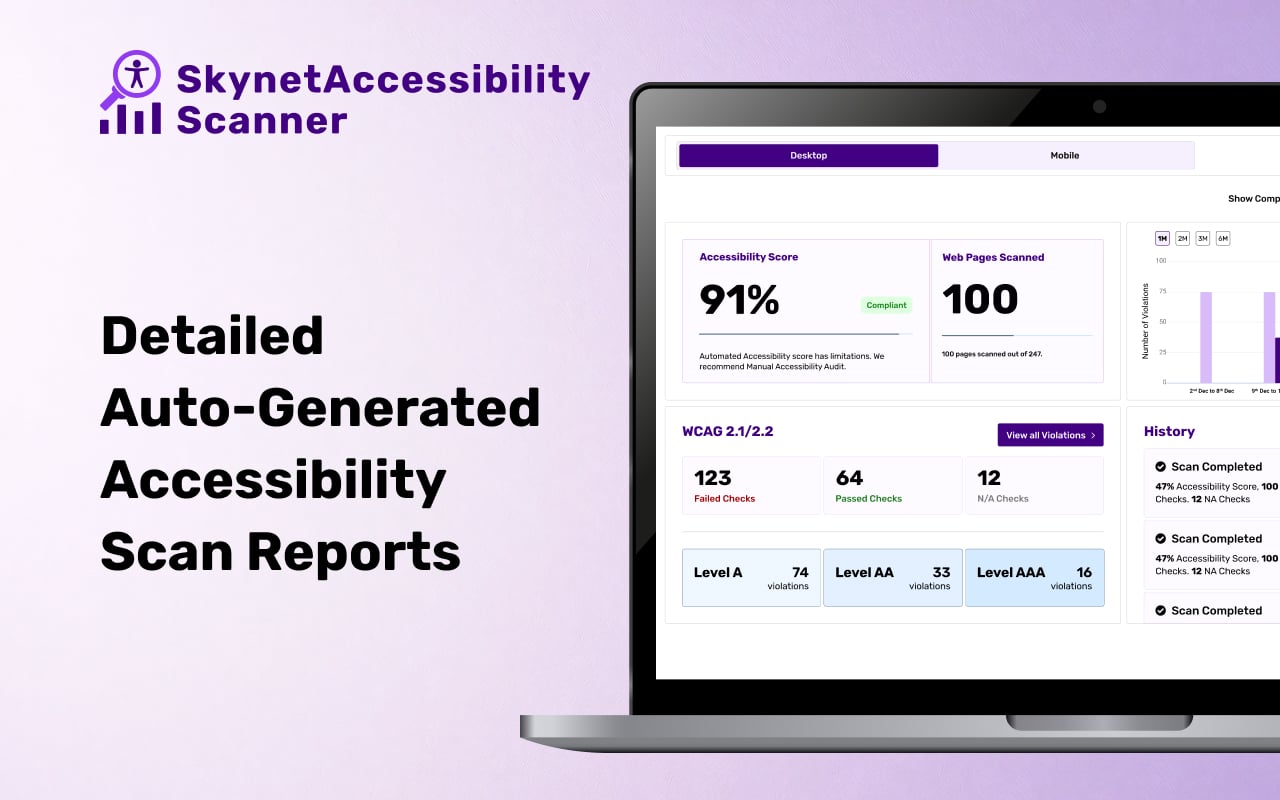
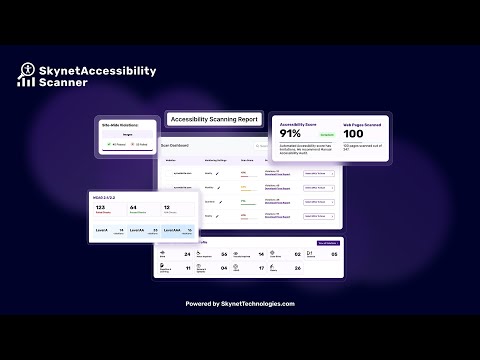
- Detailed auto-generated reports with severity levels, issue descriptions, and clear remediation guidance
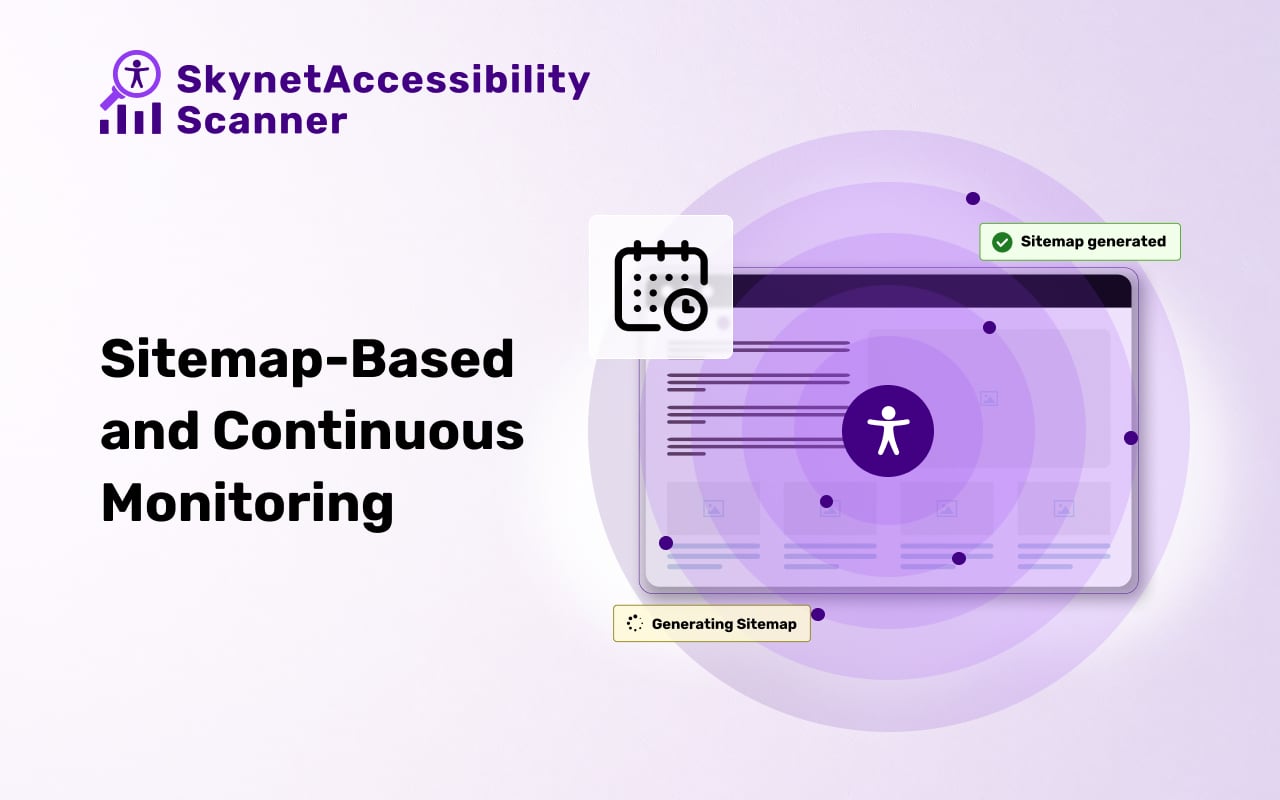
- Sitemap-Based Scanning and Monitoring
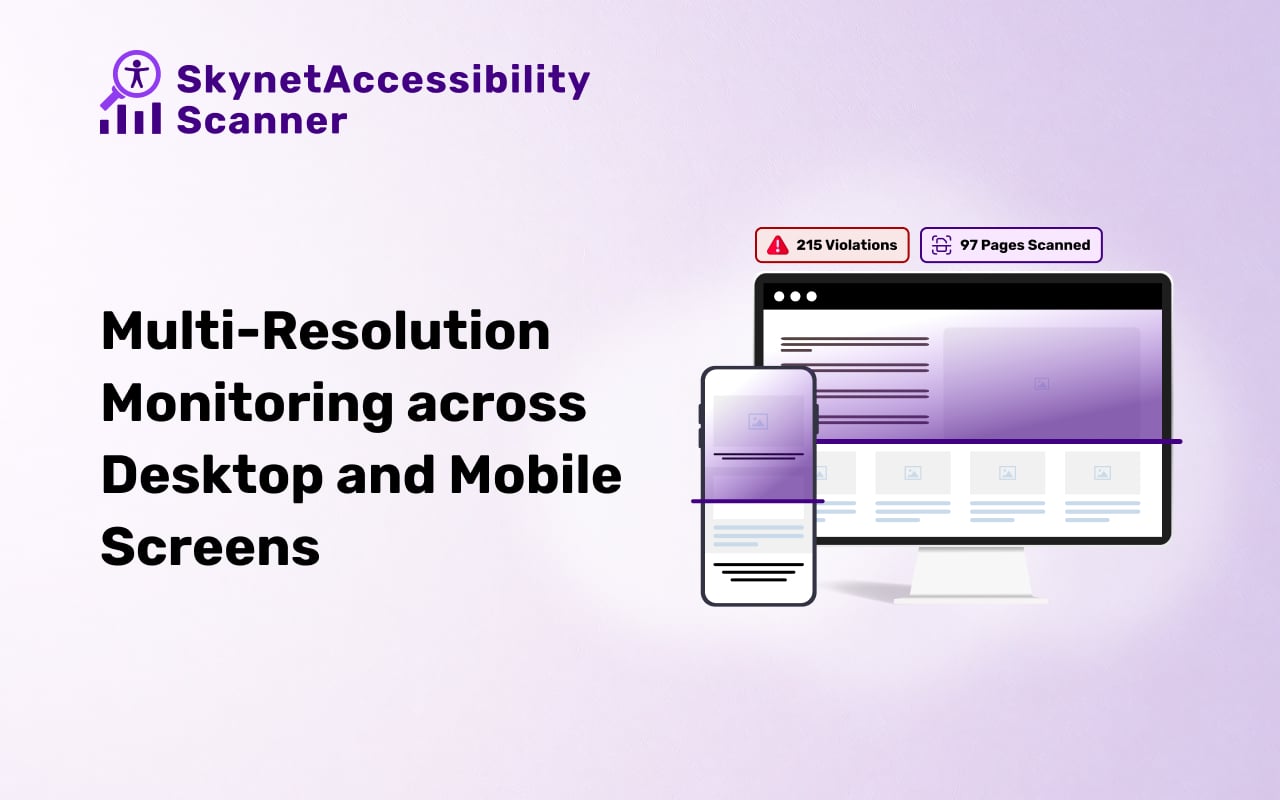
- Multi-Resolution Monitoring
- Scheduled monitoring — weekly, monthly, or quarterly
- Supports scanning in 190+ languages, making it ideal for global websites
- Seamlessly integrates with the All in One Accessibility dashboard for centralized management
Supported Global Accessibility Compliance Standards
- WCAG 2.0, 2.1, 2.2
- ADA
- Section 508
- EAA EN 301 549 (EU)
- UK Equality Act
- Australian DDA
- Canada ACA
- Ontario AODA
- California Unruh
- Israeli Standard 5568
- Germany BITV 2.0
- France RGAA
- Spain UNE 139803
- Italy Stanca Act
- Indian RPD Act
- GIGW 3.0
- Brazilian Inclusion Law LBI 13.146/2015
- Japan JIS X 8341
Key Benefits for Plone Users
- Works directly within the Plone ecosystem
- Reduces manual accessibility testing efforts
- Helps improve user experience for people with disabilities
- Supports legal and compliance requirements
- Scales across multiple Plone websites and projects
Pricing
10-day free trial available for all plans.
Single Site
| Plan | Pages | Price |
|---|---|---|
| Small | Up to 25 pages | $9/month |
| Medium | Up to 250 pages | $19/month |
| Large | Up to 1,000 pages | $89/month |
| Extra Large | Up to 2,500 pages | $199/month |
Multi-Site
| Plan | Websites & Pages | Price |
|---|---|---|
| Silver | 3 websites, up to 1,500 pages | $129/month |
| Gold | 5 websites, up to 2,500 pages | $219/month |
| Platinum | 10 websites, up to 5,000 pages | $399/month |
Paid Add-ons
- Manual Accessibility Audit Report
- Manual Accessibility Remediation
- PDF/Document Accessibility Remediation
- VPAT Report / Accessibility Conformance Report (ACR)
How It Works
- Scan Your Website – Run automated scans to detect accessibility issues.
- Review Reports – Access prioritized issue lists with remediation recommendations.
- Monitor & Maintain – Keep your website accessible with ongoing scheduled monitoring.
Installation
Prerequisites
Before installing SkynetAccessibility Scanner, make sure your setup meets these requirements:
- Plone version: 6.1.2
- Python version: 3.11
If Plone is not yet installed, follow the official Plone installation guide.
Option A: Install via pip (Recommended)
Step 1 — Open your terminal and navigate to your Plone project folder:
cd /path/to/your/plone/project
Replace
/path/to/your/plone/projectwith the actual folder path of your Plone site.
Step 2 — Install the plugin using pip:
pip install plone.skynetaccessibility_Scanner
Wait for the installation to complete. You will see a success message once it's done.
Step 3 — Restart your Plone site:
cd mysite
runwsgi etc/zope.ini
Step 4 — Activate the plugin in Plone:
- Log in to your Plone site as an administrator.
- Go to Site Setup → Add-ons.
- Find SkynetAccessibility Scanner in the list.
- Click Install.
The plugin is now active on your site!
Option B: Install from a Downloaded ZIP File
Use this method if you have downloaded the plugin manually.
Step 1 — Download and extract the ZIP file into your Plone project directory.
Step 2 — Install the extracted package via pip:
pip install -e /path/to/plone_skynetaccessibility_Scanner
Replace
/path/to/plone_skynetaccessibility_Scannerwith the folder where you extracted the ZIP file.
Step 3 — Restart your Plone site:
cd mysite
runwsgi etc/zope.ini
Step 4 — Activate the plugin in Plone:
- Log in to your Plone site as an administrator.
- Go to Site Setup → Add-ons.
- Find SkynetAccessibility Scanner in the list.
- Click Install.
The plugin is now active on your site!
Deactivating the Plugin
If you need to turn off the plugin at any time:
- Go to Site Setup → Add-ons.
- Find SkynetAccessibility Scanner in the list.
- Click Uninstall.
CORS Policy Configuration
The plugin communicates with an external server to function properly. Ask your server administrator to whitelist the following URL in your server's CORS (Cross-Origin Resource Sharing) configuration:
| Domain | Description | Usage |
|---|---|---|
https://skynetaccessibilityscan.com |
Skynet Accessibility Scan (Global Domain) | API access and resources |
Instructions
- Update your server's CORS configuration to include the URL above.
- Ensure wildcard subdomains (
*) are supported where necessary. - Verify application functionality by testing requests to this domain.
- If issues persist, consult the documentation for CORS configuration guidance.
Getting Started
- Visit WCAG Accessibility Scanning and Monitoring
- Request a demo or sign up for a free trial to explore features.
- Configure your website domain and customize scan settings.
- Start monitoring WCAG compliance, track accessibility issues, and download detailed audit reports.
Screenshots
Video
Support
Submit a Support Request
Visit our support page and fill out the form. Our team will get back to you as soon as possible.
Send Us an Email
📧 hello@skynettechnologies.com
Accessibility Partnership Opportunities
Accessibility Agency Partnership
Partner with us as an agency to provide comprehensive accessibility solutions to your clients. Get access to exclusive resources, training, and support to help you implement and manage accessibility features effectively.
Accessibility Affiliate Partnership
Join our affiliate program and earn commissions by promoting SkynetAccessibility Scanner. Share our accessibility solution within your network and help businesses improve their website accessibility while generating additional revenue.
For more details, visit the Accessibility Partnership Opportunities Page.
Credits
This Accessibility Scanning Monitoring Application is developed and maintained by Skynet Technologies USA LLC.
1 maintainer

Metadata
1 maintainer
Release files for plone.skynetaccessibility-Scanner 1.0.2
For a detailed explanation of source distributions (sdists) and built distributions (wheels), please see the package formats documentation.
Source distribution (sdist)
| File | Size | Uploaded | |
|---|---|---|---|
| plone_skynetaccessibility_scanner-1.0.2.tar.gz | 1.0 MB | Details |
Built distribution (wheel)
| File | Interpreter | ABI | Platform | Reset |
|---|---|---|---|---|
| plone_skynetaccessibility_scanner-1.0.2-py3-none-any.whl | Python 3 | none | any | Details |
Total release size: 2.0 MB
Release files / plone_skynetaccessibility_scanner-1.0.2.tar.gz
| Download URL | plone_skynetaccessibility_scanner-1.0.2.tar.gz |
|---|---|
| Size | 1.0 MB |
| Tags | Source |
|
SHA-256 checksum How to use checksums |
231f1e843403cc8090b009e047b95d73659af63b72d9f5d01c58b68fd3f4b564
|
|
BLAKE2b-256 checksum How to use checksums |
06d04b4e6152ca3d262e9db39381b7c7eaafe13d1e2bc1fa154db3651d4e612e
|
| Upload date | |
|
Uploaded using Trusted Publishing? What is trusted publishing? |
No |
| Uploaded via |
twine/6.2.0 CPython/3.13.12
|
Release files / plone_skynetaccessibility_scanner-1.0.2-py3-none-any.whl
| Download URL | plone_skynetaccessibility_scanner-1.0.2-py3-none-any.whl |
|---|---|
| Size | 1.0 MB |
| Tags | Python 3 |
|
SHA-256 checksum How to use checksums |
540ec272a94f12059b08eefbc2bde5de37886853bf6f491a6bbdc450b64b3132
|
|
BLAKE2b-256 checksum How to use checksums |
fd94a592d339a21f707545ce33fd8db8f988b56df858de1ba992d714fa8faf76
|
| Upload date | |
|
Uploaded using Trusted Publishing? What is trusted publishing? |
No |
| Uploaded via |
twine/6.2.0 CPython/3.13.12
|














