
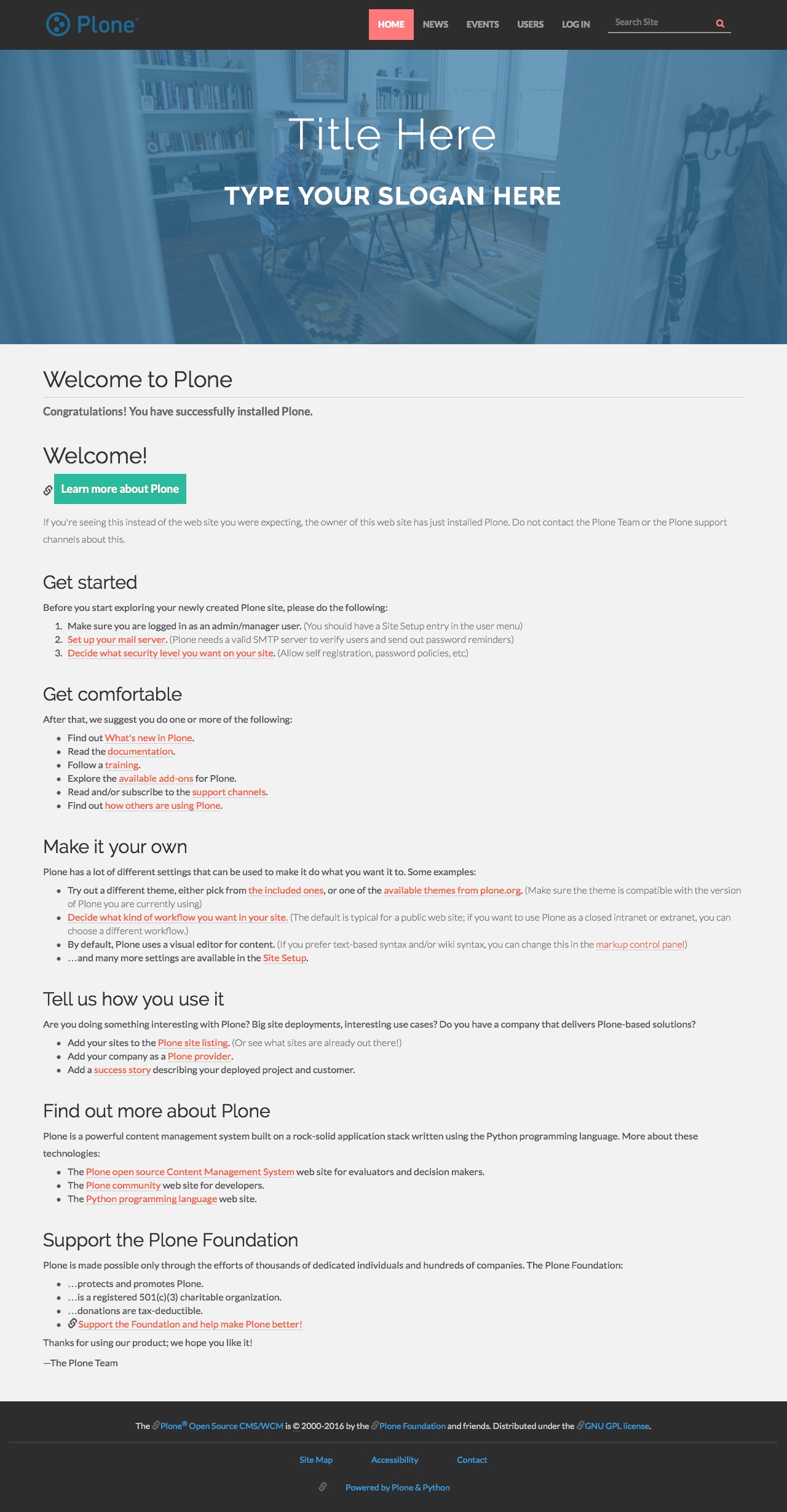
A flat theme for Plone 5.x

See additional screenshots below.
Installation
Zip
Download the zip file
Import the theme from the Diazo theme control panel.
Buildout
Install plonetheme.spot by adding it to your buildout:
[buildout]

...

eggs =
    plonetheme.spot
and then running bin/buildout
Documentation
Full documentation for end users can be found here
License
MIT License
Credit
Based on Spot – Freelance & Agency Theme
Screenshots
Full size screenshot:
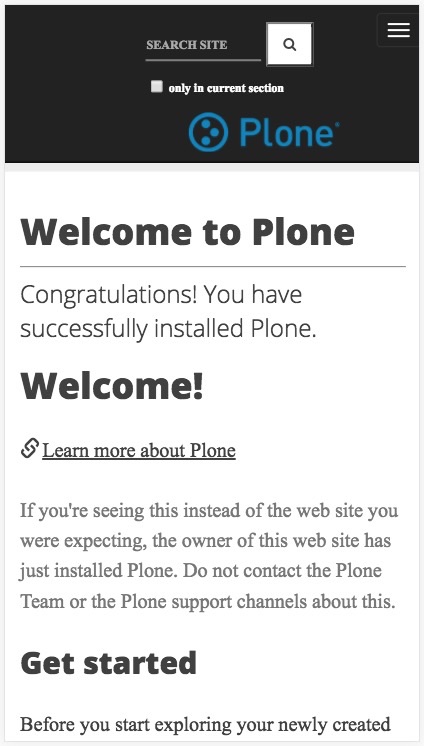
iPhone Plus screenshot:
Changelog
1.2.3 (2017-11-20)
add Framework :: Plone :: Theme classifier, update MANIFEST.in [tkimnguyen]
fix pypi keyword [tkimnguyen]
1.2.2 (2017-01-02)
use restview to fix CHANGES.rst [tkimnguyen]
1.2.1 (2017-01-02)
remove Sphinx comment in README.rst [tkimnguyen]
1.2 (2017-01-02)
add Plone 5.1 pypi classifier, refer to collective GitHub repo, tweak docs, update README.rst [tkimnguyen]
1.1 (2016-06-29)
Image size reduced [vikas-parashar]
1.0a3 (2016-06-29)
Initial release [vikas-parashar]
1.0a2
Docs updated [vikas-parashar]
2 maintainers


Release files for plonetheme.spot 1.2.3
For a detailed explanation of source distributions (sdists) and built distributions (wheels), please see the package formats documentation.
Source distribution (sdist)
| File | Size | Uploaded | |
|---|---|---|---|
| plonetheme.spot-1.2.3.tar.gz | 9.8 MB | Details |
Release files / plonetheme.spot-1.2.3.tar.gz
| Download URL | plonetheme.spot-1.2.3.tar.gz |
|---|---|
| Size | 9.8 MB |
| Tags | Source |
|
SHA-256 checksum How to use checksums |
859ba5767479ebafa1693aef0557470ce793d7c9a927b38395fe7f5461ae8b18
|
|
BLAKE2b-256 checksum How to use checksums |
67050793957e63539776b8594b7239b5fa0acd11f1fd69508dab729baad1f236
|
| Upload date | |
|
Uploaded using Trusted Publishing? What is trusted publishing? |
No |














