
Business Casual is a full website template for Plone.
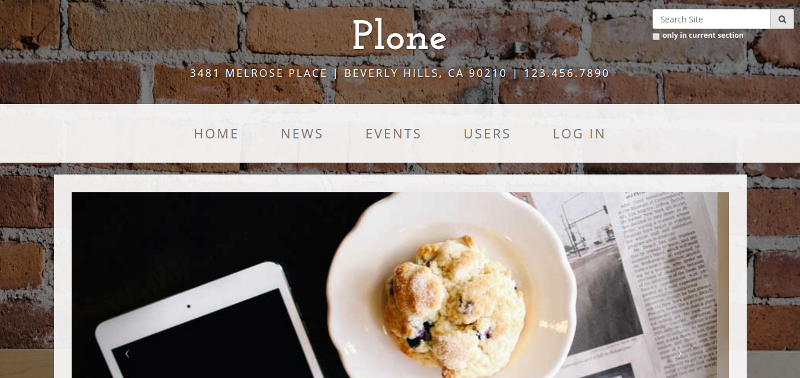
See additional screenshots below.
Installation
Zip
In zip version you don’t get the slider but only a static banner due to limitations.
Download the zip file
Import the theme from the Diazo theme control panel.
Buildout
Install plonetheme.business_casual by adding it to your buildout:
[buildout]

...

eggs =
    plonetheme.business_casual
and then running bin/buildout
Documentation
Full documentation for end users can be found here
Contribution
Clone the repo.
Run bin/buildout
- next, install the local dependencies theme requires
$ npm install
- Watch For Changes & Automatically Refresh
$ grunt watch
- Build & Optimize(This will create a dist folder with optimized files and a zip of theme)
$ grunt dist
License
MIT License
Credit
Based on Business Casual Provided by Start Bootstrap
Screenshots
Full size screenshot:
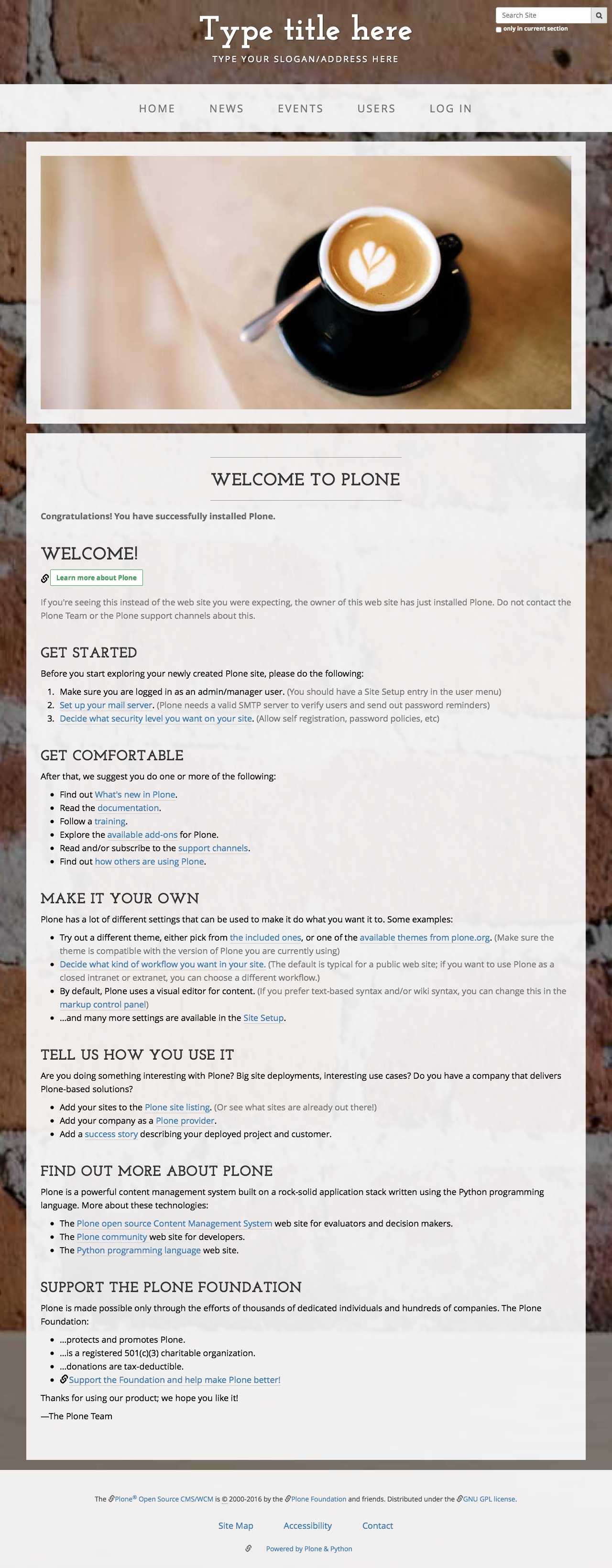
iPhone Plus screenshot:

Changelog
1.1 (2017-11-20)
add Framework :: Plone :: Theme classifier [tkimnguyen]
1.0 (2017-01-02)
updated docs, pypi classifier [tkimnguyen]
1.0a1 (2016-08-02)
Initial release. [vikas-parashar]
2 maintainers


Release files for plonetheme.business-casual 1.1
For a detailed explanation of source distributions (sdists) and built distributions (wheels), please see the package formats documentation.
Source distribution (sdist)
| File | Size | Uploaded | |
|---|---|---|---|
| plonetheme.business_casual-1.1.tar.gz | 10.5 MB | Details |
Release files / plonetheme.business_casual-1.1.tar.gz
| Download URL | plonetheme.business_casual-1.1.tar.gz |
|---|---|
| Size | 10.5 MB |
| Tags | Source |
|
SHA-256 checksum How to use checksums |
49e37015d70e23ab277640cd864b1dcffb0c0e79f9a765e4efff7652bffaf7ee
|
|
BLAKE2b-256 checksum How to use checksums |
3375b917878213a31e3b5562f206e7e48eb06257c6047e987ffabdd087fc3e52
|
| Upload date | |
|
Uploaded using Trusted Publishing? What is trusted publishing? |
No |














