

PyQt6-Frameless-Window
A cross-platform frameless window based on PyQt6



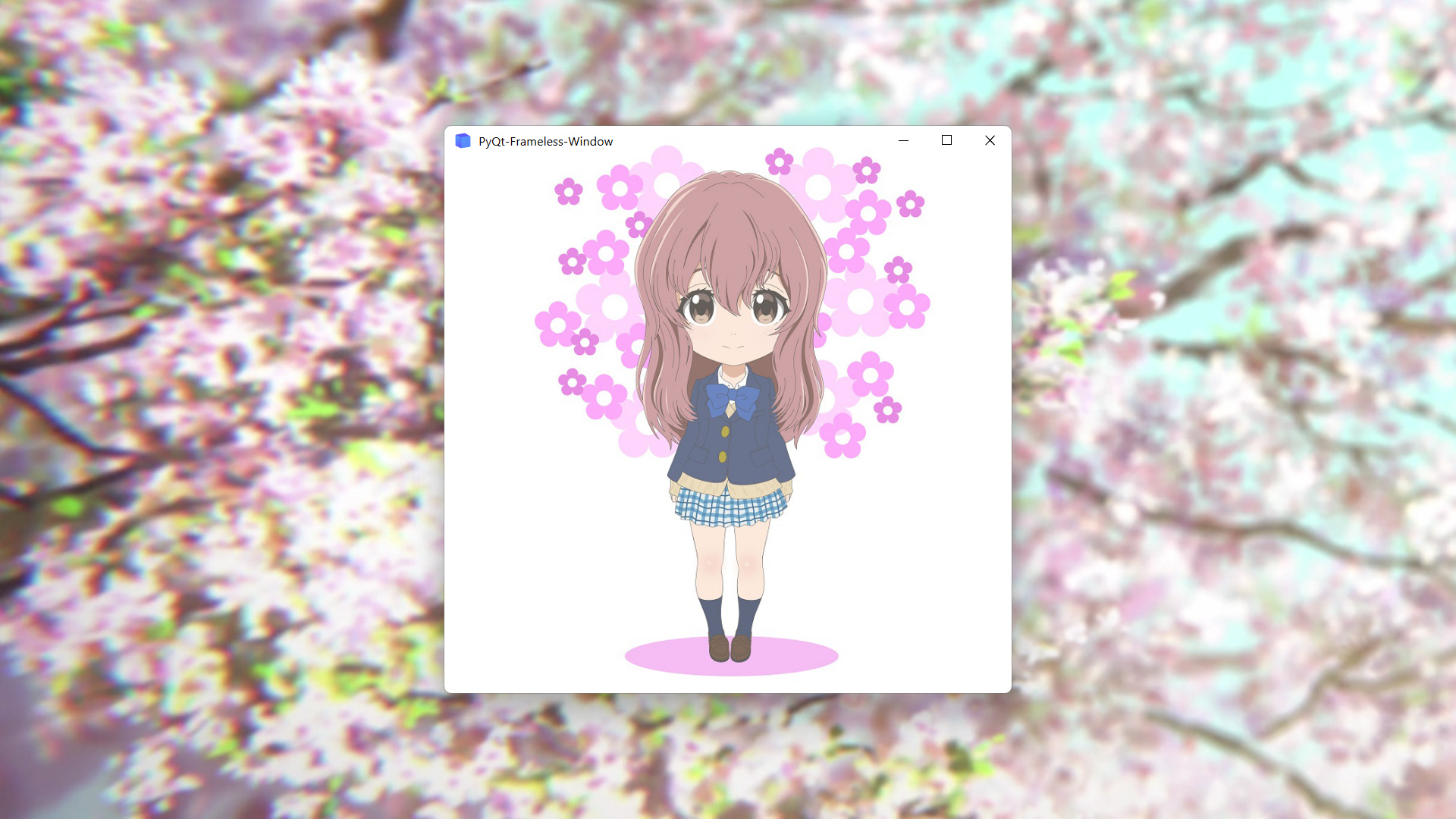
Features
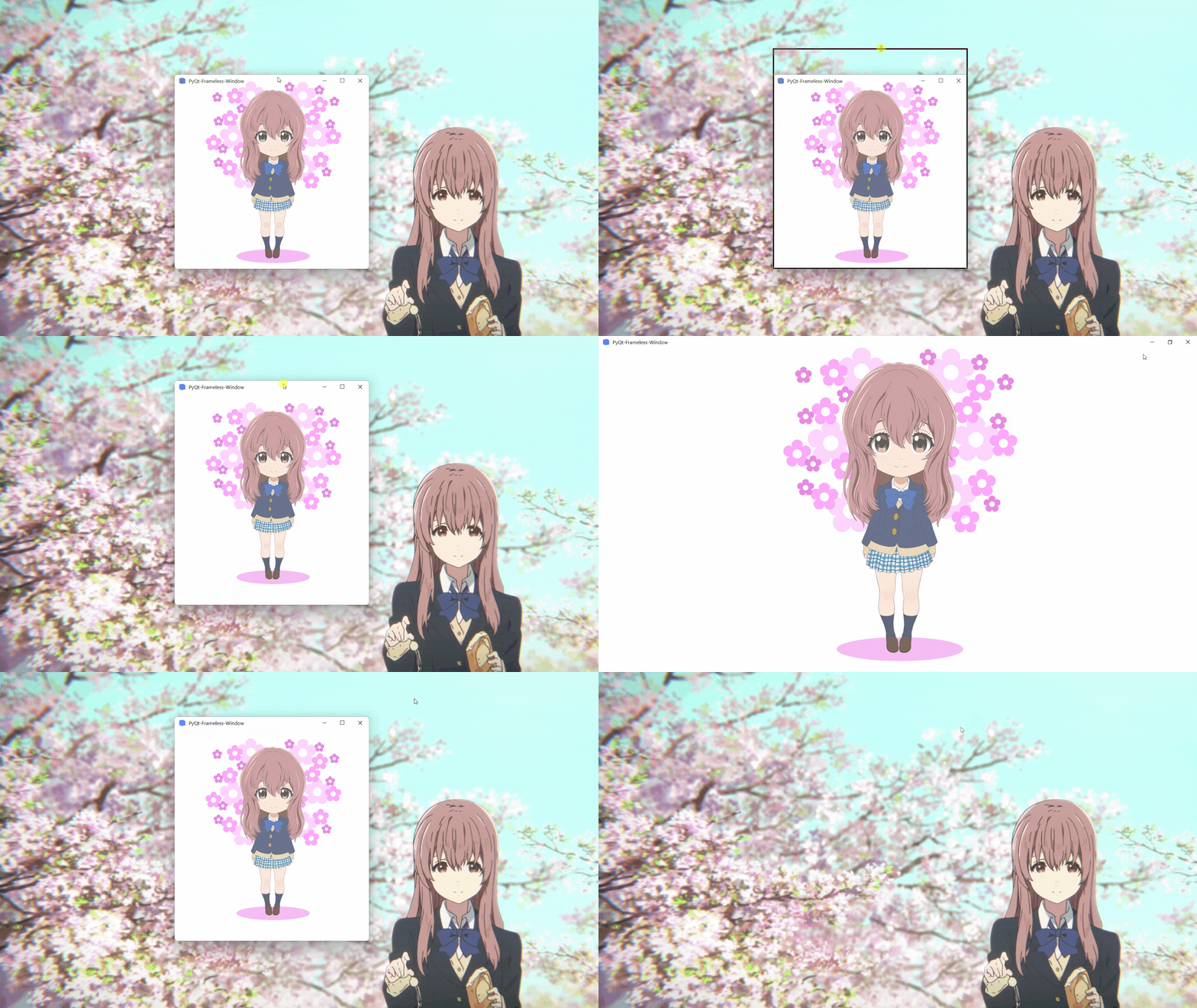
- Moving
- Stretching
- Window shadow
- Window animation
- Win11 snap layout
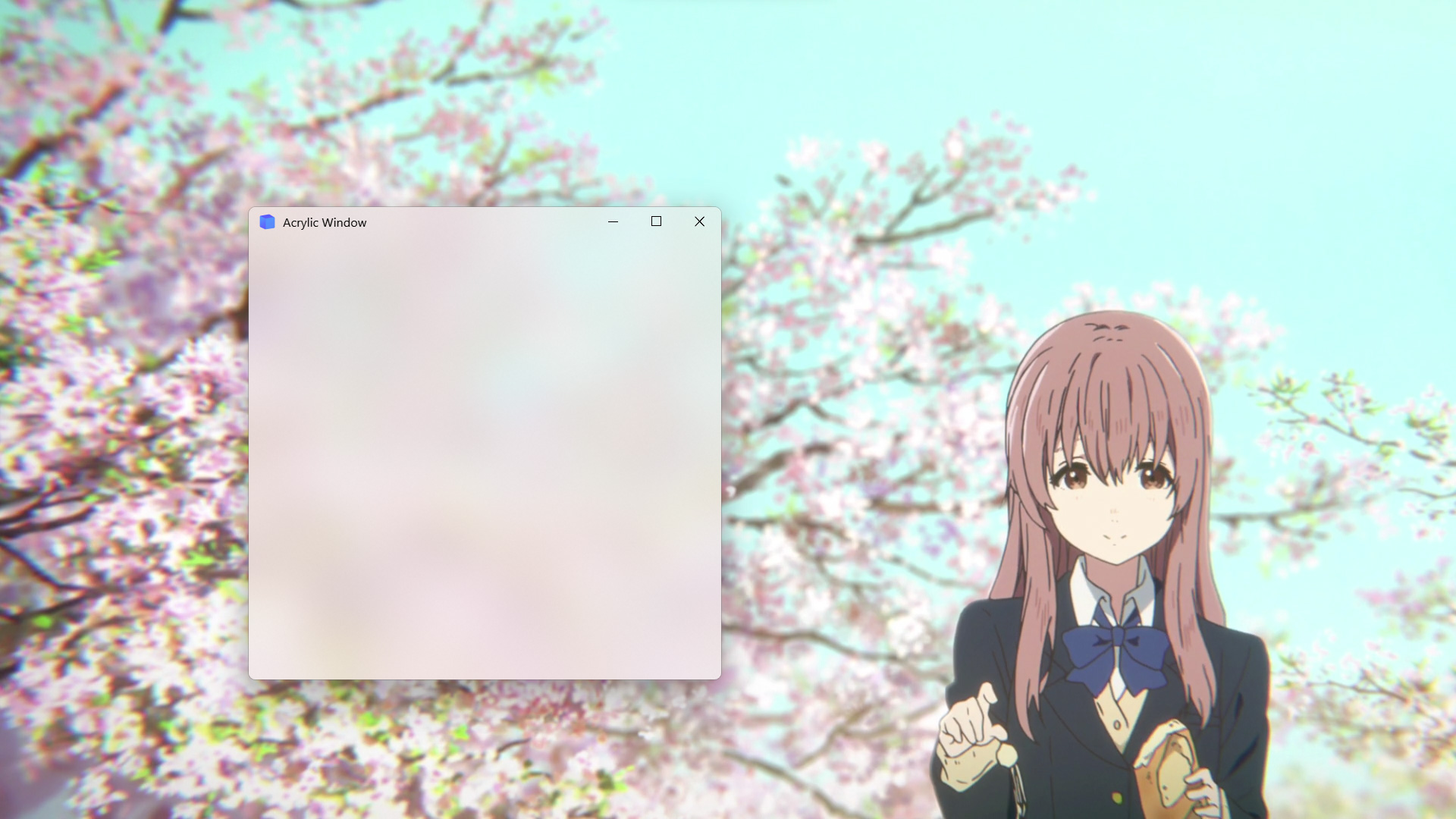
- Win10 acrylic blur
- Win11 mica blur
- Win7 Aero blur
- MacOS blur
Install
To install use pip:
pip install PyQt6-Frameless-Window
Or clone the repo:
git clone -b PyQt6 https://github.com/zhiyiYo/PyQt-Frameless-Window.git
python setup.py install
Requirements
Because the Qt resource system is used, the version of PyQt6 needs to be greater than 6.3.1. In addition, some third-party packages are required.
| Platform | Requirement |
|---|---|
| Win32 | pywin32 |
| MacOS | pyobjc |
Usage
To use the frameless window, you only need to inherit FramelessWindow or FramelessMainWindow. Here is a minimal example:
import sys

from PyQt6.QtWidgets import QApplication
from qframelesswindow import FramelessWindow


class Window(FramelessWindow):

    def __init__(self, parent=None):
        super().__init__(parent=parent)
        self.setWindowTitle("PyQt-Frameless-Window")
        self.titleBar.raise_()


if __name__ == '__main__':
    app = QApplication(sys.argv)
    demo = Window()
    demo.show()
    sys.exit(app.exec_())
For more complex requirements, see demo.py and main_window.py.
Examples
- Normal frameless window
- Acrylic frameless window
Documentation
Want to know more about PyQt6-Frameless-Window? Please read the help document 👈
Notes
-
FramelessWindowprovides a default custom title bar. If you don't like it, just rewrite it as demo.py does. -
Moving the acrylic window on Win10 may get stuck. At present, there is no good solution. Maybe you can disable the acrylic effect when moving the window, but I haven't done this in the source code.
-
Snap layout is not enabled by default. See #56 to learn how to enable it.
-
If you encounter this problem on Windows:
ImportError: DLL load failed while importing win32api
see my answer on stackoverflow or my blog for the solution.
-
If you are using PySide2, PySide6 or PyQt5, you can download the code in PySide2, PySide6 or PyQt5 branch.
See Also
Here are some projects that use PyQt-Frameless-Window:
- zhiyiYo/Groove: A cross-platform music player based on PyQt5
- zhiyiYo/Alpha-Gobang-Zero: A gobang robot based on reinforcement learning
- zhiyiYo/PyQt-Fluent-Widgets: A fluent design widgets library based on Qt
- zhiyiYo/QMaterialWidgets: A material design widgets library based on Qt
Reference
- wangwenx190/framelesshelper: Frameless windows for Qt Widgets and Qt Quick applications. Support Win32, X11, Wayland and macOS
- libxcb: Basic Graphics Programming With The XCB Library
License
PyQt6-Frameless-Window is licensed under GPLv3.
Copyright © 2021 by zhiyiYo.
1 maintainer

Metadata
1 maintainer
Release files for PyQt6-Frameless-Window 0.3.9
For a detailed explanation of source distributions (sdists) and built distributions (wheels), please see the package formats documentation.
Source distribution (sdist)
| File | Size | Uploaded | Provenance | Actions |
|---|---|---|---|---|
| PyQt6-Frameless-Window-0.3.9.tar.gz | 30.3 kB | Without provenance | Details for PyQt6-Frameless-Window-0.3.9.tar.gz |
Built distribution (wheel)
| File | Interpreter | ABI | Platform | Actions Reset |
|---|---|---|---|---|
| PyQt6_Frameless_Window-0.3.9-py3-none-any.whl | Python 3 | none | any | Details for PyQt6_Frameless_Window-0.3.9-py3-none-any.whl |
Total release size: 67.1 kB
Release files / PyQt6-Frameless-Window-0.3.9.tar.gz
| Download URL | PyQt6-Frameless-Window-0.3.9.tar.gz |
|---|---|
| Size | 30.3 kB |
| Tags | Source |
|
SHA-256 checksum How to use checksums |
fa65b85400249546867a084c5fbee0b138a9f0650aaa90a650abd569b250486f
|
|
BLAKE2b-256 checksum How to use checksums |
e6f1586ae6e5e10b5592f59fd445893049c50a8cafea9c39be5d94e39ccb884a
|
| Upload date | |
|
Uploaded using Trusted Publishing? What is trusted publishing? |
No |
| Uploaded via |
twine/4.0.0 CPython/3.8.6
|
Release files / PyQt6_Frameless_Window-0.3.9-py3-none-any.whl
| Download URL | PyQt6_Frameless_Window-0.3.9-py3-none-any.whl |
|---|---|
| Size | 36.8 kB |
| Tags | Python 3 |
|
SHA-256 checksum How to use checksums |
ec11cb9c580416a9e828db98ef29f3bfe97dbdfb80e2c65d9e564dea2e1cc15f
|
|
BLAKE2b-256 checksum How to use checksums |
8a782e37d0d8f4bc3f1e031a66f5ecd72d8a48f15410195135d955a4db905487
|
| Upload date | |
|
Uploaded using Trusted Publishing? What is trusted publishing? |
No |
| Uploaded via |
twine/4.0.0 CPython/3.8.6
|
Security for PyQt6-Frameless-Window 0.3.9
Provenance
Provenance describes where a file came from. On PyPI, provenance is shared via attestations, which provide a verifiable record of the build or publishing details. View details, limitations and caveats.
No provenance found
None of the files in this release were uploaded with provenance metadata.
A note on package security
PyPI is a repository for distributing packages, not a service for auditing them. While third-party security researchers and our staff do their best to detect and remove malicious packages, PyPI cannot guarantee the quality, security or suitability of any given package.
To learn more about protecting yourself from malicious actors, visit our package security documentation.














