
Pyrender


[!NOTE] This is a fork of pyrender by Matthew Matl, updated for compatibility with numpy v2. Install via
pip install pyrender2, but you stillimport pyrender, meaning your existing python code will just work if you switch to this fork (pip uninstall pyrender->pip install pyrender2).
Pyrender is a pure Python 3 library for physically-based rendering and visualization. It is designed to meet the glTF 2.0 specification from Khronos.
Pyrender is lightweight, easy to install, and simple to use. It comes packaged with both an intuitive scene viewer and a headache-free offscreen renderer with support for GPU-accelerated rendering on headless servers, which makes it perfect for machine learning applications.
Extensive documentation, including a quickstart guide, is provided here.
For a minimal working example of GPU-accelerated offscreen rendering using EGL, check out the EGL Google CoLab Notebook.
Installation
You can install pyrender directly from pip.
pip install pyrender2
Features
Despite being lightweight, pyrender has lots of features, including:
- Simple interoperation with the amazing trimesh project, which enables out-of-the-box support for dozens of mesh types, including OBJ, STL, DAE, OFF, PLY, and GLB.
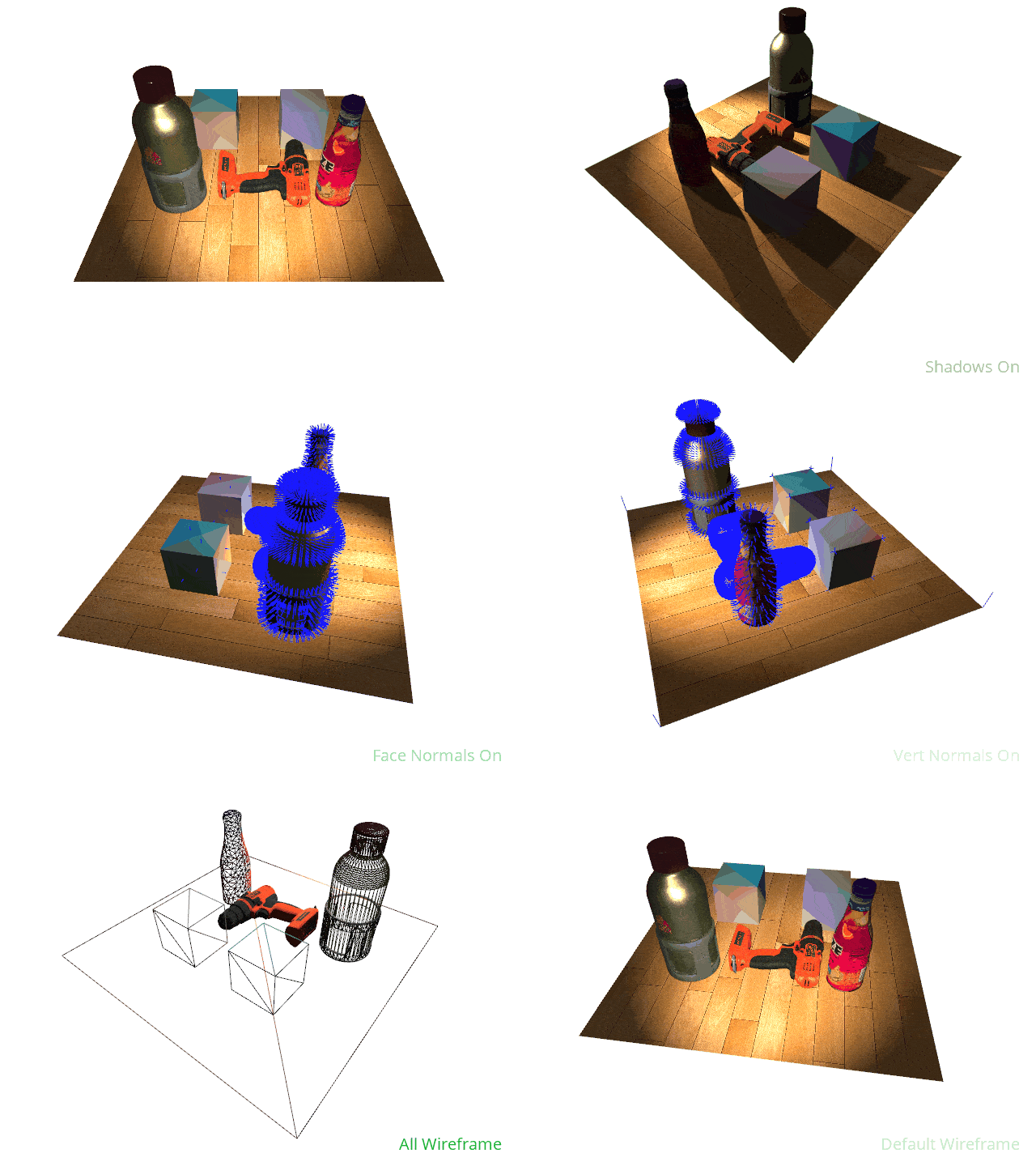
- An easy-to-use scene viewer with support for animation, showing face and vertex normals, toggling lighting conditions, and saving images and GIFs.
- An offscreen rendering module that supports OSMesa and EGL backends.
- Shadow mapping for directional and spot lights.
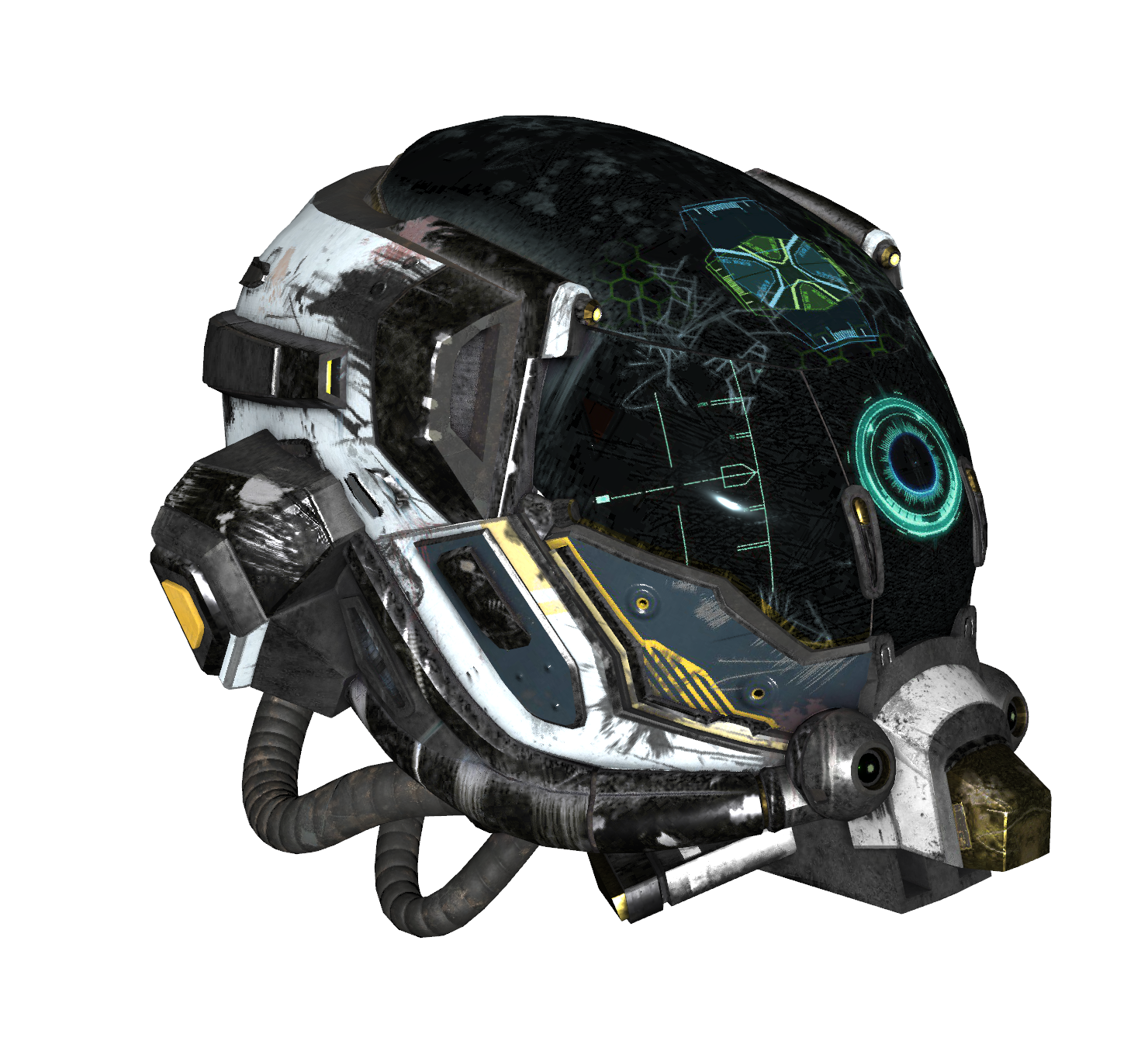
- Metallic-roughness materials for physically-based rendering, including several types of texture and normal mapping.
- Transparency.
- Depth and color image generation.
Sample Usage
For sample usage, check out the quickstart guide or one of the Google CoLab Notebooks:
Viewer Keyboard and Mouse Controls
When using the viewer, the basic controls for moving about the scene are as follows:
- To rotate the camera about the center of the scene, hold the left mouse button and drag the cursor.
- To rotate the camera about its viewing axis, hold
CTRLleft mouse button and drag the cursor. - To pan the camera, do one of the following:
- Hold
SHIFT, then hold the left mouse button and drag the cursor. - Hold the middle mouse button and drag the cursor.
- Hold
- To zoom the camera in or out, do one of the following:
- Scroll the mouse wheel.
- Hold the right mouse button and drag the cursor.
The available keyboard commands are as follows:
a: Toggles rotational animation mode.c: Toggles backface culling.f: Toggles fullscreen mode.h: Toggles shadow rendering.i: Toggles axis display mode (no axes, world axis, mesh axes, all axes).l: Toggles lighting mode (scene lighting, Raymond lighting, or direct lighting).m: Toggles face normal visualization.n: Toggles vertex normal visualization.o: Toggles orthographic camera mode.q: Quits the viewer.r: Starts recording a GIF, and pressing again stops recording and opens a file dialog.s: Opens a file dialog to save the current view as an image.w: Toggles wireframe mode (scene default, flip wireframes, all wireframe, or all solid).z: Resets the camera to the default view.
As a note, displaying shadows significantly slows down rendering, so if you're experiencing low framerates, just kill shadows or reduce the number of lights in your scene.
1 maintainer

Metadata
1 maintainer
Release files for pyrender2 0.2.2
For a detailed explanation of source distributions (sdists) and built distributions (wheels), please see the package formats documentation.
Source distribution (sdist)
| File | Size | Uploaded | |
|---|---|---|---|
| pyrender2-0.2.2.tar.gz | 1.2 MB | Details |
Built distribution (wheel)
| File | Interpreter | ABI | Platform | Reset |
|---|---|---|---|---|
| pyrender2-0.2.2-py3-none-any.whl | Python 3 | none | any | Details |
Total release size: 2.4 MB
Release files / pyrender2-0.2.2.tar.gz
| Download URL | pyrender2-0.2.2.tar.gz |
|---|---|
| Size | 1.2 MB |
| Tags | Source |
|
SHA-256 checksum How to use checksums |
72b6c258d2915d50ba8d08bb37fcb1cc0f8365679e1d7a1dd7ceb4256fef54a9
|
|
BLAKE2b-256 checksum How to use checksums |
503fb5089e28bf881762c8ea859d45206059fca6bc48351ee9e04b60aaf4a2d1
|
| Upload date | |
|
Uploaded using Trusted Publishing? What is trusted publishing? |
Yes |
| Uploaded via |
twine/6.1.0 CPython/3.13.12
|
Provenance
Provenance describes where a file came from. On PyPI, provenance is shared via attestations, which provide a verifiable record of the build or publishing details. View details, limitations and caveats.


PyPI Publish Attestation
PyPI verified that this artifact, at this checksum, originated from the publisher listed below.
Signed by GitHub Actions, verified by PyPI on Apr 13, 2026.
Transparency logRelease files / pyrender2-0.2.2-py3-none-any.whl
| Download URL | pyrender2-0.2.2-py3-none-any.whl |
|---|---|
| Size | 1.2 MB |
| Tags | Python 3 |
|
SHA-256 checksum How to use checksums |
9c07e8c1416c9fbc3e831379399432f605b30a7cca4e6f2062e6195e97ffb9be
|
|
BLAKE2b-256 checksum How to use checksums |
7a9804b1141f81ad94c9a59c31a144d44fd1a35df52d8066f3ef5d8a74145725
|
| Upload date | |
|
Uploaded using Trusted Publishing? What is trusted publishing? |
Yes |
| Uploaded via |
twine/6.1.0 CPython/3.13.12
|
Provenance
Provenance describes where a file came from. On PyPI, provenance is shared via attestations, which provide a verifiable record of the build or publishing details. View details, limitations and caveats.
PyPI Publish Attestation
PyPI verified that this artifact, at this checksum, originated from the publisher listed below.
Signed by GitHub Actions, verified by PyPI on Apr 13, 2026.
Transparency log













