
Shaders For Scientific Visualisation
Author: Thomas Mathieson
Student ID: 2576219m
Supervisor: Dr. John Williamson




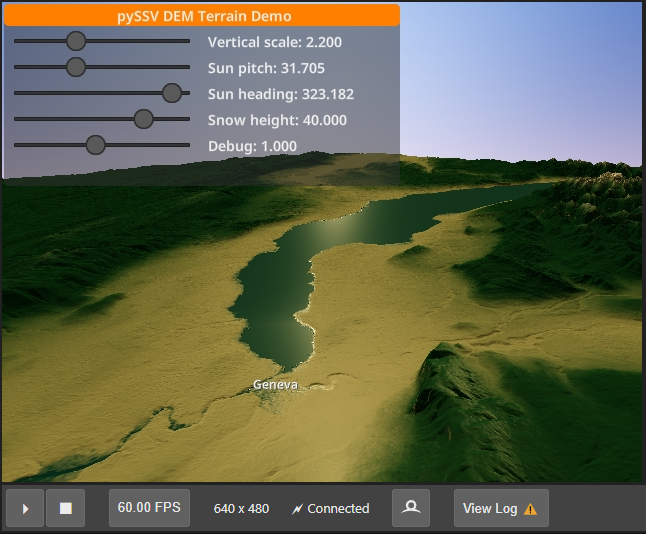
A python library for advanced interactive data visualisation on the GPU. This project is being developed for my Level 4 Individual Project at the University of Glasgow for my Computing Science degree.
The dissertation and accompanying notes and planning documents can be found here.
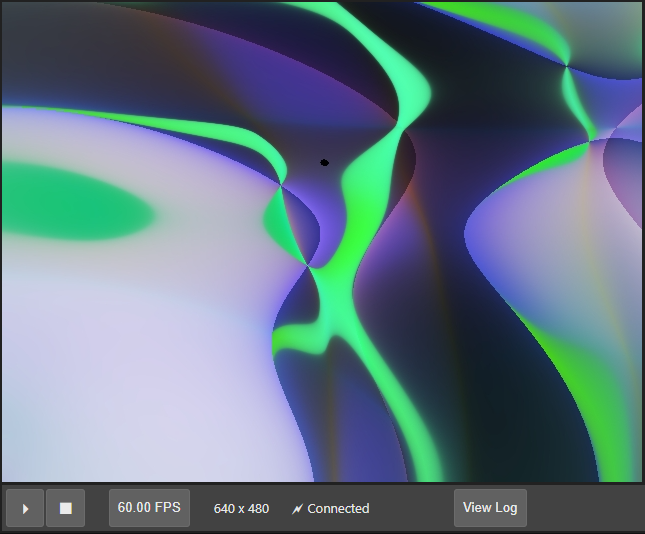
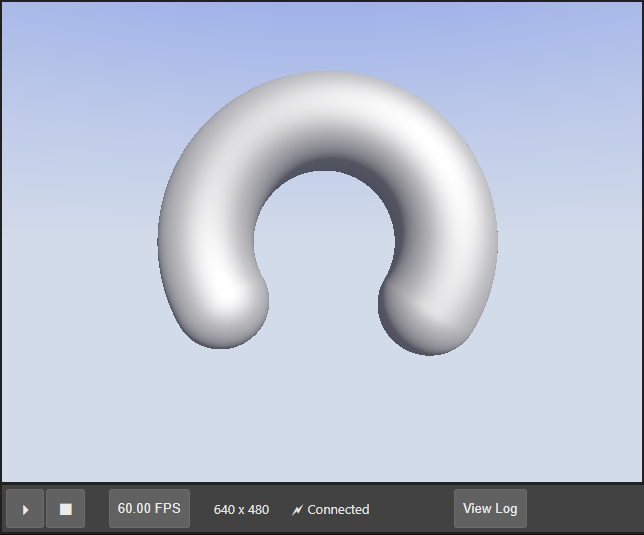
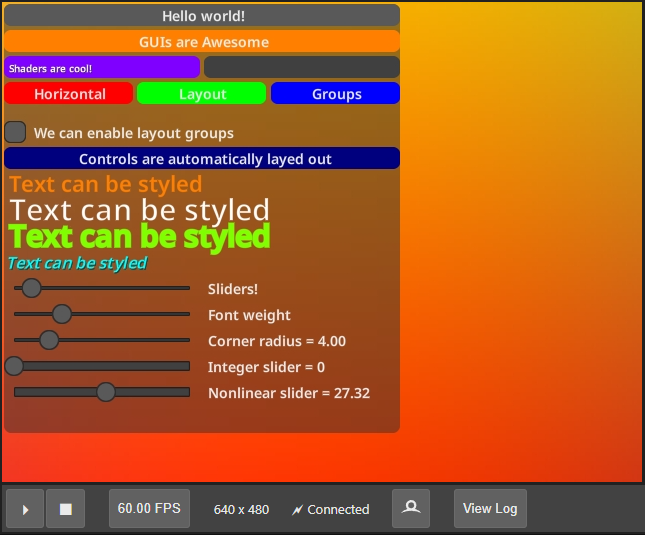
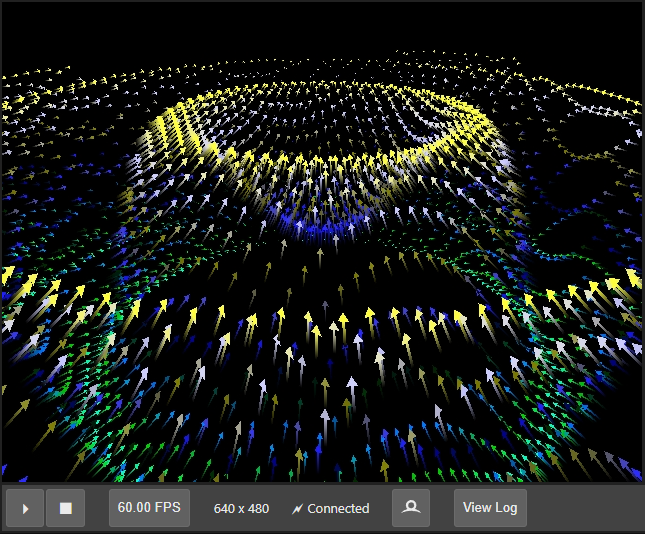
Gallery
 |
 |
 |
|---|---|---|
 |
 |
Installation
You can install using pip:
pip install pySSV
Quick Start
Try the example notebook
Create a suitable python environment (optional if you already have a python environment with jupyterlab setup) and install the package using pip:
conda create -n pySSV -c conda-forge python jupyterlab
conda activate pySSV

pip install pySSV
Download the example notebook from github (other example notebooks available here):
curl -o introduction.ipynb https://github.com/space928/Shaders-For-Scientific-Visualisation/raw/main/examples/introduction.ipynb
Start JupyterLab and play around with the notebook:
jupyter lab .\introduction.ipynb
Building From Source
Create a dev environment:
conda create -n pySSV-dev -c conda-forge nodejs yarn python jupyterlab=4
conda activate pySSV-dev
Install the python package. This will also build the TS package.
pip install -e ".[test, examples]"
The jlpm command is JupyterLab's pinned version of
yarn that is installed with JupyterLab. You may use yarn or npm
in lieu of jlpm below. Using jlpm and yarn sometimes breaks the package cache
if this happens, just delete the yarn.lock file and the .yarn folder and rerun
jlpm install.
When developing your extensions, you need to manually enable your extensions with the notebook / lab frontend. For lab, this is done by the command:
jupyter labextension develop --overwrite .
jlpm run build
How to see your changes
Typescript:
If you use JupyterLab to develop then you can watch the source directory and run JupyterLab at the same time in different terminals to watch for changes in the extension's source and automatically rebuild the widget.
# Watch the source directory in one terminal, automatically rebuilding when needed
jlpm run watch
# Run JupyterLab in another terminal
jupyter lab
After a change wait for the build to finish and then refresh your browser and the changes should take effect.
Python:
If you make a change to the python code then you will need to restart the notebook kernel to have it take effect.
Acknowledgements
Thanks to Dr. John H. Williamson for his support throughout the project.
This project was made using the fabulous Jupyter Widget template: https://github.com/jupyter-widgets/widget-ts-cookiecutter
1 maintainer

Metadata
1 maintainer
Release files for pySSV 0.7.1
For a detailed explanation of source distributions (sdists) and built distributions (wheels), please see the package formats documentation.
Source distribution (sdist)
| File | Size | Uploaded | |
|---|---|---|---|
| pyssv-0.7.1.tar.gz | 1.0 MB | Details |
Built distribution (wheel)
| File | Interpreter | ABI | Platform | Reset |
|---|---|---|---|---|
| pyssv-0.7.1-py3-none-any.whl | Python 3 | none | any | Details |
Total release size: 1.6 MB
Release files / pyssv-0.7.1.tar.gz
| Download URL | pyssv-0.7.1.tar.gz |
|---|---|
| Size | 1.0 MB |
| Tags | Source |
|
SHA-256 checksum How to use checksums |
e44178801d461d5ccbf074c48faa4e7b6e2bc8cde10a8a6ea1801ee5c61cb407
|
|
BLAKE2b-256 checksum How to use checksums |
e943ef96167eb20843b953ddee84c75fdd823c7f3e9403e334e358cc5637dbce
|
| Upload date | |
|
Uploaded using Trusted Publishing? What is trusted publishing? |
No |
| Uploaded via |
twine/4.0.2 CPython/3.11.6
|
Release files / pyssv-0.7.1-py3-none-any.whl
| Download URL | pyssv-0.7.1-py3-none-any.whl |
|---|---|
| Size | 616.7 kB |
| Tags | Python 3 |
|
SHA-256 checksum How to use checksums |
9db6bbb3afbfb36c7efb6f4ed1ac727ab75517a48f077d55ece71a2affbf8f87
|
|
BLAKE2b-256 checksum How to use checksums |
752b92b3f764cb35dd354739167ed4cb6205c322b87dad460216eaf27ad4a7f5
|
| Upload date | |
|
Uploaded using Trusted Publishing? What is trusted publishing? |
No |
| Uploaded via |
twine/4.0.2 CPython/3.11.6
|














