
QuickReaderPDF
License: 


Build: 

Read a PDF up to 20% faster!
A library that converts web pages or existing PDFs to new, easier to read PDFs
Description
This package converts a pdf or a web page that the user wants to read to an new pdf file, which can be read faster! The idea is "bionic reading", where we bold the first three letters of every word. We hope you enjoy reading your files faster!
Use case
People with ADHD and people who have trouble reading find it easier to concentrate reading files of this type. If you find yourself zoning out while reading often, try this library
Features:
The user can input a pdf file or a html file, and QuickReaderPDF will output a pdf with the first three letters boldened.
It also maintains
- Background
- Formatting
- Paragraph structure
- Links
- Images
No Ads!
If the webpage you are trying to convert to a PDF has embedded ads, QuickReaderPDF will not have ads in the PDF
Installation
To install, simply open a terminal and type:
pip install QuickReaderPDF
You're ready to go!
Usage
-
Open a terminal in the location of the pdf file you want.
-
Use the provided functions to convert a PDF file or URL to a PDF file with bold text:
Two use cases:
-
URL to PDF boldened
To convert a URL to a PDF file with bold text, say this url:
url =
"https://example.com"python -m QuickReaderPDF <url> url <name of new pdf>Note that
<url>is a keyword, which indicates to us that the input is a url.It will make a new pdf in the same directory, with name
<name of new pdf> -
PDF to PDF boldened
To convert a PDF file to a PDF file with bold text:
input_file = "input.pdf"
python -m QuickReaderPDF <pdf> input_file <name of new pdf>Make sure to replace "https://example.com" with the desired URL and "input.pdf" with the path to your input PDF file.
-
Example
- You can convert any url, for example: A great short story and convert it into a pdf:
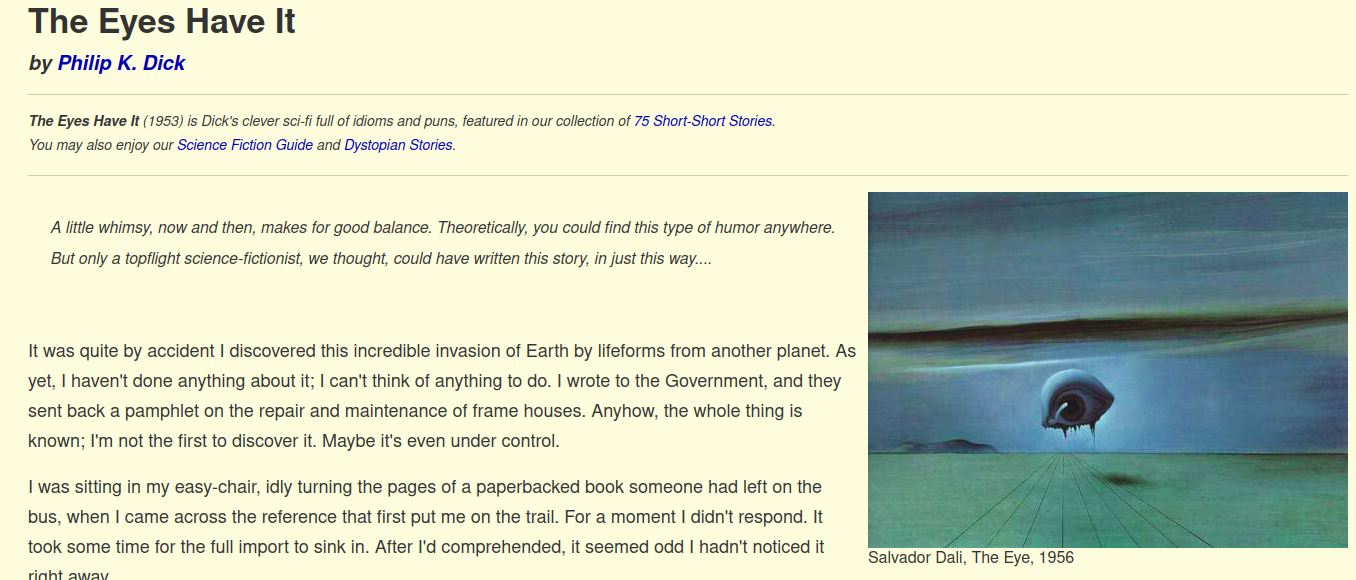 ➡️
➡️

-
You can also use QuickReaderPDF to convert a pdf into a boldened pdf.
The original PDF looks converted looks like:
➡️
1 maintainer

Metadata
1 maintainer
Release files for QuickReaderPDF 0.3.3
For a detailed explanation of source distributions (sdists) and built distributions (wheels), please see the package formats documentation.
Source distribution (sdist)
| File | Size | Uploaded | |
|---|---|---|---|
| QuickReaderPDF-0.3.3.tar.gz | 7.6 kB | Details |
Release files / QuickReaderPDF-0.3.3.tar.gz
| Download URL | QuickReaderPDF-0.3.3.tar.gz |
|---|---|
| Size | 7.6 kB |
| Tags | Source |
|
SHA-256 checksum How to use checksums |
f40662c7c27f01de3a2333e068aa239cf39cebe06f58a0137a8b4d317b4a8d29
|
|
BLAKE2b-256 checksum How to use checksums |
26db2b7aa93374da71119946c7c582c767aa0b7ae318bf7c95ed9b03294cd545
|
| Upload date | |
|
Uploaded using Trusted Publishing? What is trusted publishing? |
No |
| Uploaded via |
twine/3.1.1 pkginfo/1.4.2 requests/2.28.2 setuptools/67.6.1 requests-toolbelt/0.8.0 tqdm/4.64.1 CPython/3.8.10
|














