
Usage
Send free message to email, without your email! It is strictly forbidden to send spam or threats or 18+
# debug settings for more information
>>> from sendtomail import *
>>> server.debug("on") #enable
>>> server.debug("off") #disable

# Send free message to email (plain)
>>> from sendtomail import *
>>> server.send("gmail.com", "he1zen@null.net", "plain", "Test subject", "hello, its a test message!")
'200'
>>>

# Send free message to email (html)
>>> from sendtomail import *
>>> server.send("gmail.com", "he1zen@null.net", "html", "Test subject",
"""<!DOCTYPE html>
<html>
<body>
      <h1> hello, its a test message! </h1>
</body>
</html>""")
'200'
>>>
Text message 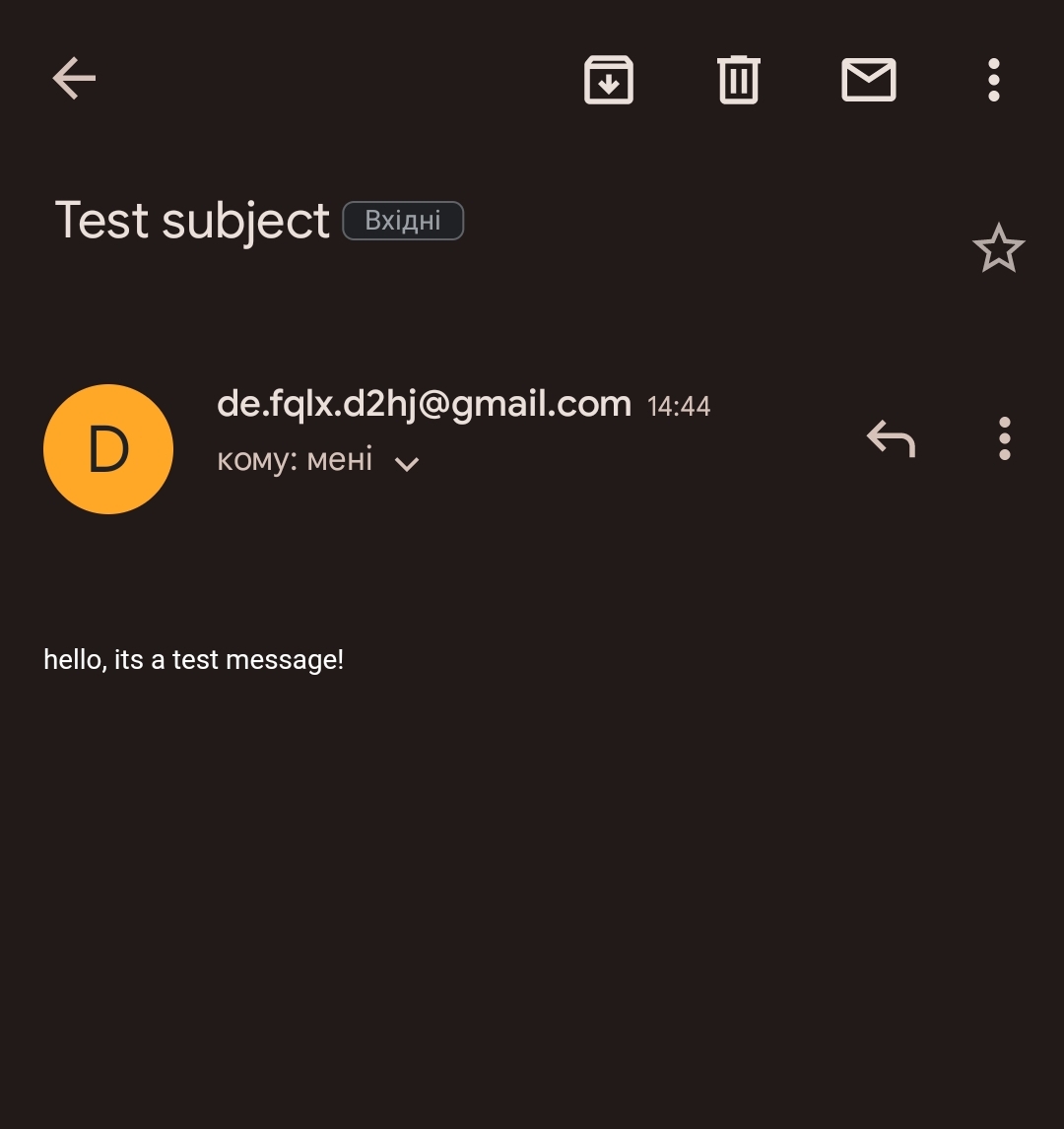
Html message 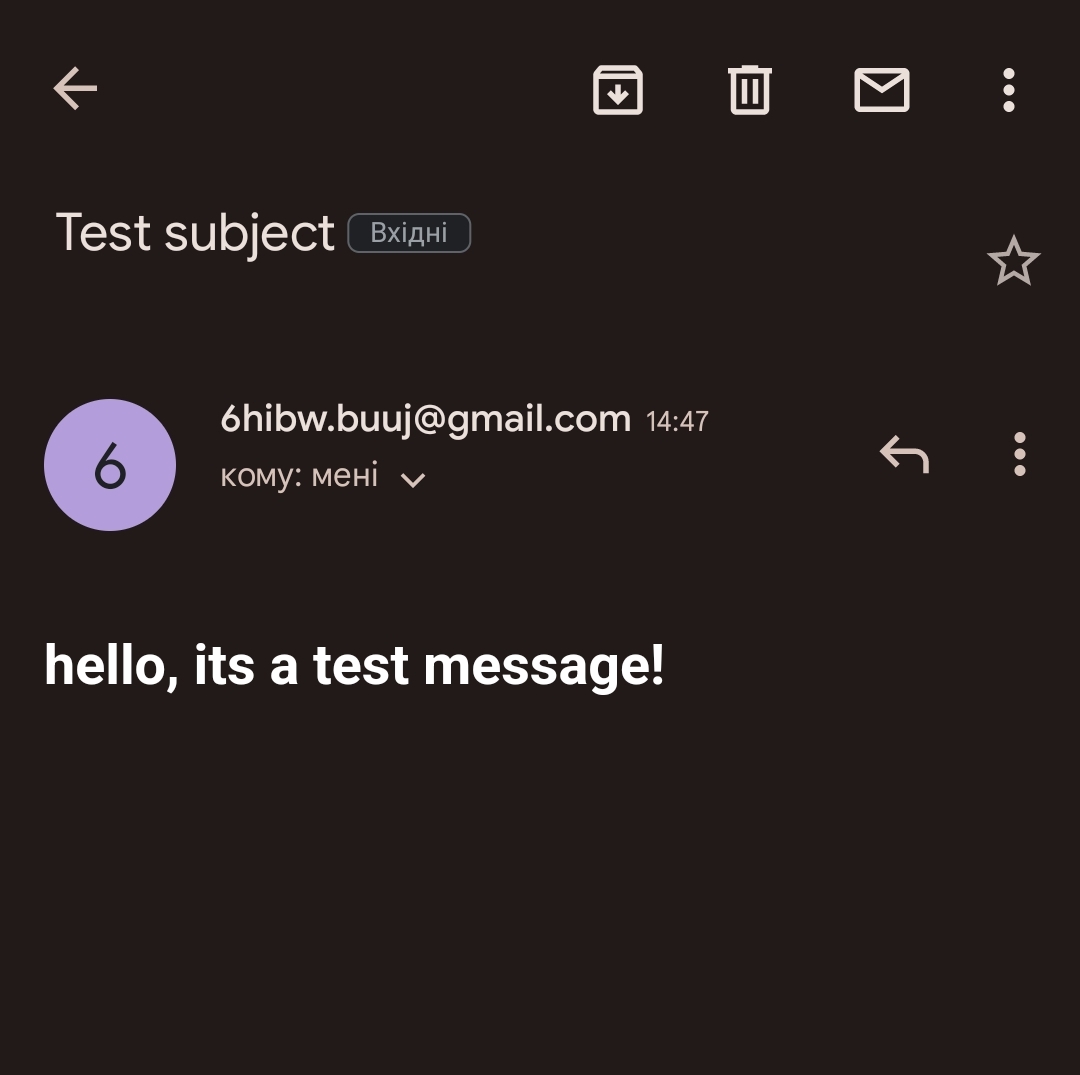
# Servers list
>>> from sendtomail import *
>>> regions = server.regions()
>>> print(regions)
SMTP servers: gmail.com, yandex.com, mail.ru
>>>

# Get Free SMTP, POP3, IMAP email
>>> from sendtomail import *
>>> server.mail()
{'google-mail': 'qcp9ex.iqu0@gmail.com', 'google-pass': 'dmxsdxqgvlcypitf'}
>>>

# Free email checker
>>> from sendtomail import *
>>> server.validate("he1zen@null.net")
'valid'
>>>

# Send custom data
>>> from sendtomail import *
>>> custom.data("^38^92%72^92%65^92%10")
'\nlocation  : Ukraine\nServer IP : 185.16.36.136\ncreator   : He1Zen, mishakorzik\nmirror    : Europe, amazon\nping      : 50-70ms\n'
>>>
Server Information
# get server info with print
>>> from sendtomail import *
>>> server.info(False)
location: Ukraine
creator: He1Zen, mishakorzik
mirror: Europe, amazon
ping: 50-70ms
>>>

# get server info with return
>>> from sendtomail import *
>>> server.info(True)
'\nlocation  : Ukraine\nServer IP : 185.16.36.136\ncreator   : He1Zen, mishakorzik\nmirror    : Europe, amazon\nping      : 50-70ms\n'
>>>
Temp Mail Creation
# Create temp mail
>>> from sendtomail import tempmail
>>> tempmail.create()
'qwm5cn282k55sp@dcctb.com'
>>>

# Read last message from temp mail
>>> from sendtomail import tempmail
>>> tempmail.read("qwm5cn282k55sp", "dcctb.com")
mailbox is empty
>>>
For Windows
download file sendtomail.exe - v1 download file sendtomail.exe - v2 download file sendtomail.exe - v3 download file sendtomail.exe - v4
and start file, i recommend select gmail.com server.
Tool information
## Status codes
200 - Succesfully send
400 - Failed to send
401 - bad request or wrong command
403 - Email protected or secured
404 - Email not found, try another email
429 - Server error, choose another server
500 - Internal Server Error, try again later
503 - Service Unavailable, try again later
504 - Try another server

## Other codes
valid   - mailbox exists
invalid - mailbox does not exist
timeout - mailbox is unknown

## Services
gmail.com   - fast - recommend
yandex.com  - slow - not recommend
mail.ru     - slow - not recommend
there are logs on the server for security purposes
1 maintainer

Metadata
1 maintainer
Release files for sendtomail 0.5.0
For a detailed explanation of source distributions (sdists) and built distributions (wheels), please see the package formats documentation.
Source distribution (sdist)
| File | Size | Uploaded | |
|---|---|---|---|
| sendtomail-0.5.0.tar.gz | 5.7 kB | Details |
Release files / sendtomail-0.5.0.tar.gz
| Download URL | sendtomail-0.5.0.tar.gz |
|---|---|
| Size | 5.7 kB |
| Tags | Source |
|
SHA-256 checksum How to use checksums |
0db9e8f9469515803ff6800a7ee82f550767f278c3ce650b1a6401f3e91f0a49
|
|
BLAKE2b-256 checksum How to use checksums |
c45c44348ec413c3719a4879a80d1cf73f2397f26a594f7230461af23b775cb1
|
| Upload date | |
|
Uploaded using Trusted Publishing? What is trusted publishing? |
No |
| Uploaded via |
twine/4.0.2 CPython/3.11.1
|














