
Sign Language Recognition tool


Table of contents
General info
SignLanguageRecognition package is a opensource tool to estimate sign language from camera vision. This project is a part of my Bachelor Thesis and contains the implementation of sign language recognition tool using a LSTM Neural Network, TensorFlow Keras and other opensorce libraries like: OpenCV or MediaPipe. Here is a link leading to PyPi package repository: pypi.org/SignLanguageRecognition.
Technologies
Project is created with:
- Python: 3.8.8
- OpenCV-Python: 4.5.3.56
- TensorFlow: 2.4.1
- MediaPipe: 0.8.7.3
- NumPy: 1.19.5
How it was made
Creating a dataset and model training
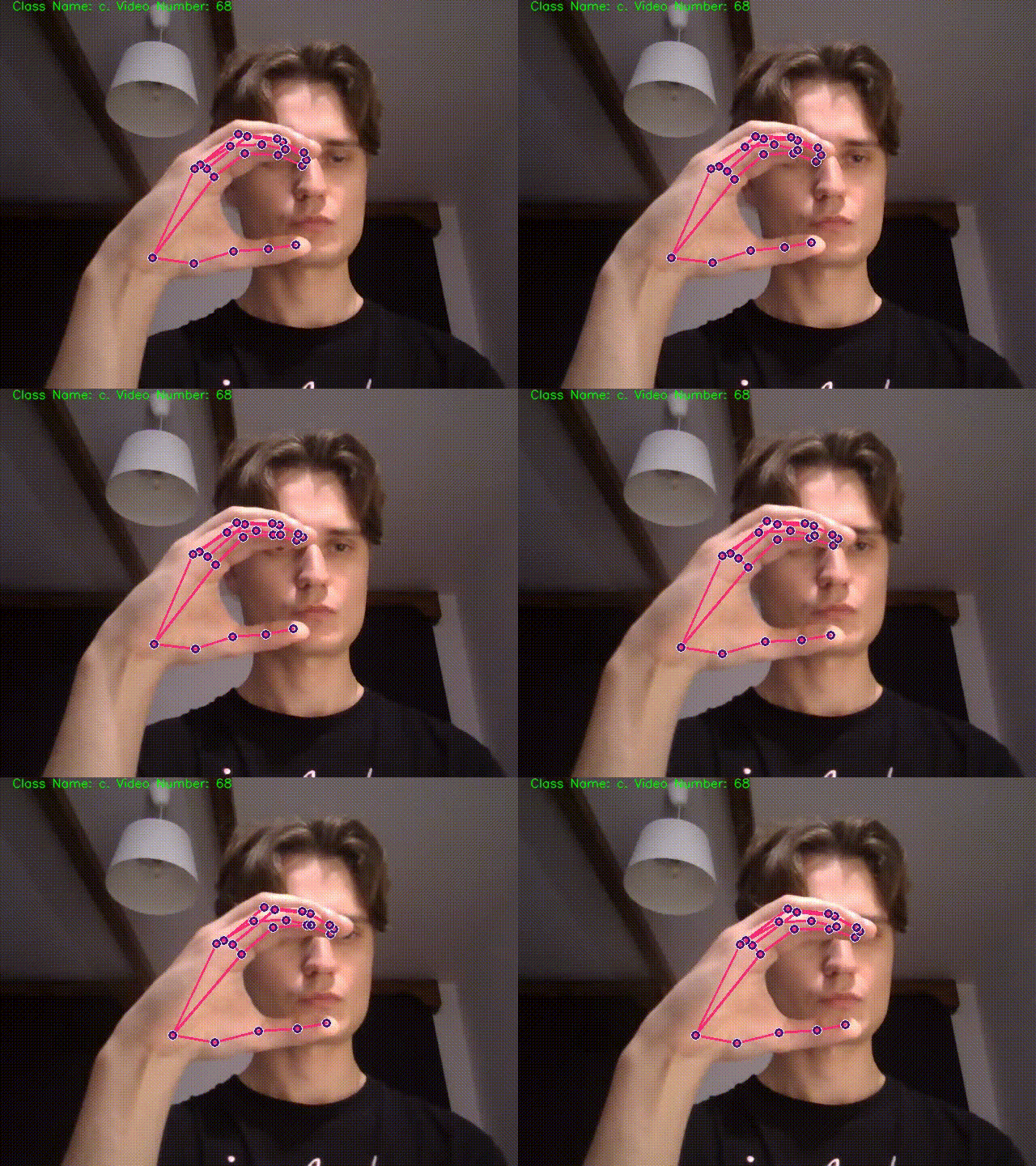
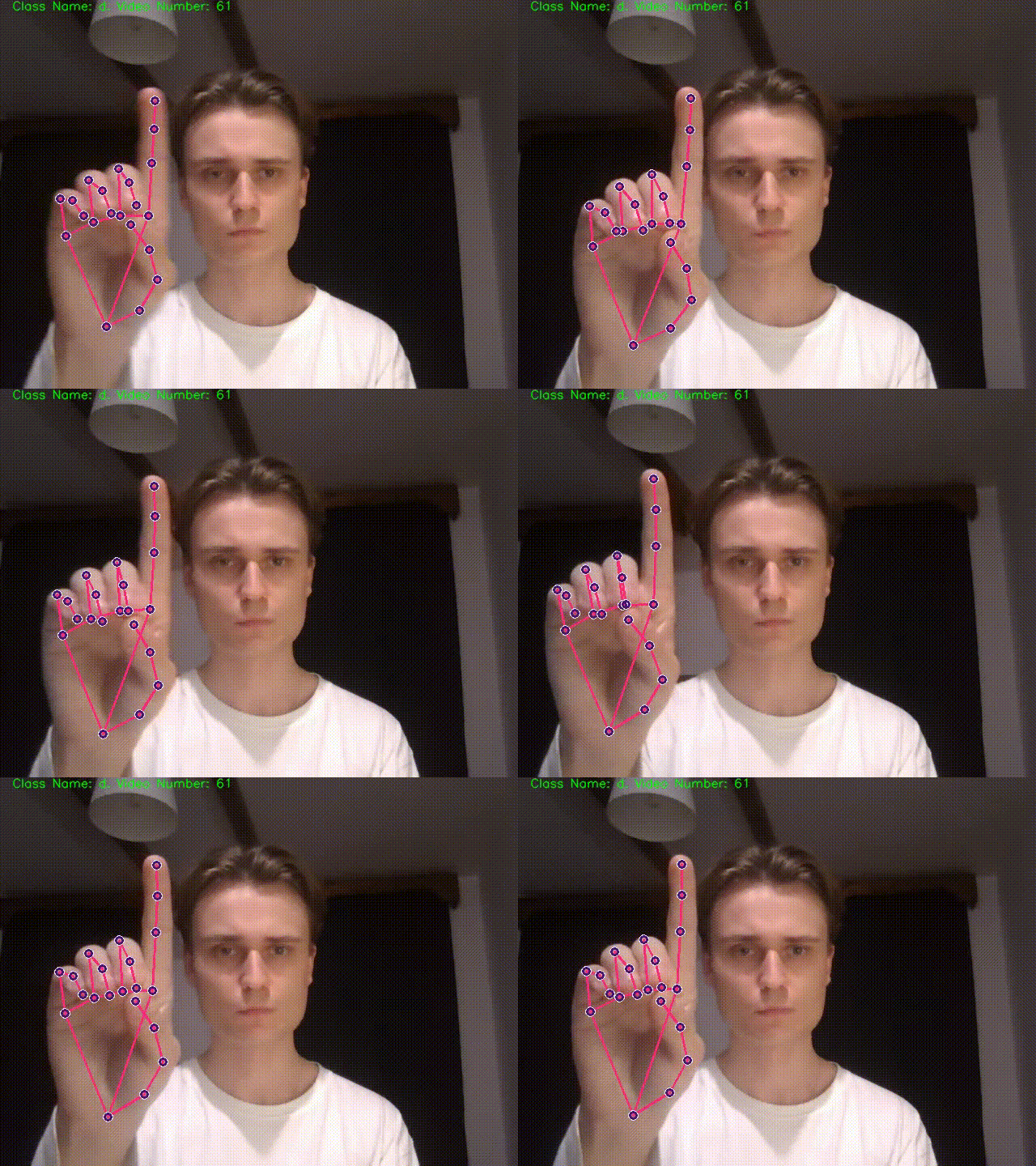
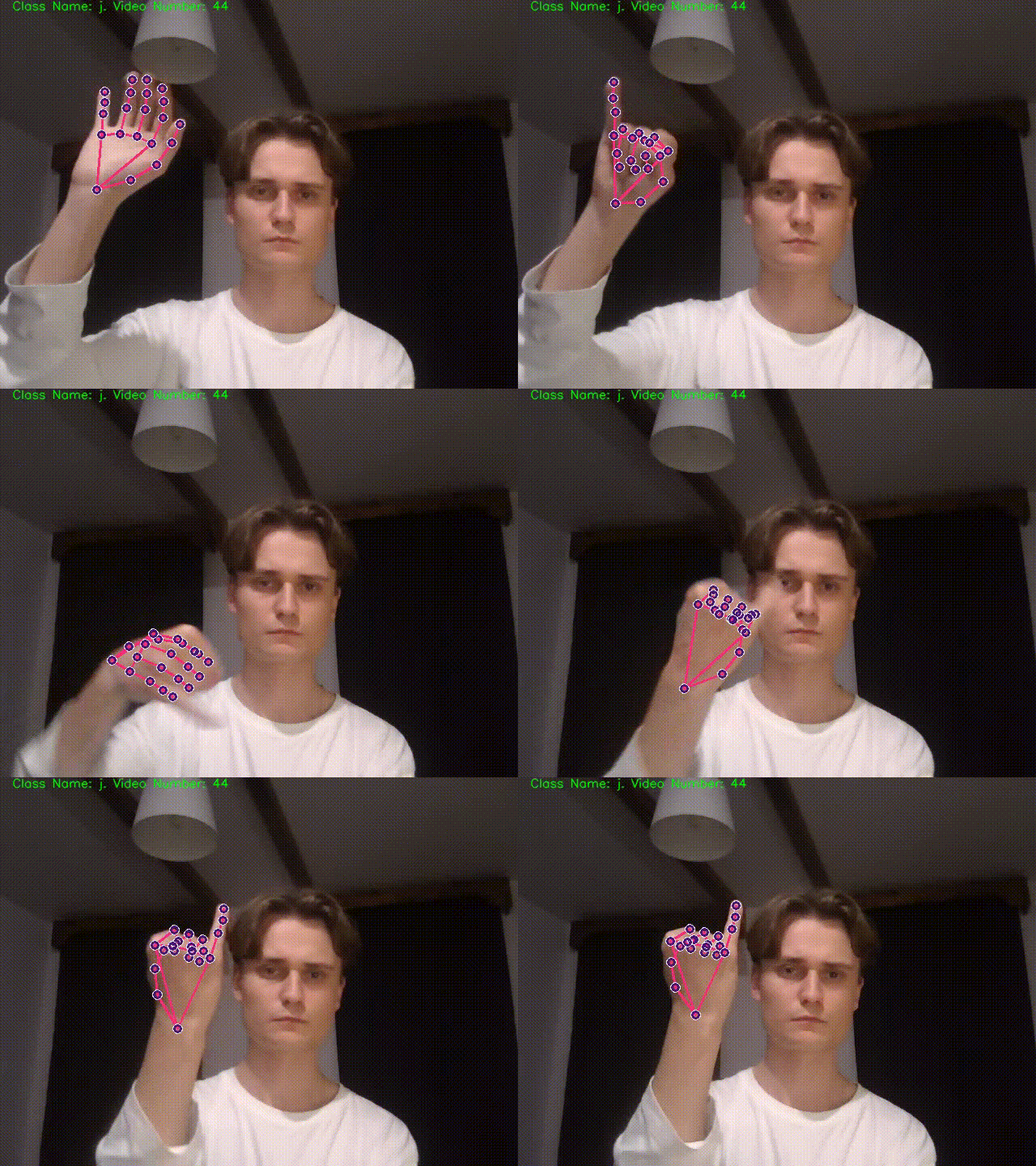
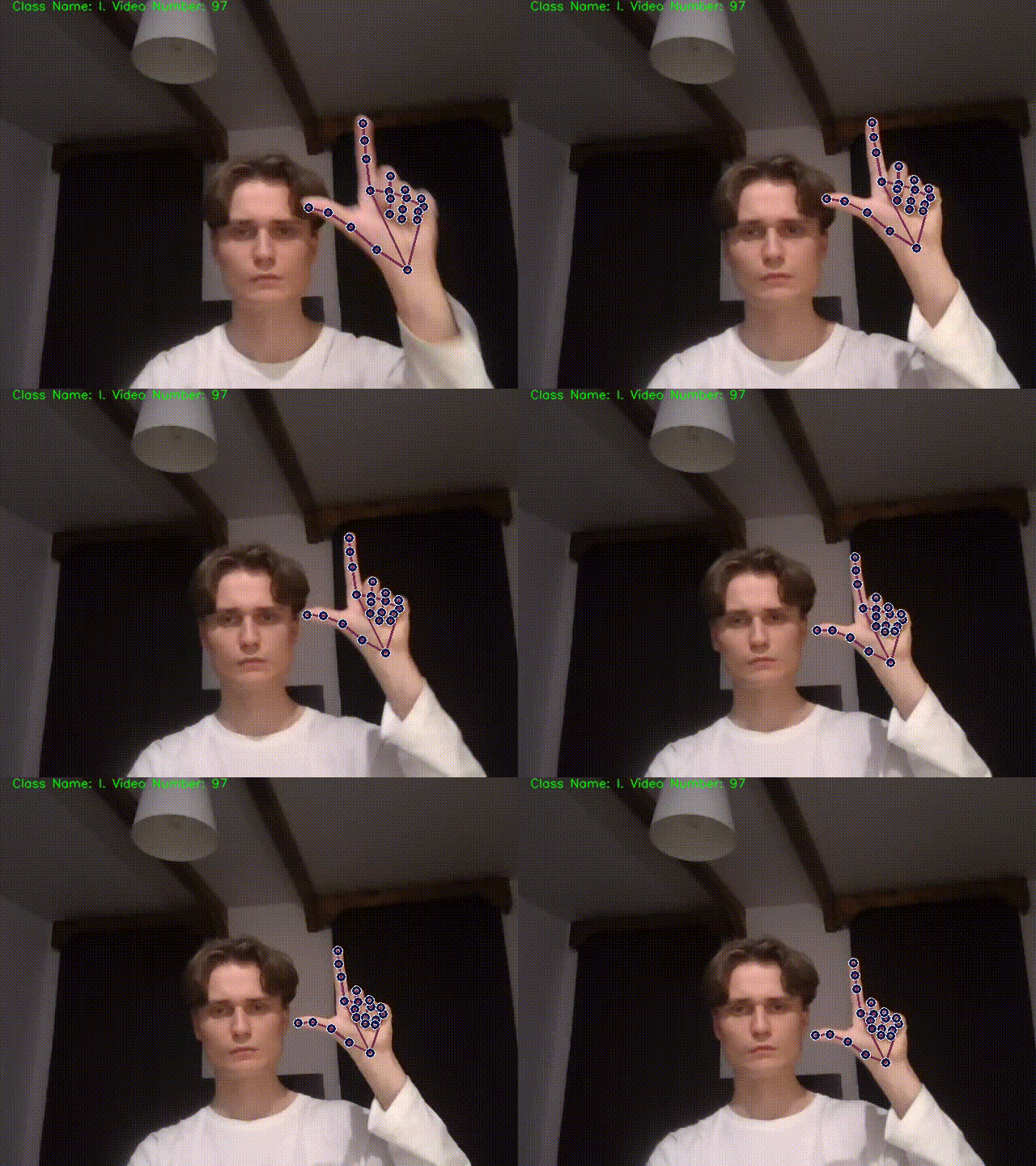
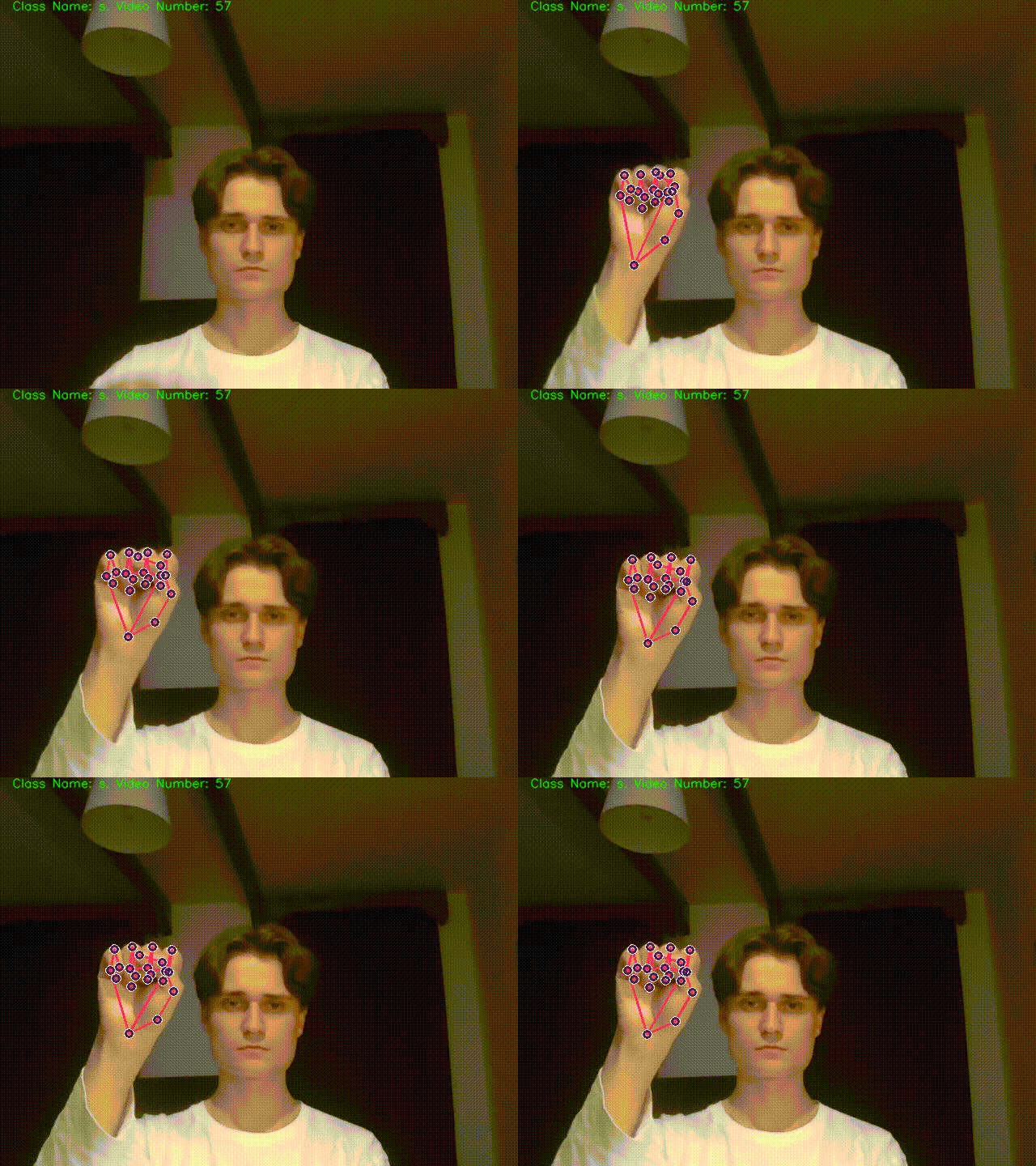
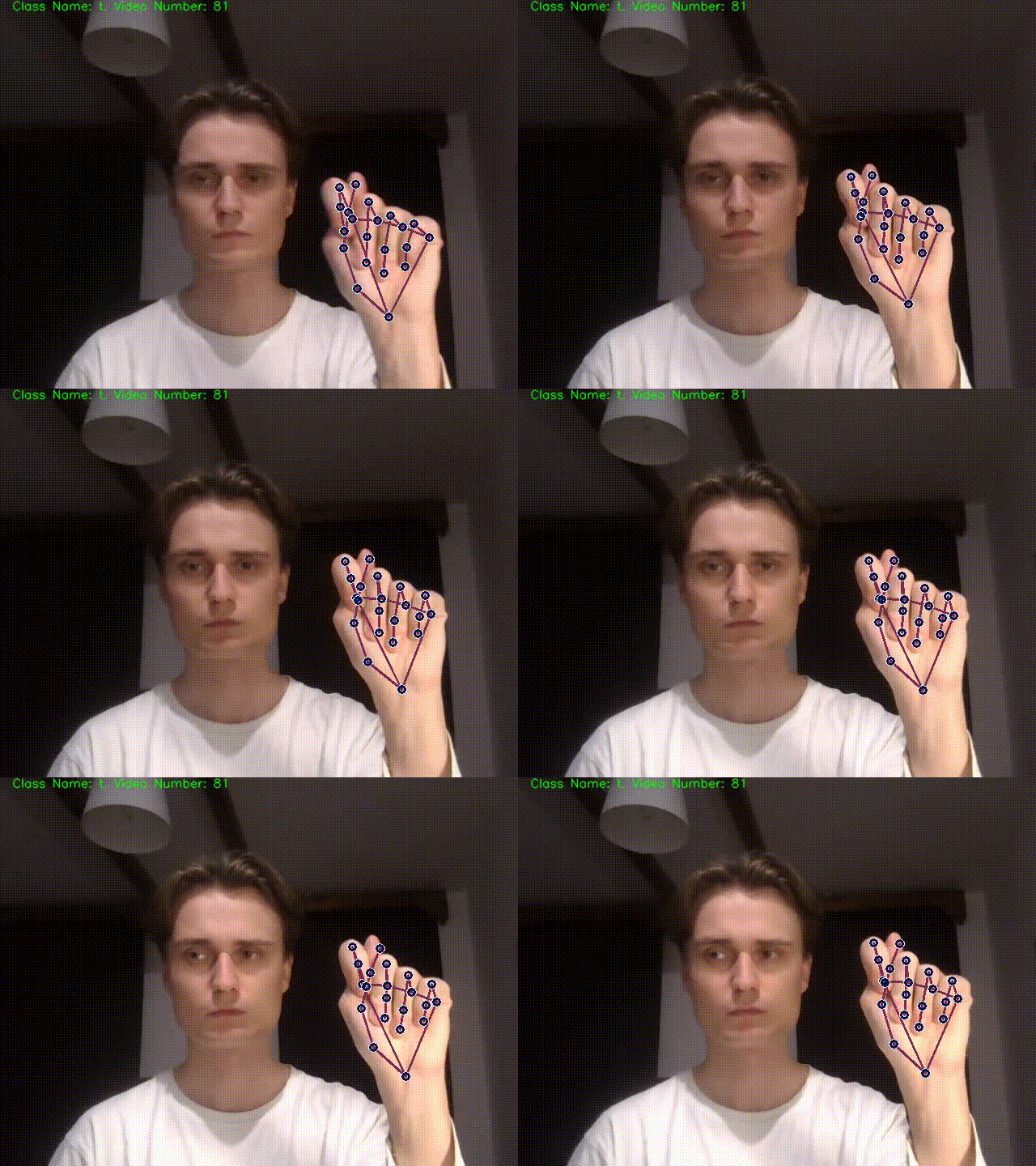
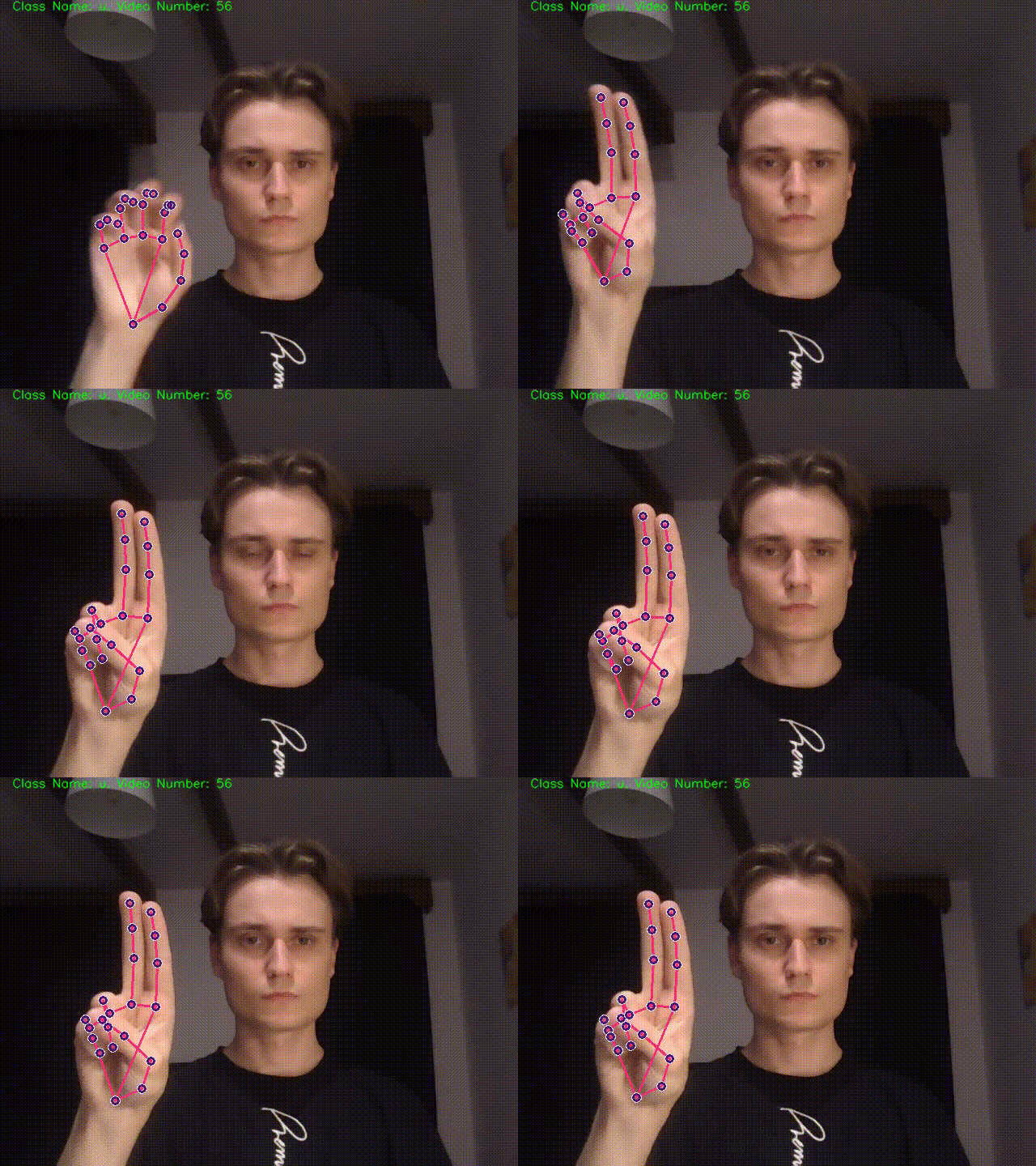
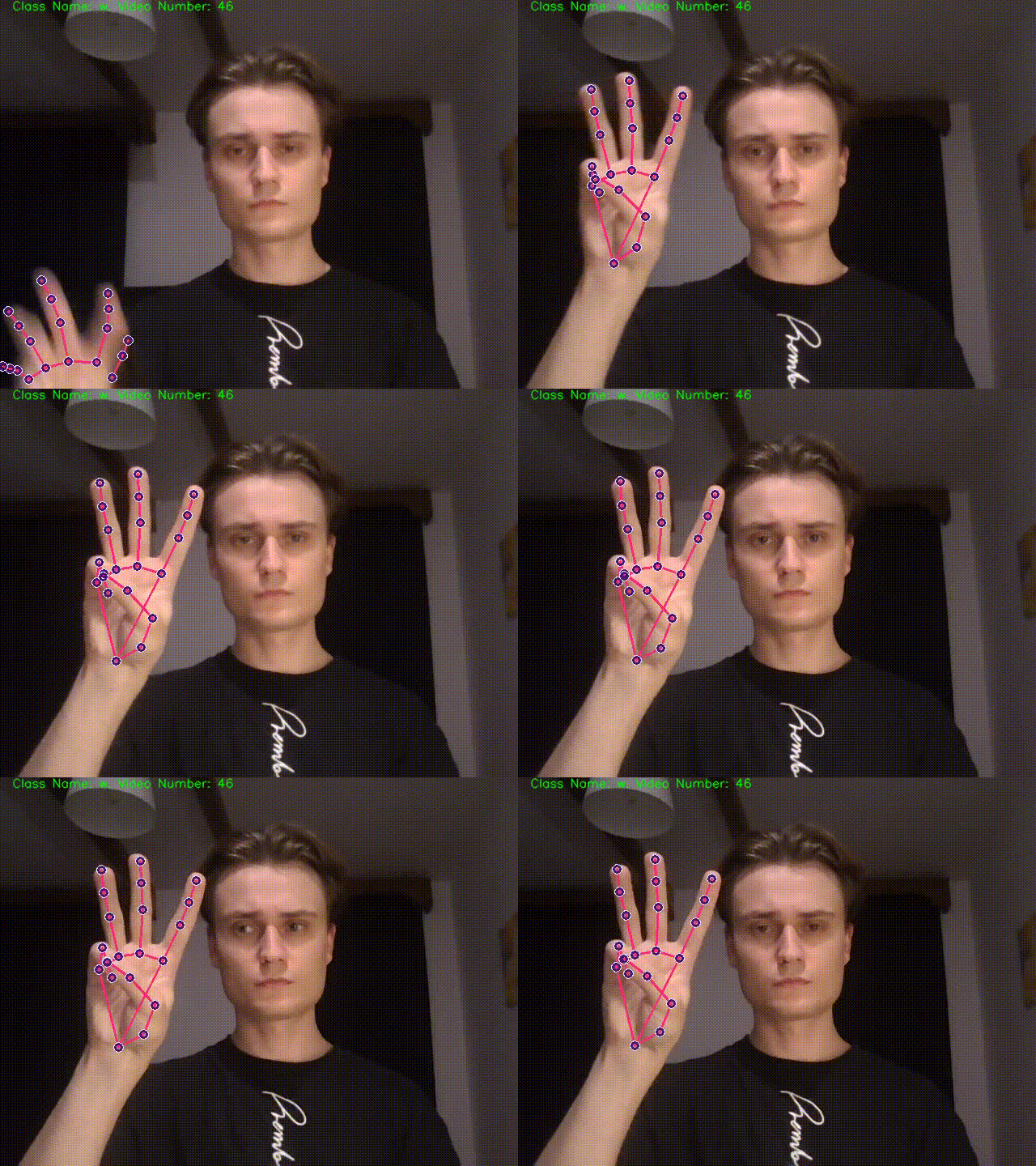
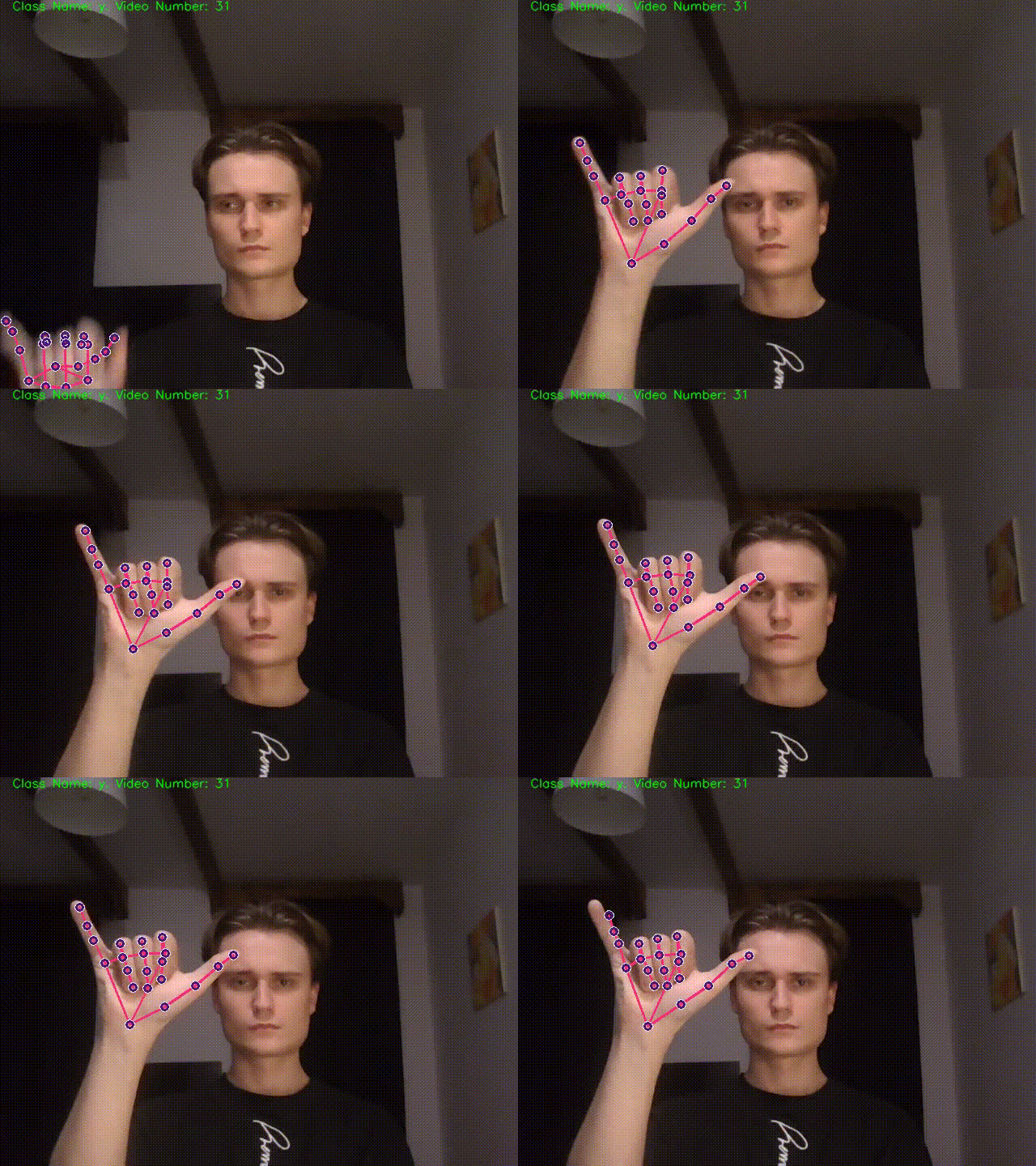
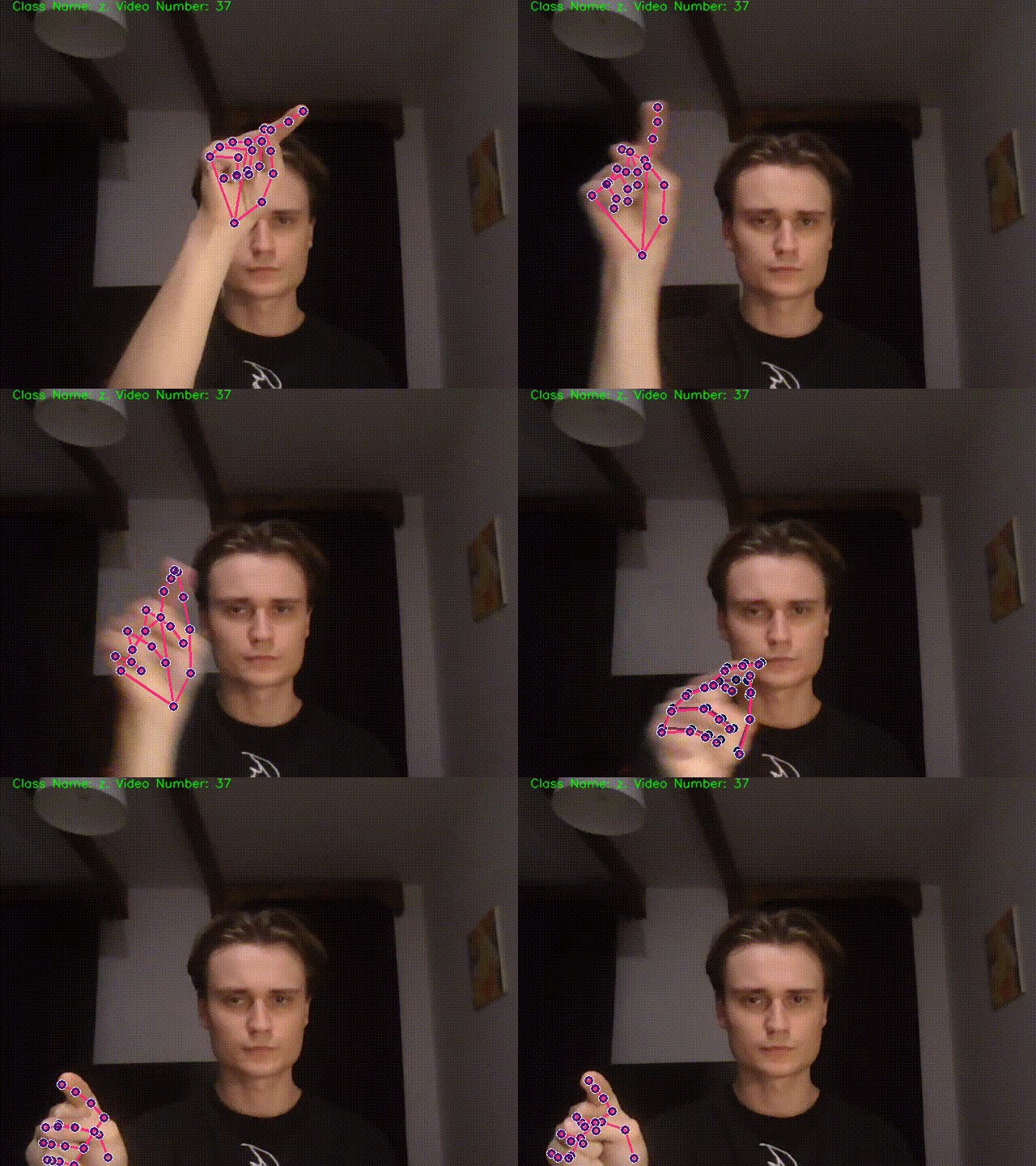
The entire dataset used to model training was created by me from scratch. Gathering the data was made by using opensource libraries: OpenCV and Mediapipe. Dataset is collection of 100 thirty-frame sequences for each class and every frame is saved as Numpy array which came as the output of the mediapipe library.
Proccess of collecting data is demonstrated right below:
| class: a | class: b | class: c |
|---|---|---|
 |
 |
 |
| class: d | class: e | class: f |
|---|---|---|
 |
 |
 |
| class: g | class: h | class: i |
|---|---|---|
 |
 |
 |
| class: j | class: k | class: l |
|---|---|---|
 |
 |
 |
| class: m | class: n | class: o |
|---|---|---|
 |
 |
 |
| class: p | class: r | class: s |
|---|---|---|
 |
 |
 |
| class: t | class: u | class: w |
|---|---|---|
 |
 |
 |
| class: y | class: z | |
|---|---|---|
 |
 |
To train the model, the TensorFlow library was used with LSTM layers. The whole training process is available here.
You can find the dataset used to trainig and also videos documenting all process of clooecting data, under links: Dataset, Videos.
Setup
All package details you can find here: pypi.org/SignLanguageRecognition.
The Python Package Index (PyPI) is a repository of software for the Python programming language.
Make sure that you have installed python (>=3.6) and you can run python from the command line. Check it by running:
python --version
Now you need to use a pip to conduct installation process. pip is a package management system used to install and manage software packages/libraries written in Python. These files are stored in a large “on-line repository” termed as Python Package Index (PyPI).
To check if pip is already installed on your system, just go to the command line and execute the following command:
pip -V
After you make sure you can run pip from the command line you should ensure that pip version is up-to-date. To check this use command below:
pip install --upgrade pip
To run SignLanguageRecognition package, install you have to install it locally using pip:
pip install SignLanguageRecognition
or to install specific version, for example 0.0.17:
pip install SignLanguageRecognition==0.0.17
Note. When you are installing this library, the following are also installed as required: opencv-python,mediapipe,numpy and tensorflow.
More details about installing and running python packages here: Installing Packages (python.org).
Getting started
This section shows example how to use SignLanguageRecognition library. First of all you have to open Python interpreter on your device. An example way to do this is by typing a command:
python
After that, the Python intrpreter will be opened. Then import a method from previously installed package:
>> from SignLanguageRecognition import signLanguageRecognizer
>> signLanguageRecognizer.signLanguageRecognizerMethod()
This code will cause opening a new OpenCV window with ready-to-work tool. Enjoy testing!
License
You can check out the full license here
This project is licensed under the terms of the MIT license.
1 maintainer

Release files for SignLanguageRecognition 0.0.20.1
For a detailed explanation of source distributions (sdists) and built distributions (wheels), please see the package formats documentation.
Source distribution (sdist)
| File | Size | Uploaded | |
|---|---|---|---|
| SignLanguageRecognition-0.0.20.1.tar.gz | 2.2 MB | Details |
Built distribution (wheel)
| File | Interpreter | ABI | Platform | Reset |
|---|---|---|---|---|
| SignLanguageRecognition-0.0.20.1-py3-none-any.whl | Python 3 | none | any | Details |
Total release size: 4.4 MB
Release files / SignLanguageRecognition-0.0.20.1.tar.gz
| Download URL | SignLanguageRecognition-0.0.20.1.tar.gz |
|---|---|
| Size | 2.2 MB |
| Tags | Source |
|
SHA-256 checksum How to use checksums |
4212a43ff004147b0c054a9c55815a629bd916c36911c9ff744c2d66da4dddee
|
|
BLAKE2b-256 checksum How to use checksums |
dbededb369cbbbf0b42118d071ba611d499f3b2d029bd75e6435235c5f2407c2
|
| Upload date | |
|
Uploaded using Trusted Publishing? What is trusted publishing? |
No |
| Uploaded via |
twine/3.6.0 importlib_metadata/4.8.2 pkginfo/1.7.1 requests/2.26.0 requests-toolbelt/0.9.1 tqdm/4.62.3 CPython/3.8.8
|
Release files / SignLanguageRecognition-0.0.20.1-py3-none-any.whl
| Download URL | SignLanguageRecognition-0.0.20.1-py3-none-any.whl |
|---|---|
| Size | 2.2 MB |
| Tags | Python 3 |
|
SHA-256 checksum How to use checksums |
7f0d187ba027a356ad0c156fabc654f01f1b0e7b87bbfc748a710de361a62416
|
|
BLAKE2b-256 checksum How to use checksums |
a9d8d3cc44f493862e3a5d44ce092579fea810dba6768470d731bc0f75d34417
|
| Upload date | |
|
Uploaded using Trusted Publishing? What is trusted publishing? |
No |
| Uploaded via |
twine/3.6.0 importlib_metadata/4.8.2 pkginfo/1.7.1 requests/2.26.0 requests-toolbelt/0.9.1 tqdm/4.62.3 CPython/3.8.8
|














