
ssm
Simple Screen Mirror 💻✨✨✨🖥️

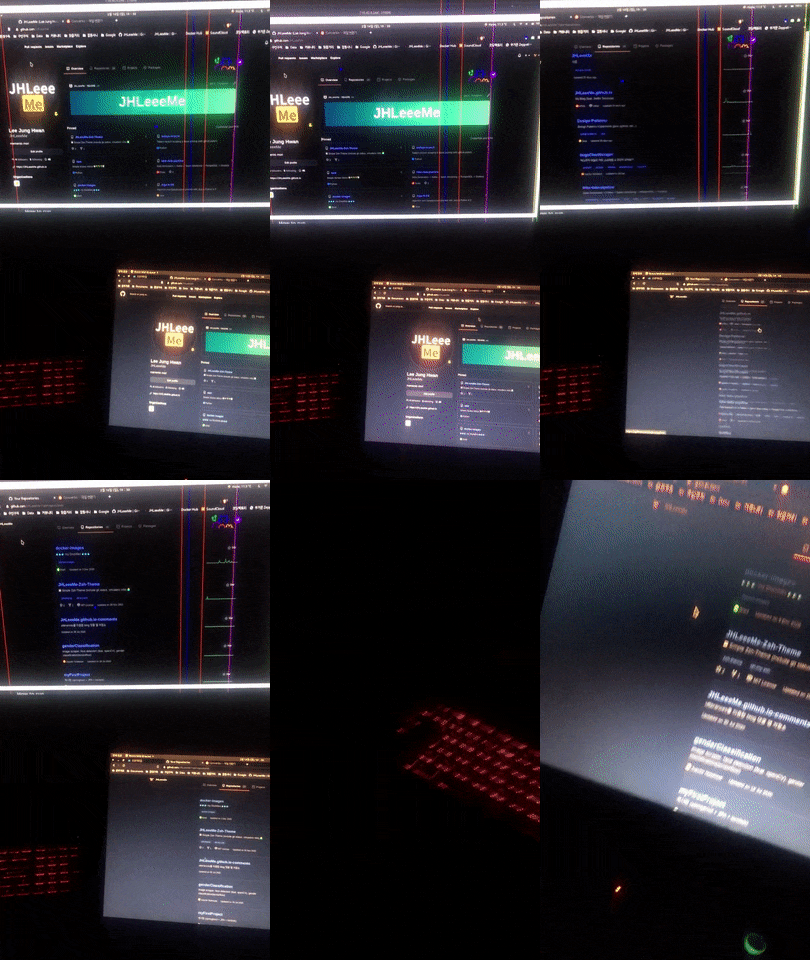
How to run
1. Install ssm package
pip install ssm-python
2. Create server.py & client.py
- sample codes here
server:
    from ssm import ScreenMirrorServer


    # ssm_server = ScreenMirrorServer(['<client-ip>', port=7890])
    ssm_server = ScreenMirrorServer()  # default: all ip & 7890 port

    ssm_server.start()


client:
    from ssm import ScreenMirrorClient


    ssm_client = ScreenMirrorClient('<server-ip>'[, port=7890, quality=90, cursor=True])

    ssm_client.start()
3. Run
-
server:
python server.py -
client:
python client.py
4. Stop
-
server:
press ESC -
client:
kill process
1 maintainer

Metadata
1 maintainer
Release files for ssm-python 0.1.2
For a detailed explanation of source distributions (sdists) and built distributions (wheels), please see the package formats documentation.
Source distribution (sdist)
| File | Size | Uploaded | |
|---|---|---|---|
| ssm-python-0.1.2.tar.gz | 4.8 kB | Details |
Release files / ssm-python-0.1.2.tar.gz
| Download URL | ssm-python-0.1.2.tar.gz |
|---|---|
| Size | 4.8 kB |
| Tags | Source |
|
SHA-256 checksum How to use checksums |
4703ff2829a6d24bd313db2454eb7d0ebb7f3c252a1fcdbd820cf91863e60dbc
|
|
BLAKE2b-256 checksum How to use checksums |
abca44d8a90df8ffa8db21bd1a426fcca354fbe79c7c9ff70110fb73c76847d3
|
| Upload date | |
|
Uploaded using Trusted Publishing? What is trusted publishing? |
No |
| Uploaded via |
twine/4.0.2 CPython/3.9.14
|














