
# viaConstructor
OpenSource CAM-Tool to generate gCode from DXF,SVG and HPGL-Files
## Known Issues: * beta - version * >= Python-3.9 (will not work with Debian-10 or lower) * running on Linux, OS-X (Intel-Only) and Windows * may be unstable on Windows * problems with some OpenGL versions (black 3D-View) * tabs on circles sometimes broken * slow on very big files
- ## Features:
3D-Preview
Tabs and Pockets with Islands
Headless-Support to generate gcode on the console
the preview of the milling path is generated by the original gcode data using a simple gcode-interpreter
the offsets are calculated internaly, no offset-support in the cnc controller is needed
automatic offset finder (inside/outside)
automatic order of multiple parts (nearest first)
nested parts will milled in the right order (inside parts first)
can read DXF, SVG, HPGL and STL (cross section)
Truetype-Fonts to generate simple Text
generates gCode and HPGL output
## demo-video [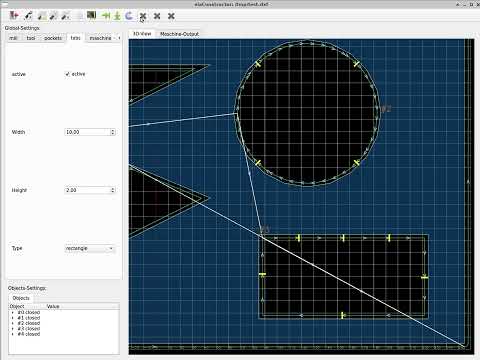](https://www.youtube.com/watch?v=4OBiqeqKDsk “Demo-Video”)
## screenshot 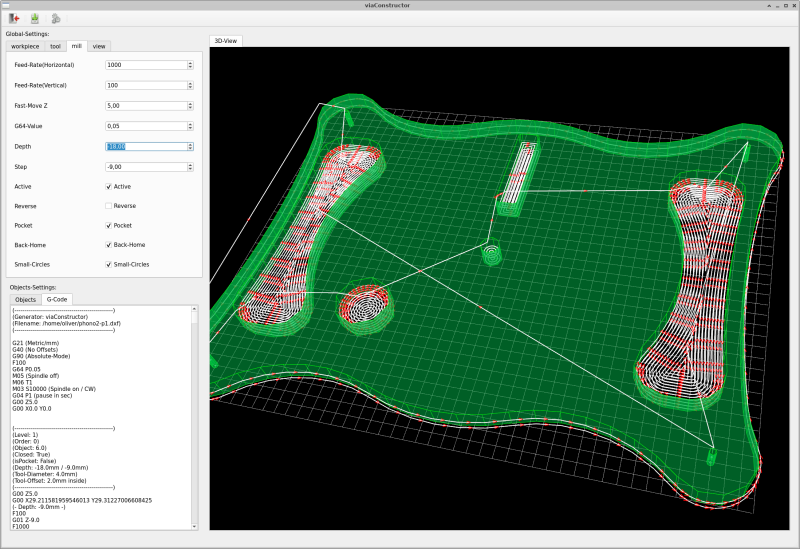
## quikstart
### for Debian11/12 and Ubuntu 22.04: download the right package from: https://multixmedia.org/debian-packages
and install with ` apt-get install python3-viaconstructor_*.deb `
### install with pip ` pip3 install viaconstructor `
### running from sources ` git clone https://github.com/multigcs/viaconstructor.git cd viaconstructor pip3 install -r requirements.txt `
### start viaconstructor ` ./bin/viaconstructor tests/data/simple.dxf `
### running on macos/osx ` brew install python@3.10 git clone https://github.com/multigcs/viaconstructor.git cd viaconstructor /usr/local/bin/python3 -m pip install -r requirements-install.txt /usr/local/bin/python3 -m viaconstructor tests/data/simple.dxf `
### running on Windows10 you can simply extract this zip file to you disk and execute the start.bat:
this zip-file includes python3.10.10 and all needed packages
or
install python3.10.10 from: https://www.python.org/ftp/python/3.10.10/python-3.10.10-amd64.exe install git from: https://github.com/git-for-windows/git/releases/download/v2.40.0.windows.1/Git-2.40.0-64-bit.exe at the moment, you need also Visual Studio Community 2022 from: https://visualstudio.microsoft.com/vs/community/ (to install pyclipper / some dll’s needed for CavalierContours) ` git clone https://github.com/multigcs/viaconstructor.git python3.exe -m pip install -r requirements-install.in python3.exe -m viaconstructor tests/data/simple.dxf `
## Screenshots
### Helix 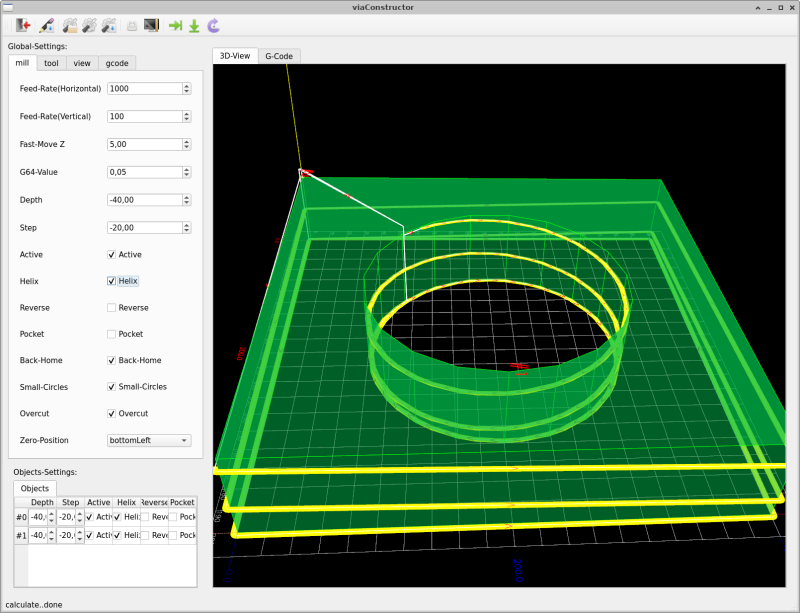
### Overcut 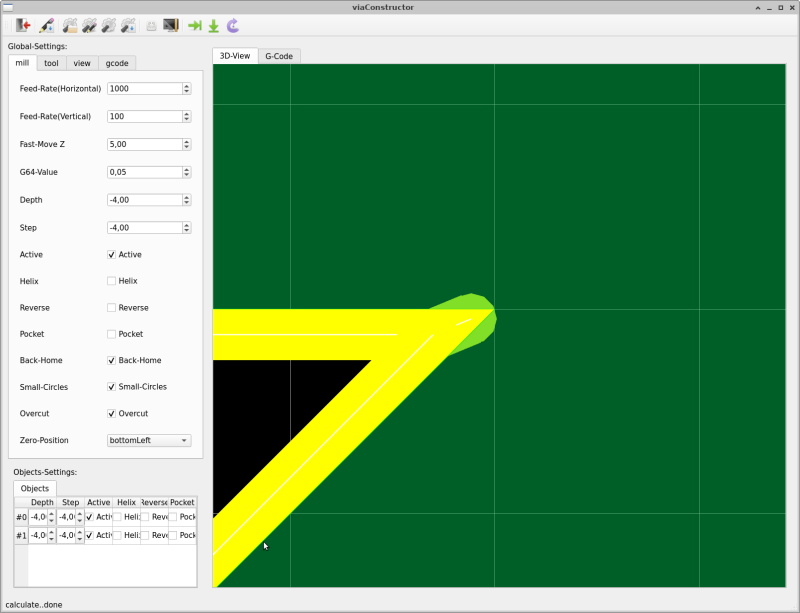
### Tabs 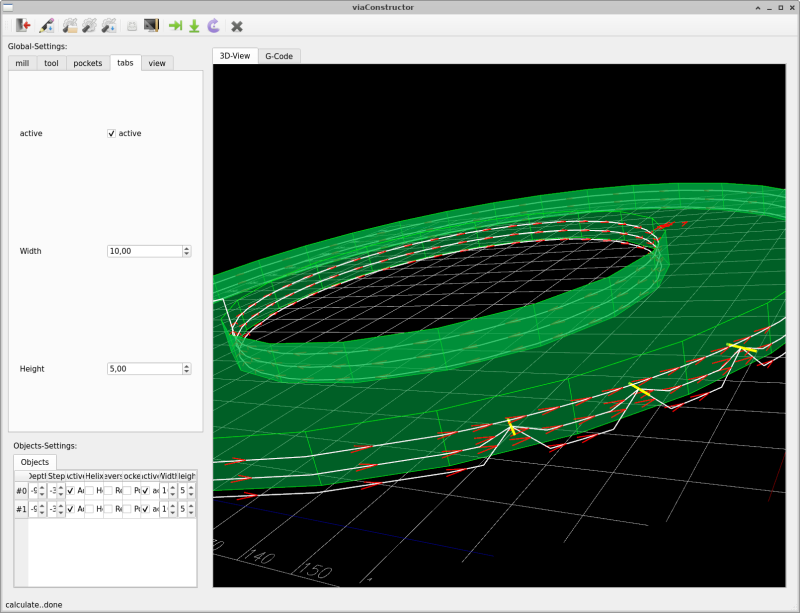
### Pockets 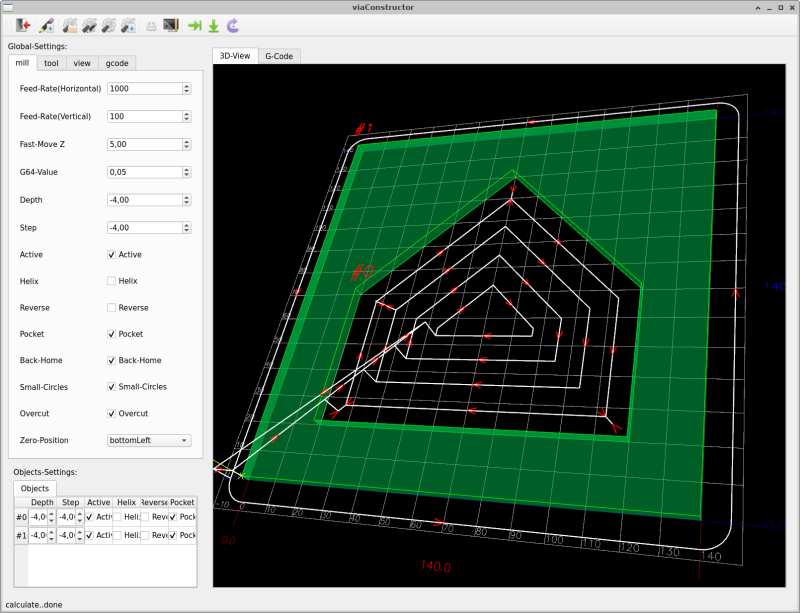
### Lead-In/Lead-Out 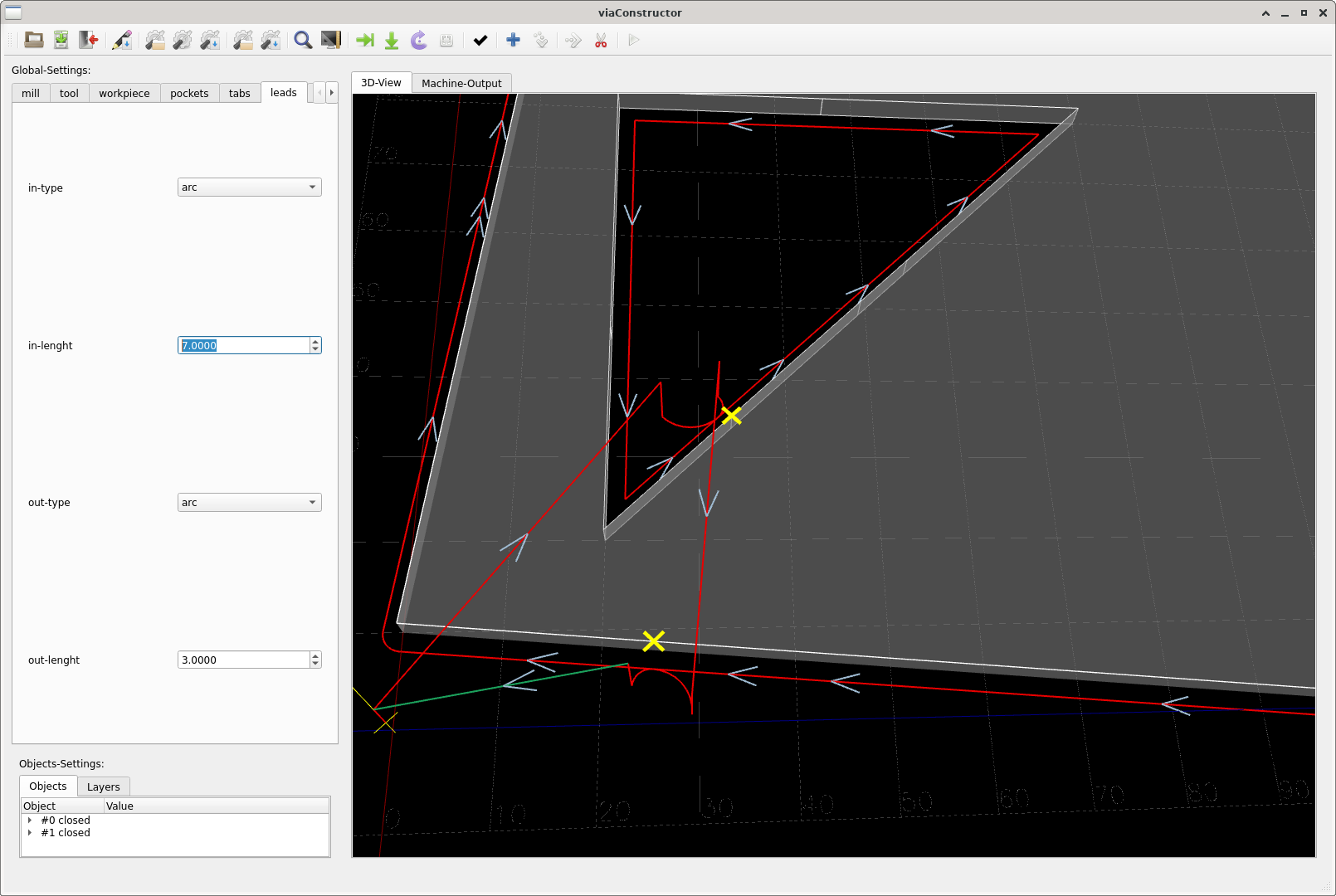
### OSX 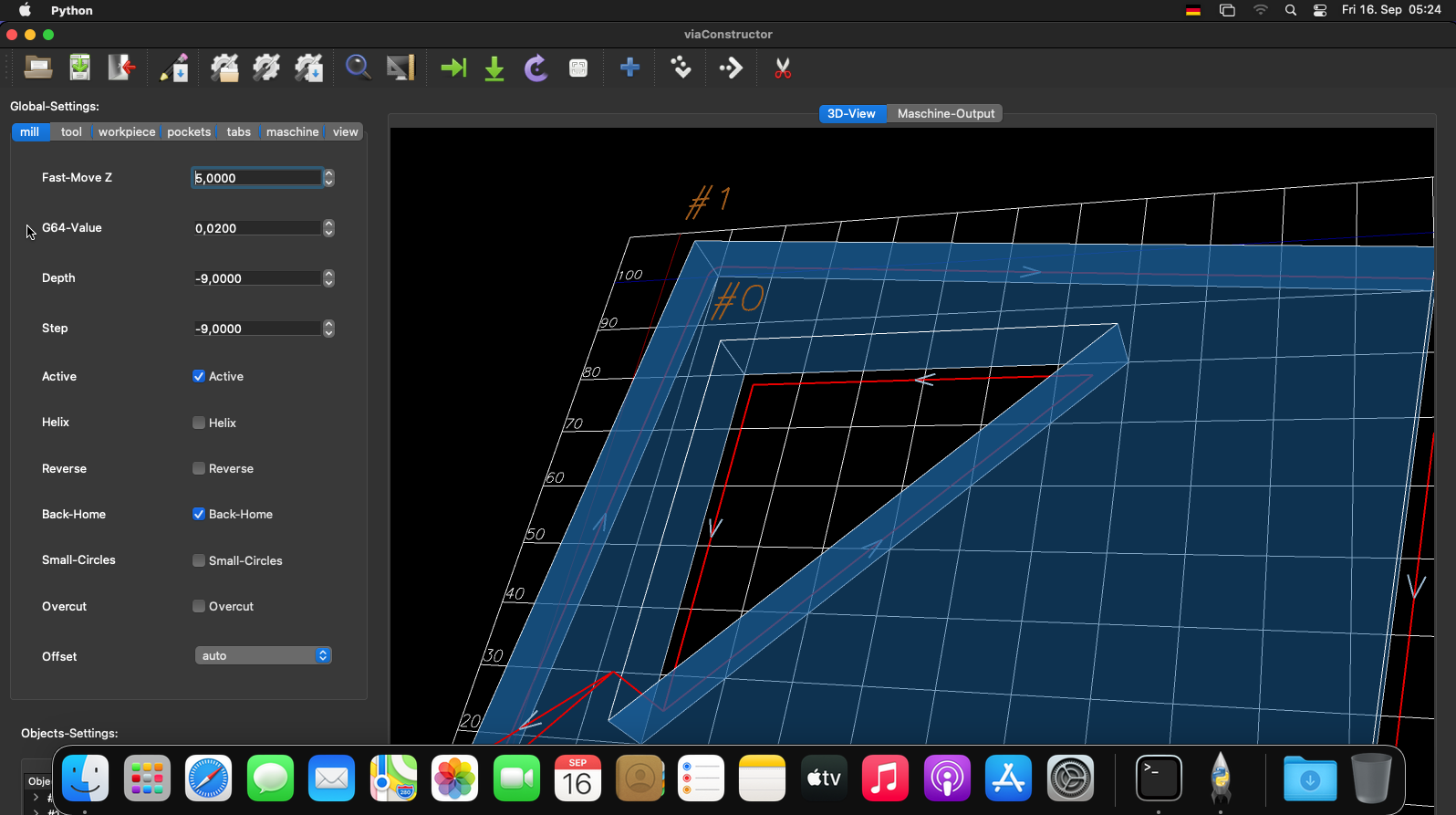
### Windows 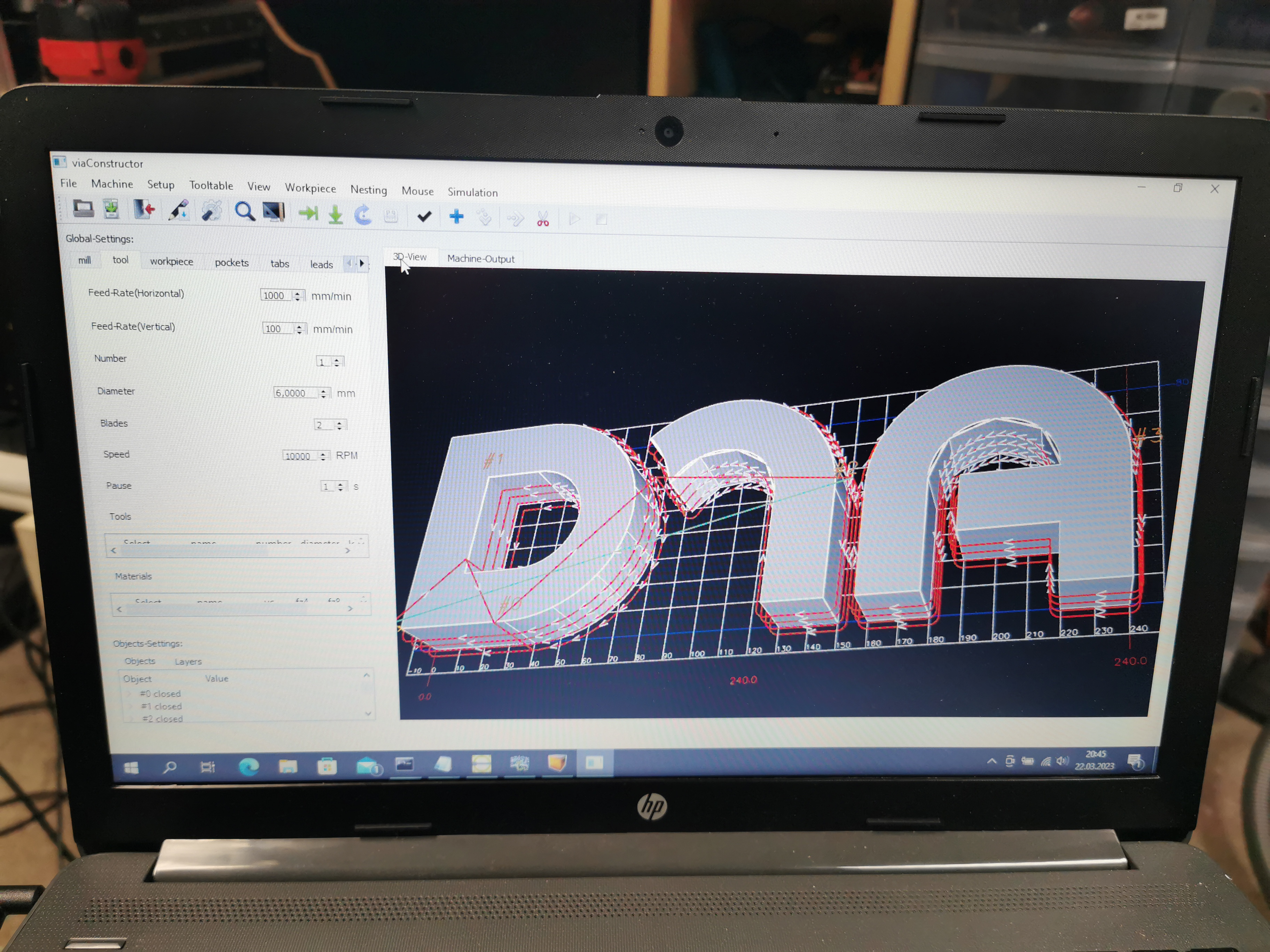
1 maintainer

Metadata
1 maintainer
Release files for viaconstructor 0.7.0
For a detailed explanation of source distributions (sdists) and built distributions (wheels), please see the package formats documentation.
Source distribution (sdist)
| File | Size | Uploaded | |
|---|---|---|---|
| viaconstructor-0.7.0.tar.gz | 1.1 MB | Details |
Release files / viaconstructor-0.7.0.tar.gz
| Download URL | viaconstructor-0.7.0.tar.gz |
|---|---|
| Size | 1.1 MB |
| Tags | Source |
|
SHA-256 checksum How to use checksums |
2cb09bed1bb801657e158e3a6352407c4d6920298c02084308df3d198ad0cda7
|
|
BLAKE2b-256 checksum How to use checksums |
d3b53b5d2589fe7d917c8d67d193a19ef6e2022ad3e79cd6a9a60cd026547655
|
| Upload date | |
|
Uploaded using Trusted Publishing? What is trusted publishing? |
No |
| Uploaded via |
twine/4.0.1 CPython/3.10.12
|















](https://www.youtube.com/watch?v=4OBiqeqKDsk)







