

VISION6D
3D-to-2D visualization and annotation desktop app for 6D pose estimation related tasks.





Key Features • How To Use • Examples • Download • Credits • License
Key Features
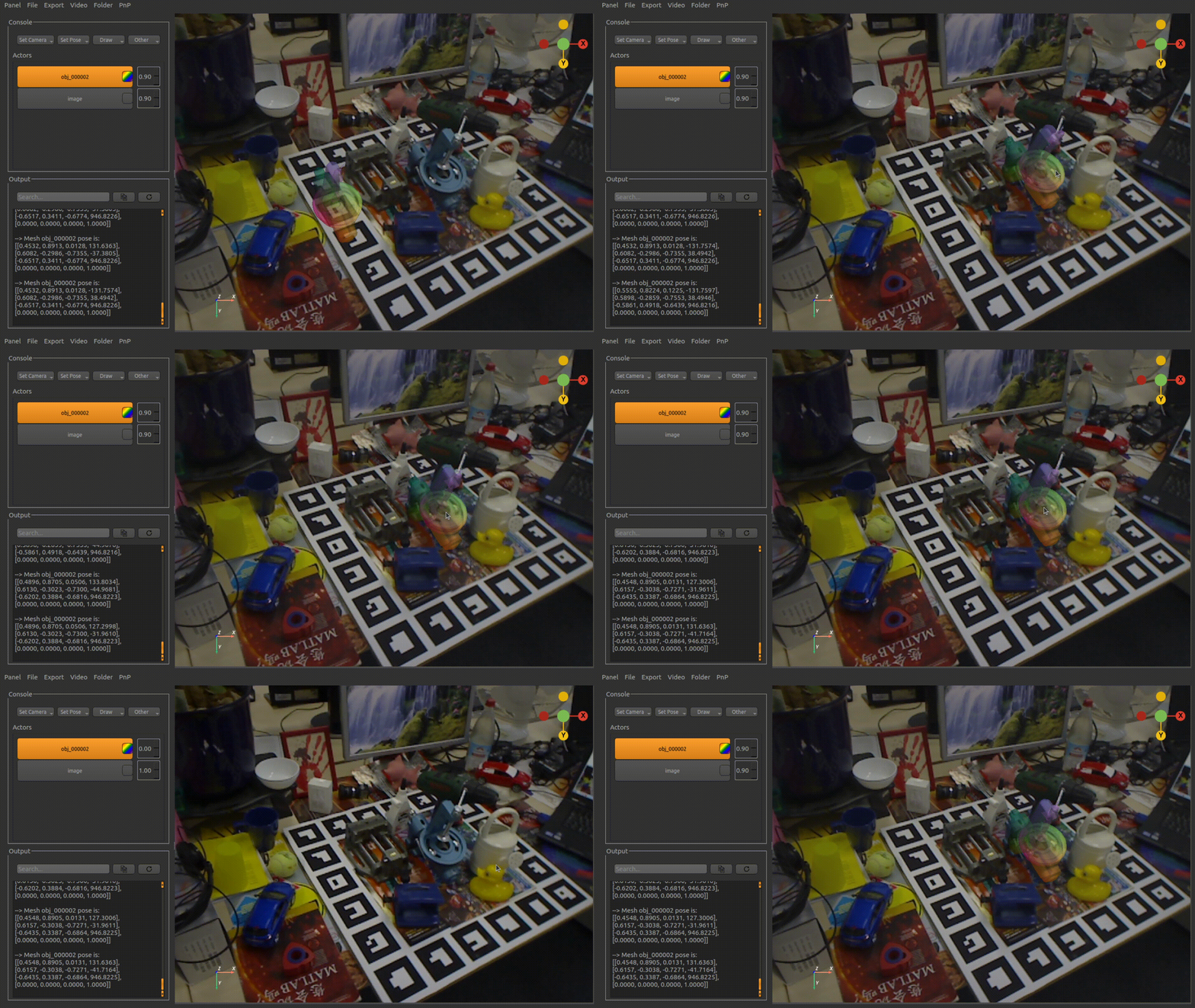
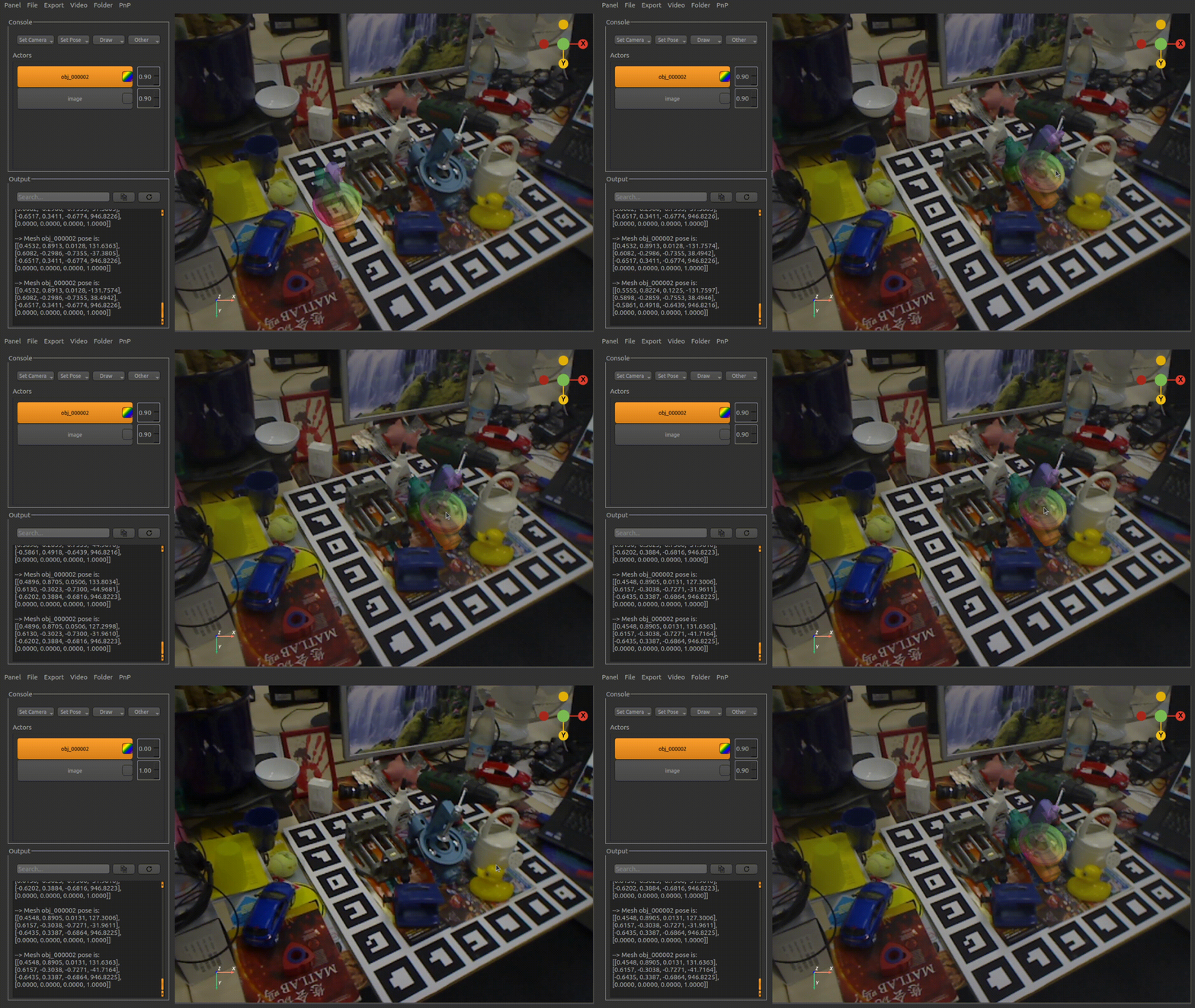
- LivePreview - Make changes, See changes
- Instantly see what your pose annotation in Vision6D as you move the 3D objects!
- Provide built-in NOCS color representation for the 3D meshes
- color the meshes with NOCS.
- Load the textures for the 3D meshes
- color the meshes with their own textures.
- Segmentation Mask/Bounding Box Drawing
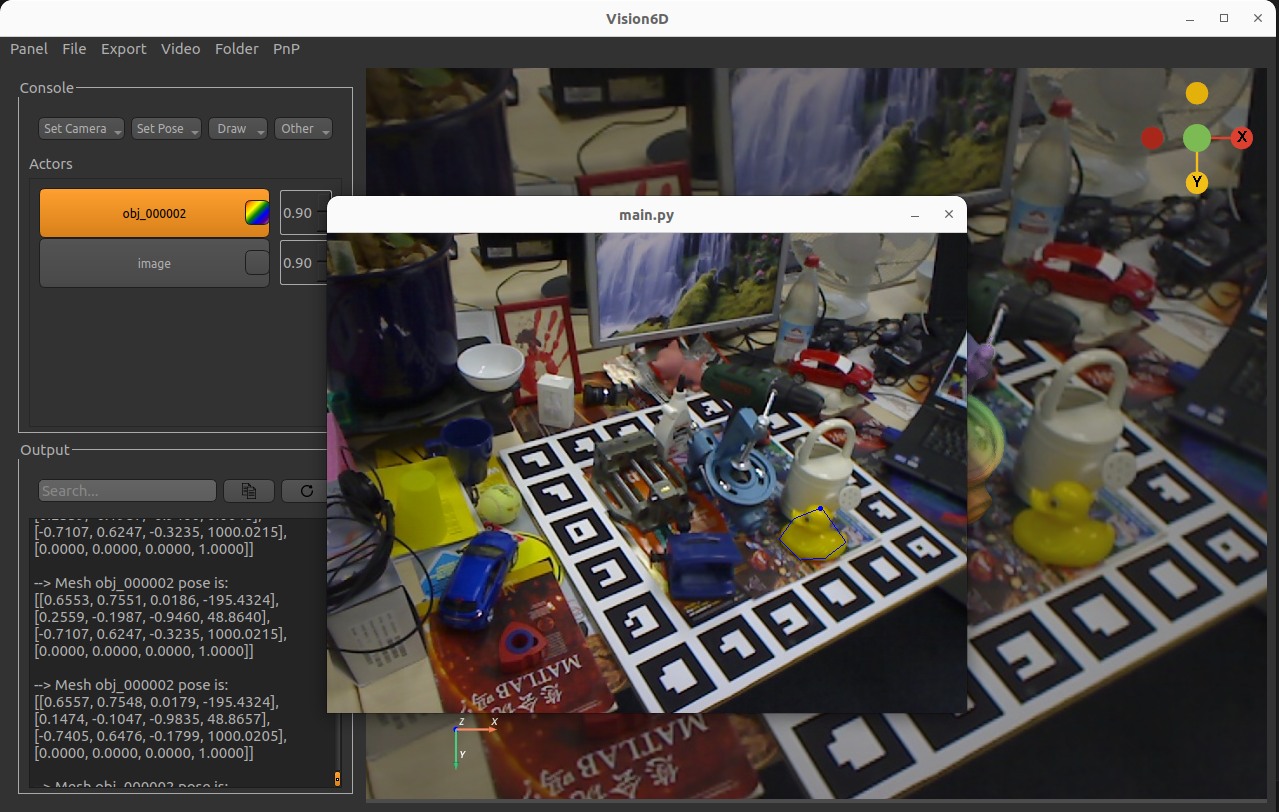
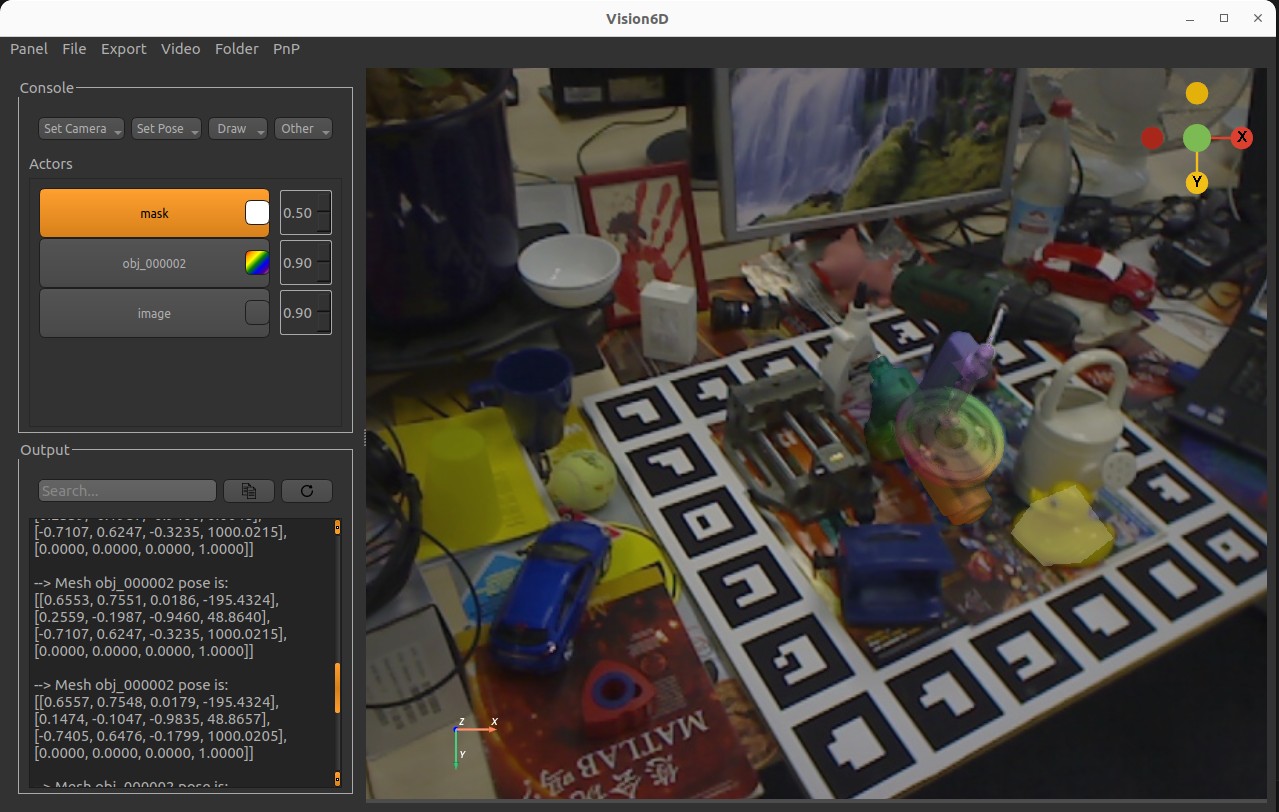
- create a segmentation mask in Vision6D on top of the provided 2D image.
- Real-time rendering results
- renders the annotated results.
- Cross platform
- Windows and Linux (Ubuntu-tested) ready (highly recommend to use with a mouse).
How To Use
To run this application, you'll need Git, Python, and Miniconda (optional) installed on your computer. From your command line:
Vision6D can be directly installed from PyPi
$ pip install vision6D
Another way to use this software is to clone from this repository
# (Optional) Create a conda environment
$ conda create -n vision6D python=3.10

# Clone this repository
$ git clone https://github.com/InteractiveGL/vision6D.git

# Go into the repository
$ cd vision6D

# Install dependencies
$ pip install .

# Run the app
$ Vision6D
Examples
Note that when fisrt load the application, it may take some time. Once it load successfully, the interactive experience will be smooth.
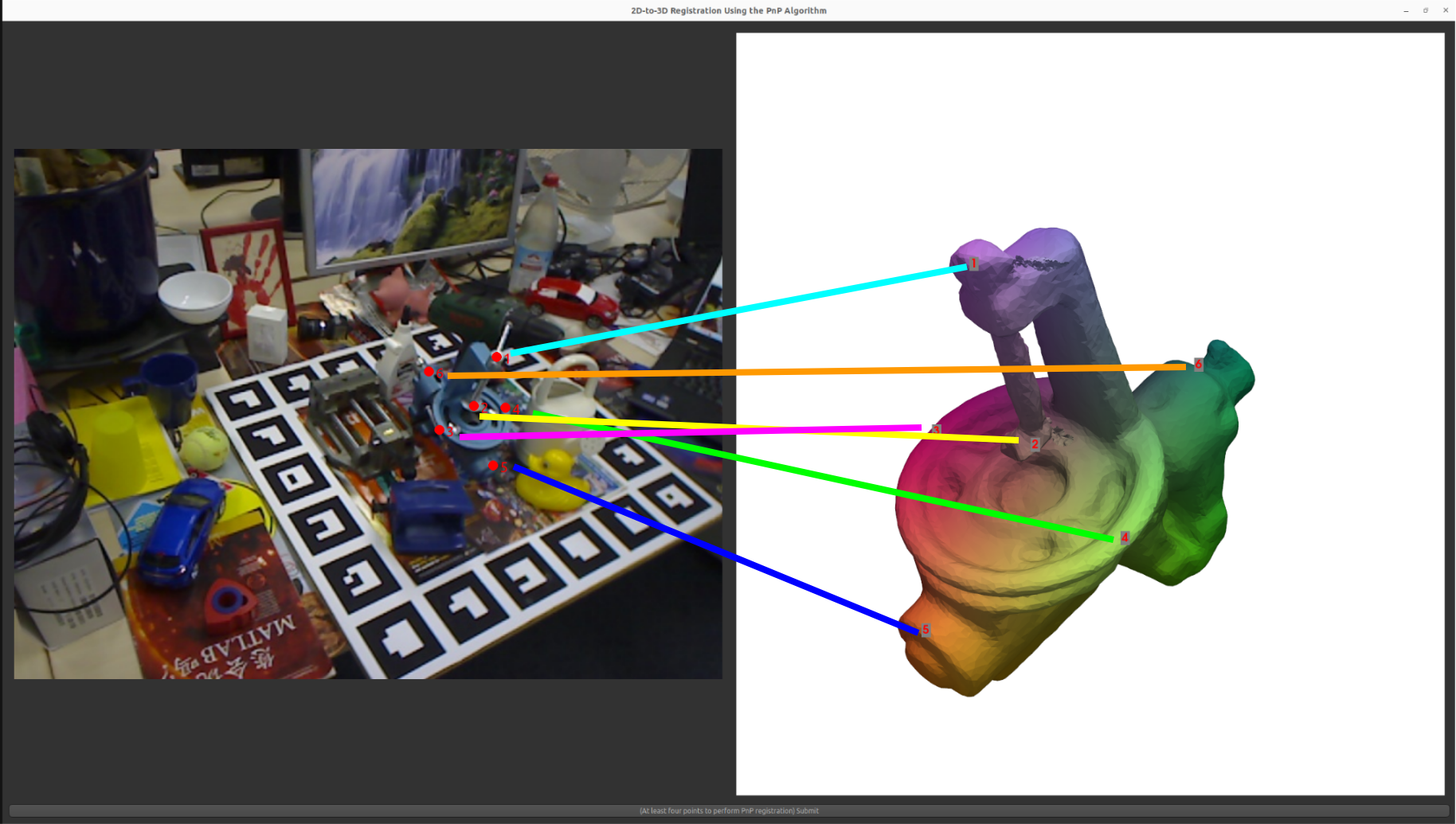
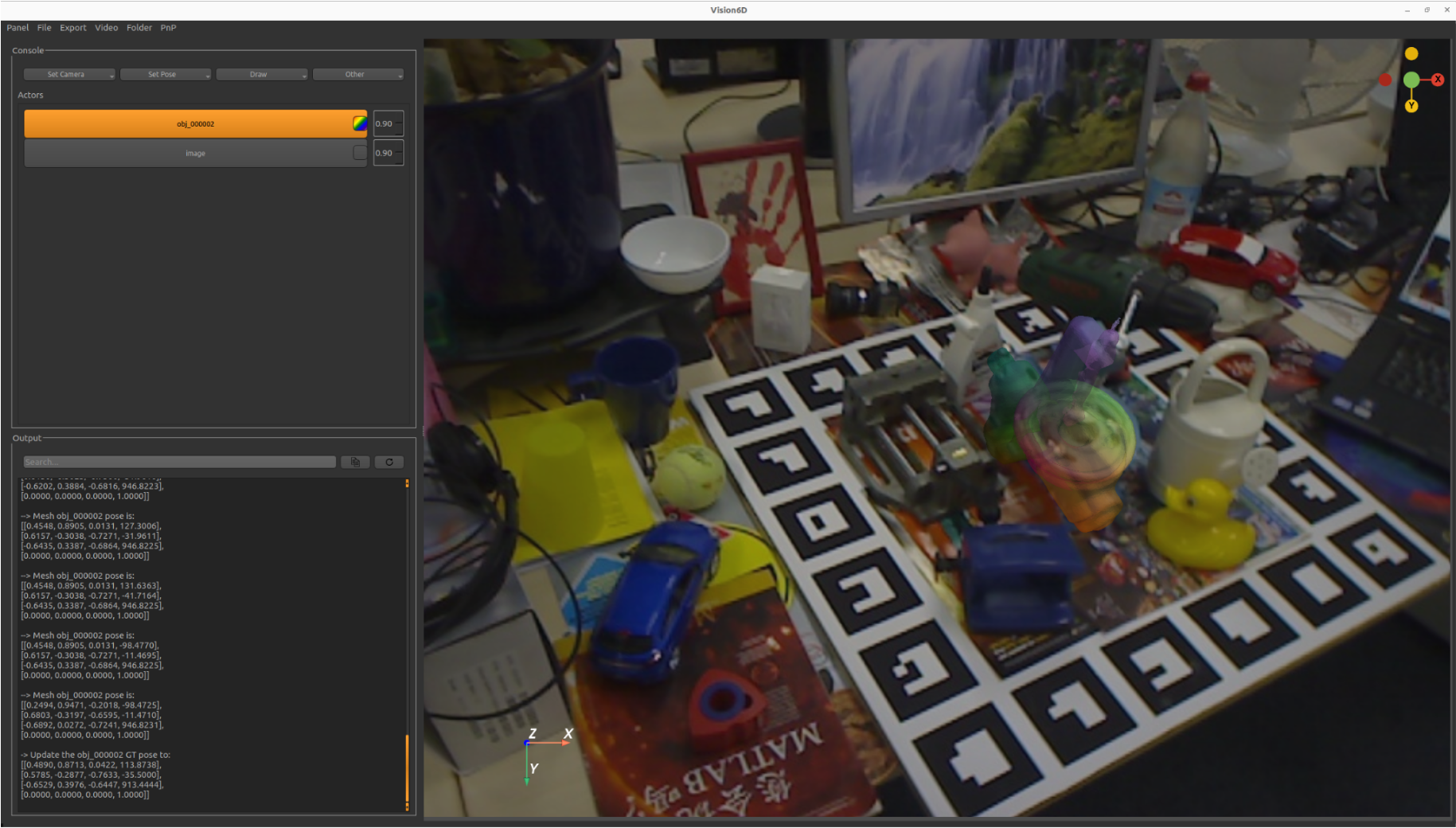
PnP resgitration of the benchvise
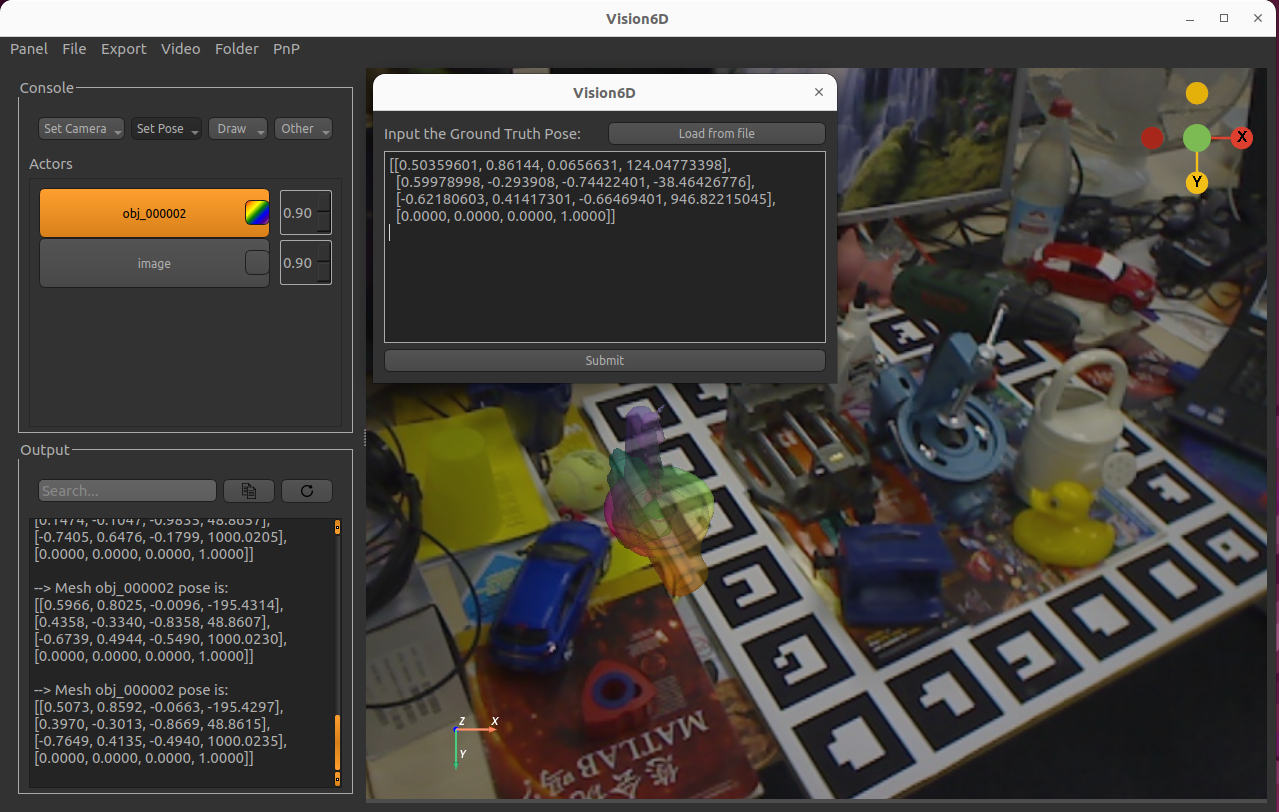
Set a ground-truth pose for visualization of the benchvise (ground-truth pose is obtained from the public 6D pose dataset Linemod)
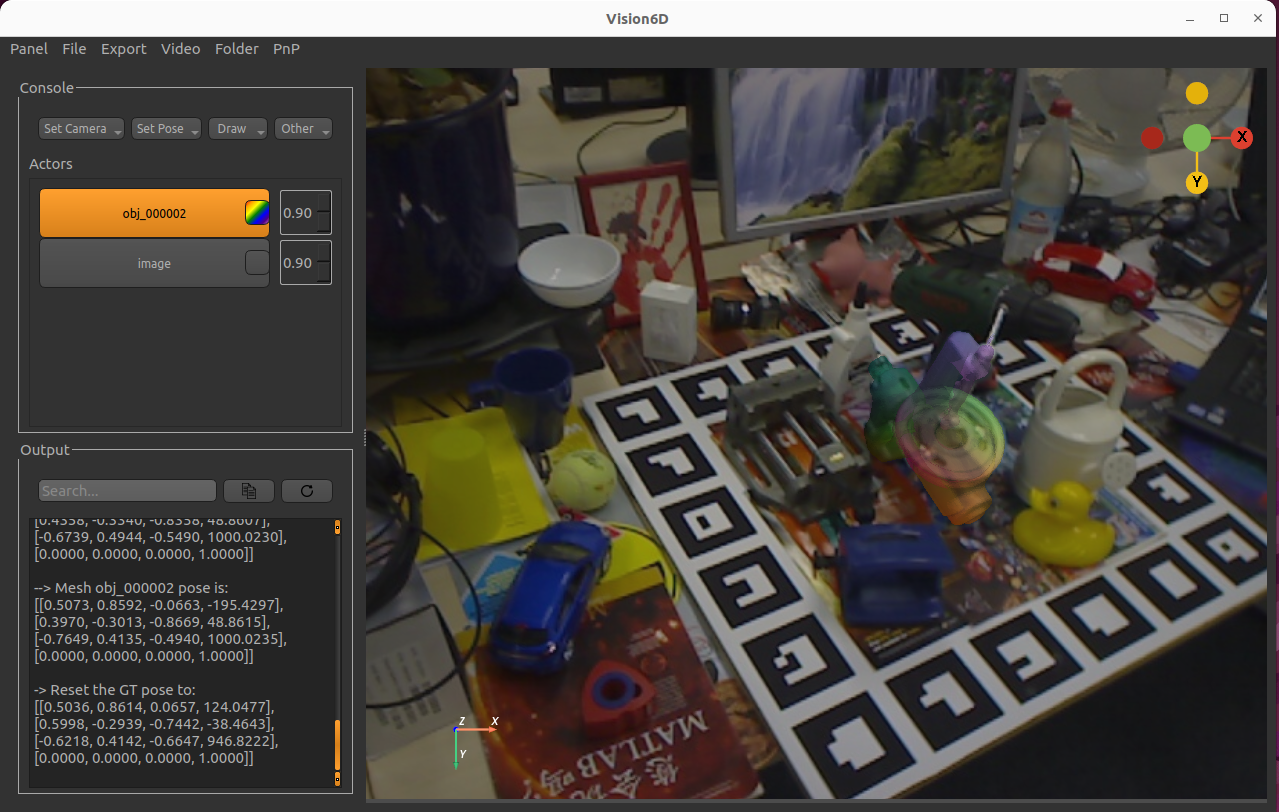
Free-hand registration of the benchvise
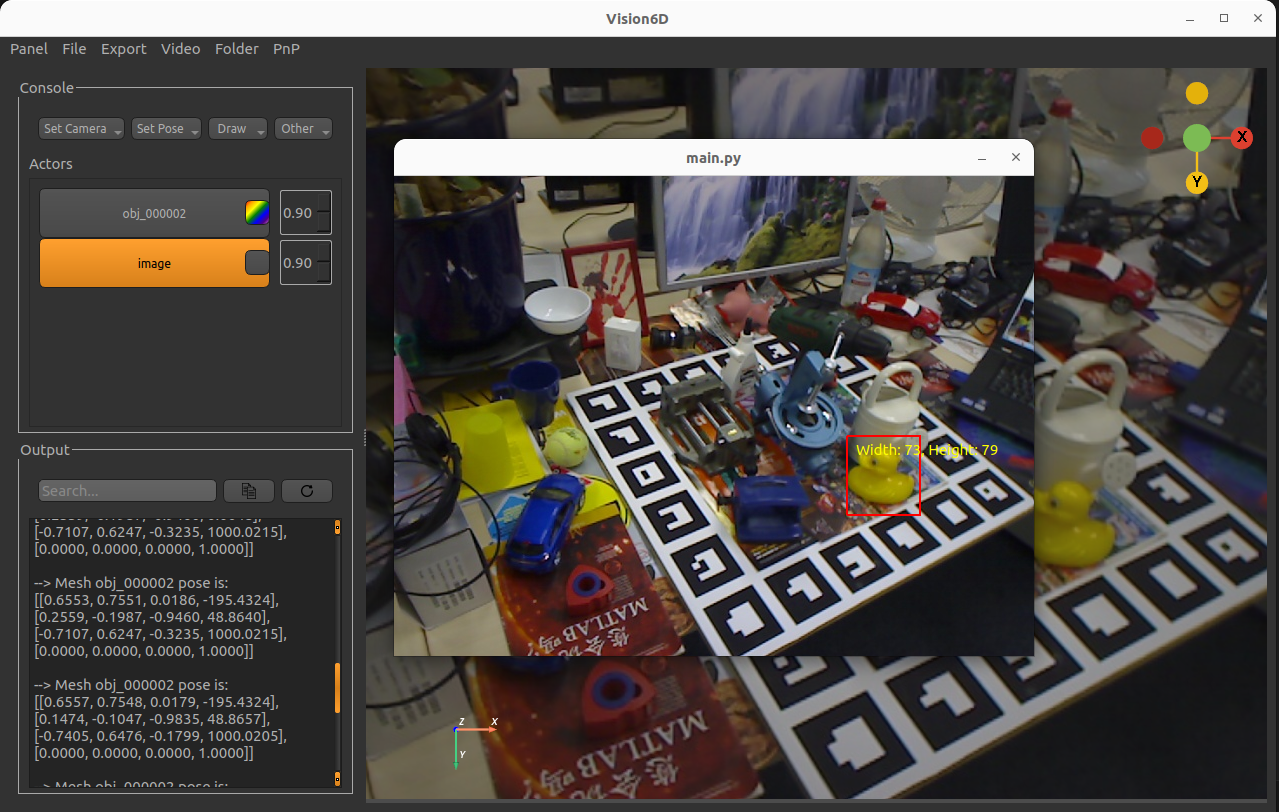
Draw a segmentation mask on the duck in this scene
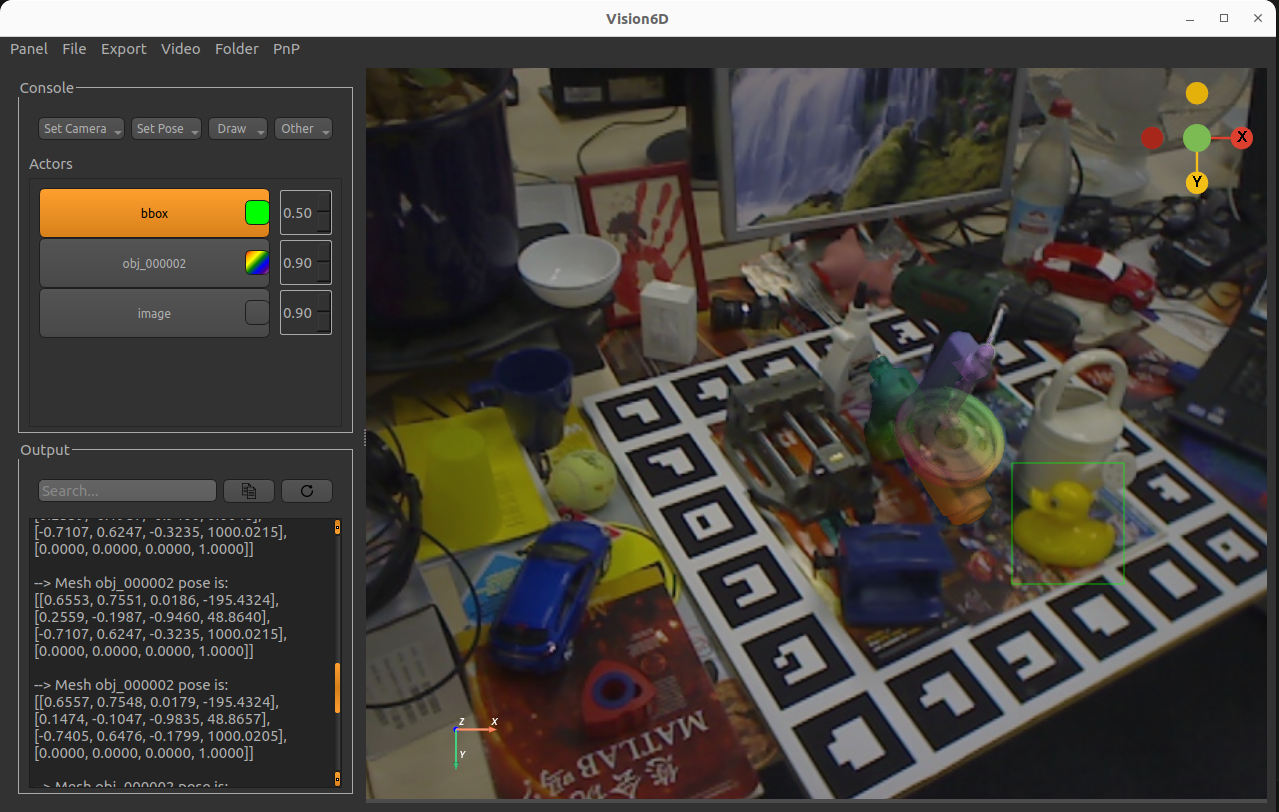
Draw a bounding box around the duck in this scene
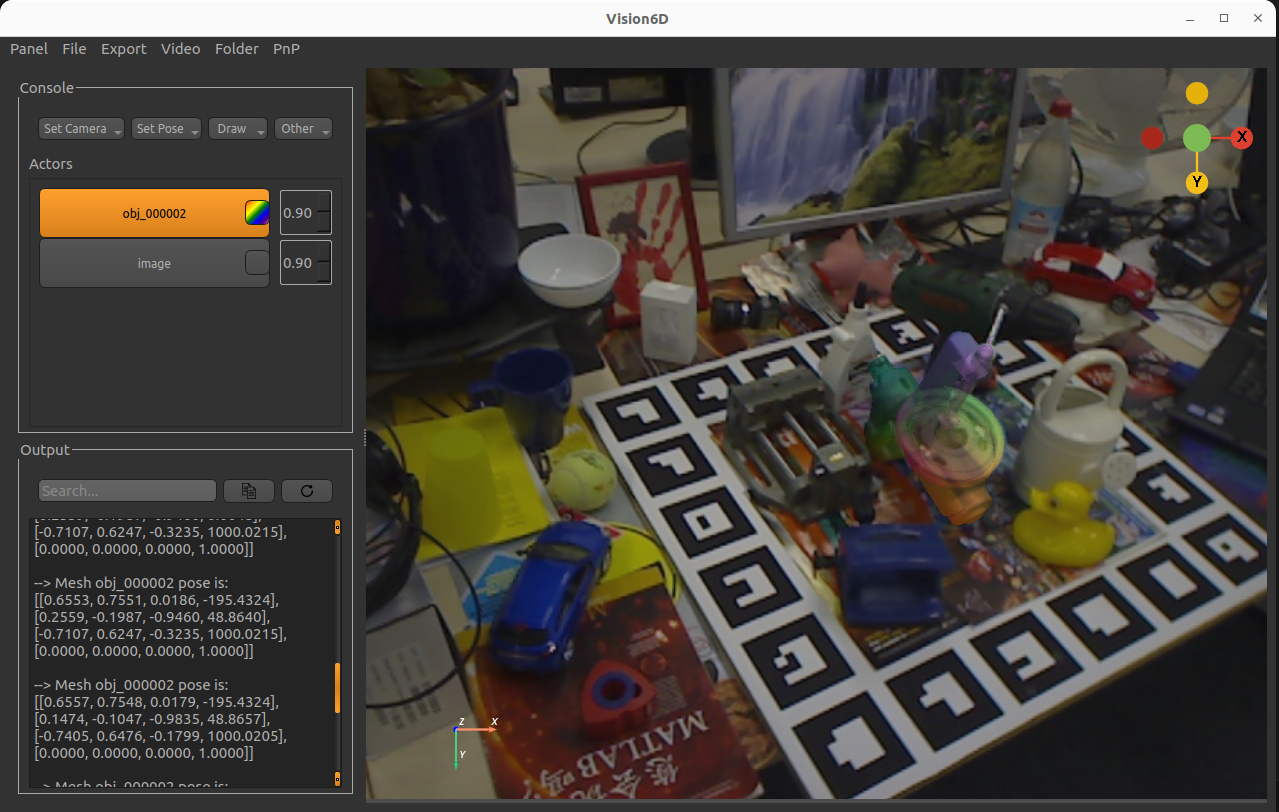
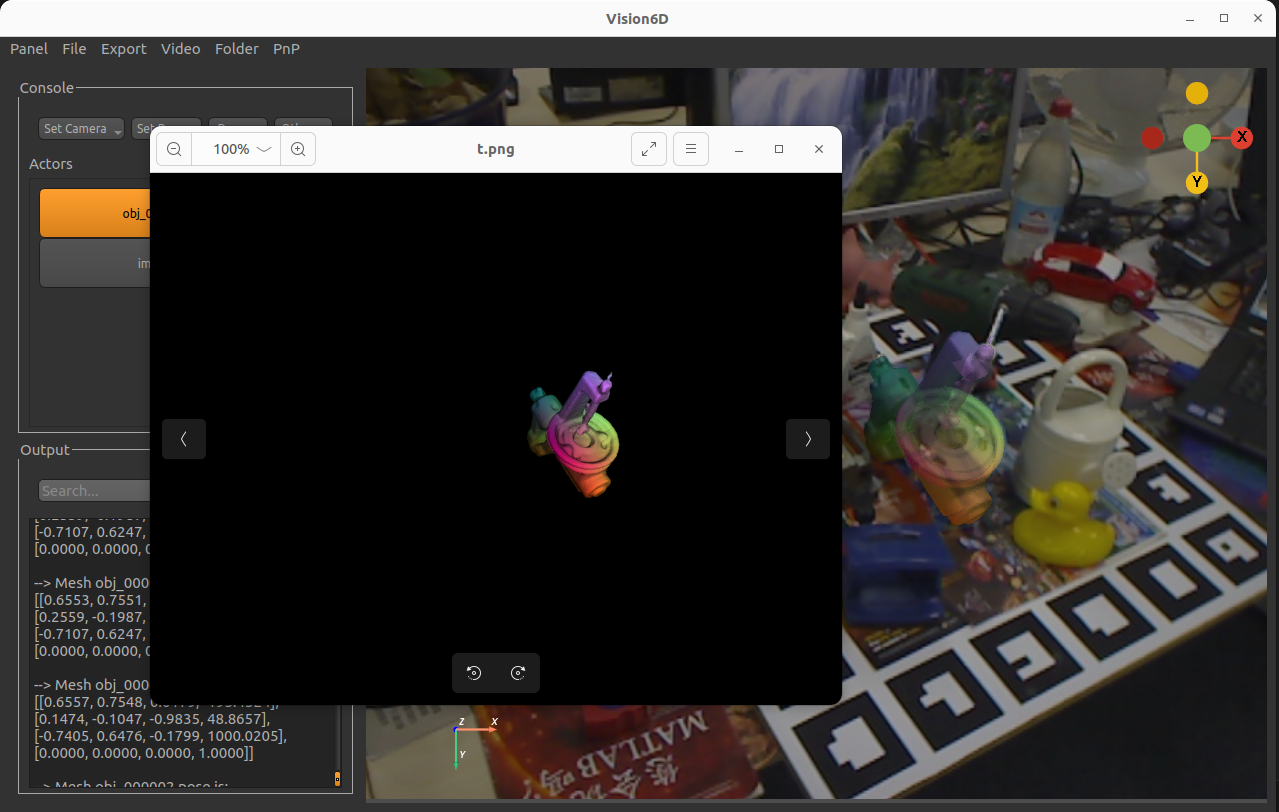
Render the benchwise mesh
Download
You can download the latest installable version of Vision6D for Windows, macOS (support both Apple Silicon (ARM-based) and Intel (x86-based)), and Linux Ubuntu.
Credits
This software uses the following open source packages:
License
GNU General Public License v3.0
1 maintainer

Metadata
1 maintainer
Release files for vision6D 0.5.5
For a detailed explanation of source distributions (sdists) and built distributions (wheels), please see the package formats documentation.
Source distribution (sdist)
| File | Size | Uploaded | |
|---|---|---|---|
| vision6d-0.5.5.tar.gz | 101.0 MB | Details |
Built distribution (wheel)
| File | Interpreter | ABI | Platform | Reset |
|---|---|---|---|---|
| vision6d-0.5.5-py2.py3-none-any.whl | Python 3, Python 2 | none | any | Details |
Total release size: 202.0 MB
Release files / vision6d-0.5.5.tar.gz
| Download URL | vision6d-0.5.5.tar.gz |
|---|---|
| Size | 101.0 MB |
| Tags | Source |
|
SHA-256 checksum How to use checksums |
797920552310ab6bf6116c219f498d0cac989f6f3aeef27b9b08705656d38fa8
|
|
BLAKE2b-256 checksum How to use checksums |
e73b8f7842d6ed2134f1073df625278acaad7a25f0bd2045b28edb9dab0ea25c
|
| Upload date | |
|
Uploaded using Trusted Publishing? What is trusted publishing? |
No |
| Uploaded via |
twine/6.1.0 CPython/3.9.21
|
Release files / vision6d-0.5.5-py2.py3-none-any.whl
| Download URL | vision6d-0.5.5-py2.py3-none-any.whl |
|---|---|
| Size | 101.0 MB |
| Tags | Python 2 Python 3 |
|
SHA-256 checksum How to use checksums |
12ccb41b7b00a7e23a2e6ce538f26c1d9e93dccba12ffb130913a936ab3ea738
|
|
BLAKE2b-256 checksum How to use checksums |
517b456a7b8003c7c1af8a029b533b7758b25bc54d07baf5c4f74b8cc55b12a5
|
| Upload date | |
|
Uploaded using Trusted Publishing? What is trusted publishing? |
No |
| Uploaded via |
twine/6.1.0 CPython/3.9.21
|














