



A CLI tool that creates a kaleidescope-esque gradient image of your favorite movie.
    ·
    Installation
    ·
📝 Table of Contents
- 📝 Table of Contents
- 🧐 About
- 🖥️ Screenshots
- 💨 Quickstart
- 💾 Installation
- ⛏️ Tech Stack
- ✍️ Authors
- 🎉 Acknowledgements
🧐 About
A CLI tool that creates a kaleidescope-esque gradient image of your favorite movie.
🖥️ Screenshots
Total Recall
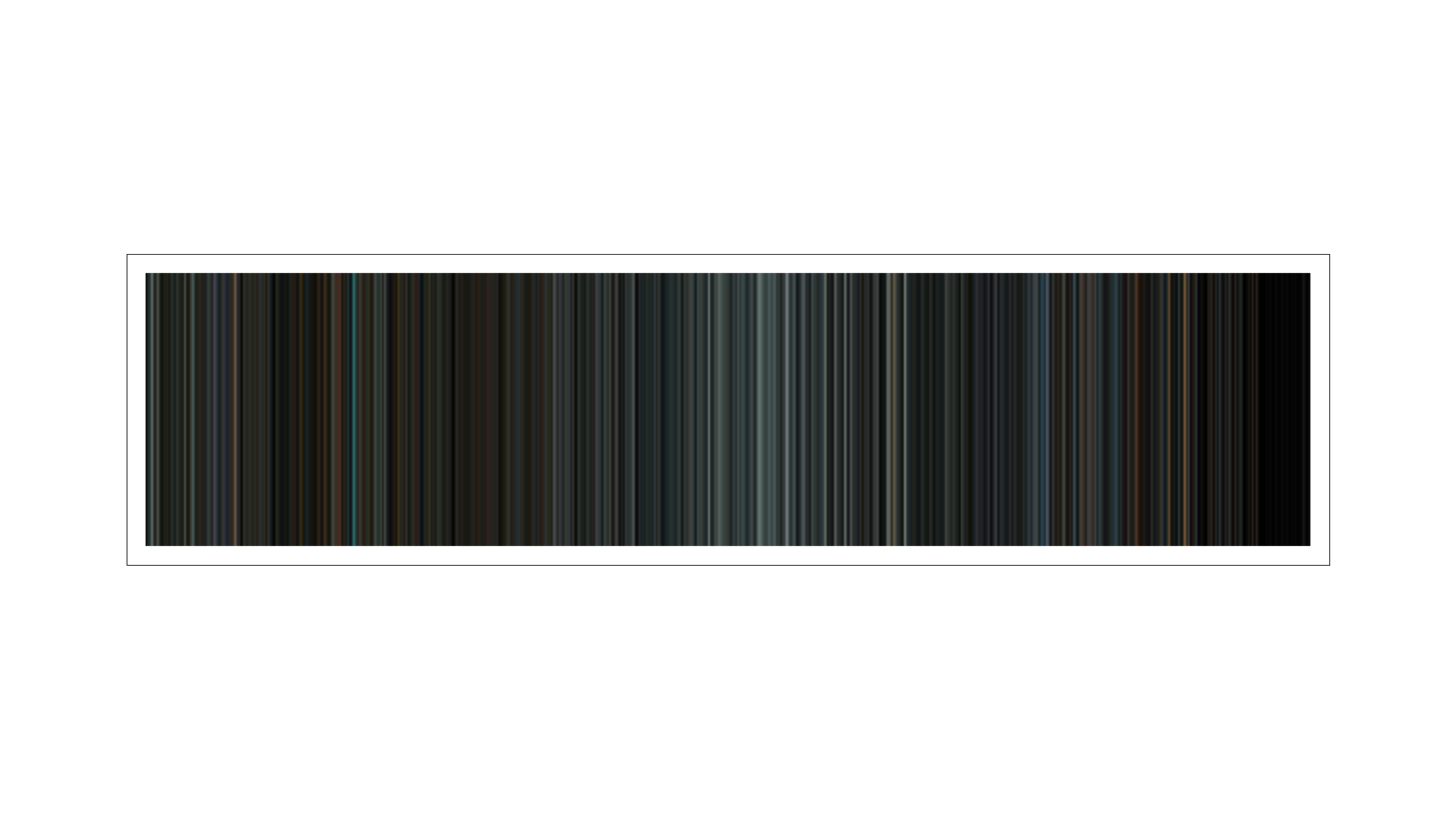
Elysium
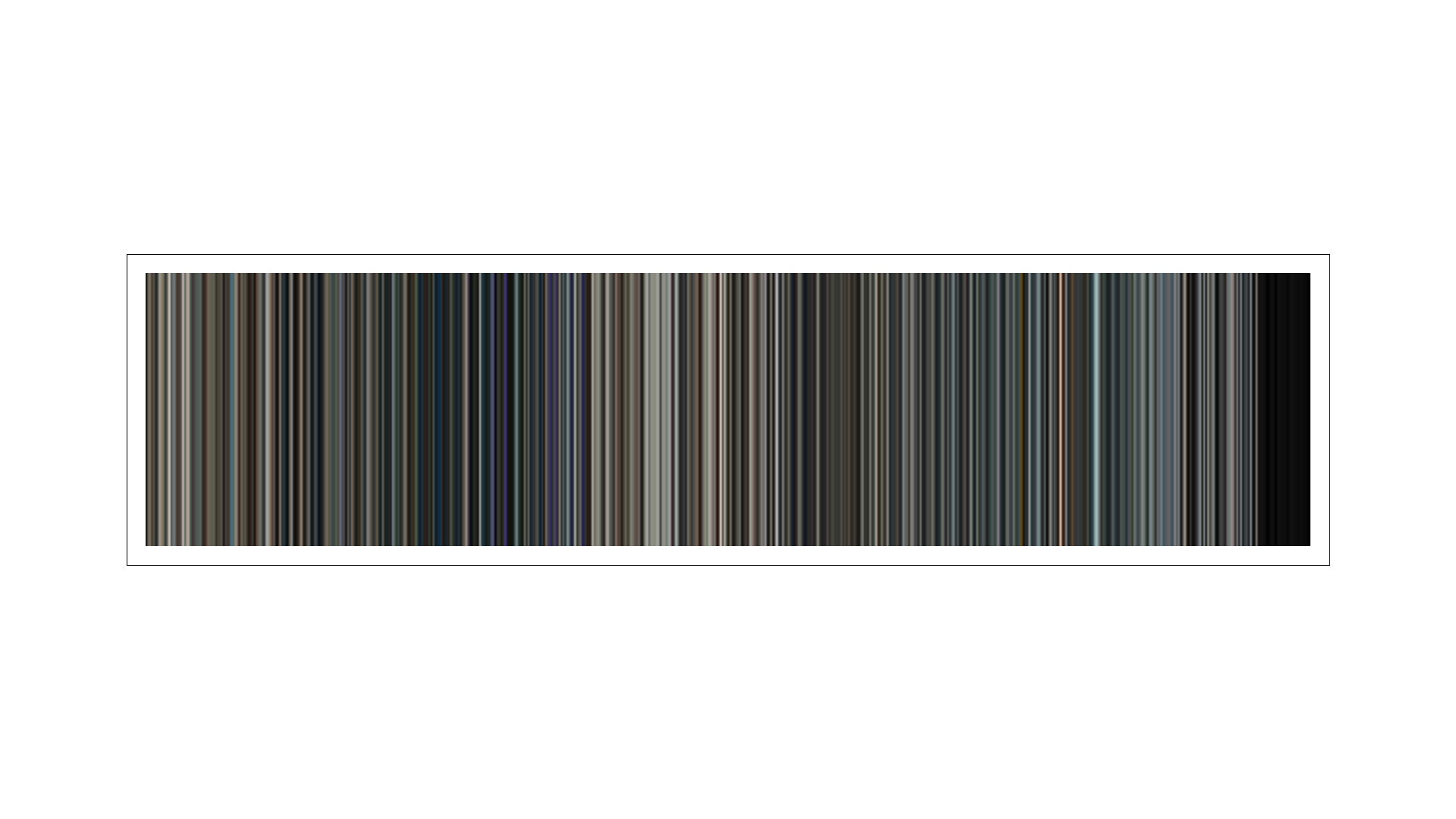
Pacific Rim
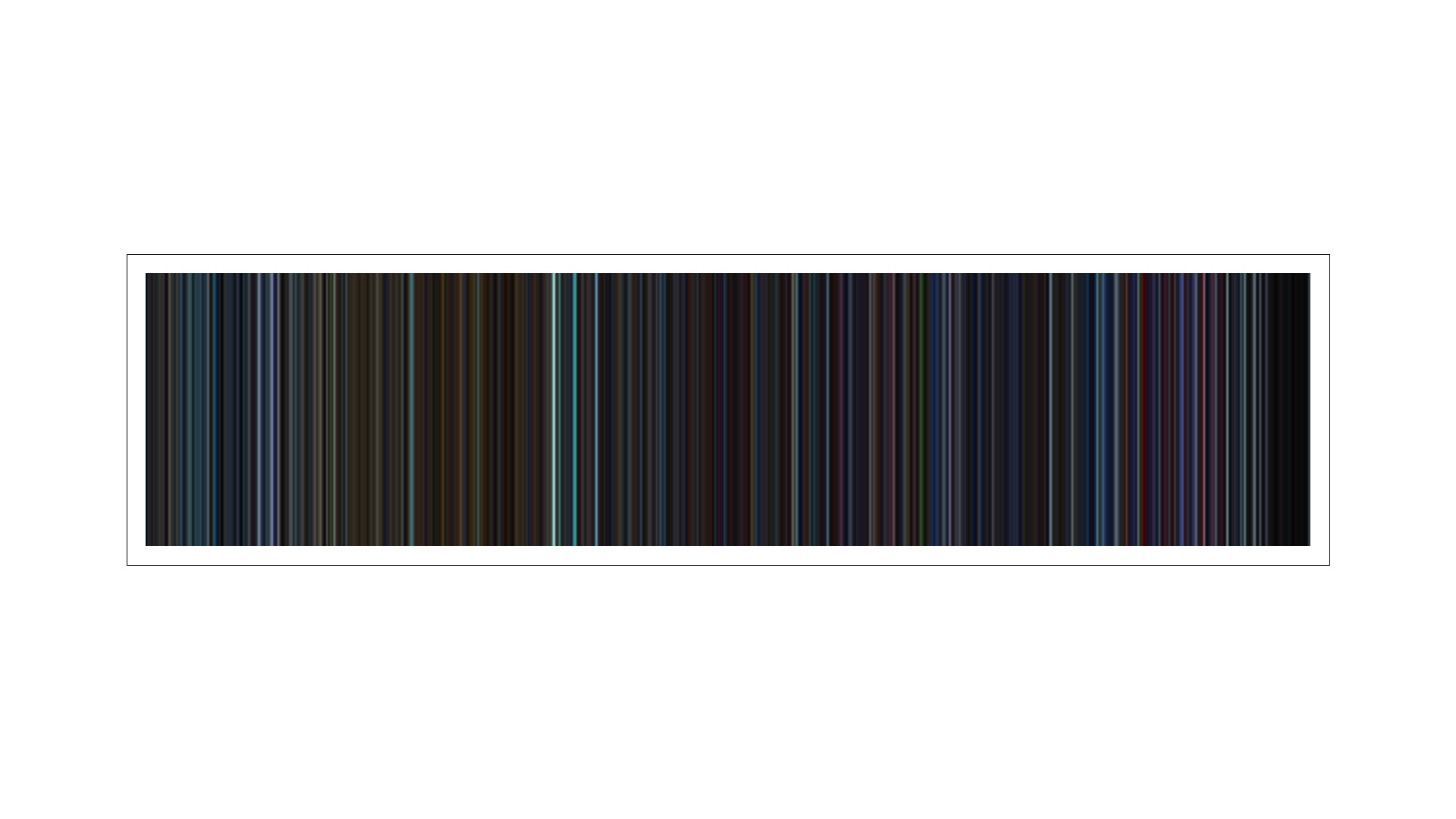
Star Trek Into Darkness
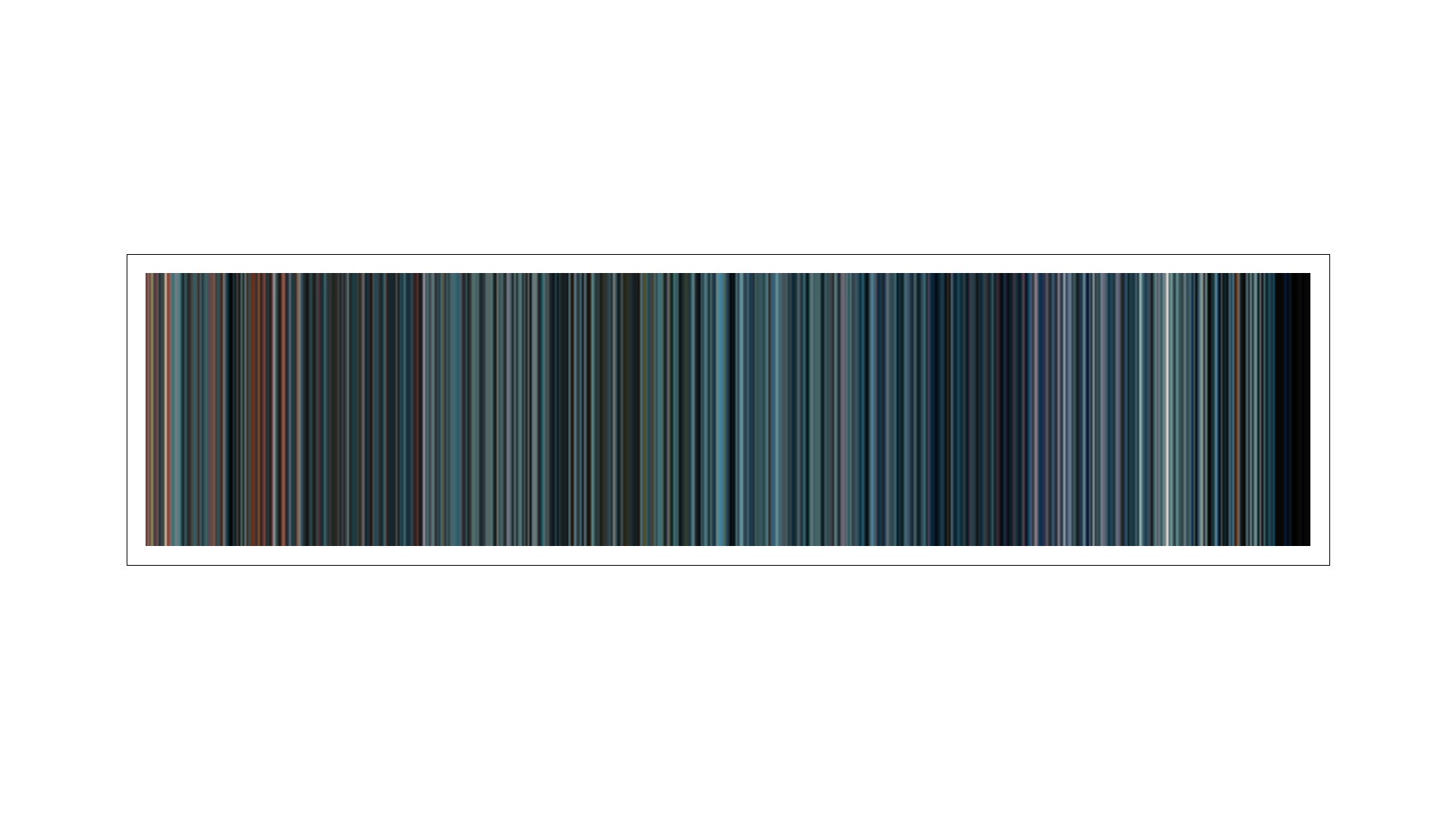
Edge of Tomorrow
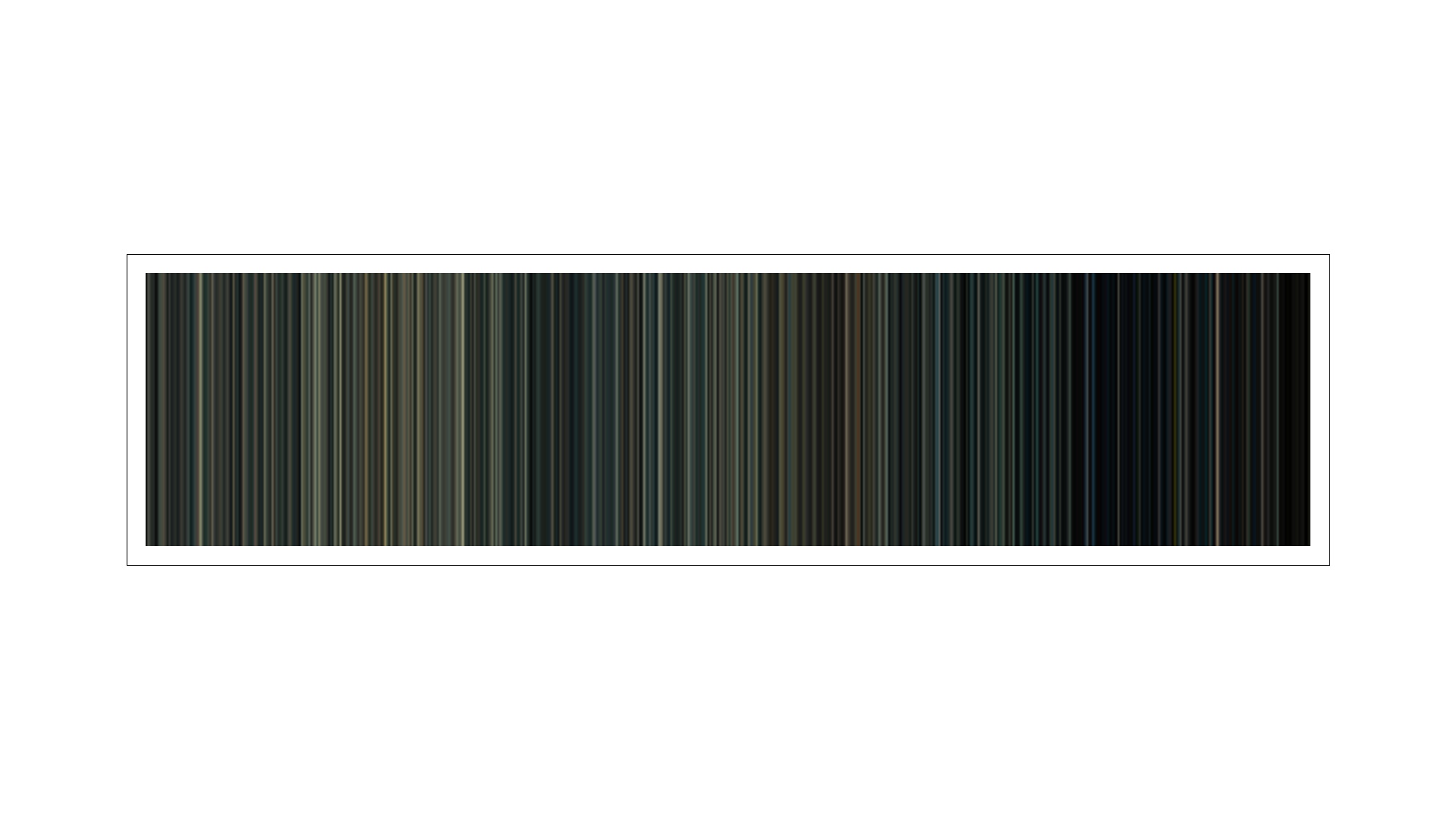
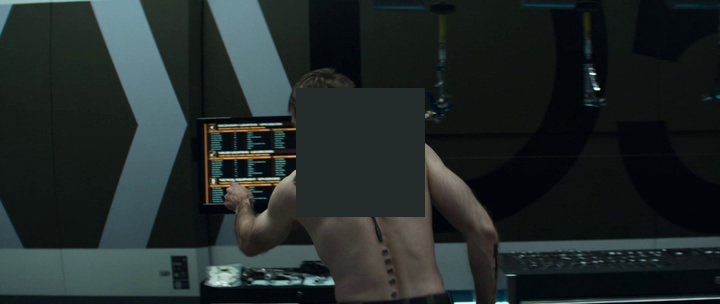
Example Write Frames
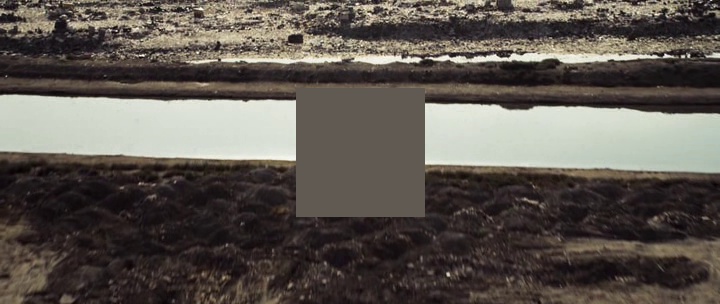
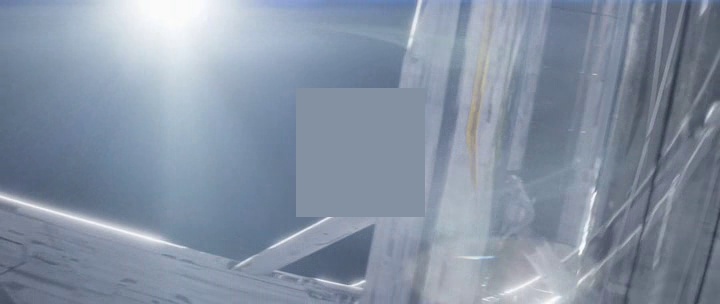
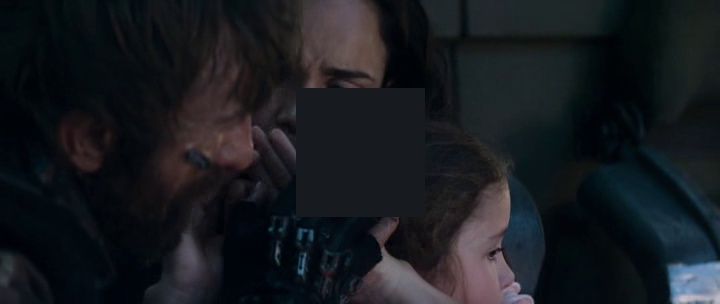
💨 Quickstart
If you are running from the repository Cinegraph can be invoked using:
$ poetry run cinegraph
or if you are running from a pip installation you should have the CLI command available:
$ cinegraph
If you do not provide any positional arguments to specify input files it will automatically open a Tkinter file picker, you need to have a capable display window provider (if using WSL Xserver is a great option.)
Additionally you can run it with the following flags:
Flags
NAME
    poetry run cinegraph
    cinegraph

SYNOPSIS
    poetry run cinegraph <flags> [FILES]...
    cinegraph <flags> [FILES]...
POSITIONAL ARGUMENTS
    FILES
        The files that you want to be processed.

FLAGS
    -c,--colors=COLORS
        Number of colors in the Cinegraph
        Example Input:
            100
    -b,--blur=BLUR
        Blur amount for the Cinegraph
        Example Input:
            5
    -r,--resolution=RESOLUTION
        Resolution for the Cinegraph
        Example Input:
            1000,1200
    -t,--template=TEMPLATE
        International Standard Paper Format Name
        Available Options:
            A0 - 	    33-1/8 x 46-13/16 in	    841 x 1188 mm
            A1 - 	    23-3/8 x 33-1/8 in	        594 x 841 mm
            A2 - 	    16-1/2 x 23-3/8 in	        420 x 594 mm
            A3 - 	    11-3/4 x 16-1/2 in	        297 x 420 mm
            A4 - 	    8-1/4 x 11-3/4 in	        210 x 297 mm
            A5 - 	    5-7/8 x 8-1/4 in	        148 x 210 mm
            A6 - 	    4-1/8 x 5-7/8 in	        105 x 148 mm
            A7 - 	    2-15/16 x 4-1/8 in	        74 x 105 mm
            A8 - 	    2-1/16 x 2-15/16 in	        52 x 74 mm
            LETTER  -   8.5 x 11 in                 215.9 x 279.4 mm
            SMALL	-   11 x 17 in                  279.4 x 431.8 mm
            MEDIUM	-   18 x 24 in                  457.2 x 609.6 mm
            LARGE	-   24 x 36 in                  609.6 x 914.4 mm
    -d,--dpi=DPI
        The desired print resolution, must be specified as a whole number
        e.g. 72
    -f,--frame=FRAME
        Add a white border + frame for the Cinegraph
    -m,--margin=MARGIN
        Set the margin (in pixels) for the border around the Cinegraph
        e.g. 25
    -w,--write_frames=WRITE_FRAMES
        Output the frames with a center square that denotes the dominant color.
💾 Installation
From PyPi
Install steps
- Install using pip:
pip install cinegraph - You will then have the CLI command available to you:
$ cinegraph
From GitHub Repo Clone
Prerequsites
- Python and Python Poetry is installed
Install steps
poetry install(To install in the top level directory always:poetry config virtualenvs.in-project true)
⛏️ Tech Stack
- Python - Software Development
- Poetry - Package Management
- OpenCV - Image Processing
- Fire - CLI Framework
✍️ Authors

🎉 Acknowledgements
- @FFMPEG for providing amazing open source video solutions.
- The Colors of Motion for being the inspiriation and the idea that I tried my best to mimic.
1 maintainer

Metadata
1 maintainer
Release files for cinegraph 0.2.2
For a detailed explanation of source distributions (sdists) and built distributions (wheels), please see the package formats documentation.
Source distribution (sdist)
| File | Size | Uploaded | Provenance | Actions |
|---|---|---|---|---|
| cinegraph-0.2.2.tar.gz | 23.0 kB | Without provenance | Details for cinegraph-0.2.2.tar.gz |
Built distribution (wheel)
| File | Interpreter | ABI | Platform | Actions Reset |
|---|---|---|---|---|
| cinegraph-0.2.2-py3-none-any.whl | Python 3 | none | any | Details for cinegraph-0.2.2-py3-none-any.whl |
Total release size: 44.2 kB
Release files / cinegraph-0.2.2.tar.gz
| Download URL | cinegraph-0.2.2.tar.gz |
|---|---|
| Size | 23.0 kB |
| Tags | Source |
|
SHA-256 checksum How to use checksums |
f0695ec459d96839117848b6952a5b9fadf22838312ff0fabc358205798b23b7
|
|
BLAKE2b-256 checksum How to use checksums |
39f523a0d3489609bc7cefe17e106b3060d3b91fa2b610ca7a978bfb9cef51d8
|
| Upload date | |
|
Uploaded using Trusted Publishing? What is trusted publishing? |
No |
| Uploaded via |
poetry/1.1.8 CPython/3.8.2 Linux/5.8.0-1039-azure
|
Release files / cinegraph-0.2.2-py3-none-any.whl
| Download URL | cinegraph-0.2.2-py3-none-any.whl |
|---|---|
| Size | 21.2 kB |
| Tags | Python 3 |
|
SHA-256 checksum How to use checksums |
f58f90518738524ac0079401b4f959a9b672bed52ab95de605e1805a3191f021
|
|
BLAKE2b-256 checksum How to use checksums |
1c63b508de3bc64e1dd390656d2a26c266ce1f95ab75d5d7091c55263aebed19
|
| Upload date | |
|
Uploaded using Trusted Publishing? What is trusted publishing? |
No |
| Uploaded via |
poetry/1.1.8 CPython/3.8.2 Linux/5.8.0-1039-azure
|
Security for cinegraph 0.2.2
Provenance
Provenance describes where a file came from. On PyPI, provenance is shared via attestations, which provide a verifiable record of the build or publishing details. View details, limitations and caveats.
No provenance found
None of the files in this release were uploaded with provenance metadata.
A note on package security
PyPI is a repository for distributing packages, not a service for auditing them. While third-party security researchers and our staff do their best to detect and remove malicious packages, PyPI cannot guarantee the quality, security or suitability of any given package.
To learn more about protecting yourself from malicious actors, visit our package security documentation.














