

A Python tool for generating a word cloud for a Facebook chat conversation.
Requirements
This uses lxml to parse the messages file provided by Facebook. This requires libxml2 and libxslt to be installed.
For Debian/Ubuntu:
sudo apt-get install libxml2-dev libxslt-dev python-dev
This also uses Pillow to handle image manipulation. This requires libjpeg, zlib, and libfreetype:
sudo apt-get install libjpeg-dev zlib1g-dev libfreetype6-dev
Installation
pip install facebook_wordcloud
Development
git clone https://github.com/mjmeli/facebook-chat-word-cloud.git
pip install -e .
Testing
python setup.py test
Quick Example Usage
Request your Facebook data archive and get the messages.htm file.
Generate default word cloud:
facebook_wordcloud examples/messages_sample.htm “Foo Bar”
Use a configuration file for customization:
facebook_wordcloud examples/messages_sample.htm “Foo Bar” -c config.json
Use the sample conversation file for quick testing:
facebook_wordcloud examples/messages_sample.htm “Foo Bar” -sample
Output the word cloud to an image
facebook_wordcloud examples/messages_sample.htm “Foo Bar” -o output.png
Detailed Usage
This is essentially a command line wrapper around the Andreas Muller’s (amueller) word_cloud Python library . This simply parses Facebook messages and passes data to that library.
First step is to get your Facebook messages archive:
Go to Facebook Settings: https://www.facebook.com/settings
Click the link at the bottom (“Download a copy of your Facebook data”)
Click “Start My Archive” and wait for the download to be ready
Download and extract
Pull out or remember the location of the messages.htm file
The script is easy to use:
facebook_wordcloud [messages_file] [users] {optional arguments}
Where,
[message_file] is the relative path of your messages.html file
[users] is a comma separated list of the users involved in the conversation (i.e., if you want the conversation with your friend John Smith, [users] should be “John Smith”). You can specify multiple people for group conversations (i.e. “John Smith, Bob Bobby”)
There are a few important optional arguments:
the “-c” or “–config-file” arguments allow you to specify a json configuration file. There is an example of one in the root of this directory (config.json), and some more examples in the examples/ folder. I highly recommend using such a file if you want non-default settings!
the “-o” or “–out” option allows you to specify where you want the image to output to
the “-sample” or “–sample” option allows you to use an internal sample conversation (same as in examples/messages_sample.htm). Your messages file will likely be large and will take a long time to parse, so when you are customizing, you may find this option helpful.
the “-h” or “–help” option shows help
There are many more arguments that mainly allow you to change the configuration of the word cloud. However, all of these arguments can be specified in the json configuration file. It will be much easier to use a config file! If you are stubborn, use the “-h” or “–help” option to see all the arguments.
IMPORTANT: Command line arguments override config files!
Helpful Hints
The messages file downloaded from Facebook will probably be quite large (mine was 60 MB). It may take a while to parse, which can get annoying when you are making small changes to get a nice looking word cloud. I highly recommend using the sample conversation I provide as this will parse in seconds and has very high word density. You can either directly reference this file (examples/messages_sample.htm with user “Foo Bar”) or just use the “-sample” option with the command
Examples
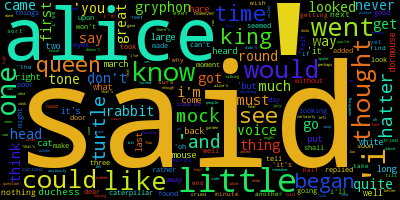
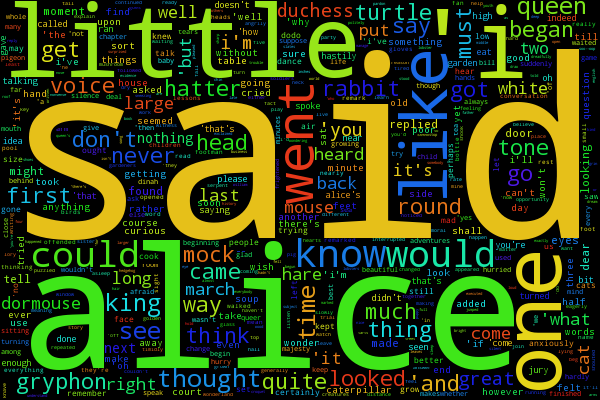
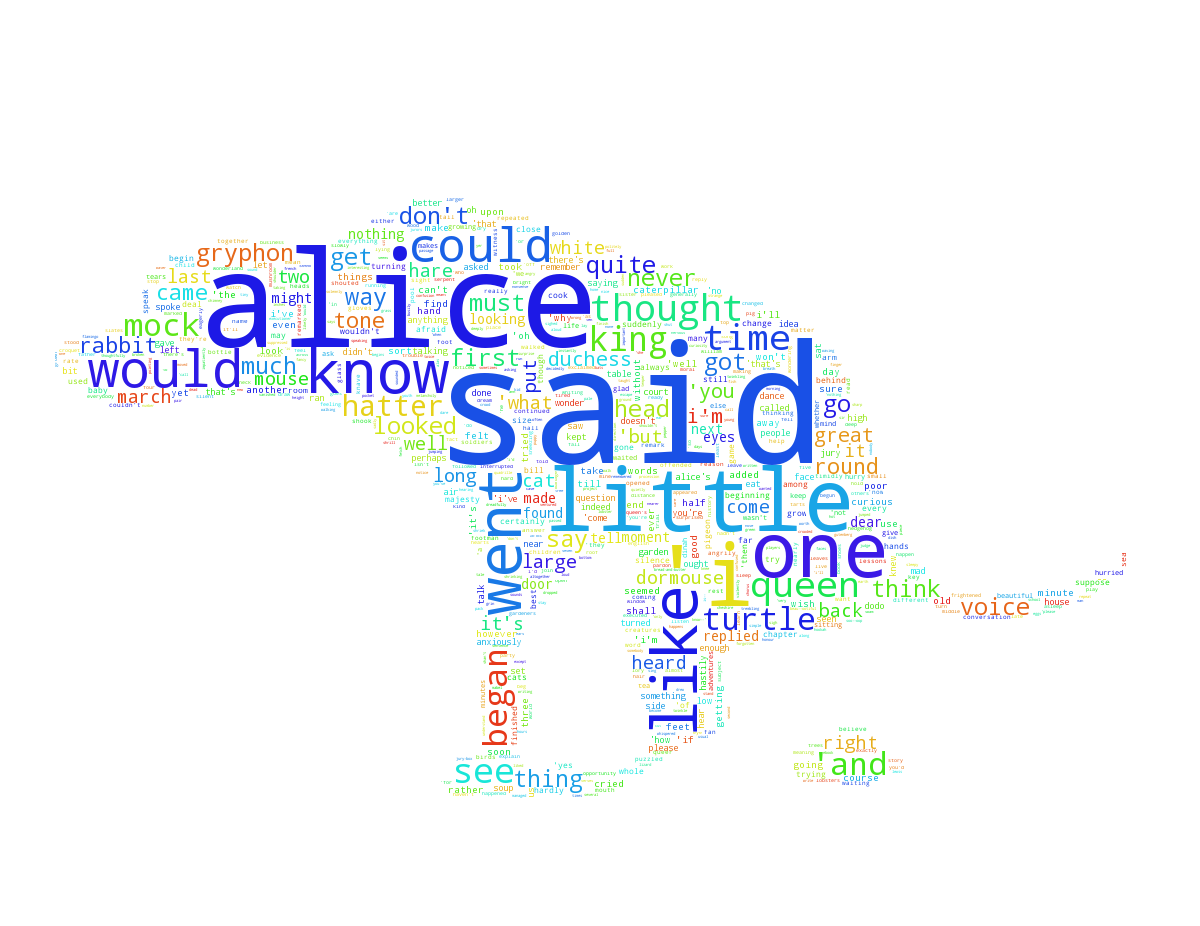
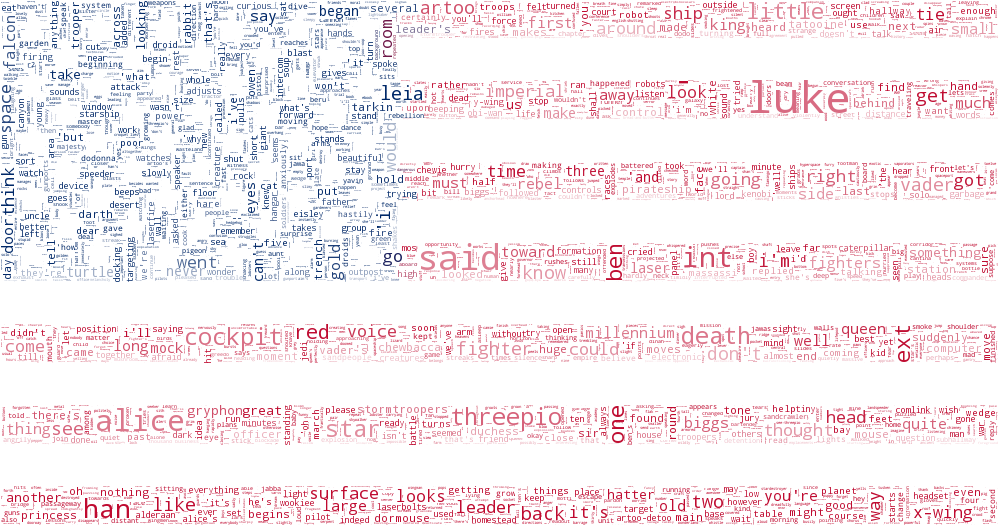
See the examples directory for some great examples of what you can do and some more description on the topic of customization.

Parser Choice
I originally used BeautifulSoup and then switched to the lxml parser. This is slightly annoying because it requires system libraries, but the performance is significantly better. See the benchmarks below from attempting to analyze a 60 MB file:
Parser |
Build Tree Runtime (ms) |
Max Memory Usage |
|---|---|---|
BeautifulSoup |
90750 |
3450 MB (3.45 GB) |
lxml |
1945 |
910 MB (0.91 GB) |
Issues
ImportError: The _imagingft C module is not installed This means you don’t have libfreetype installed. See the Requirements section. If installing it does not work, you may have to uninstall and reinstall Pillow via pip.
IOError: Couldn’t locate mask file…did you make sure to specify the URL relative to where you are running the script? This error is self-explanatory. In masked/config.json, the mask file is specified with a relative URL. This URL is relative to where you are running the script. I wrote the config file assuming that you were running the facebook_wordcloud in the /examples directory. If this is not the case, then either cd into that directory, or adjust the path in masked/config.json.
The mask doesn’t seem to be working? I ran into this issue a few times. Make sure the mask is either in RGB or grayscale. Note that only parts that are pure white (#FFFFFF) will be removed.
1 maintainer

Metadata
1 maintainer
Release files for facebook_wordcloud 1.021
For a detailed explanation of source distributions (sdists) and built distributions (wheels), please see the package formats documentation.
Source distribution (sdist)
| File | Size | Uploaded | Provenance | |
|---|---|---|---|---|
| facebook_wordcloud-1.021.tar.gz | 140.2 kB | Without provenance | Details |
Release files / facebook_wordcloud-1.021.tar.gz
| Download URL | facebook_wordcloud-1.021.tar.gz |
|---|---|
| Size | 140.2 kB |
| Tags | Source |
|
SHA-256 checksum How to use checksums |
0a4534de09f3dc8afe97f9886440a3390af09b3a4fb9165866f7f7580f74133a
|
|
BLAKE2b-256 checksum How to use checksums |
32e69c975df11f08ddc21bff4487f38f0a360cb8544a79a71d68d776a59b4889
|
| Upload date | |
|
Uploaded using Trusted Publishing? What is trusted publishing? |
No |
Security for facebook_wordcloud 1.021
Provenance
Provenance describes where a file came from. On PyPI, provenance is shared via attestations, which provide a verifiable record of the build or publishing details. View details, limitations and caveats.
No provenance found
None of the files in this release were uploaded with provenance metadata.
A note on package security
PyPI is a repository for distributing packages, not a service for auditing them. While third-party security researchers and our staff do their best to detect and remove malicious packages, PyPI cannot guarantee the quality, security or suitability of any given package.
To learn more about protecting yourself from malicious actors, visit our package security documentation.














