
gshell = Google Drive + Shell
Navigate in Google Drive as you do on shell.



Installation
pip install gshell

gshell init  # login to your google account
Usage
$ gshell info --with-id 0B9P1L--7Wd2vaGl4bDZaV2lESTQ
Id: 0B9P1L--7Wd2vaGl4bDZaV2lESTQ
Name: 20160502_gdown
Path: 20160502_gdown
Mime: application/vnd.google-apps.folder
Created: 2016-05-02 00:17:25
Modified: 2017-12-23 01:56:42
Shared: True
ViewUrl: https://drive.google.com/open?id=0B9P1L--7Wd2vaGl4bDZaV2lESTQ

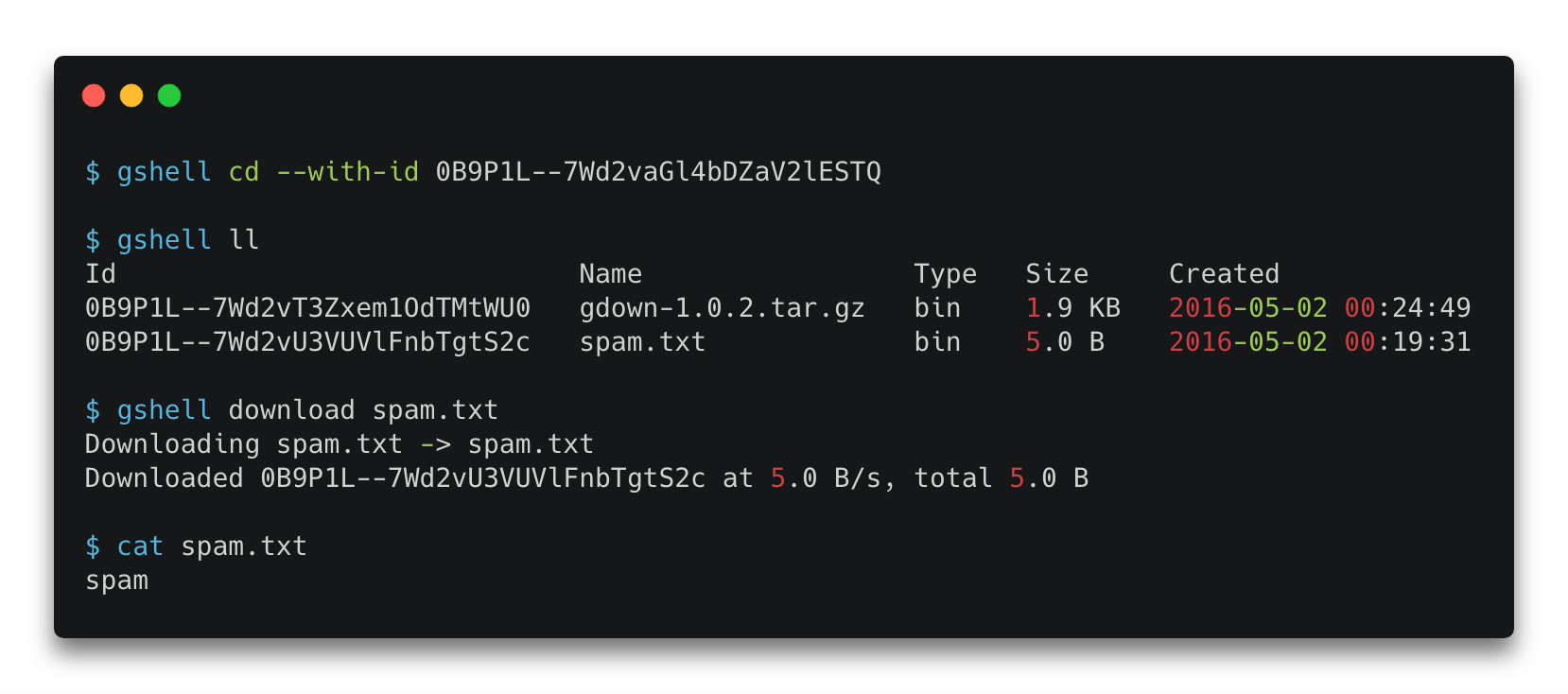
$ gshell cd --with-id 0B9P1L--7Wd2vaGl4bDZaV2lESTQ

$ gshell pwd
20160502_gdown

$ gshell ll
Id                             Name                 Type   Size     Created
0B9P1L--7Wd2vT3Zxem1OdTMtWU0   gdown-1.0.2.tar.gz   bin    1.9 KB   2016-05-02 00:24:49
0B9P1L--7Wd2vU3VUVlFnbTgtS2c   spam.txt             bin    5.0 B    2016-05-02 00:19:31

$ gshell download spam.txt
Downloading spam.txt -> spam.txt
Downloaded 0B9P1L--7Wd2vU3VUVlFnbTgtS2c at 5.0 B/s, total 5.0 B

$ cat spam.txt
spam
Commands
Usage: gshell [OPTIONS] COMMAND [ARGS]...

Options:
  -V, --version  Show the version and exit.
  --help         Show this message and exit.

Commands:
  about     show account status
  cd        change directory
  download  download file
  info      show file information
  init      initialize gshell
  ll        list files in detail
  ls        list files
  mkdir     make directory
  open      open current site on browser
  pwd       print current working directory
  rm        remove file
  share     share file
  switch    switch user
  upload    upload file
1 maintainer

Metadata
1 maintainer
Release files for gshell 5.6.1
For a detailed explanation of source distributions (sdists) and built distributions (wheels), please see the package formats documentation.
Source distribution (sdist)
| File | Size | Uploaded | Provenance | Actions |
|---|---|---|---|---|
| gshell-5.6.1.tar.gz | 5.7 MB | Without provenance | Details for gshell-5.6.1.tar.gz |
Release files / gshell-5.6.1.tar.gz
| Download URL | gshell-5.6.1.tar.gz |
|---|---|
| Size | 5.7 MB |
| Tags | Source |
|
SHA-256 checksum How to use checksums |
6355c71c2f5723a37af2420b637c3d4f9aa7a22cfc067d845fafaf8140097a30
|
|
BLAKE2b-256 checksum How to use checksums |
7b83116ca5f5b02e84a7a4a1b4febe1300bff6e8e2d694e2856ee3dd010804cf
|
| Upload date | |
|
Uploaded using Trusted Publishing? What is trusted publishing? |
No |
| Uploaded via |
twine/3.8.0 pkginfo/1.8.2 readme-renderer/32.0 requests/2.27.1 requests-toolbelt/0.9.1 urllib3/1.26.7 tqdm/4.62.3 importlib-metadata/4.11.2 keyring/23.5.0 rfc3986/2.0.0 colorama/0.4.4 CPython/3.9.7
|
Security for gshell 5.6.1
Provenance
Provenance describes where a file came from. On PyPI, provenance is shared via attestations, which provide a verifiable record of the build or publishing details. View details, limitations and caveats.
No provenance found
None of the files in this release were uploaded with provenance metadata.
A note on package security
PyPI is a repository for distributing packages, not a service for auditing them. While third-party security researchers and our staff do their best to detect and remove malicious packages, PyPI cannot guarantee the quality, security or suitability of any given package.
To learn more about protecting yourself from malicious actors, visit our package security documentation.














