
peartree 🍐🌳




peartree is a library for converting GTFS feed schedules into a representative directed network graph. The tool uses Partridge to convert the target operator schedule data into Pandas dataframes and then NetworkX to hold the manipulated schedule data as a directed multigraph.
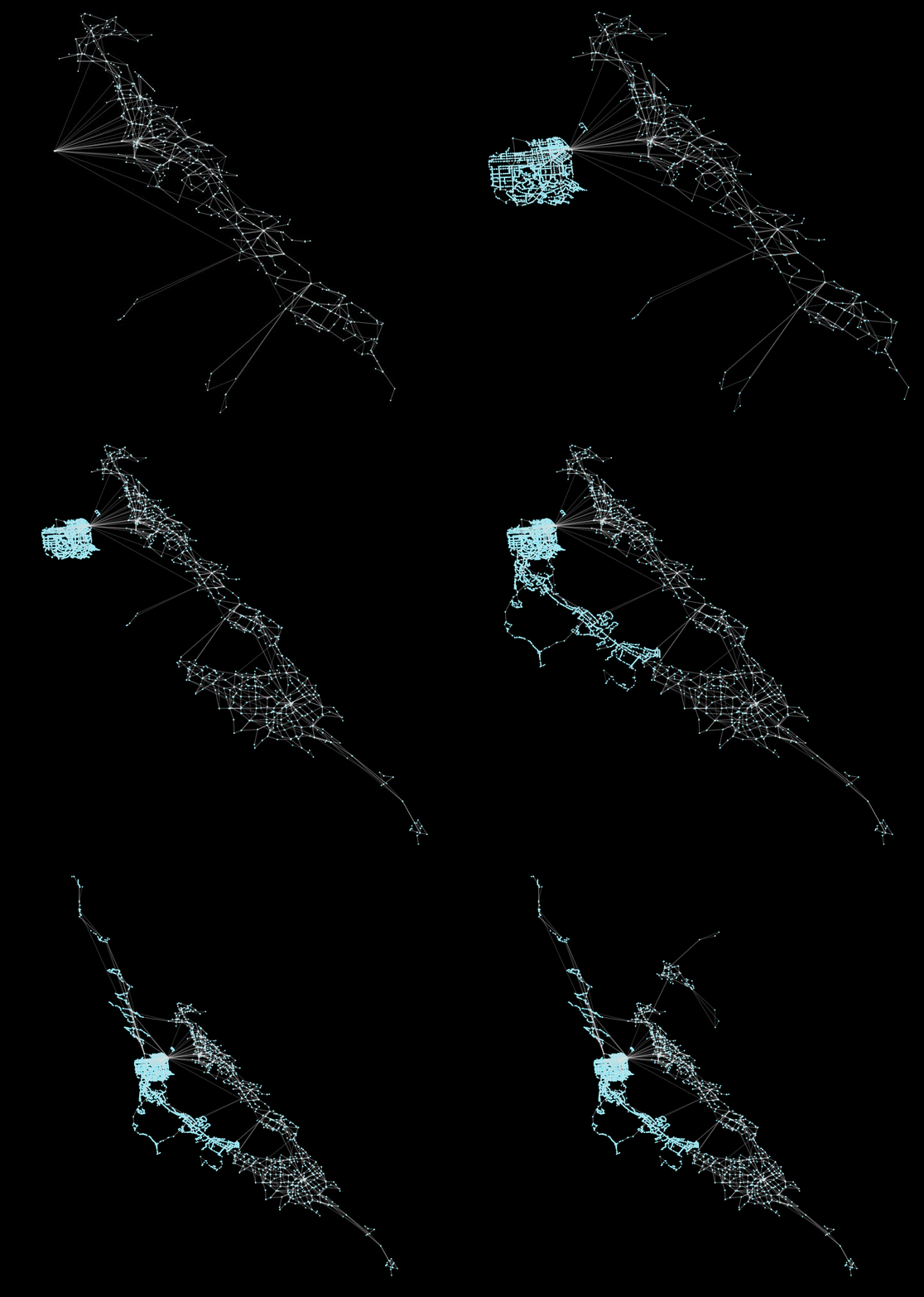
Above, an example of multiple Bay Area transit operators being incrementally loaded into peartree.
Installation
pip install peartreeUsage
See a full notebook at this gist to see a simple, step-by-step iPython Notebook pulling in an AC Transit GTFS feed and converting it to a NetworkX graph.
import peartree as pt

path = 'path/to/actransit_gtfs.zip'

# Automatically identify the busiest day and
# read that in as a Partidge feed
feed = pt.get_representative_feed(path)

# Set a target time period to
# use to summarize impedance
start = 7*60*60  # 7:00 AM
end = 10*60*60  # 10:00 AM

# Converts feed subset into a directed
# network multigraph
G = pt.load_feed_as_graph(feed, start, end)
Examples
I’ve yet to produce a full how-to guide for this library, but will begin to populate this section with any blog posts or notebooks that I or others produce, that include workflows using peartree.
Calculating betweeness centrality with Brooklyn bus network
Combining a peartree transit network and an OpenStreetMap walk network
Generating comparative acyclic route graphs
Coalescing transit network graphs and spectral clustering methods
Exploratory graph analysis with betweenness and load centrality
1 maintainer

Metadata
1 maintainer
Release files for peartree 0.6.4
For a detailed explanation of source distributions (sdists) and built distributions (wheels), please see the package formats documentation.
Built distribution (wheel)
| File | Interpreter | ABI | Platform | Actions Reset |
|---|---|---|---|---|
| peartree-0.6.4-py2.py3-none-any.whl | Python 3, Python 2 | none | any | Details for peartree-0.6.4-py2.py3-none-any.whl |
Release files / peartree-0.6.4-py2.py3-none-any.whl
| Download URL | peartree-0.6.4-py2.py3-none-any.whl |
|---|---|
| Size | 42.6 kB |
| Tags | Python 2 Python 3 |
|
SHA-256 checksum How to use checksums |
879a6ff478dfa1e6d6b2dab6e9c52357a6e396ebbab7baaa729184ba64abbd2d
|
|
BLAKE2b-256 checksum How to use checksums |
df9123770fc8b365297e3d2dee3baac5d29946e8c9aad2dfdb15953432bf557d
|
| Upload date | |
|
Uploaded using Trusted Publishing? What is trusted publishing? |
No |
| Uploaded via |
twine/3.1.1 pkginfo/1.5.0.1 requests/2.23.0 setuptools/41.6.0 requests-toolbelt/0.9.1 tqdm/4.46.0 CPython/3.7.5
|
Security for peartree 0.6.4
Provenance
Provenance describes where a file came from. On PyPI, provenance is shared via attestations, which provide a verifiable record of the build or publishing details. View details, limitations and caveats.
No provenance found
None of the files in this release were uploaded with provenance metadata.
A note on package security
PyPI is a repository for distributing packages, not a service for auditing them. While third-party security researchers and our staff do their best to detect and remove malicious packages, PyPI cannot guarantee the quality, security or suitability of any given package.
To learn more about protecting yourself from malicious actors, visit our package security documentation.














