


trame - a web framework that weaves together open source components into customized visual analytics easily.
trame is French for
the core that ties things together
a guide providing the essence of a task
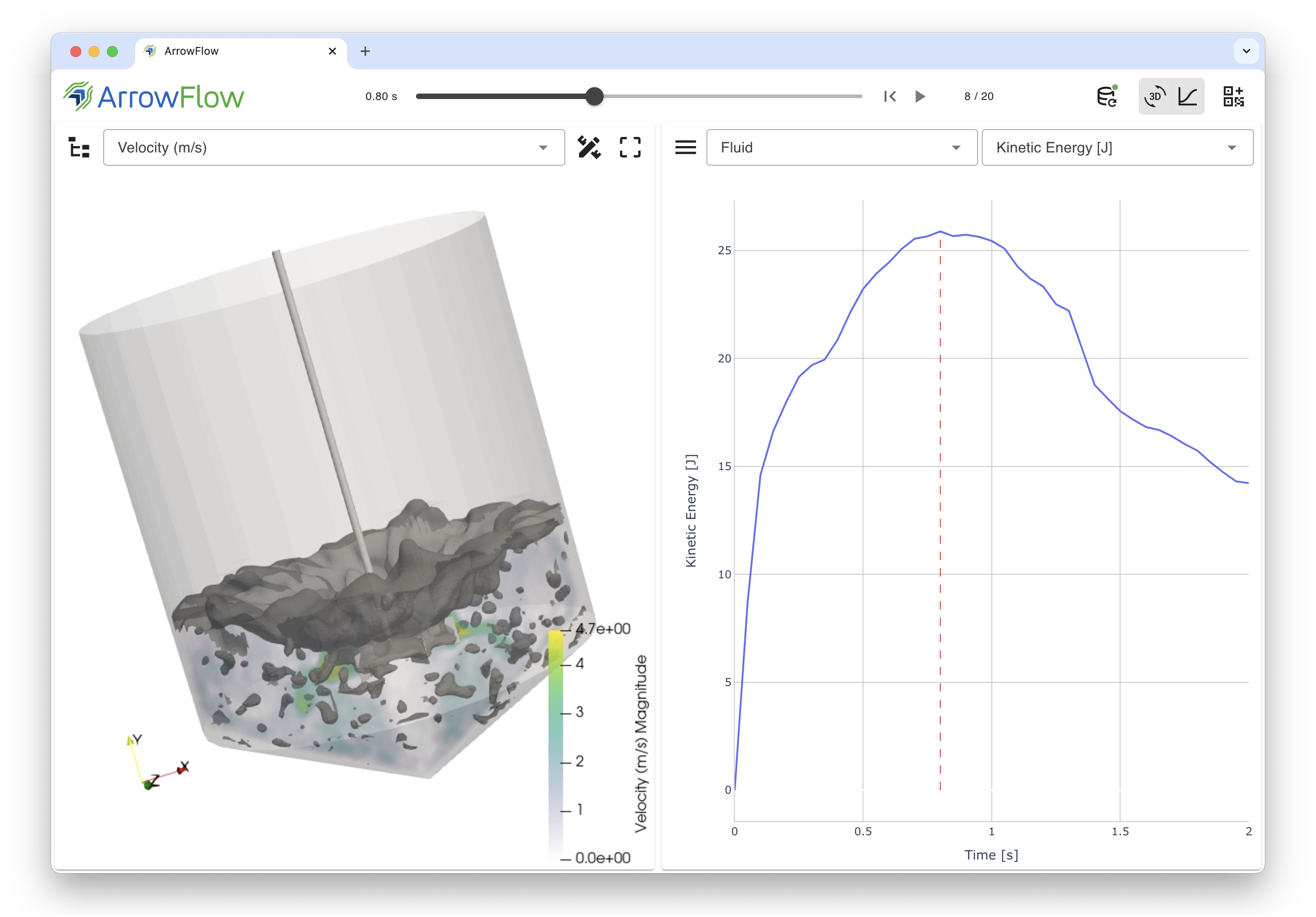
With trame, create stunning, interactive web applications compactly and intuitively.
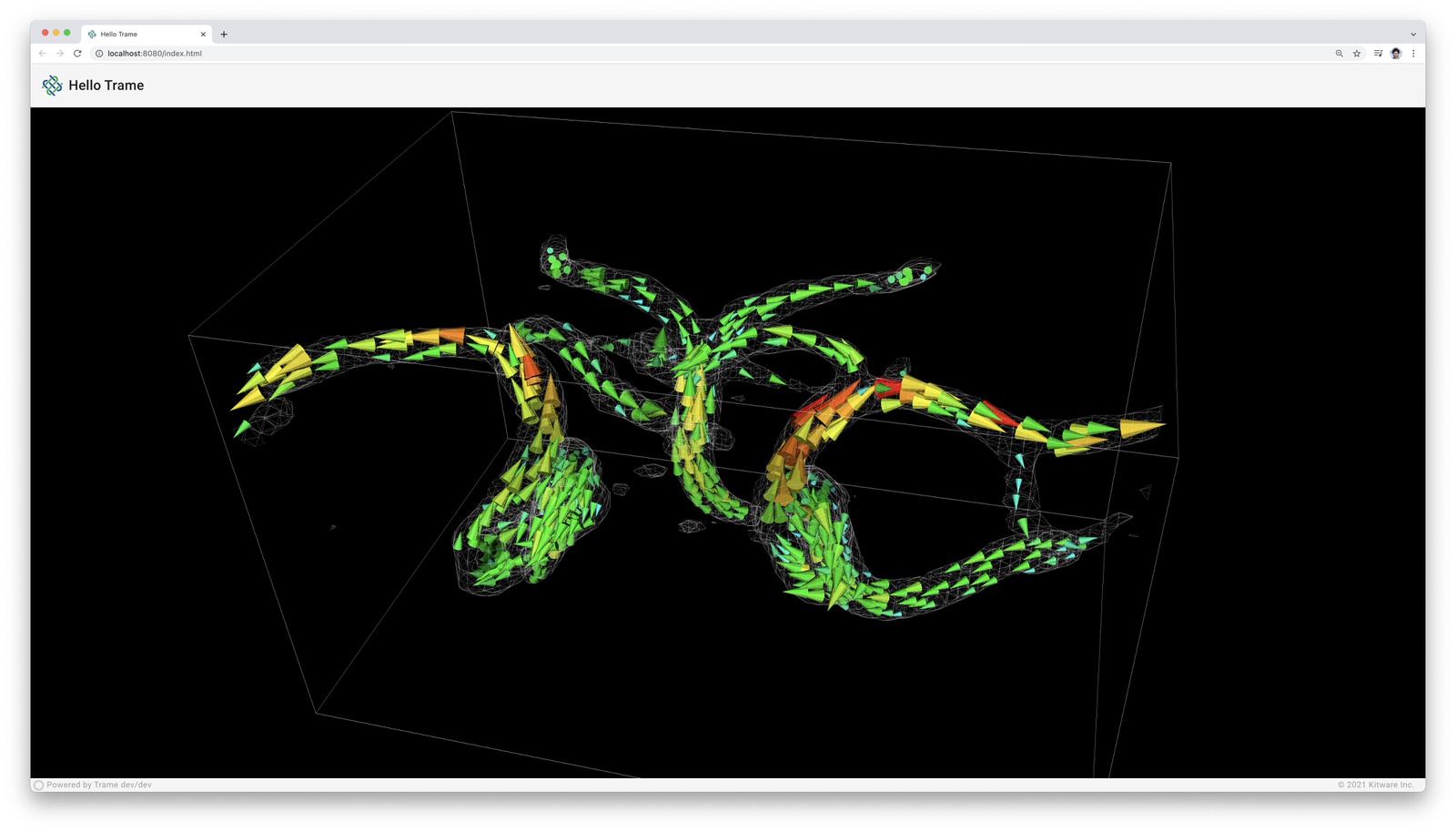
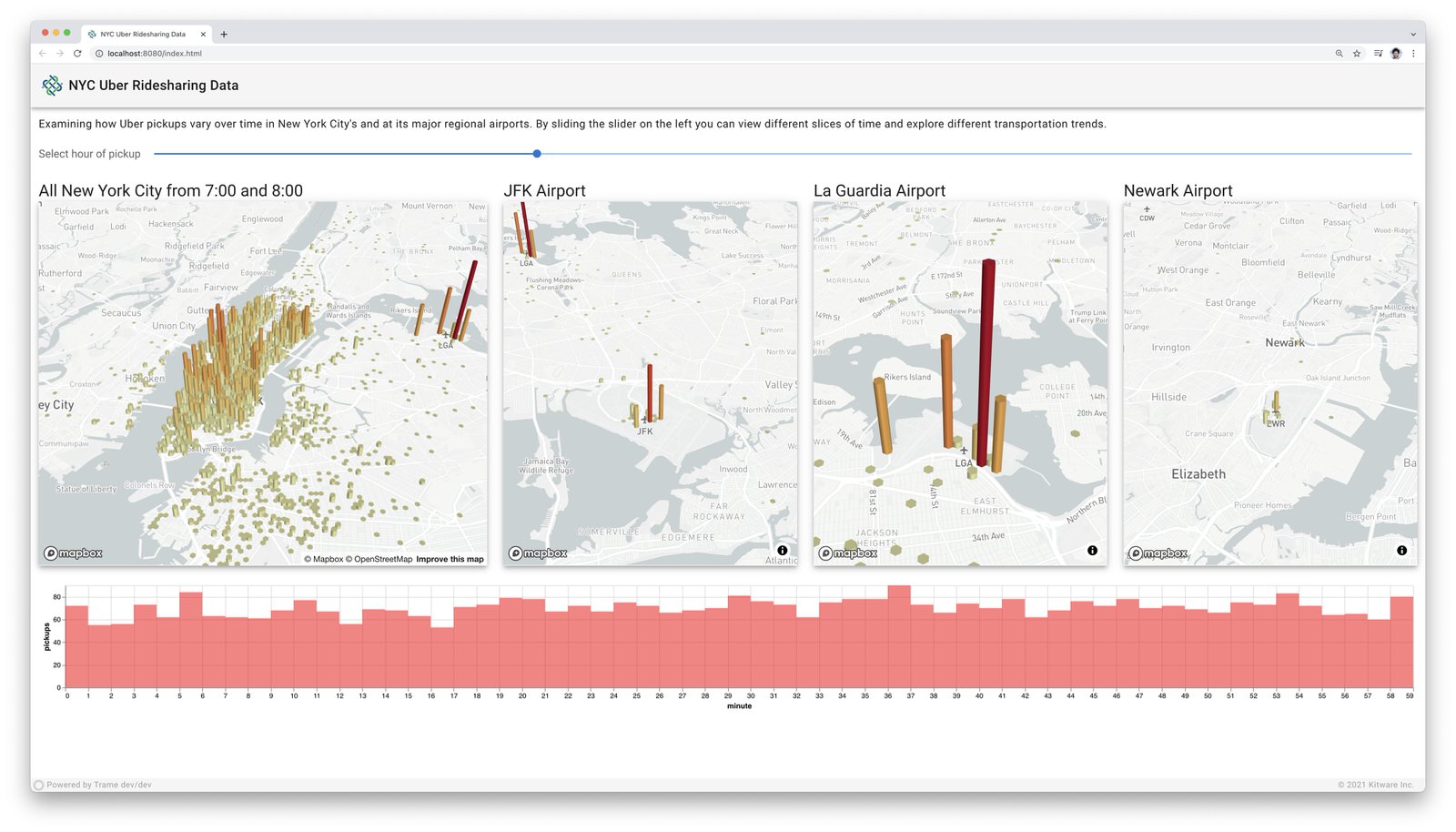
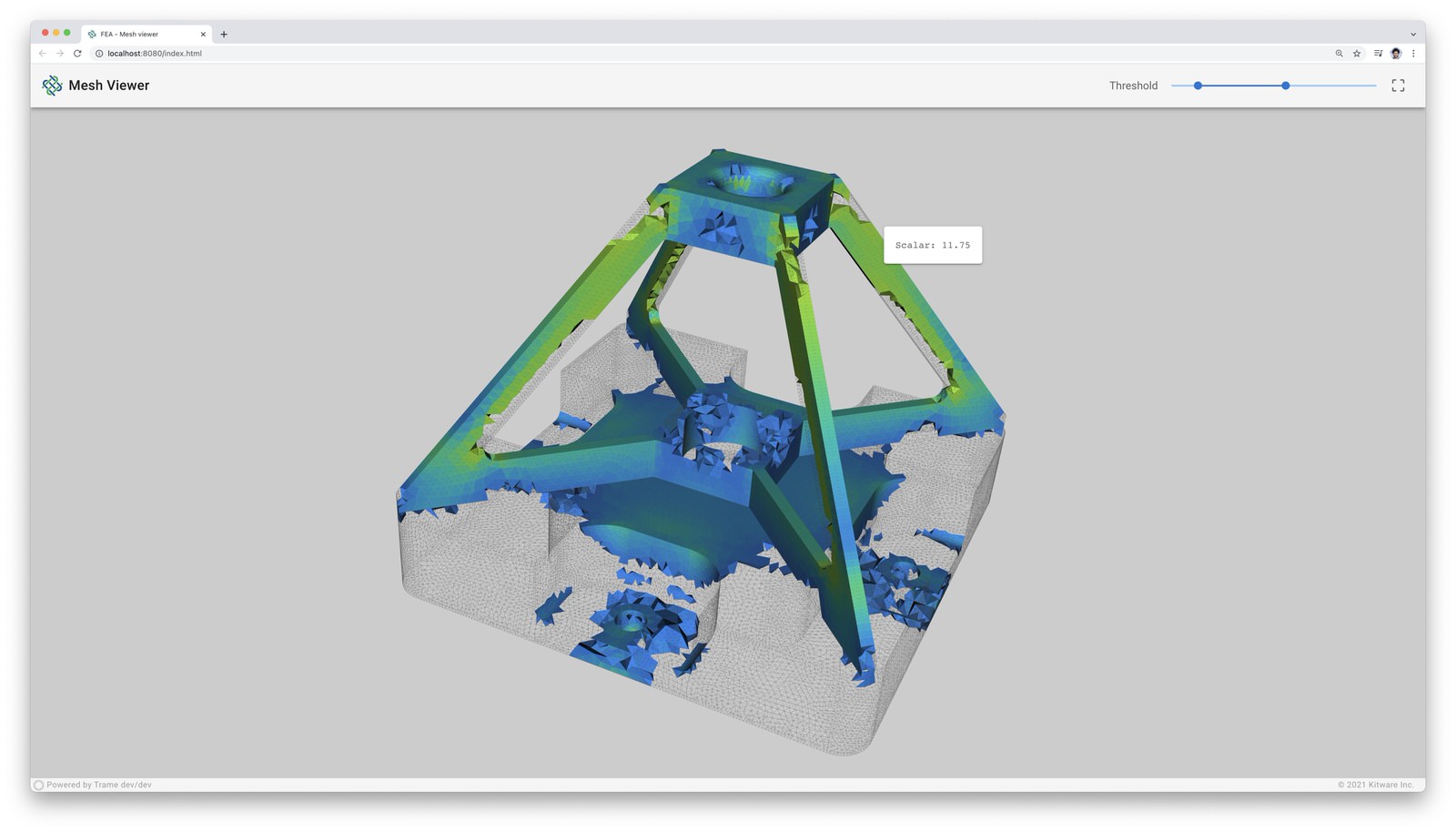
3D Visualization
With best-in-class VTK and ParaView platforms at its core, trame provides complete control of 3D visualizations and data movements. Developers benefit from a write-once environment while trame simply exposes both local and remote rendering through a single method.
Rich Features
trame leverages existing libraries and tools such as Vuetify, Altair, Vega, deck.gl, VTK, ParaView, and more, to create vivid content for visual analytics applications.
Problem Focused
By relying simply on Python, trame focuses on one’s data and associated analysis and visualizations while hiding the complications of web app development.
Desktop to cloud
The resulting trame applications can act as local desktop applications or remote cloud applications both accessed through a browser.
Installing
trame can be installed with pip:
pip install --upgrade trameUsage
The Trame Tutorial is the place to go to learn how to use the library and start building your own application.
The API Reference documentation provides API-level documentation.
License
trame is made available under the Apache License, Version 2.0. For more details, see LICENSE
Community
Trame | Discussions | Issues | RoadMap | Contact Us

Enjoying trame?
Share your experience with a testimonial or with a brand approval.
Optional dependencies
When installing trame using pip (pip install trame) you will get the core infrastructure for any trame application to work but more advanced usage may require additional dependencies. The list below captures what may need to add depending on your usage:
pywebview : Needed for desktop usage (–app)
jupyterlab : Needed to run inside jupyter-lab
notebook : Needed to run inside jupyter-notebook
requests : Needed when using remote assets such as GDrive files
Environments variables
TRAME_LOG_NETWORK : Path to log file for capturing network exchange. (default: None)
TRAME_WS_MAX_MSG_SIZE : Maximum size in bytes of any ws message. (default: 10MB)
TRAME_WS_HEART_BEAT : Time in second before assuming the server is non-responsive. (default: 30s)
Life cycle callbacks
Life cycle events are directly managed on the application controller and are prefixed with on_*.
on_server_start : Executed at server.start() call while passing the server as argument.
on_server_bind : WSLinkServer is getting bound to trame so you can attach your own routes. Its instance will be passed as argument to callback.
on_server_ready : All protocols initialized and available for client to connect
on_client_connected : Connection established to server
on_client_exited : Linked to browser “beforeunload” event
on_server_start : Trame is starting its event loop
on_server_exited : Trame is exiting its event loop
on_server_reload : If callback registered it is used for reloading server side modules
on_error : A JavaScript error has occurred in the client, can be used to do something on the server when this occurs
on_exception : Server exception occurred when interacting with the UI. The exception instance is provided as arg.
Reserved state entries
The shared state allow us to synchronize the server with the client. Rather than creating another mechanism to handle similar needs throughout the application we purposely reuse that state internally. To prevent any conflict with any user we are prefixing our internal variable with trame__*. In general those state values should not be use or changed by the user except for the one listed below:
- Read/Write:
trame__favicon: Update it to replace the displayed favicon in your browser. The content needs to be an image encoded url.
trame__title: Update it to replace your page title (tab name / window name).
- Read-only:
trame__busy: Provide information if we have pending requests waiting for the server to respond.
tts: Template Time Stamp to regenerate sub elements when a template gets updated. Usually used as :key=”tts” to force some component rebuild.
Professional Support
Training: Learn how to confidently use trame from the expert developers at Kitware.
Support: Our experts can assist your team as you build your web application and establish in-house expertise.
Custom Development: Leverage Kitware’s 25+ years of experience to quickly build your web application.
3 maintainers


Metadata
3 maintainers
Release files for trame 4.0.0
For a detailed explanation of source distributions (sdists) and built distributions (wheels), please see the package formats documentation.
Source distribution (sdist)
| File | Size | Uploaded | Provenance | |
|---|---|---|---|---|
| trame-4.0.0.tar.gz | 19.1 kB | With provenance | Details |
Built distribution (wheel)
| File | Interpreter | ABI | Platform | Reset |
|---|---|---|---|---|
| trame-4.0.0-py3-none-any.whl | Python 3 | none | any | Details |
Total release size: 46.4 kB
Release files / trame-4.0.0.tar.gz
| Download URL | trame-4.0.0.tar.gz |
|---|---|
| Size | 19.1 kB |
| Tags | Source |
|
SHA-256 checksum How to use checksums |
148cdd10b4636539e375a898c16df139d7a03f3cf8a186cbd5a23c42d763a6b3
|
|
BLAKE2b-256 checksum How to use checksums |
081ed76411adb59829773619a788cce2f4a09645c44bed09f180079369096033
|
| Upload date | |
|
Uploaded using Trusted Publishing? What is trusted publishing? |
Yes |
| Uploaded via |
twine/7.0.0 CPython/3.13.14
|
Provenance
Provenance describes where a file came from. On PyPI, provenance is shared via attestations, which provide a verifiable record of the build or publishing details. View details, limitations and caveats.


PyPI Publish Attestation
PyPI verified that this artifact, at this checksum, originated from the publisher listed below.
Signed by GitHub Actions, verified by PyPI on Sep 9, 2026.
Transparency logRelease files / trame-4.0.0-py3-none-any.whl
| Download URL | trame-4.0.0-py3-none-any.whl |
|---|---|
| Size | 27.3 kB |
| Tags | Python 3 |
|
SHA-256 checksum How to use checksums |
e3c8a89f7a209fea7a595bd877301c851cd0db18cc7620f11b08d4d7966e5dcc
|
|
BLAKE2b-256 checksum How to use checksums |
4ca8137edd4bd17081244dbafd3ebcb35612d791b605eaf9a0c57e47200abd24
|
| Upload date | |
|
Uploaded using Trusted Publishing? What is trusted publishing? |
Yes |
| Uploaded via |
twine/7.0.0 CPython/3.13.14
|
Provenance
Provenance describes where a file came from. On PyPI, provenance is shared via attestations, which provide a verifiable record of the build or publishing details. View details, limitations and caveats.
PyPI Publish Attestation
PyPI verified that this artifact, at this checksum, originated from the publisher listed below.
Signed by GitHub Actions, verified by PyPI on Sep 9, 2026.
Transparency logSecurity for trame 4.0.0
Provenance
Provenance describes where a file came from. On PyPI, provenance is shared via attestations, which provide a verifiable record of the build or publishing details. View details, limitations and caveats.
Full provenance
All 2 files in this release have been uploaded with provenance metadata.
Attestation for trame-4.0.0.tar.gz
PyPI Publish Attestation
PyPI verified that this artifact, at this checksum, originated from the publisher listed below.
Signed by GitHub Actions, verified by PyPI on Sep 9, 2026.
Transparency logA note on package security
PyPI is a repository for distributing packages, not a service for auditing them. While third-party security researchers and our staff do their best to detect and remove malicious packages, PyPI cannot guarantee the quality, security or suitability of any given package.
To learn more about protecting yourself from malicious actors, visit our package security documentation.














