
A straightforward text remover and/or scrambler using LaMa inpainting and CRAFT text-detection

Project description
Unscribe
Unscribe is a Python library for text removal and scrambling in images using LaMa inpainting and CRAFT text detection.
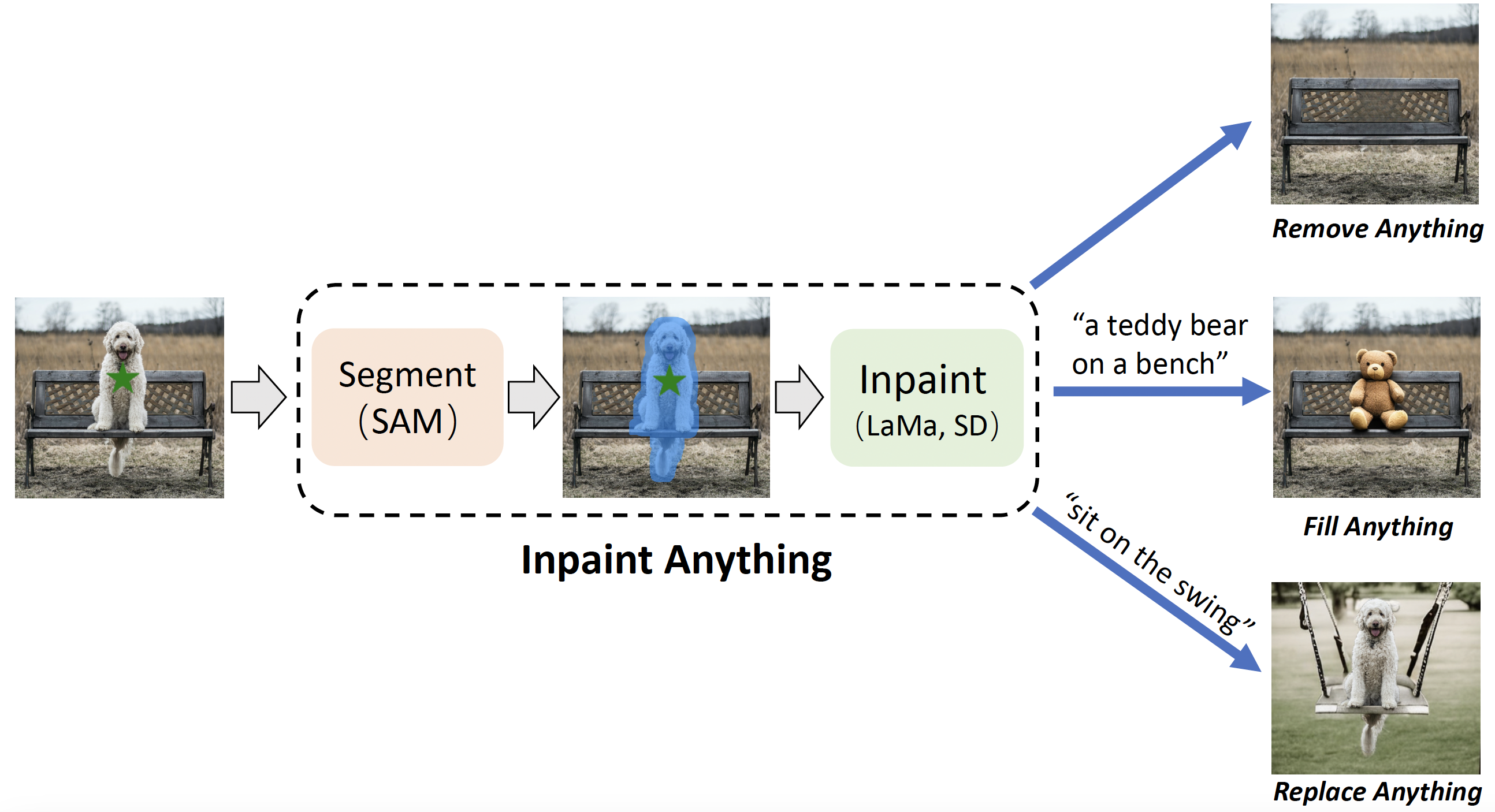
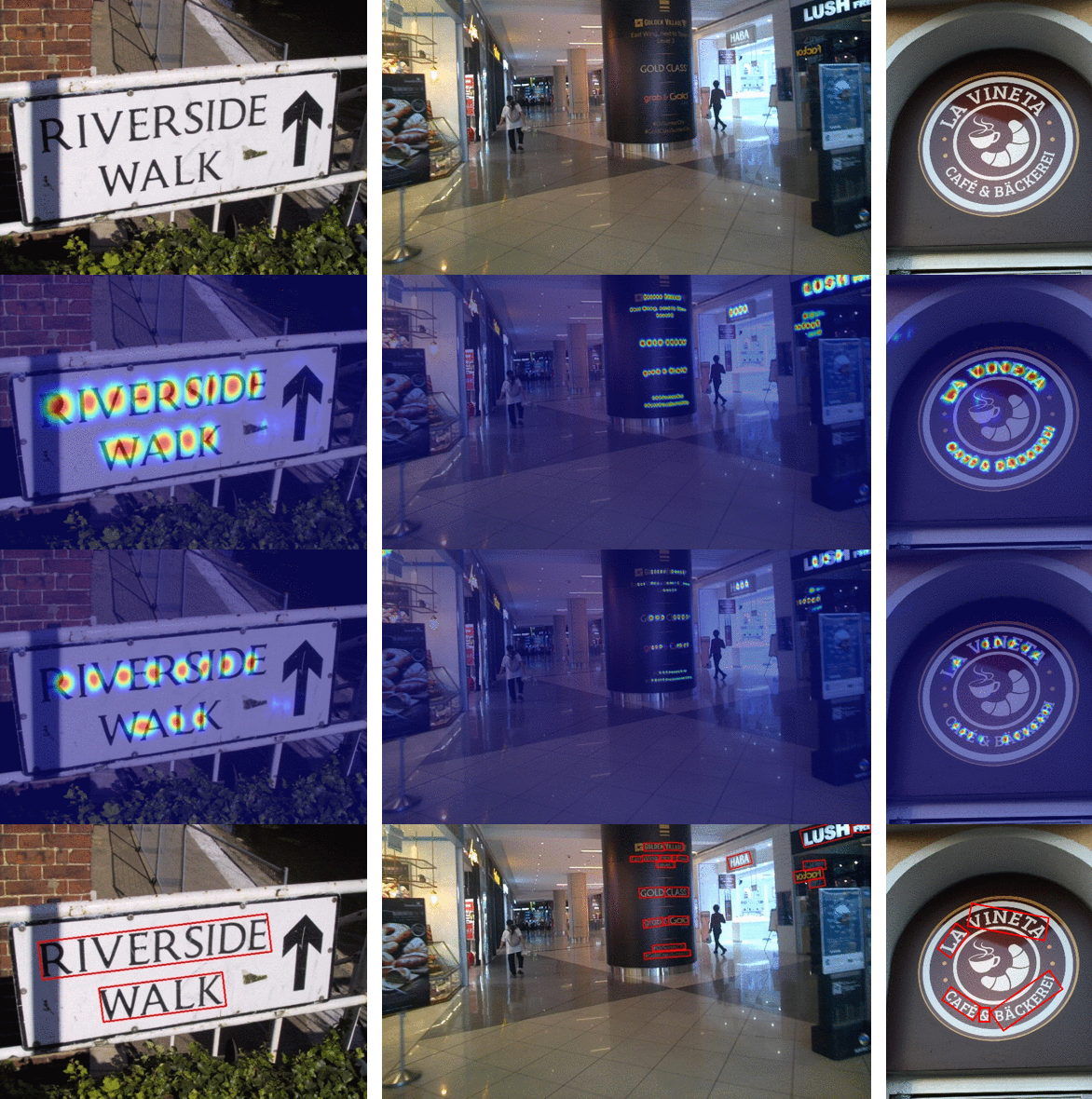
Diagrams:
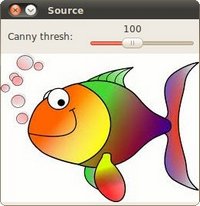
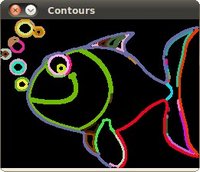
The following techniques were used in the creation of this project:
Large Mask Inpainting with Fourier Convolutions:
Character Region Awareness For Text Detection:
Contour detection:
Installation
You can install Describe using pip:
pip install unscribe
Usage
You can replace "path/to/your/image.jpg" with the actual path to your image file. This README provides usage examples for both scrambling and removing text from images.
Scrambling Text
To scramble text in an image, you can use the following code:
from unscribe import Remover
import cv2

# Initialize the Remover with debug and visualization enabled
remover = Remover(
    show_mats=True,
    debug=True,
    lama_refine=True
)

# Define parameters for scrambling text
image_path = "path/to/your/image.jpg"
low_clamp = 0.1
high_clamp = 0.9
mode = "scramble"  # Set mode to "scramble" for text scrambling
passes = 3

# Load the image
image = cv2.imread(image_path)

# Use the load_mat method to scramble text in the image
scrambled_image = remover.load_mat(
    mat=image,
    low_clamp=low_clamp,
    high_clamp=high_clamp,
    mode=mode,
    passes=passes
)

# Display or save the resulting scrambled image
cv2.imshow("Text Scrambled", scrambled_image)
cv2.waitKey(0)
cv2.destroyAllWindows()
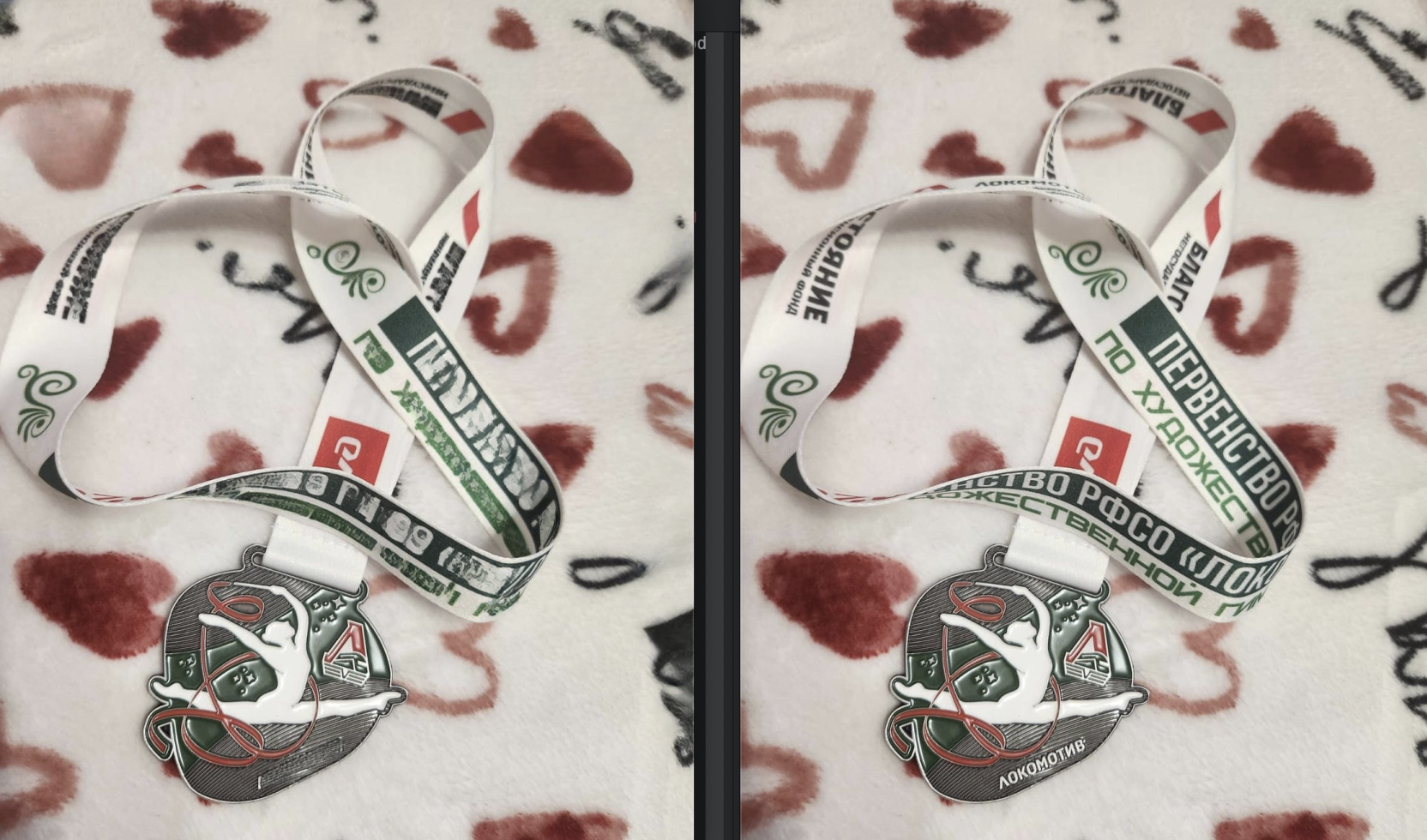
Removing Text
To remove text entirely from an image, you can use the following code:
- Ensure to set
lama_refine=Truein theRemoverinitialization to utilize thepassesparameter effectively for better text removal results.
from unscribe import Remover
import cv2

# Initialize the Remover with debug and visualization enabled
remover = Remover(
    show_mats=True,
    debug=True,
    lama_refine=True
)

# Define parameters for removing text
image_path = "path/to/your/image.jpg"
low_clamp = 0.1
high_clamp = 0.9
mode = "remove"  # Set mode to "remove" for text removal
passes = 13

# Load the image
image = cv2.imread(image_path)

# Use the load_mat method to remove text from the image
removed_text_image = remover.load_mat(
    mat=image,
    low_clamp=low_clamp,
    high_clamp=high_clamp,
    mode=mode,
    passes=passes
)

# Display or save the resulting image with removed text
cv2.imshow("Text Removed", removed_text_image)
cv2.waitKey(0)
cv2.destroyAllWindows()
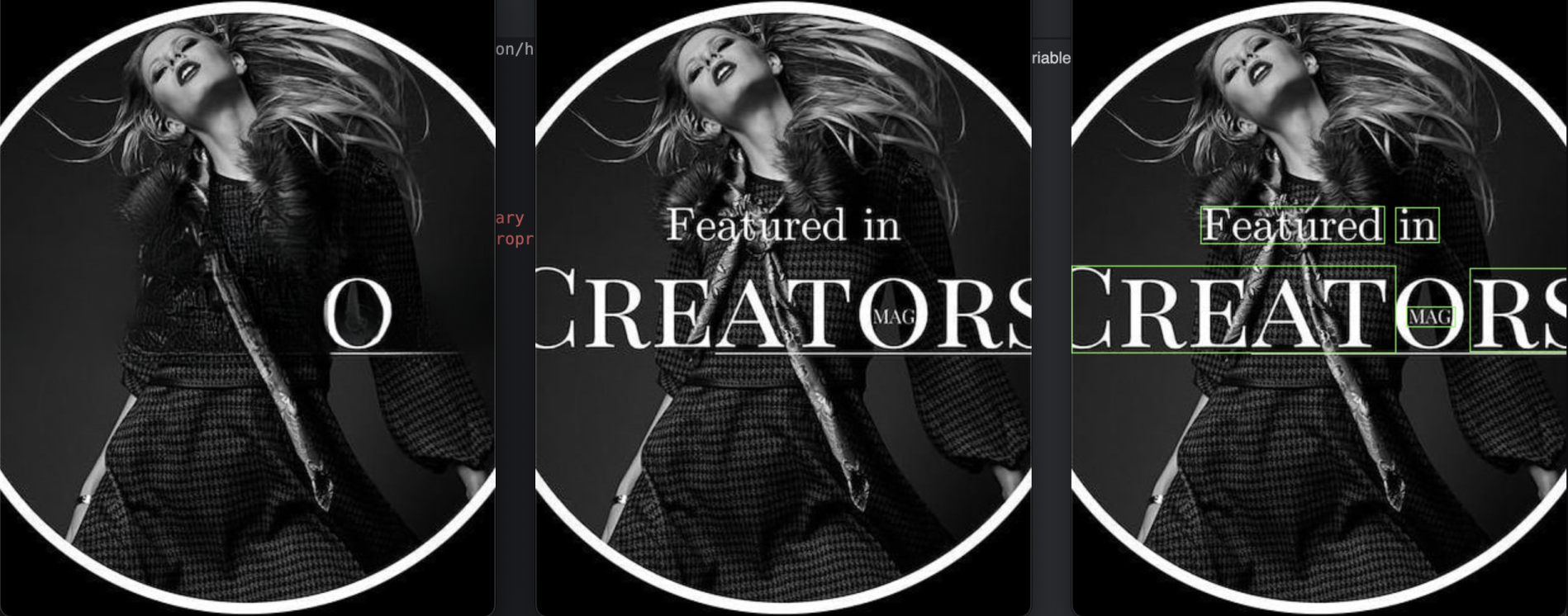
Notes
- LaMa: Large mat processing and inpainting repository
- Modern Craft: Character Region Awareness For Text Detection repository
- Official CRAFT-PyTorch repository
- I own none of the images used in this document, diagrams are from other repositories and examples are random from the internet.
License
This project is licensed under the MIT License - see the LICENSE file for details.
Release history Release notifications | RSS feed


Download files
Download the file for your platform. If you're not sure which to choose, learn more about installing packages.
Source Distribution
Built Distribution
Filter files by name, interpreter, ABI, and platform.
If you're not sure about the file name format, learn more about wheel file names.
Copy a direct link to the current filters
File details
Details for the file unscribe-0.0.4.tar.gz.
File metadata
- Download URL: unscribe-0.0.4.tar.gz
- Upload date:
- Size: 83.3 kB
- Tags: Source
- Uploaded using Trusted Publishing? Yes
- Uploaded via: twine/5.1.0 CPython/3.12.4
File hashes
| Algorithm | Hash digest | |
|---|---|---|
| SHA256 |
3eb9477086b80deabd97c583a915c21e7d7a5b42e292a9162546f1a19f9f84bd
|
|
| MD5 |
a22f2f6ce82166d9b3fbf92cc4b957ae
|
|
| BLAKE2b-256 |
b63c8134f4e3b428066345d228e6adbf3f29a27c5666abdc8c5c76b5befff254
|
File details
Details for the file unscribe-0.0.4-py3-none-any.whl.
File metadata
- Download URL: unscribe-0.0.4-py3-none-any.whl
- Upload date:
- Size: 101.9 kB
- Tags: Python 3
- Uploaded using Trusted Publishing? Yes
- Uploaded via: twine/5.1.0 CPython/3.12.4
File hashes
| Algorithm | Hash digest | |
|---|---|---|
| SHA256 |
f2547433e681d91cb25889793da8e6b4fee80adba35818dfaf54f6f10869196b
|
|
| MD5 |
08bb586463af7dc134e5535d4f136325
|
|
| BLAKE2b-256 |
ec6b08e4589a0b62aa469e9016a73f5e0508a551ba7d7b96baa96cd49c549b63
|






