
Unscribe
Unscribe is a Python library for text removal and scrambling in images using LaMa inpainting and CRAFT text detection.
Diagrams:
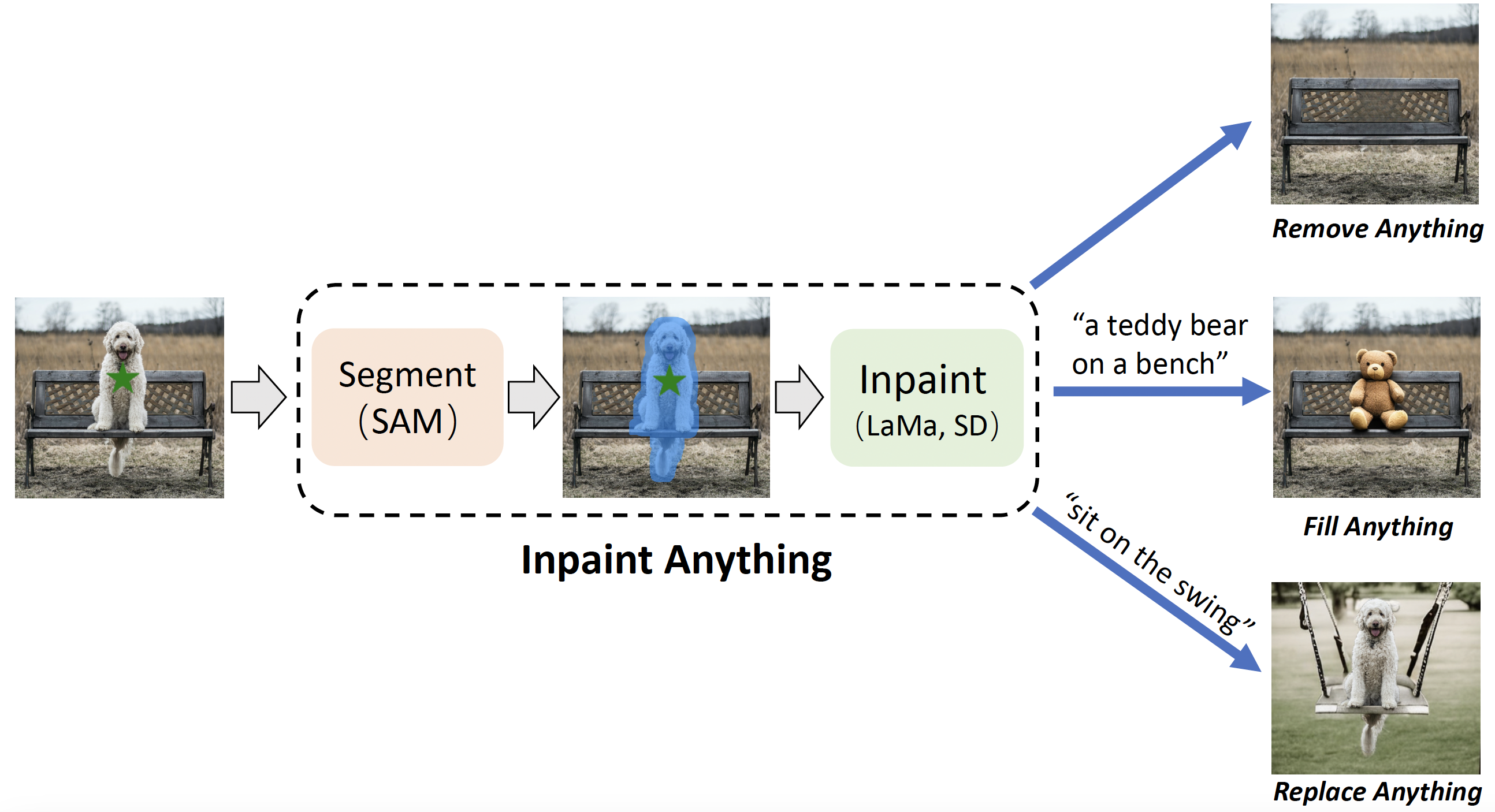
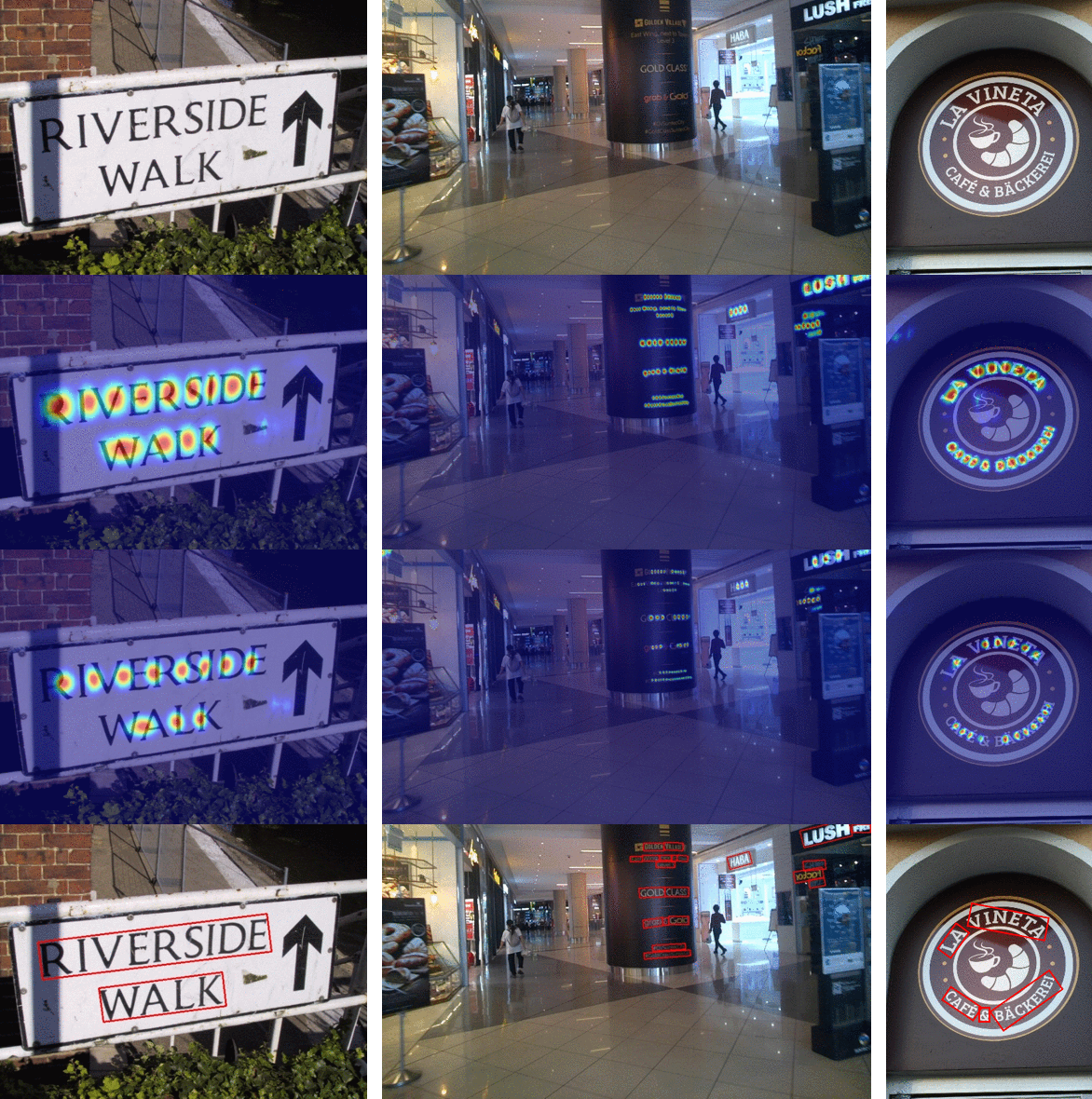
The following techniques were used in the creation of this project:
Large Mask Inpainting with Fourier Convolutions:
Character Region Awareness For Text Detection:
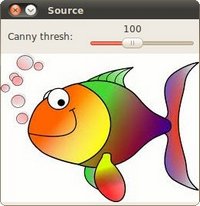
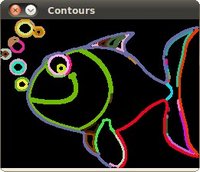
Contour detection:
Installation
You can install Describe using pip:
pip install unscribe
Usage
You can replace "path/to/your/image.jpg" with the actual path to your image file. This README provides usage examples for both scrambling and removing text from images.
Scrambling Text
To scramble text in an image, you can use the following code:
from unscribe import Remover
import cv2

# Initialize the Remover with debug and visualization enabled
remover = Remover(
    show_mats=True,
    debug=True,
    lama_refine=True
)

# Define parameters for scrambling text
image_path = "path/to/your/image.jpg"
low_clamp = 0.1
high_clamp = 0.9
mode = "scramble"  # Set mode to "scramble" for text scrambling
passes = 3

# Load the image
image = cv2.imread(image_path)

# Use the load_mat method to scramble text in the image
scrambled_image = remover.load_mat(
    mat=image,
    low_clamp=low_clamp,
    high_clamp=high_clamp,
    mode=mode,
    passes=passes
)

# Display or save the resulting scrambled image
cv2.imshow("Text Scrambled", scrambled_image)
cv2.waitKey(0)
cv2.destroyAllWindows()
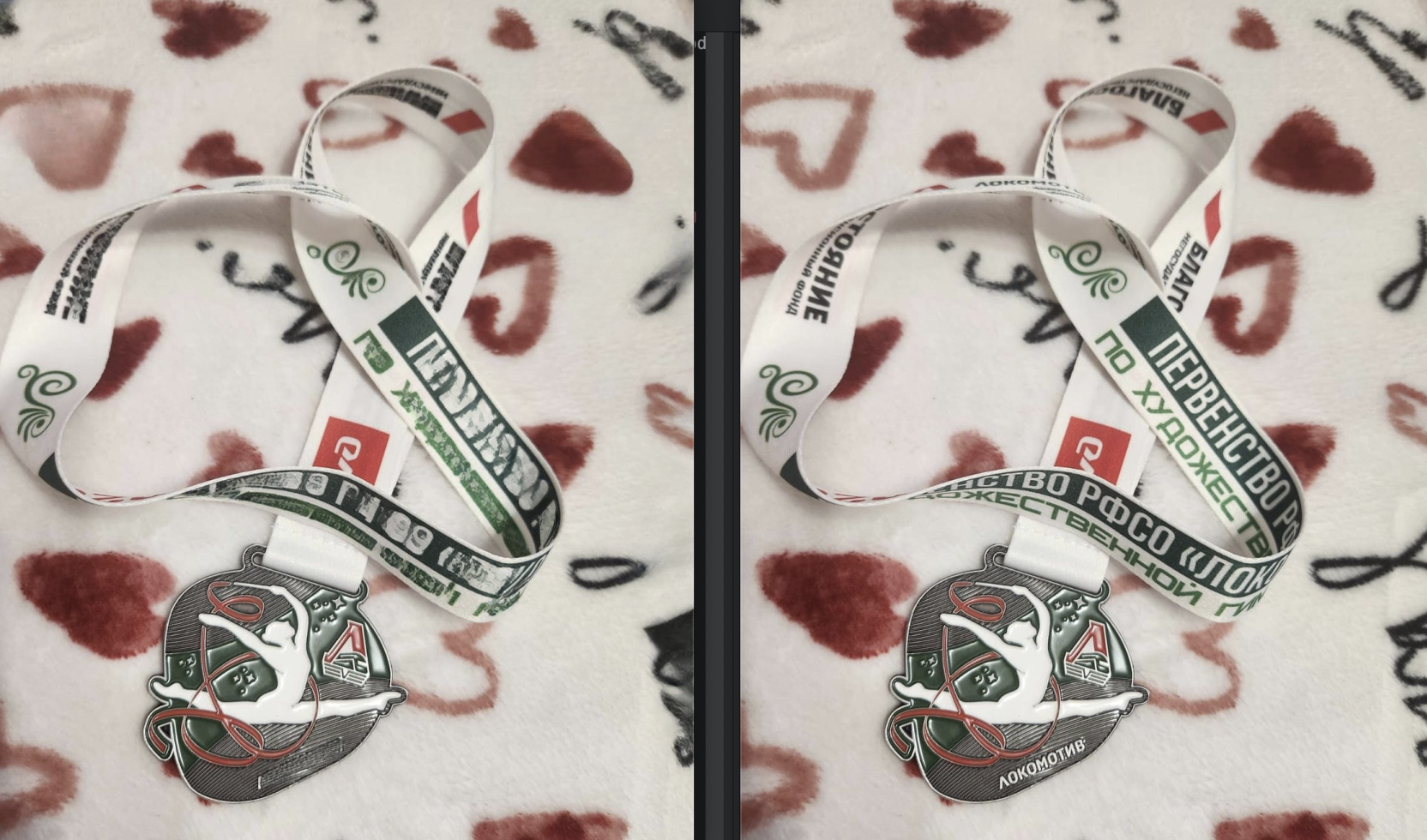
Removing Text
To remove text entirely from an image, you can use the following code:
- Ensure to set
lama_refine=Truein theRemoverinitialization to utilize thepassesparameter effectively for better text removal results.
from unscribe import Remover
import cv2

# Initialize the Remover with debug and visualization enabled
remover = Remover(
    show_mats=True,
    debug=True,
    lama_refine=True
)

# Define parameters for removing text
image_path = "path/to/your/image.jpg"
low_clamp = 0.1
high_clamp = 0.9
mode = "remove"  # Set mode to "remove" for text removal
passes = 13

# Load the image
image = cv2.imread(image_path)

# Use the load_mat method to remove text from the image
removed_text_image = remover.load_mat(
    mat=image,
    low_clamp=low_clamp,
    high_clamp=high_clamp,
    mode=mode,
    passes=passes
)

# Display or save the resulting image with removed text
cv2.imshow("Text Removed", removed_text_image)
cv2.waitKey(0)
cv2.destroyAllWindows()
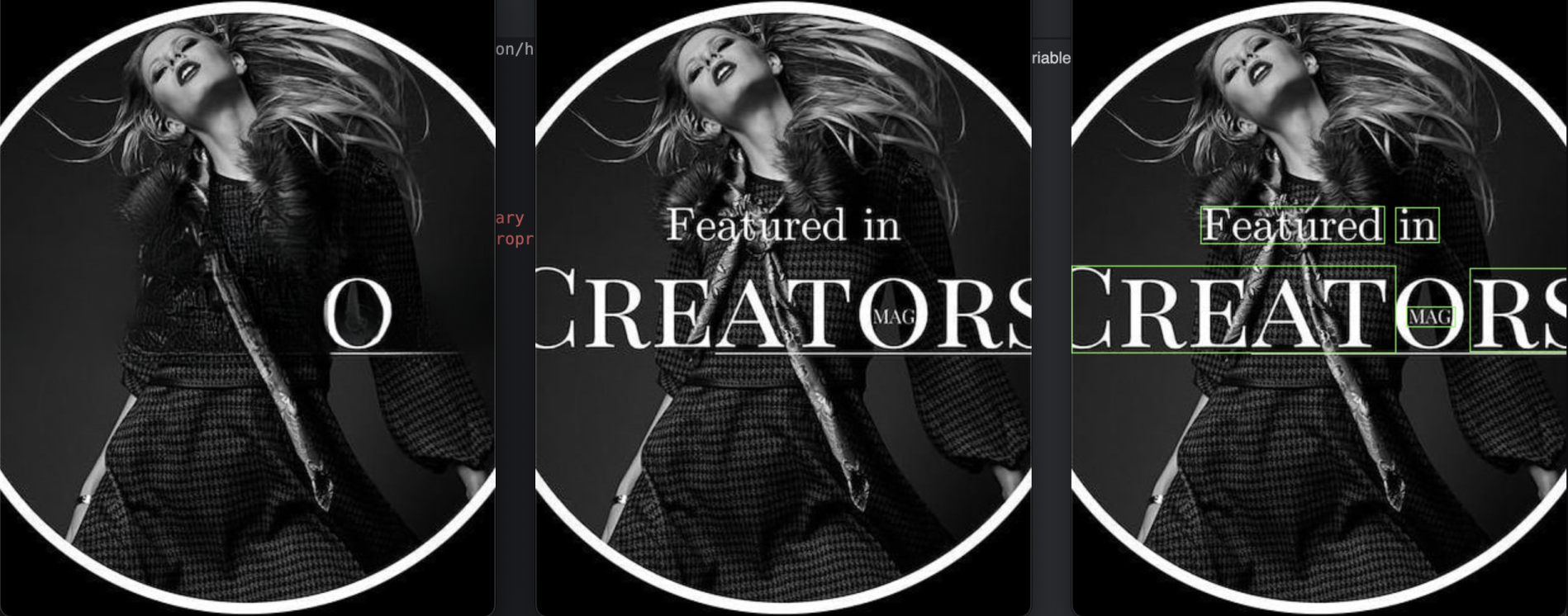
Notes
- LaMa: Large mat processing and inpainting repository
- Modern Craft: Character Region Awareness For Text Detection repository
- Official CRAFT-PyTorch repository
- I own none of the images used in this document, diagrams are from other repositories and examples are random from the internet.
License
This project is licensed under the MIT License - see the LICENSE file for details.
1 maintainer

Metadata
1 maintainer
Release files for unscribe 0.0.4
For a detailed explanation of source distributions (sdists) and built distributions (wheels), please see the package formats documentation.
Source distribution (sdist)
| File | Size | Uploaded | |
|---|---|---|---|
| unscribe-0.0.4.tar.gz | 83.3 kB | Details |
Built distribution (wheel)
| File | Interpreter | ABI | Platform | Reset |
|---|---|---|---|---|
| unscribe-0.0.4-py3-none-any.whl | Python 3 | none | any | Details |
Total release size: 185.2 kB
Release files / unscribe-0.0.4.tar.gz
| Download URL | unscribe-0.0.4.tar.gz |
|---|---|
| Size | 83.3 kB |
| Tags | Source |
|
SHA-256 checksum How to use checksums |
3eb9477086b80deabd97c583a915c21e7d7a5b42e292a9162546f1a19f9f84bd
|
|
BLAKE2b-256 checksum How to use checksums |
b63c8134f4e3b428066345d228e6adbf3f29a27c5666abdc8c5c76b5befff254
|
| Upload date | |
|
Uploaded using Trusted Publishing? What is trusted publishing? |
Yes |
| Uploaded via |
twine/5.1.0 CPython/3.12.4
|
Release files / unscribe-0.0.4-py3-none-any.whl
| Download URL | unscribe-0.0.4-py3-none-any.whl |
|---|---|
| Size | 101.9 kB |
| Tags | Python 3 |
|
SHA-256 checksum How to use checksums |
f2547433e681d91cb25889793da8e6b4fee80adba35818dfaf54f6f10869196b
|
|
BLAKE2b-256 checksum How to use checksums |
ec6b08e4589a0b62aa469e9016a73f5e0508a551ba7d7b96baa96cd49c549b63
|
| Upload date | |
|
Uploaded using Trusted Publishing? What is trusted publishing? |
Yes |
| Uploaded via |
twine/5.1.0 CPython/3.12.4
|














