
ZIT (Zooplankton Image Tool)
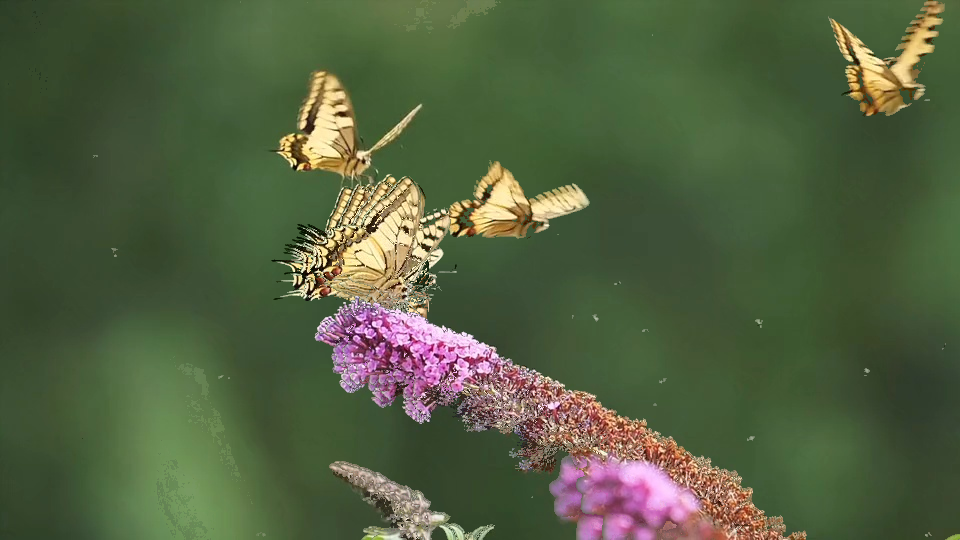
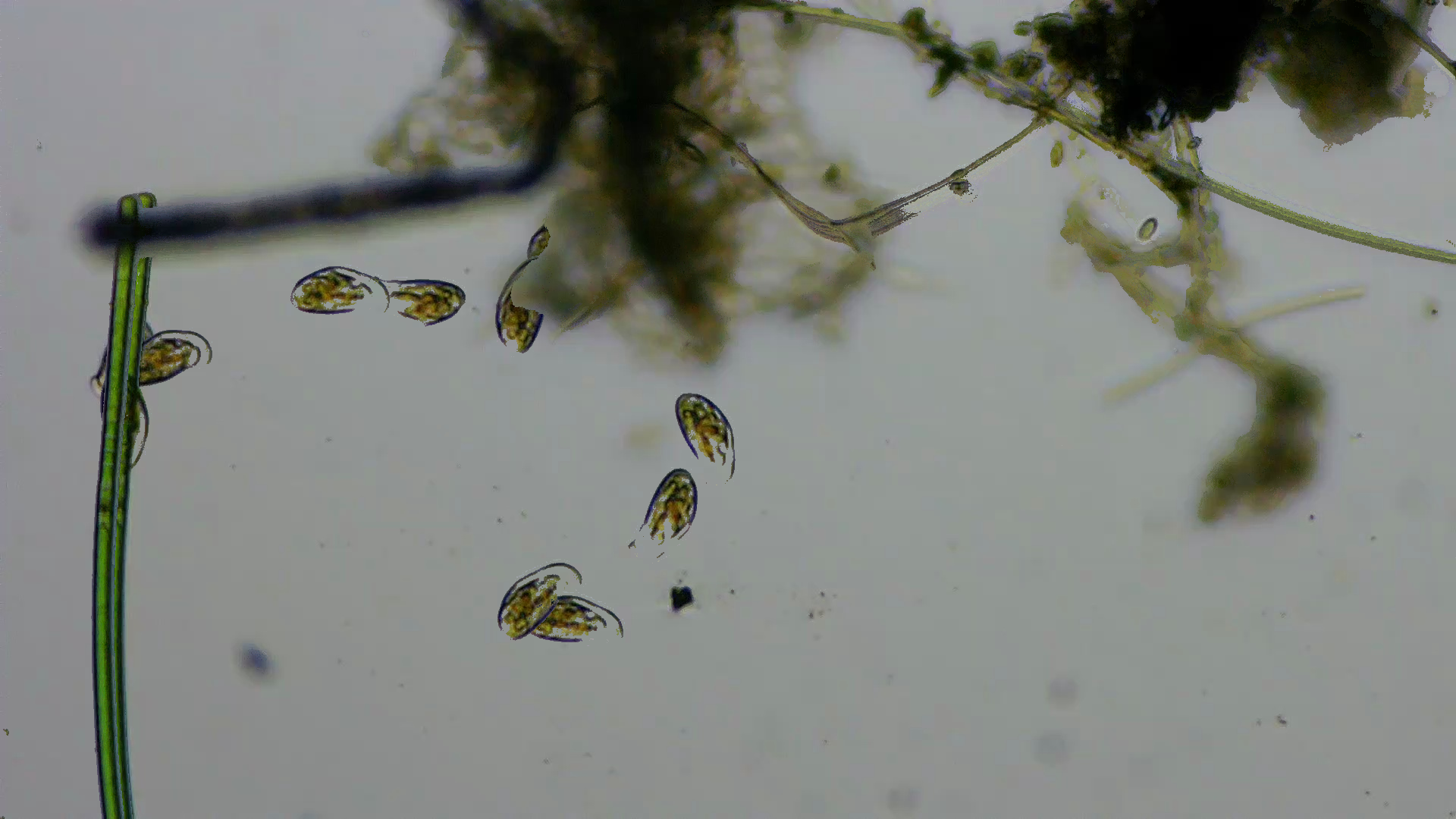
ZIT is a tool designed to enhance and composite plankton photos from video frames. It uses computer vision techniques (OpenCV MOG2 background subtraction and contour filtering) to create clean, high-quality composites showing the locomotion of zooplankton.
Features
- Frame Capture: Extract frames from videos at specified intervals.
- Motion-Based Composition: Create composites by overlaying moving entities on a stable background.
- Entity Recognition: Uses MOG2 background subtraction to isolate animals from noise and artifacts.
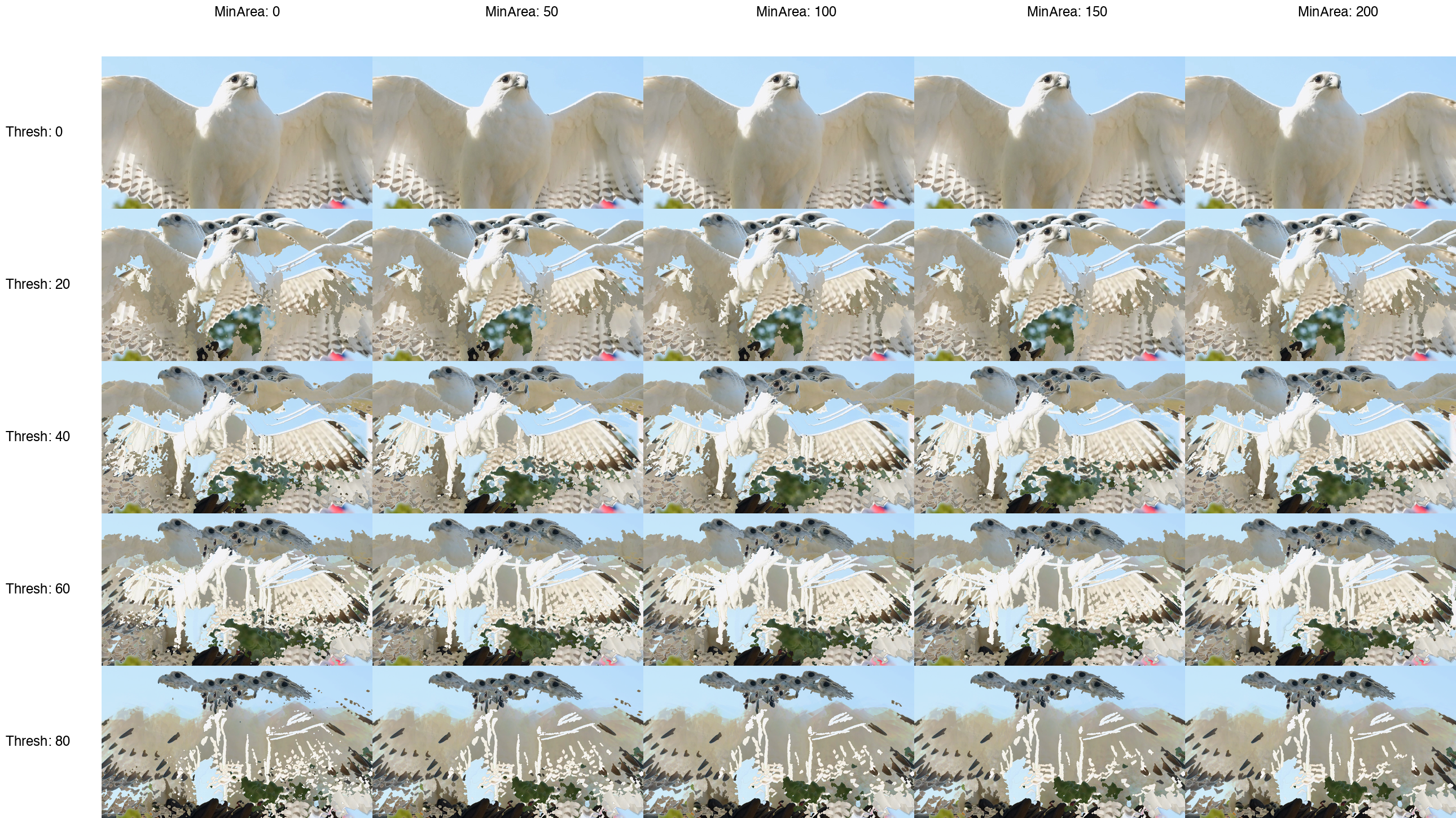
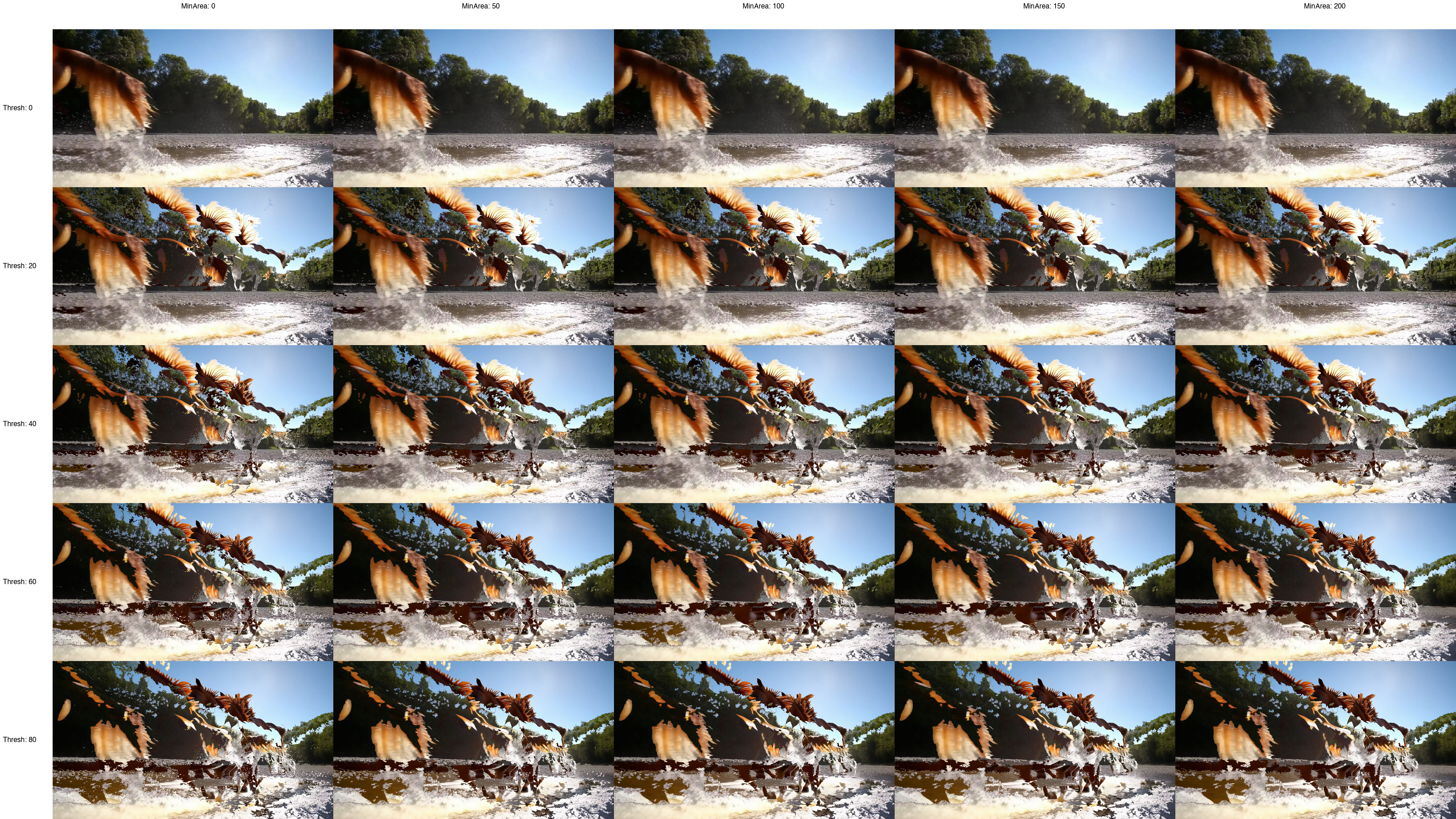
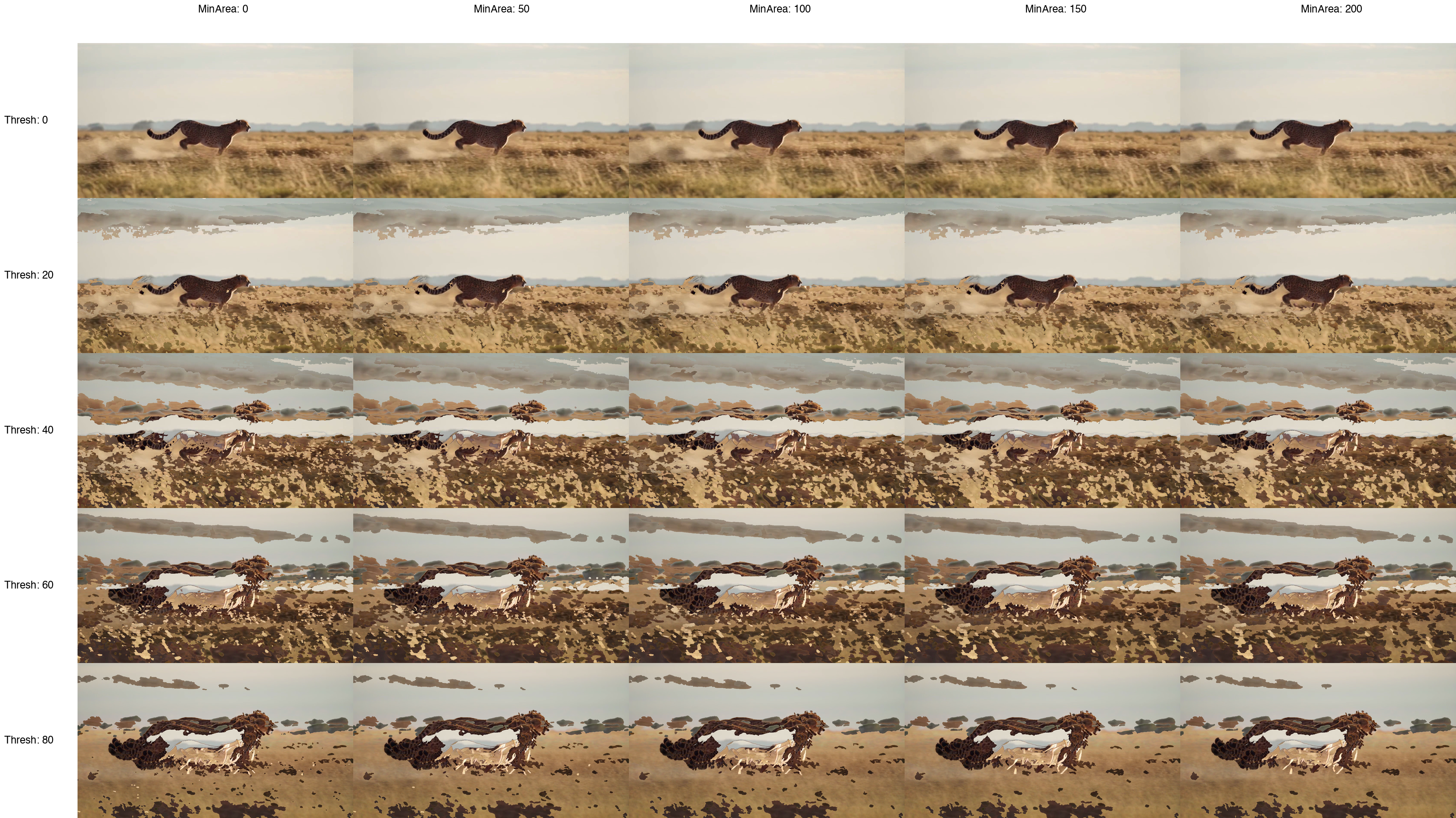
- Parameter Sweeping: Find optimal threshold values for different video conditions.
- Trajectory Tracking: Link detected animals across frames, draw their paths onto the composite, and export positions to CSV.
Installation
Ensure you have Poetry installed.
poetry install
Usage
CLI
Capture frames and create a composite in one command:
# Using poetry
poetry run zit --input videos/230717_small.mp4 --composite --entities

# If installed
zit --input videos/230717_small.mp4 --composite --entities
Parameters
--input,-i: Path to the input video.--interval: Interval in seconds for frame capture (default:1). Fractions are allowed, e.g.0.25.--composite: Enable composition after frame capture.--entities: Use entity recognition for cleaner composites (recommended).--epsilon: Difference threshold for entity detection (default:20.0). Also referred to asThreshin sweep grids.--noise: Minimum pixel area for a detected entity (default:50.0). Also referred to asMinAreain sweep grids.--skip START END: Process only a specific frame range.--out-file: Name of the output composite image (default:composited.png).
Tracking
With --entities, detected animals can be linked into trajectories:
zit -i videos/230717_small.mp4 --interval 0.25 --composite --entities \
    --trails --tracks-csv tracks.csv --track-merge 0.12 --max-jump 250 --min-straightness 0.5
--trails: Draw each tracked animal's path (one color per track, arrow at the end) onto the composite.--tracks-csv: Writetrack_id, frame, x, y, areafor every sighting.--max-jump: Max pixels an animal may move between sampled frames and keep its track (default:50).--min-track-points: Min sightings for a track to be kept (default:4).--min-straightness: Min net displacement / path length, 0–1 (default:0.7). Filters out flickering noise that links into zig-zags.--track-merge: Fuse fragments within this fraction of the frame size before tracking (default:0, off). Large animals break into many pieces under MOG2;0.05–0.12rejoins them into one blob. Leave off for small organisms like plankton.
Tracking needs a fixed camera. In a panning shot the animal stays in the middle of the frame, so there's no path to draw.
Parameter Sweep
To find the optimal threshold values for your video, use the parameter sweep script. It generates a 5x5 grid of composites sweeping across MinArea (noise) and Thresh (epsilon).
python sweep_grid.py
Gallery
Parameter Grids
Find the optimal thresholds for different conditions. These grids show variations in MinArea and Thresh.
| Video 184368 Sweep | Video 230717 Sweep | Video 307555 Sweep |
|---|---|---|
 |
 |
 |
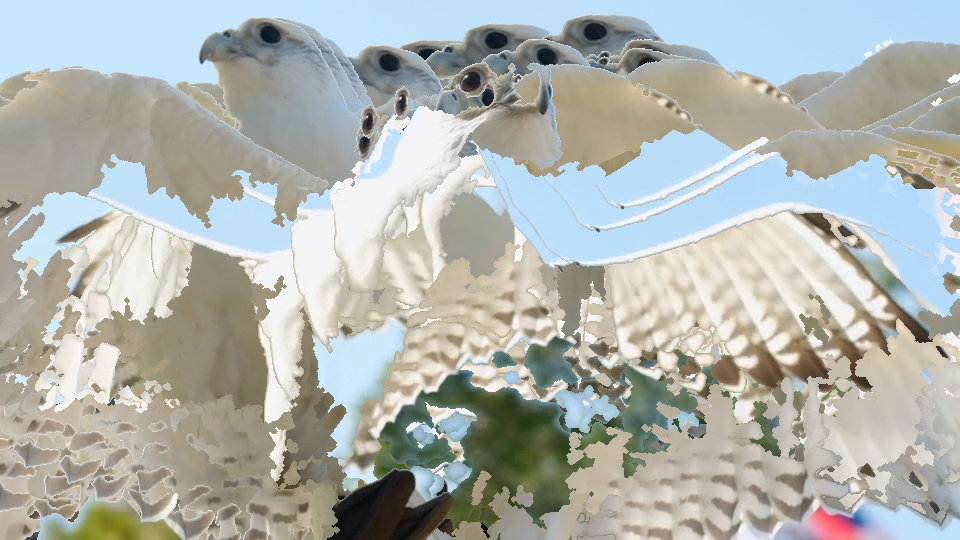
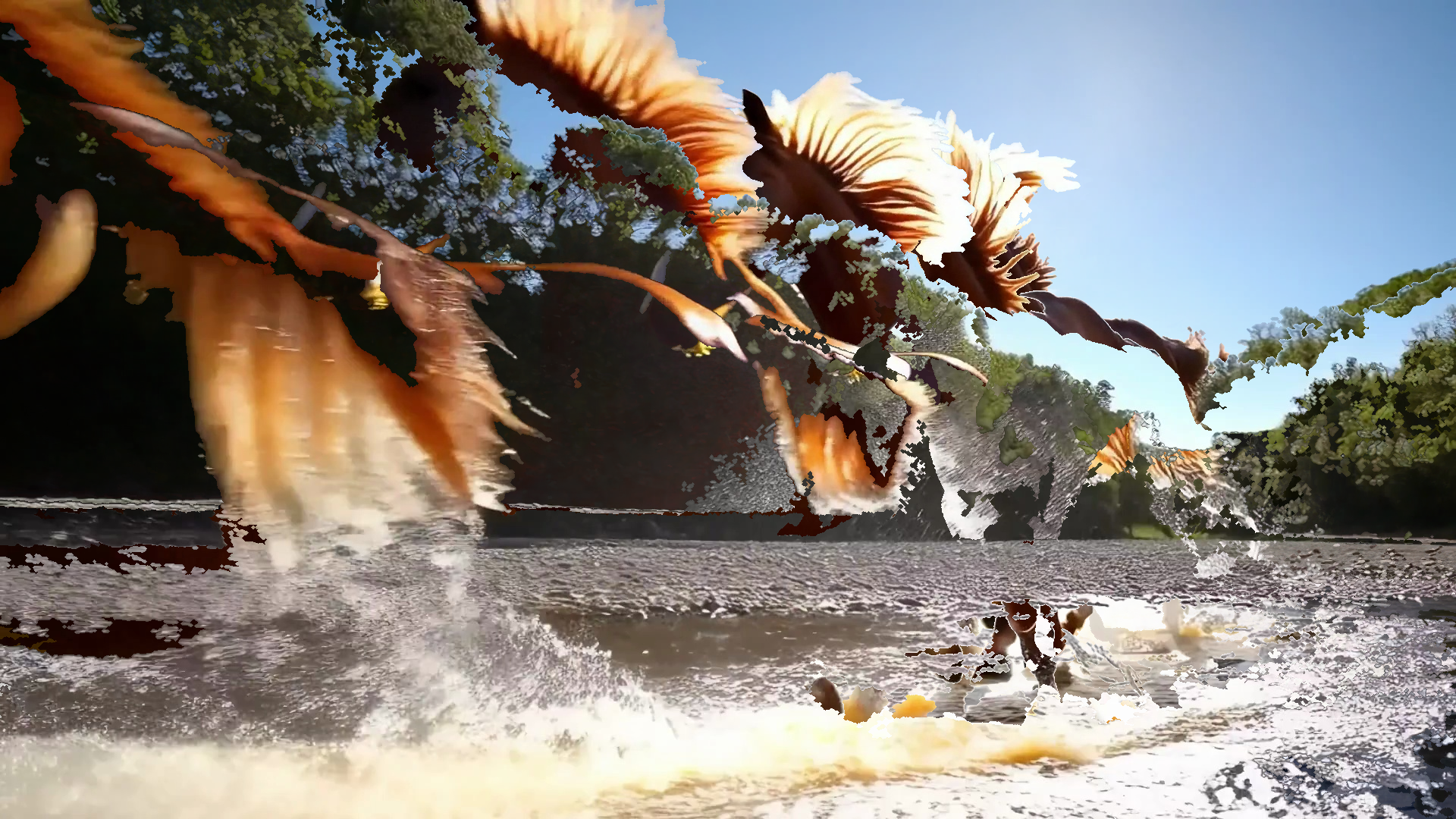
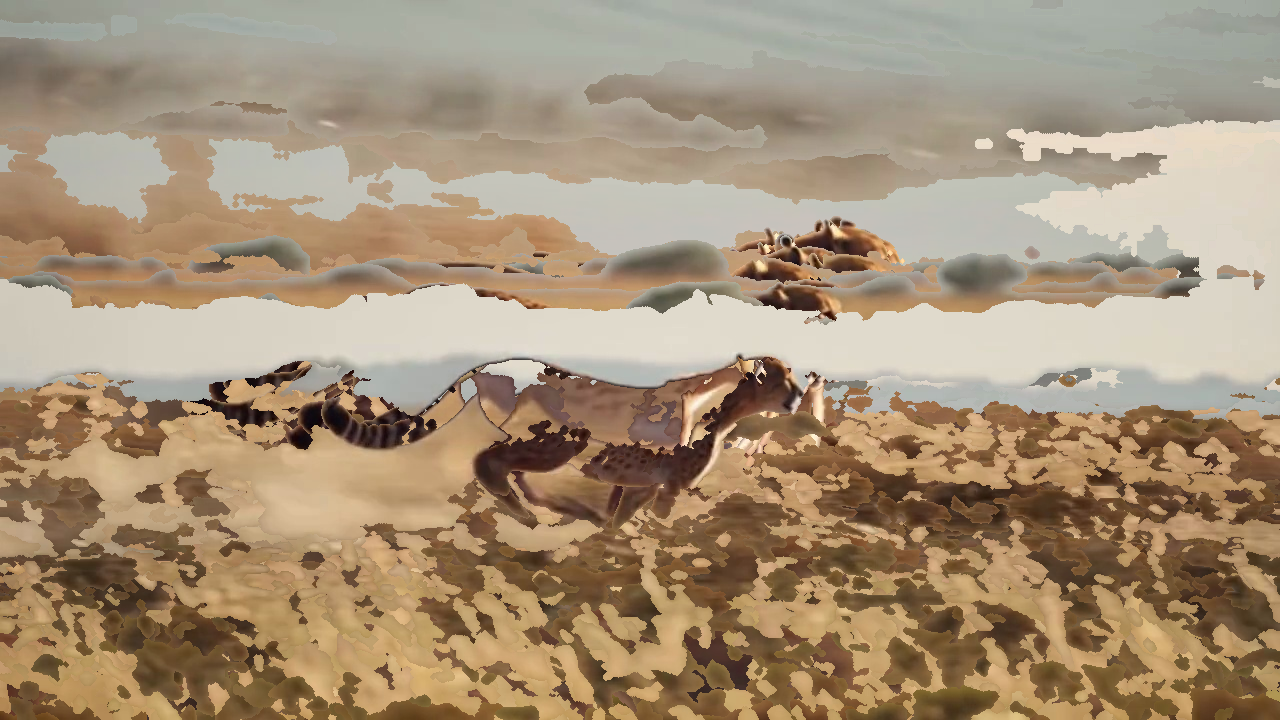
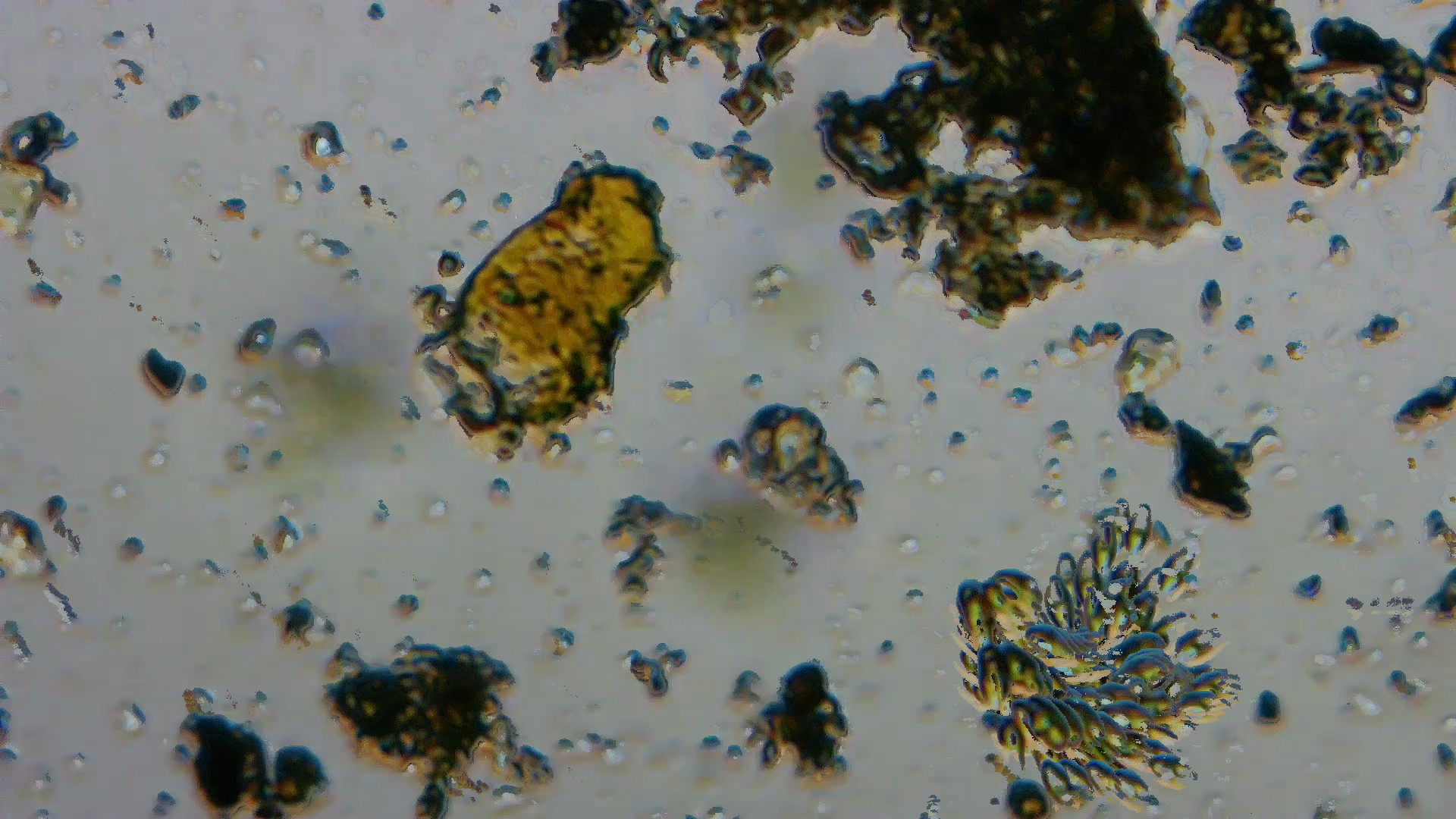
Entity Recognition Results
Clean composites generated using OpenCV MOG2 and contour filtering.
| Video 184368 | Video 230717 | Video 307555 |
|---|---|---|
 |
 |
 |
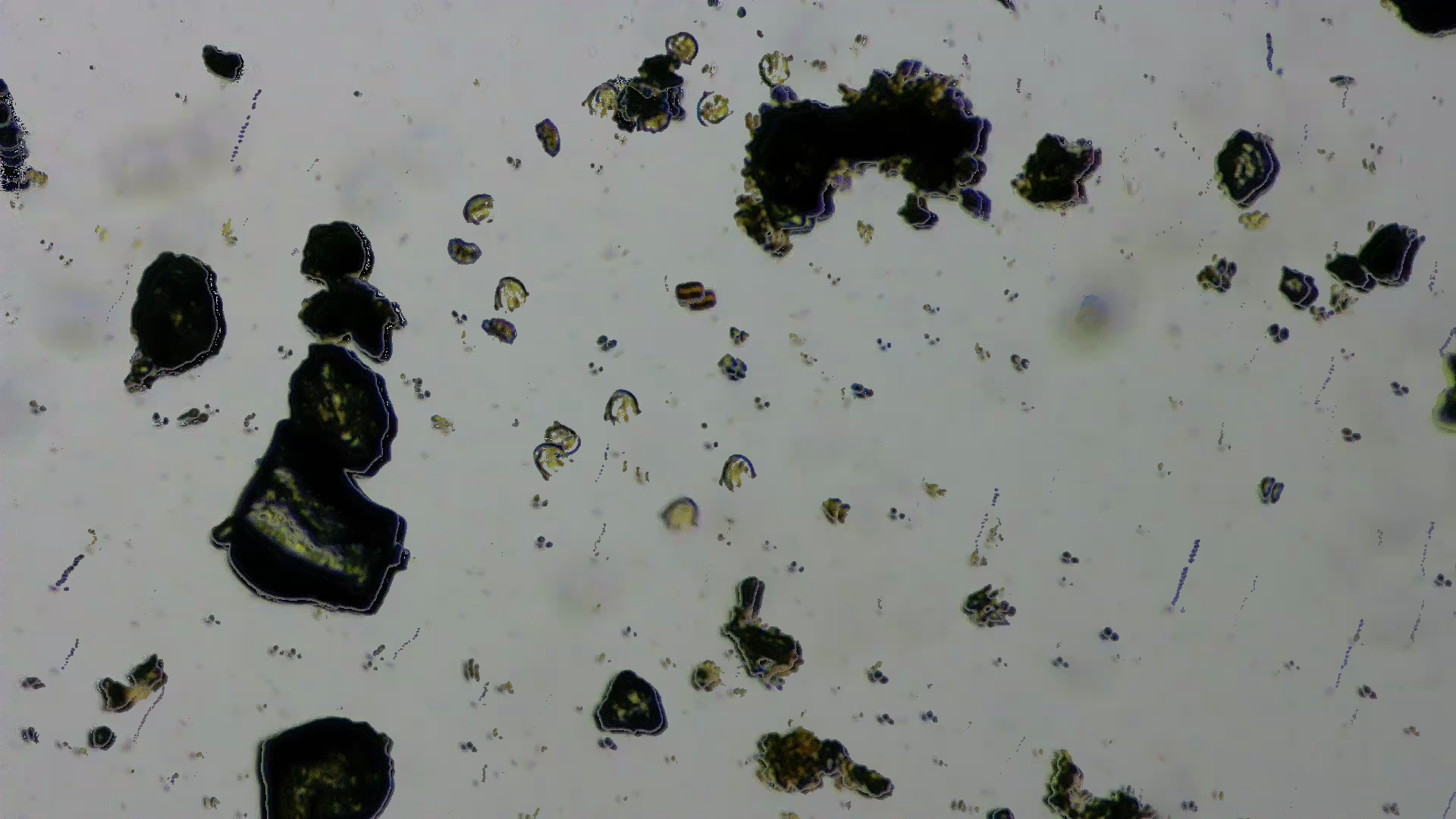
Trajectory Tracking
The horse clip at --interval 0.25 --track-merge 0.12: one continuous track from the far bank to the foreground.

Examples
Cleanup
To remove temporary files and generated frames:
rm -rf temp_sweep_* frames/
1 maintainer

Metadata
1 maintainer
Release files for zooplankton-image-tool 0.1.8
For a detailed explanation of source distributions (sdists) and built distributions (wheels), please see the package formats documentation.
Source distribution (sdist)
| File | Size | Uploaded | |
|---|---|---|---|
| zooplankton_image_tool-0.1.8.tar.gz | 14.5 kB | Details |
Built distribution (wheel)
| File | Interpreter | ABI | Platform | Reset |
|---|---|---|---|---|
| zooplankton_image_tool-0.1.8-py3-none-any.whl | Python 3 | none | any | Details |
Total release size: 33.1 kB
Release files / zooplankton_image_tool-0.1.8.tar.gz
| Download URL | zooplankton_image_tool-0.1.8.tar.gz |
|---|---|
| Size | 14.5 kB |
| Tags | Source |
|
SHA-256 checksum How to use checksums |
f0ab806912460576e33938ac7091617725919b48c4f4514ce9ef0ae7af19e2d1
|
|
BLAKE2b-256 checksum How to use checksums |
a21f0ee897aa0d318f53765c801a2a775e4047a3094eeefb0762702dda3476c9
|
| Upload date | |
|
Uploaded using Trusted Publishing? What is trusted publishing? |
Yes |
| Uploaded via |
twine/7.0.0 CPython/3.13.14
|
Provenance
Provenance describes where a file came from. On PyPI, provenance is shared via attestations, which provide a verifiable record of the build or publishing details. View details, limitations and caveats.


PyPI Publish Attestation
PyPI verified that this artifact, at this checksum, originated from the publisher listed below.
Signed by GitHub Actions, verified by PyPI on Sep 30, 2026.
Transparency logRelease files / zooplankton_image_tool-0.1.8-py3-none-any.whl
| Download URL | zooplankton_image_tool-0.1.8-py3-none-any.whl |
|---|---|
| Size | 18.6 kB |
| Tags | Python 3 |
|
SHA-256 checksum How to use checksums |
f4729b5c50d348a28f764b5bd998d890c92392db876f60247e3ea3b9e4e26fb7
|
|
BLAKE2b-256 checksum How to use checksums |
f80e6033328b650c0321208895be73f4442fdd66dfcb84906817357dc43cc114
|
| Upload date | |
|
Uploaded using Trusted Publishing? What is trusted publishing? |
Yes |
| Uploaded via |
twine/7.0.0 CPython/3.13.14
|
Provenance
Provenance describes where a file came from. On PyPI, provenance is shared via attestations, which provide a verifiable record of the build or publishing details. View details, limitations and caveats.
PyPI Publish Attestation
PyPI verified that this artifact, at this checksum, originated from the publisher listed below.
Signed by GitHub Actions, verified by PyPI on Sep 30, 2026.
Transparency log













