
Arduino_Master_Delta(AMD) Version 2.6
From Version 2.2 AMD will stand for Arduino-Matplotlib-DataScience since I've implemented various functions as in the new expansion in this single module.
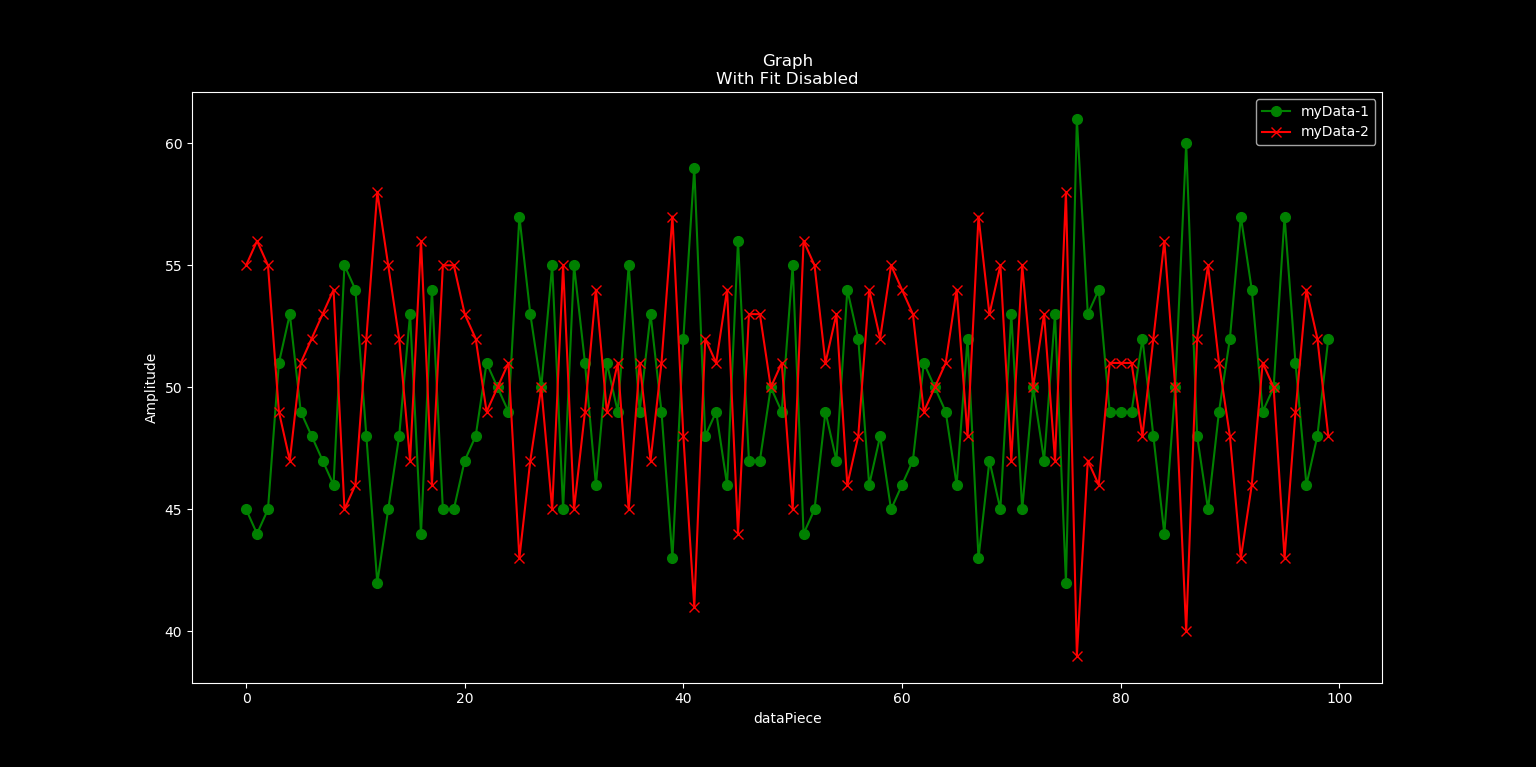
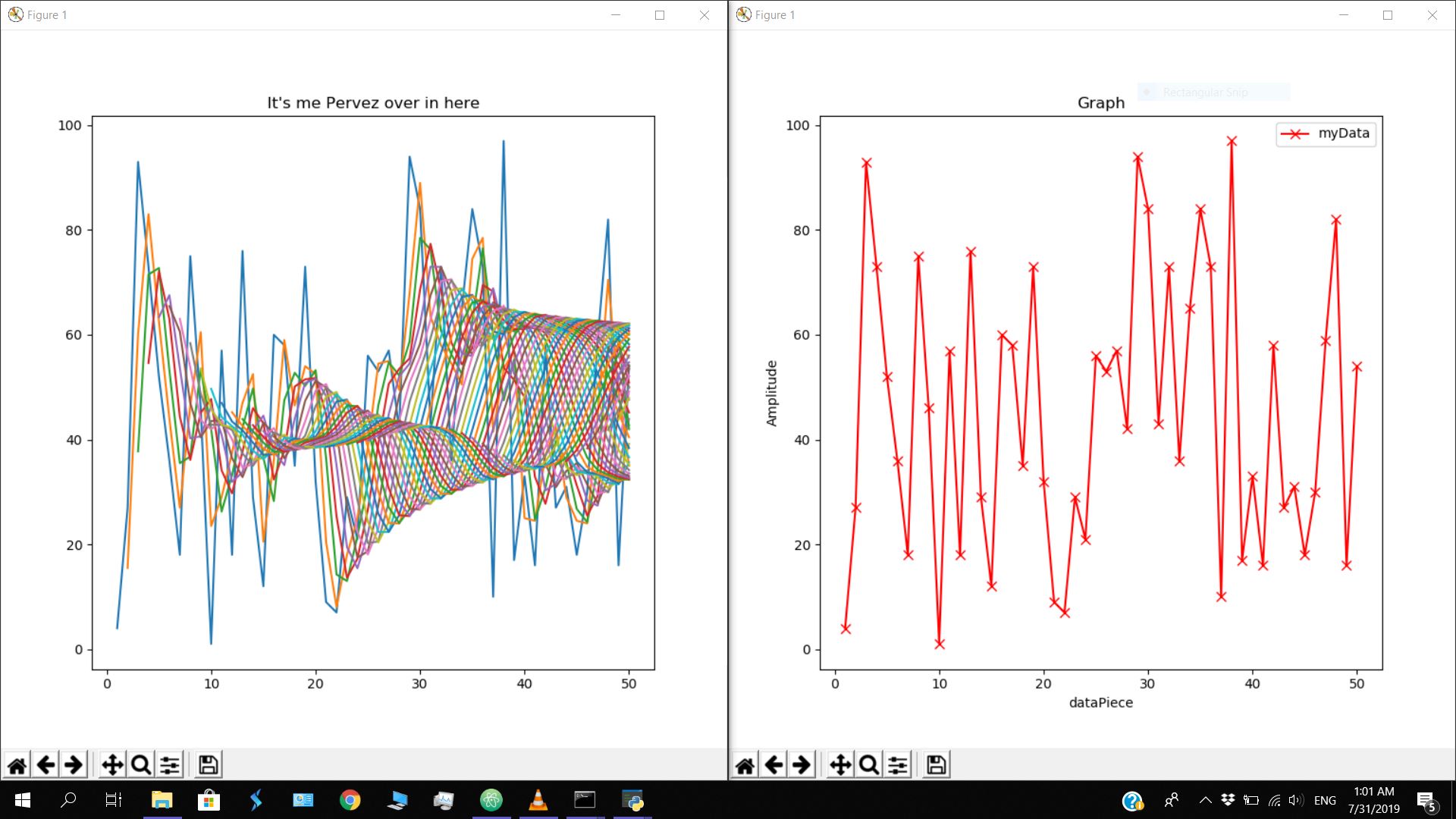
What's the difference between Alpha and Delta Versions ?
>>> Alpha version provides easier but approximate interface for data extraction and Visualization (Since X values are automatically generated and fit enables only approximation of the data plotting).
>>> Delta version of Arduino_Master is designed to deliver accurate visualization and hence a bit more complex than Alpha versions.
>>> To ease using of functions, Delta version uses a specific type of input called hybrid to represent both the X and Y values of a given plot with just one variable.
>>> Default plotting style is 'dark_background' unlike 'ggplot' of Alpha.
>>> Link to Arduino_Master (Alpha Version) Arduino_Master_Alpha. Note that this module is officially not supported anymore. That is no updates would be added to it and also the availability of data science functions are less.
What's New in 2.6 ?
>>> Bugs related to readSerial, writeSerial and dynamicSerial fixed.
>>> farFrom and minDeviation parameters added to filter function.
>>> Bugs in filter function that prevented the use of farFrom, closeTo, maxDeviation and minDeviation parameters together rectified.
>>> compress() function updated to work with hybrids too !! (Version-0.9.2)
>>> 'avg' can also be passed to closeTo parameter of the filter function !! (Version-1.2)
>>> below and above parameters added to filter function ! (Version-1.3)
>>> 9 new data science functions added !! (Version-1.4)
>>> hybridize function updated to check if both index and amplitude lists have equal number of elements ! (Version-1.5)
>>> `equiAxis' parameter added to Graph, compGraph and visualizeSmoothie functions !!! (Version-1.5)
>>> Font Bug in plotting functions rectified !! (Version-1.6)
>>> The debugging of the previuos bug which I cleared out in Version 1.6 gave some more bugs, I got it rectified. You guys know about this, You are programmers !! (Version-1.7)
>>> Change 1.6 as 1.7 in my previous point.Checked it, everything is fine to go now ! (Version-1.8)
>>> Included docstrings and compatibility checked with all operating systems and jupyter notebook ! (Version-2.0)
>>> Functions like densePop, scarcePop, remImp, detectImp, cleanImpulses, reduce, instAvg, smoothie, Graph, compGraph and visualizeSmoothie modified to work even if you pass a list at the place of a hybird. But for accurate Data visualizations I'd recommend using hybrids. However all those functions returns hybrids alone as usual. Maximum error tolerance from this version !!!!!!!!!!!!!!!!!! (Version-2.1)
>>> Data storage module compatibility added !! (Version-2.2.0)
>>> 6 New functions providing data storage and retrieval interface added !! (Version-2.2.0)
>>> Bugs in filter function rectified which throwed an error if number of values is zero - prevents zero division error.
>>> Bugs in filter function rectified which gave errors with closeTo parameter filtration - (Version-2.6)
AMD tutorial in this link -> tutorial
Intro:
Embedded C is used to program microcontrollers like Arduino. However embedded C could never compete with Python's simplicity and functionality. Also Arduino being a microcontroller, we get a lot of garbage values which we require to filter before utilizing. This module eases the process of extracting and passing data to Arduino via Serial communication.
This Module also provides Easy and flexible Data Science functions for Data extraction, filtering, removing garbage values and Data Visualization !
Installing via pip:
Use the following command to install Arduino_Master using pip.
pip install AMD
Automatic Installation of other required Modules:
This module requires two more packages namely pyserial and matplotlib. Yet just by importing this module using the import statement or by using any function, unavailable modules will be installed and imported automatically. Make sure you have good internet connection and if still you get ModuleNotFound error, try installing these two modules manually via pip.
Importing Functions:
from AMD import * statement is used to import all available functions from Arduino_Master. This version contains the following functions which we'll be discussing shortly. These functions can be grouped into 3 categories:
>> For Extracting and Writing data to Arduino:
$ ardata
$ readSerial
$ writeSerial
$ dynamicSerial
>> Data Science enabled functions for filtering and visualizing Data:
$ hybridize
$ Graph
$ compGraph
$ horizontal
$ vertical
$ marker
$ most_frequent
$ least_frequent
$ compress
$ filter
$ densePop
$ scarcePop
$ remImp
$ detectImp
$ cleanImpulses
$ reduce
$ instAvg
$ smoothie
$ visualizeSmoothie
>> Data storage and extraction functions for AMD known as AMD CDB which stands for 'AMD Custom DataBase':
Intro to AMD CDB
save
appendSave
rewriteSave
extract
extractX
extractY
Some projects that can be done with this module !!

Sayad Pervez - the solo developer of AMD Module !
E-Mail : pervez2504@gmail.com
1 maintainer

Release files for AMD 2.6
For a detailed explanation of source distributions (sdists) and built distributions (wheels), please see the package formats documentation.
Source distribution (sdist)
| File | Size | Uploaded | |
|---|---|---|---|
| AMD-2.6.tar.gz | 15.4 kB | Details |
Built distribution (wheel)
| File | Interpreter | ABI | Platform | Reset |
|---|---|---|---|---|
| AMD-2.6-py3-none-any.whl | Python 3 | none | any | Details |
Total release size: 31.8 kB
Release files / AMD-2.6.tar.gz
| Download URL | AMD-2.6.tar.gz |
|---|---|
| Size | 15.4 kB |
| Tags | Source |
|
SHA-256 checksum How to use checksums |
f77aeeb26d5c4530fa4c13f2e85f97c62cf0d6809f0669769a2555b34d5d0028
|
|
BLAKE2b-256 checksum How to use checksums |
1187f5172d82dbf49dfe1550dfe1d326951abda94b2327d479684ad8119f5de9
|
| Upload date | |
|
Uploaded using Trusted Publishing? What is trusted publishing? |
No |
| Uploaded via |
twine/1.13.0 pkginfo/1.5.0.1 requests/2.20.1 setuptools/41.0.1 requests-toolbelt/0.9.1 tqdm/4.32.1 CPython/3.7.0
|
Release files / AMD-2.6-py3-none-any.whl
| Download URL | AMD-2.6-py3-none-any.whl |
|---|---|
| Size | 16.4 kB |
| Tags | Python 3 |
|
SHA-256 checksum How to use checksums |
832429f2b02dc14aa749151aec427400153c674c5b2bc84ee4fb3d82f2870648
|
|
BLAKE2b-256 checksum How to use checksums |
8454a915d570877206a0bfdf94c3f8dd46838aa507c81f517a50cc6a0aee8d18
|
| Upload date | |
|
Uploaded using Trusted Publishing? What is trusted publishing? |
No |
| Uploaded via |
twine/1.13.0 pkginfo/1.5.0.1 requests/2.20.1 setuptools/41.0.1 requests-toolbelt/0.9.1 tqdm/4.32.1 CPython/3.7.0
|














