
No project description provided

Project description
AutoAI
This repository is a compilation of scripts that I have created in my time working with machine learning. These scripts aim to automate the annoying and tedious parts of ML, allowing you to focus on what is important.
PyPi: https://pypi.org/project/AutoAILib/
$ pip install autoailib
This library was developed for and used with keras convolutional neural networks. They do however work with other keras models, besides image test obviously.
AutoAi.convnet_tester(model path or object, labels)
Class DemoAutoAi.image_predict(model_path, image_path, labels)
This function takes 3 arguments: a path to a keras model, a path to an image, and a list of labels.
Demo:
Given a the correct arguments, we get the following output, as well as this image saved to our model directory.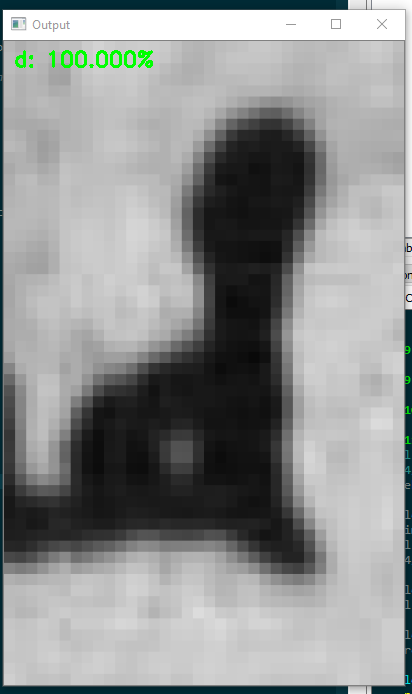
AutoAi.manual_test(model, testing_dir, labels)
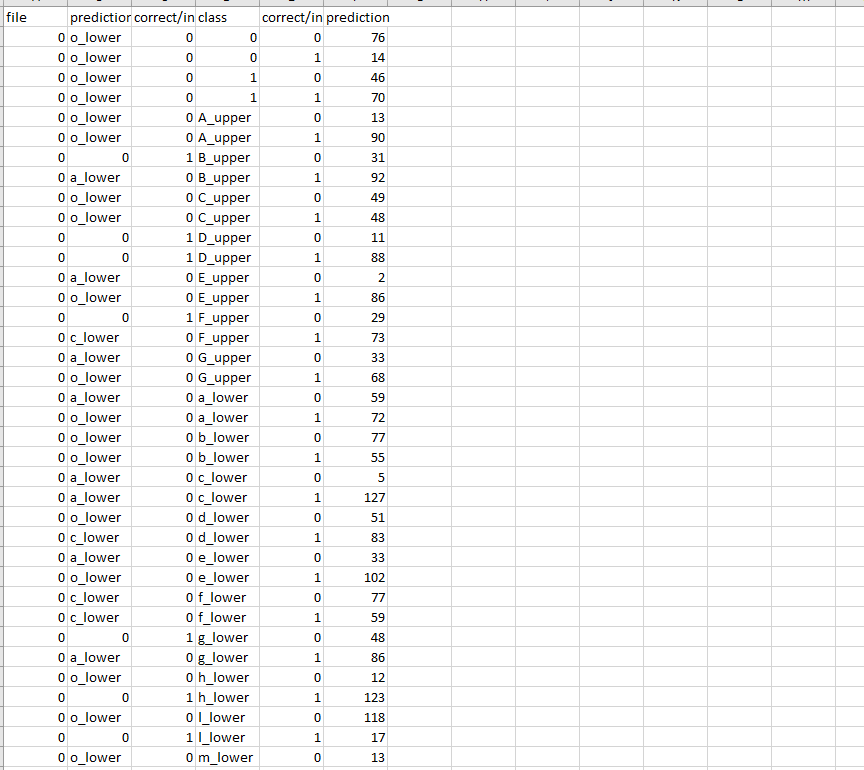
This function tests a model given labels and testing data. It then compiles the results in a CSV file, and groups the results by class, and by correct and incorrect.
- Model - Path of model that you want to test or model object.
- Testing_dir - Path to the directory with your testing data.
- Labels - Dictionary of the classes, in form (index:class_name)
Example csv:
Update! This has now been packaged in the AutoAI.data_compiler class.
AutoAi.data_compiler(self,src, dest, **kwargs)
AutoAi.data_compiler.run() will compile the data based on the constructor parameters.
This function takes 2 required arguments, an original data source file, and a path to the desired data directory. Given just these two arguments, this function will create a new testing data folder at dest with training, validation, and testing folders, containing folders for each class. You can alter the ratio with the ratio arguments, as well as provide a number of img transforms to do if you are using images.
- Src - Path to a folder that contains a folder for each class and then data examples in those class folders.
- Dest - Path to a folder where you want the data to end up.
- Num_imgs_per_class - This number of images will be added to the original set for each class through transforms. The theoretical limit for this would be 3! * original images per class
Demo:
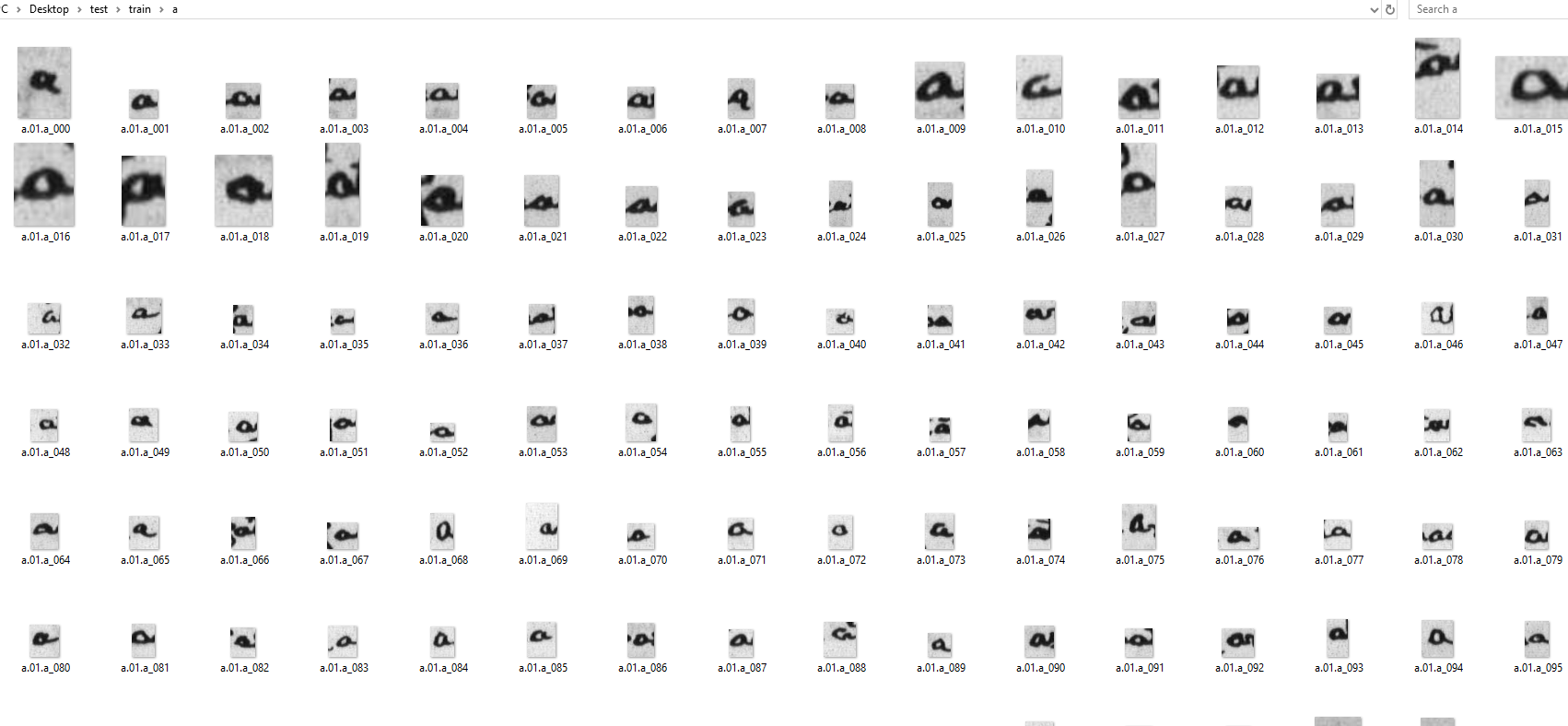
Given the a path to the following folder: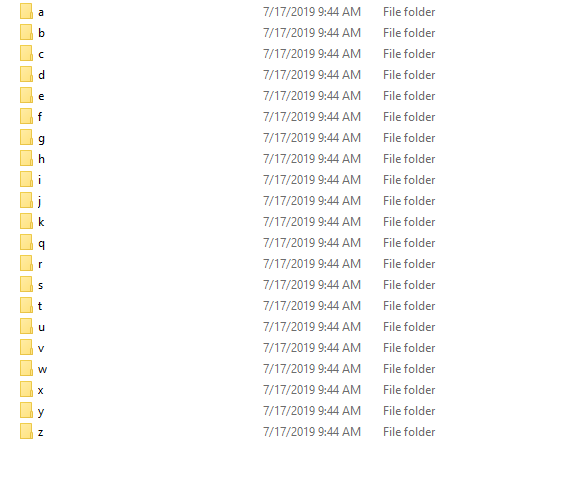 If augmentation used the following results will be yielded:
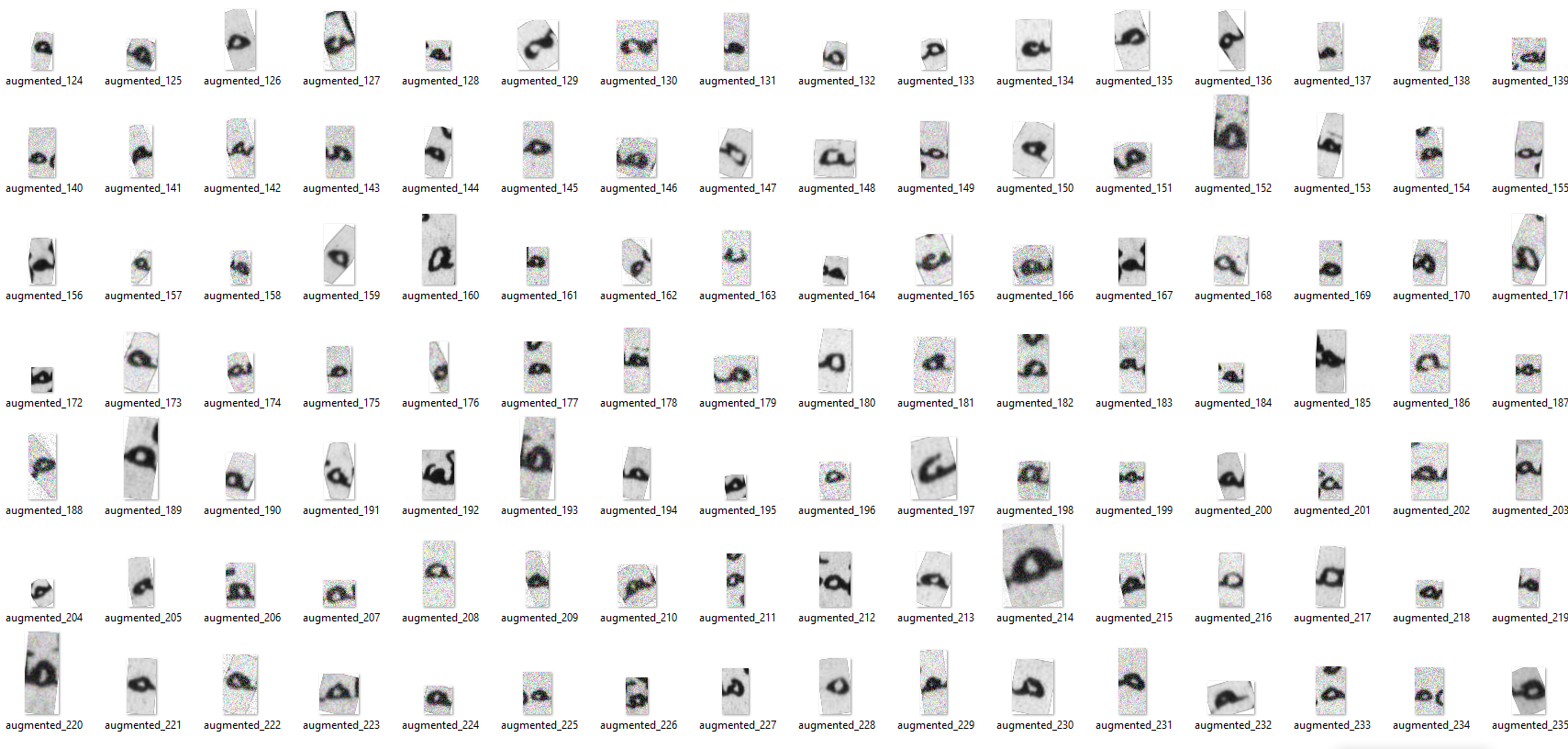 Then these images will be copied to the dest folder with copied file structure, but an added upper layer:
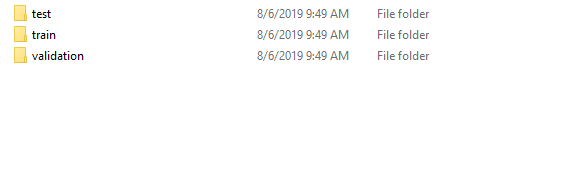 Example showing the images made it:
Release history Release notifications | RSS feed


Download files
Download the file for your platform. If you're not sure which to choose, learn more about installing packages.
Source Distribution
AutoAILib-0.3.7.dev0.tar.gz
(2.6 kB
view details)
File details
Details for the file AutoAILib-0.3.7.dev0.tar.gz.
File metadata
- Download URL: AutoAILib-0.3.7.dev0.tar.gz
- Upload date:
- Size: 2.6 kB
- Tags: Source
- Uploaded using Trusted Publishing? No
- Uploaded via: twine/1.13.0 pkginfo/1.5.0.1 requests/2.21.0 setuptools/41.0.1 requests-toolbelt/0.9.1 tqdm/4.31.1 CPython/3.7.3
File hashes
| Algorithm | Hash digest | |
|---|---|---|
| SHA256 |
4df6936f3ccf3705b246580cc73094d566041d48f321910352f262d852478eef
|
|
| MD5 |
28e81b4c909c071715d7ac6f6d5d7a65
|
|
| BLAKE2b-256 |
ef63ea59f259fcc93d6c2ff6d2ca30f20f01869cf9e2bbfcf28c5c91d71ed05d
|






