
This is a project can help you to have a custom titlebar!

Project description
🌏 简体中文
📜 CustomTkinterTitlebar
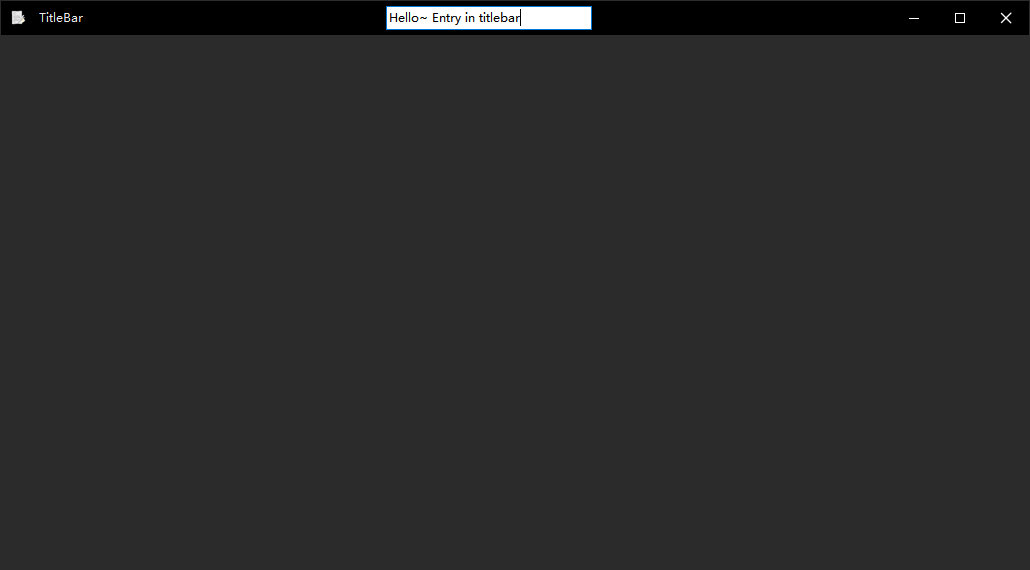
📃 This is a project can help you to have a custom titlebar! Widgets can add into titlebar!
❔ More about this project, I wrote an article on Bilibili, which talks about this project in more detail: _ https://www.bilibili.com/read/cv20558473
Hope got some stars~
🎰 Demo:
https://github.com/littlewhitecloud/CustomTkinterTitlebar-Examples
📚 Wiki:
If you'd like to know how to use the functions you can call, visit the Script section of the CustomTkinterTitlebar wiki:
https://github.com/littlewhitecloud/CustomTkinterTitlebar/wiki/Script
📥 Download:
You can use pip to install
pip install CustomTkinterTitlebar>=1.0.7.3
You can also download the code from github or check the realase
View:
insert component to titlebar:
Blur:

Fluent :

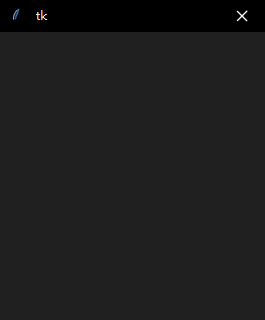
icon & windowtext:
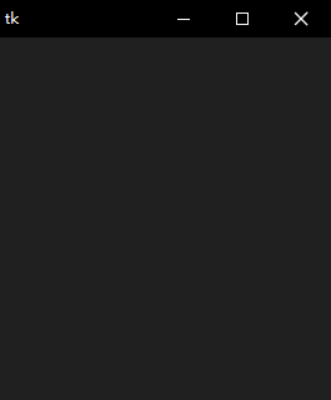

Custom minsize & maxsize:
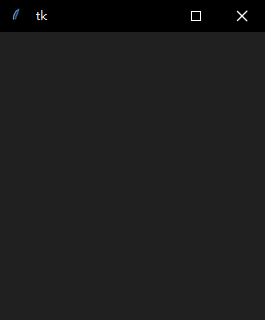
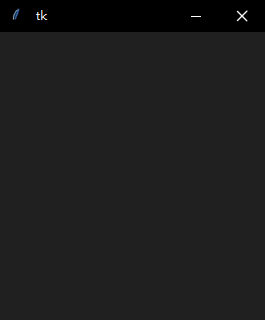
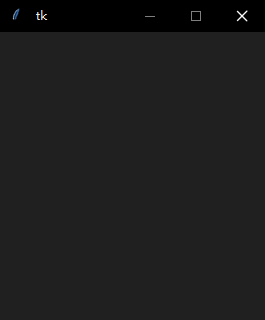
Light Theme:
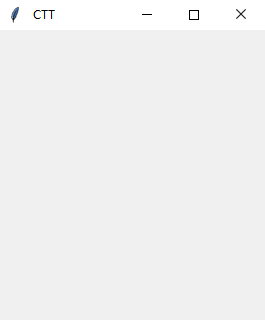
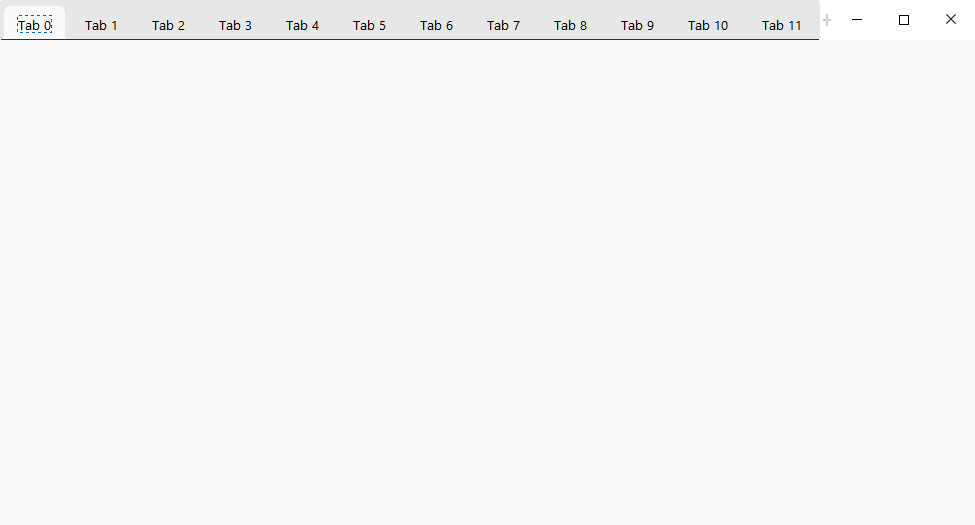
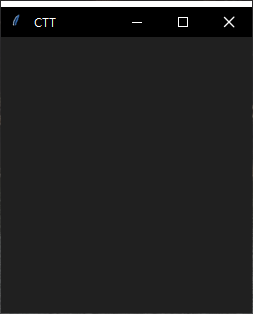
Focus on:
Focus out:
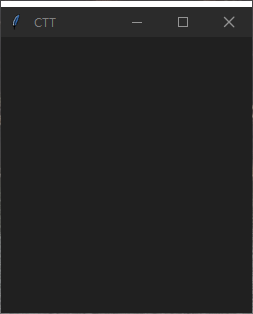
📦 Require:
- Windows 10
- Python >= 3.8.0
- Tcl/Tk >= 8.6.0
- Pillow >= 9.0.0
- darkdetect >= 0.8.0
- BlurWindow >= 1.2.1 If you don't use blur, you can ignore it
python -m pip install --upgrade pip
pip install pillow --user
pip install darkdetect --user
pip install BlurWindow --user
📖 Usage:
from customtkintertitlebar import Tk
from tkinter import ttk
example = Tk()
example.title("TitleBar")
example.geometry("1030x570")
en = ttk.Entry(example.titlebar)
en.pack(fill = Y, expand = True, ipadx = 30, pady = 5)
example.mainloop()
💾 Support:
It support Windows 10 32 / 64 bit now.
Maybe it also support Windows 11, I am using Windows 10, I didn't test this project on Windows 11 yet
Release history Release notifications | RSS feed


Download files
Download the file for your platform. If you're not sure which to choose, learn more about installing packages.
Source Distribution
Built Distribution
Filter files by name, interpreter, ABI, and platform.
If you're not sure about the file name format, learn more about wheel file names.
Copy a direct link to the current filters
File details
Details for the file CustomTkinterTitlebar-1.0.7.8.tar.gz.
File metadata
- Download URL: CustomTkinterTitlebar-1.0.7.8.tar.gz
- Upload date:
- Size: 117.4 kB
- Tags: Source
- Uploaded using Trusted Publishing? No
- Uploaded via: twine/4.0.2 CPython/3.11.0
File hashes
| Algorithm | Hash digest | |
|---|---|---|
| SHA256 |
2ff7ef4383ec5c7a0546326ca6015db036a3e07743595486588f6efbeeaffb14
|
|
| MD5 |
570da99916b26d96184f90da18bfae36
|
|
| BLAKE2b-256 |
819fc68d6c5cd76b6c501a2673e607d9b8af4787bb7f52be3c19145d1d4dfc92
|
File details
Details for the file CustomTkinterTitlebar-1.0.7.8-py3-none-any.whl.
File metadata
- Download URL: CustomTkinterTitlebar-1.0.7.8-py3-none-any.whl
- Upload date:
- Size: 121.4 kB
- Tags: Python 3
- Uploaded using Trusted Publishing? No
- Uploaded via: twine/4.0.2 CPython/3.11.0
File hashes
| Algorithm | Hash digest | |
|---|---|---|
| SHA256 |
e9bbd4fb414a30f117dec0a8689a5eb5e1cb8c6d549be1630a67a9d96f612e59
|
|
| MD5 |
7a4ec1eb31b7c37a5c51a42bb8ebc7b8
|
|
| BLAKE2b-256 |
5d8c8a1de5274c4f188f33a436593efe39ee3ef244bb69143e9ca08a2414f4f4
|






