
MicroPython library for SSD1309-based monochrome OLED displays (I2C). Supports ESP32, Raspberry Pi Pico.

Project description
DIYables_MicroPython_OLED_SSD1309
MicroPython library for SSD1309-based monochrome OLED displays using the I2C interface.
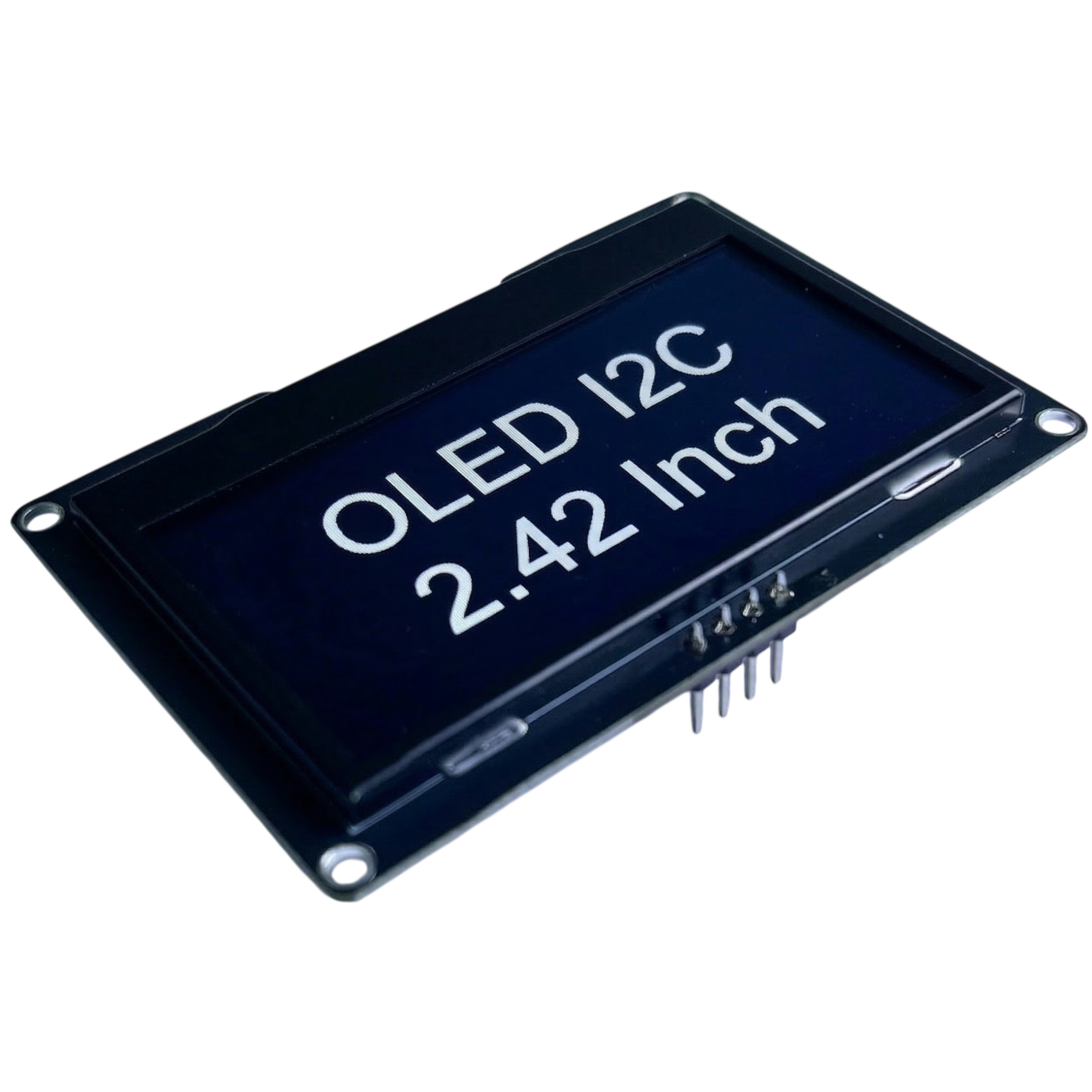
Product Link: DIYables 2.4-inch OLED Display Module SSD1309 128×64
Features
- Supports 128×64, 128×32, 96×16, 64×48, and 64×32 display sizes
- Extends
framebuf.FrameBuffer– all MicroPython drawing primitives available out of the box (pixel,fill,fill_rect,rect,line,hline,vline,text,blit,ellipse,poly, …) - Hardware scrolling: right, left, diagonal right, diagonal left
- Contrast control and dim mode
- Power-off / power-on (sleep mode)
- Zero-copy
show()– no temporary buffer allocation on each refresh - Compatible with SoftI2C and hardware I2C
- Optional hardware reset pin support
Tested Hardware
| Board | Tested |
|---|---|
| ESP32 | ✅ |
| Raspberry Pi Pico | ✅ |
| DIYables ESP32 Development Board | ✅ |
| DIYables ESP32 S3, Uno-form factor | ✅ |
| Arduino Nano ESP32 | Not yet, expected to work |
| Arduino Giga R1 WiFi | Not yet, expected to work |
| Other MicroPython boards | Not yet, expected to work |
Tutorials
References
Installation
Install via mpremote (recommended for MicroPython boards):
mpremote mip install DIYables-MicroPython-OLED-SSD1309
Or install via pip and copy to your board manually:
pip install DIYables-MicroPython-OLED-SSD1309
Quick Start
from machine import I2C, Pin
from DIYables_MicroPython_OLED_SSD1309 import OLED_SSD1309

# ESP32 – SDA=GPIO21, SCL=GPIO22
# Pico  – SDA=GP0,    SCL=GP1
i2c  = I2C(0, scl=Pin(22), sda=Pin(21), freq=400_000)
oled = OLED_SSD1309(128, 64, i2c)

oled.fill(0)
oled.text("Hello, World!", 0, 0)
oled.show()
Documentation
See DIYables_MicroPython_OLED_SSD1309 Library Reference for the complete API documentation including all constructors, methods, and constants.
Examples
| Example | Description |
|---|---|
| hello_world.py | Display text using the built-in 8×8 font |
| draw_shapes.py | Draw pixels, lines, rectangles, and ellipses |
| scroll_text.py | Hardware scrolling (right, left, diagonal) |
| contrast_dim.py | Animate contrast level and use dim mode |
| bitmap.py | Display a monochrome bitmap image using blit() |
Release history Release notifications | RSS feed

Download files
Download the file for your platform. If you're not sure which to choose, learn more about installing packages.
Source Distribution
Built Distribution
Filter files by name, interpreter, ABI, and platform.
If you're not sure about the file name format, learn more about wheel file names.
Copy a direct link to the current filters
File details
Details for the file diyables_micropython_oled_ssd1309-1.0.0.tar.gz.
File metadata
- Download URL: diyables_micropython_oled_ssd1309-1.0.0.tar.gz
- Upload date:
- Size: 10.1 kB
- Tags: Source
- Uploaded using Trusted Publishing? No
- Uploaded via: twine/6.2.0 CPython/3.13.5
File hashes
| Algorithm | Hash digest | |
|---|---|---|
| SHA256 |
e5559f29e48047c9011539e8e35cfc00ef99834533dfeeddb808326ef15b9d0e
|
|
| MD5 |
3baec2a8e535020c5e9116e490571415
|
|
| BLAKE2b-256 |
2bb553372225d3387d8fd9e6d4c412003092efa432f6a89f7874a88c4b0aa59e
|
File details
Details for the file diyables_micropython_oled_ssd1309-1.0.0-py3-none-any.whl.
File metadata
- Download URL: diyables_micropython_oled_ssd1309-1.0.0-py3-none-any.whl
- Upload date:
- Size: 7.8 kB
- Tags: Python 3
- Uploaded using Trusted Publishing? No
- Uploaded via: twine/6.2.0 CPython/3.13.5
File hashes
| Algorithm | Hash digest | |
|---|---|---|
| SHA256 |
47a9058b5ce5ef18803937a200eab9293b7900c8bfe72ac0668227e6ead3622d
|
|
| MD5 |
12d87272cc338edd154f518546cb021f
|
|
| BLAKE2b-256 |
ca3b986b122e3d372aff264bb4a4881331170fc4945d840e082d463af549ba73
|






